
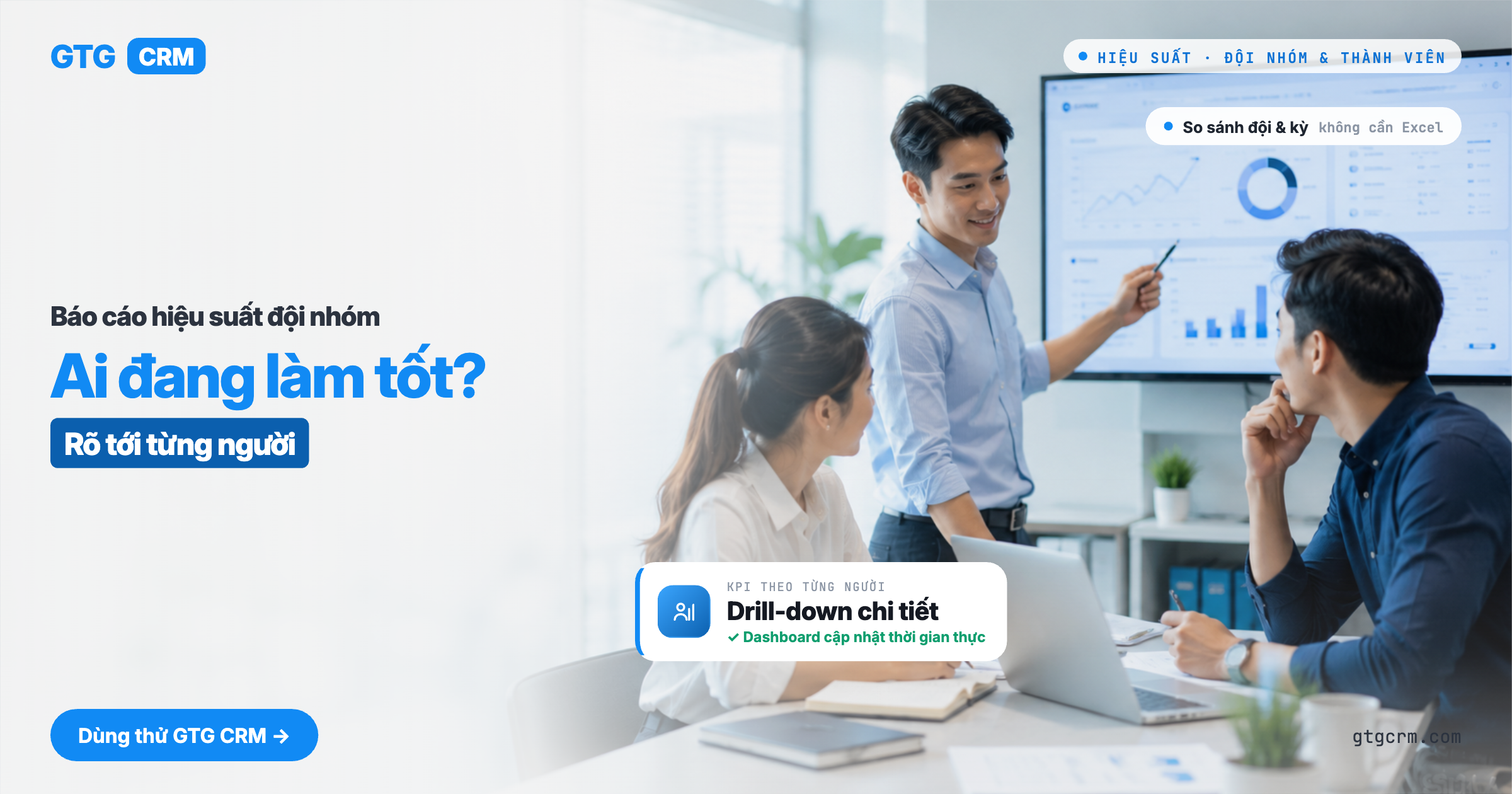
Introduktion til funktioner
"Hvilke af mine teammedlemmer klarer sig godt, og hvem kæmper?" — et spørgsmål, som enhver leder stiller, men svaret er ofte baseret på mavefornemmelser eller et par manuelle regneark, der er forældede, så snart de er færdige sidst på måneden.
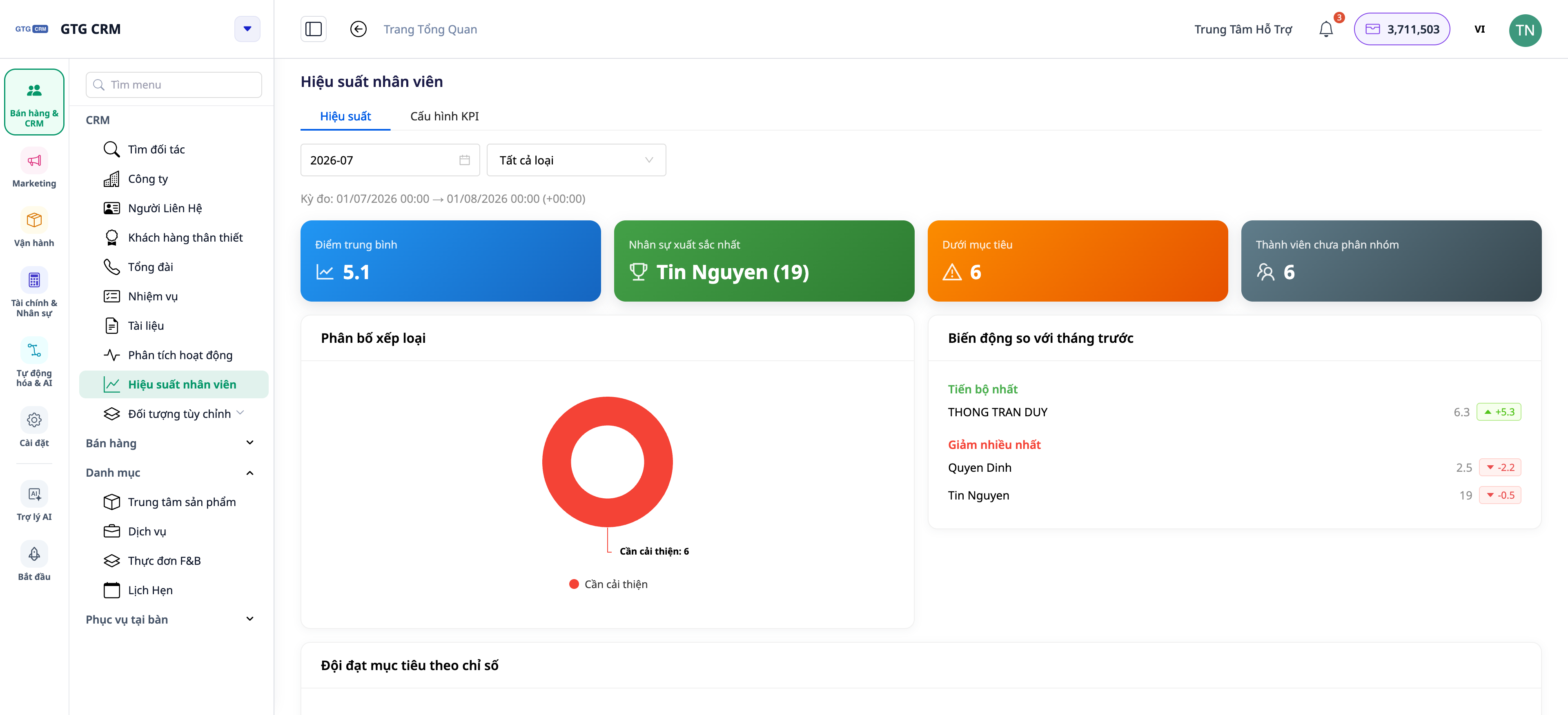
Det slutter i dag. GTG CRM har sektionerne Team Performance & Member Performance: KPI'er pr. person, drill-down pr. medlem, og 15 driftsindikatorer direkte fra deres faktiske handlinger i CRM — opkald, e-mails, oprettede/lukkede aftaler, opgavebehandling. Og nu, dashboardet opdateres automatisk i realtid: en kollega lukker lige en aftale, og tallene på dit dashboard opdateres automatisk — ingen grund til at trykke F5, ingen tab af filtre.
 Problemer, Virksomheder Står Overfor
Teamvurdering baseret på mavefornemmelser — Uretfærdige bonusser/straf, tab af dygtige medarbejdere
Dataindsamling i Excel sidst på måneden — Arbejdskrævende, forældede data, nemme fejl
Manglende skelnen mellem "leads modtaget i perioden" og "leads under behandling" — Skæv vurdering, svært at sammenligne nye og gamle medarbejdere
Dashboard opdateres kun ved genindlæsning af hele siden — Data er forældede, kræver konstant genindlæsning (tab af filtre, tab af visningsposition)
GTG CRM trækker data direkte fra CRM-aktiviteter, samler dem i en performance-sektion — ingen manuel indtastning, ingen separate regneark, og altid opdateret.
Fremhævede Funktioner
1. Overblik over teamets præstation på én skærm
Se hurtigt hele teamet: hver medarbejder med nøgleindikatorer og niveau i forhold til målet (KPI).
Funktion: oversigtsskema over teamet baseret på KPI'er.
Fordel: se på én skærm, hvem der fører an, og hvem der har brug for støtte.
2. Drill-down pr. medlem: Scorecard, Aktiviteter, Opgaver
Klik på en person for at se detaljer: KPI-scorecard, aktivitetslog, arbejdsbyrde — og endda områder, der "ikke er gode nok" og kræver opmærksomhed.
Funktion: detaljeret drill-down pr. medlem.
Fordel: præcist vide, hvorfor en person er stærk/svag, så du kan træne dem korrekt.
3. 15 driftsindikatorer baseret på reelle handlinger
Indikatorer baseret på faktiske handlinger i CRM (opkald, e-mails, aftaler, opgaver...), som afspejler produktiviteten snarere end selvrapporterede tal.
Funktion: 15 driftsindikatorer.
Fordel: vurderinger baseret på faktiske data, gennemsigtige for hele teamet.
4. Skelnen mellem "Leads modtaget i perioden" vs "Leads under behandling"
Systemet skelner klart mellem antallet af leads, en person modtog i rapporteringsperioden, og antallet af leads, de har aktuelt — to forskellige perspektiver, der undgår skæve vurderinger.
Funktion: adskillelse af leads efter periode og aktuelle leads.
Fordel: retfærdig sammenligning mellem nye og erfarne medarbejdere.
5. NYHED — Dashboardet opdateres automatisk i realtid
Du behøver ikke længere at genindlæse siden for at se nye tal. Dashboards i CRM opdateres automatisk i baggrunden med jævne mellemrum, genopfriskes, så snart du vender tilbage til fanen, og viser en lille statuslinje "Automatisk · opdateret kl. HH:MM", så du ved, hvor opdaterede dataene er. Der er stadig en manuel knap til Opdatering, hvis du vil opdatere øjeblikkeligt.
 Funktion: automatisk baggrundsopdatering + indikator for opdateringstidspunkt + manuel opdateringsknap.
Fordel: se altid de seneste data uden at miste filtre/visningsposition; ressourcebesparende, da det kun opdaterer, når fanen er åben.
Fordele for Virksomheden
Teamoversigt efter KPI — Træf personalemæssige beslutninger baseret på data, ikke mavefornemmelser
Drill-down af medlemmer — Træn den rette person på de rette svage punkter
15 performance metrics — Transparent, fair evaluation & rewards
Period Lead vs Current Lead — Accurate assessment for both new and veteran employees
Auto-updating Dashboard — Always see the latest numbers, no reloading, no context loss
Who Is It For?
SMB Business Owners who want to know how the team is performing without having to ask each person individually.
Sales / Customer Service Managers who need to track productivity and allocate leads effectively.
Operations Managers who need to measure workload and performance in real-time.
How to Get Started?
Go to the Team Performance section in your CRM, set up teams/goals/ranking methods, then open the performance tab to view — the dashboard will automatically update with new data. Need detailed steps? See the article How to Set Up KPIs & Member Performance.
Free Trial — no credit card required.


