
Feature Introduction
You know you should send cart abandonment reminder emails, should nurture new leads, should win back lost customers — but doing it manually is overwhelming, and building workflows from scratch is daunting. The result: revenue slips away in areas that should be easily recoverable.
GTG CRM solves this with a Revenue Automations catalog — over 30 pre-made playbooks, grouped by funnel stage, each requiring just a flick of a switch to activate. Once activated, the playbook becomes a workflow you own — allowing you to edit email content, delays, and target audiences as you wish, then let it run automatically.
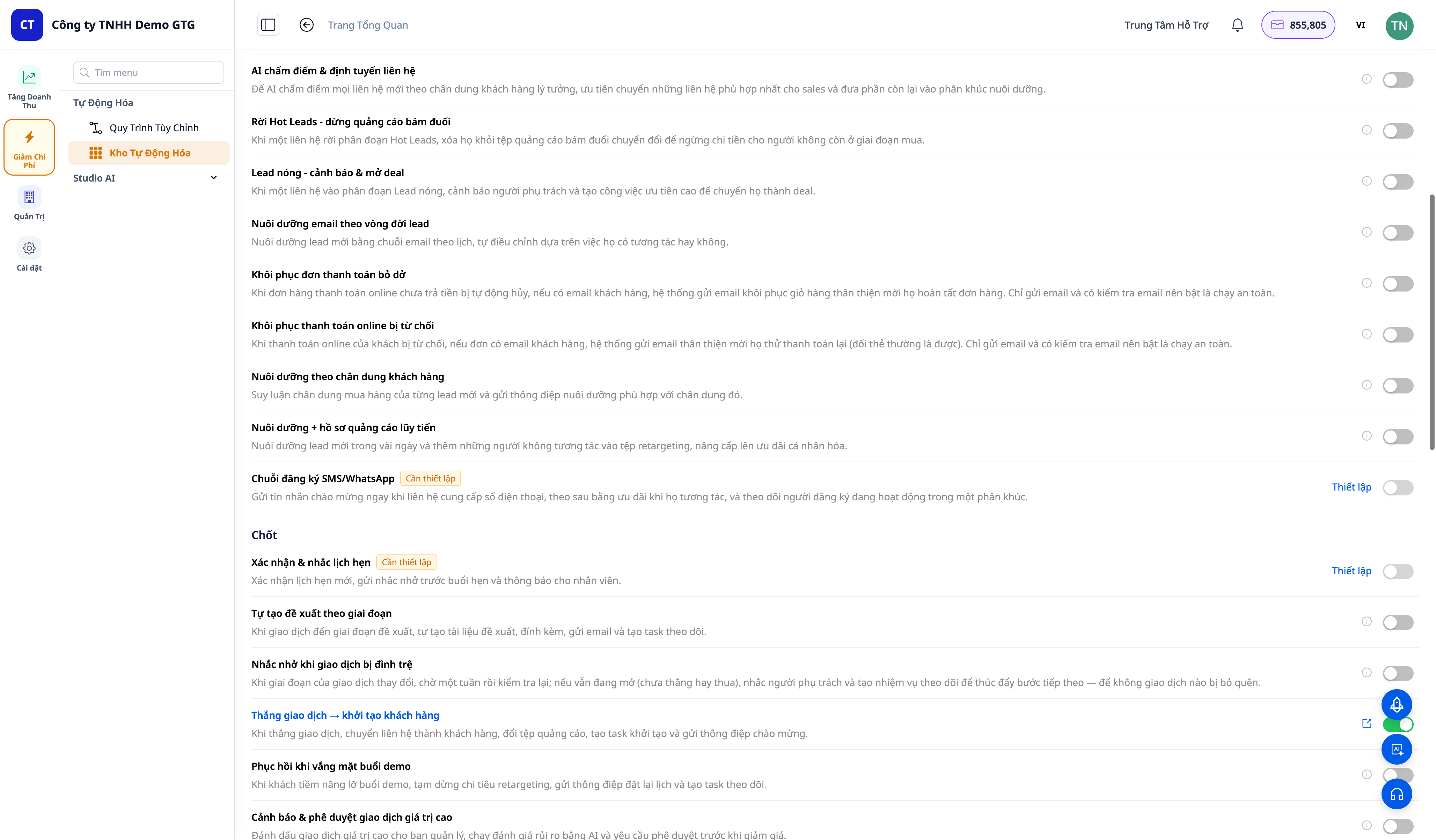
Problems Businesses Face
| Old Approach | Consequences |
|---|---|
| Manual cart abandonment, payment reminders... | Too slow, miss golden opportunities → lost sales |
| Building workflows from scratch | Technical aversion, time-consuming, easily abandoned |
| Ad-hoc post-purchase customer care | Customers don't return, no reviews/NPS |
| No follow-up for lost customers | Permanent customer loss, no win-back |
| New leads not nurtured | Leads go cold, wasted ad spend |
GTG CRM turns "should-dos" into one-touch activations: pre-built playbooks, pre-written content, you just customize and activate.
Highlights
1. Over 30 Pre-Made Playbooks, Grouped by Funnel Stage
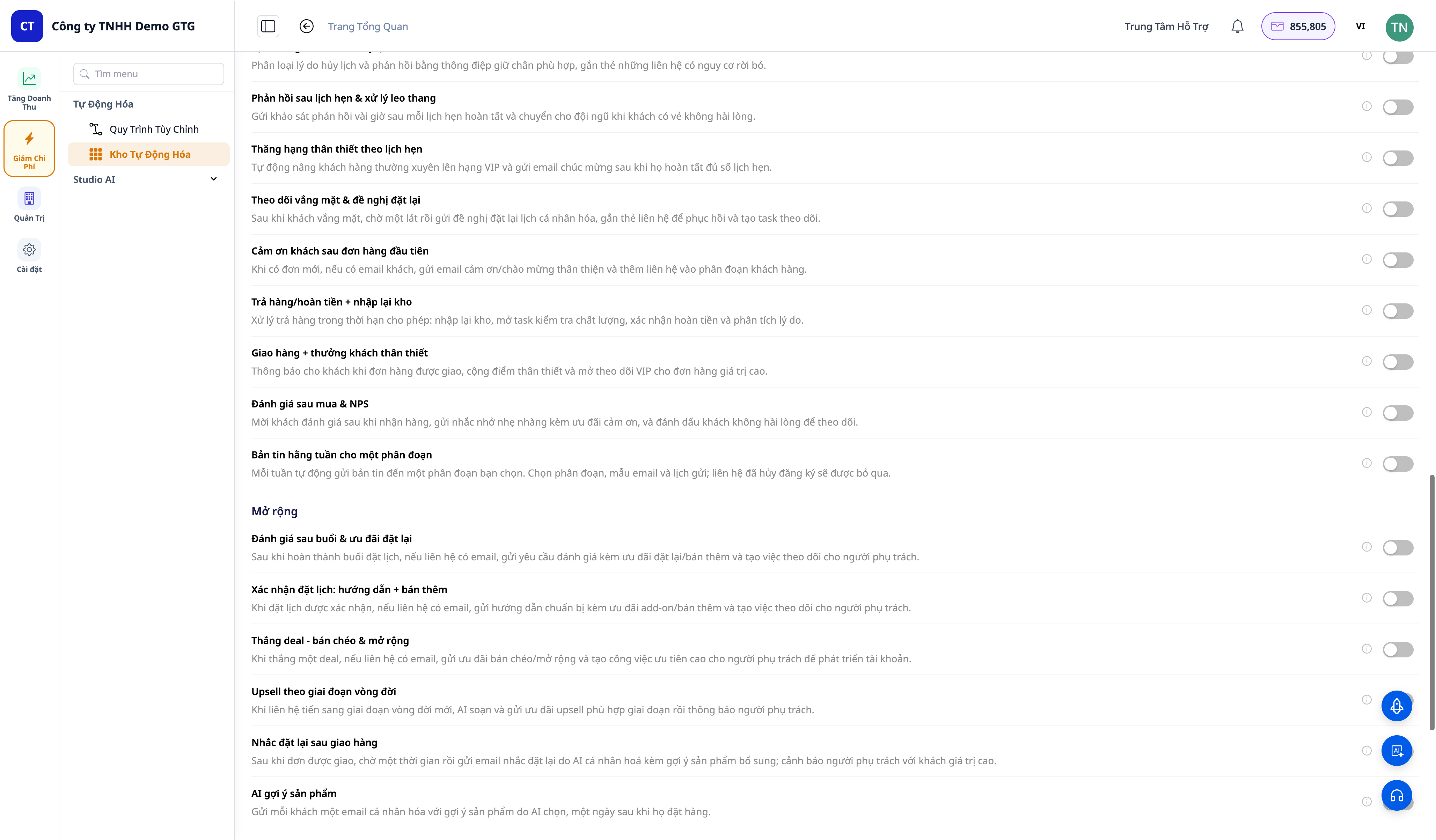
Playbooks are grouped by stage: Acquire · Convert · Close · Retain · Expand · Win-back. Some examples:
- Cart abandonment recovery
- Order payment-failed recovery
- Order-cancelled win-back & lost deal → win-back campaign
- Welcome & nurture new leads + nurturing email sequences
- Deal won → customer onboarding, high-value deal alerts + approvals
- Order delivered → request review & NPS, returned order → re-stock + refund
- Scheduling: confirmation & reminders, no-shows → re-schedule, cancellations → retention
- Segment activation (segment entered/exited) & form submission → welcome email
- Weekly newsletter broadcast to segments
2. One-Touch Activation — And You Own the Workflow
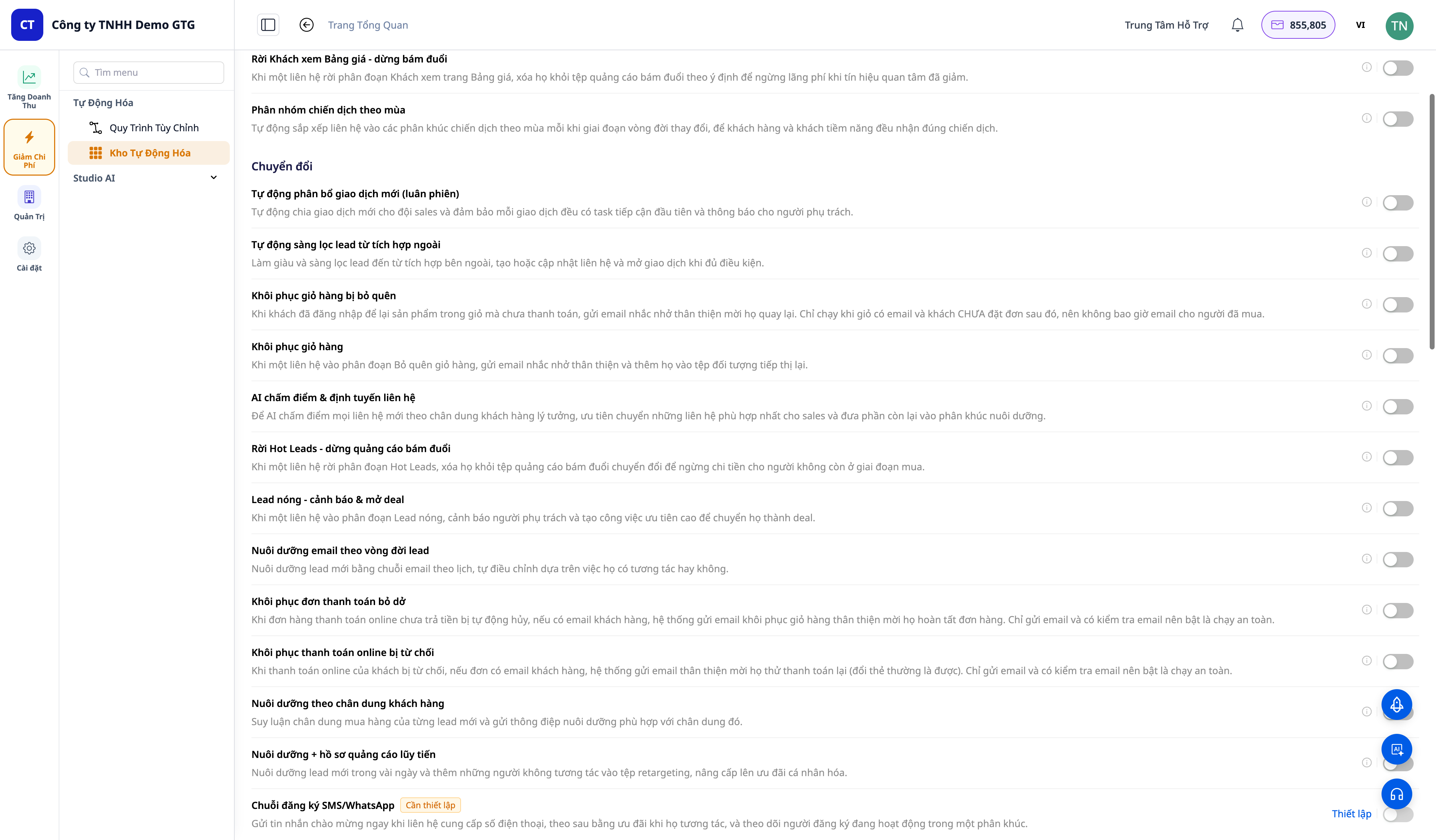
- Each playbook has one toggle switch. Flip it to on → the playbook is automatically provisioned and activated immediately, with a "View Workflow" link.
- Click "View Workflow" → access the workflow editor for that specific playbook (Trigger → Steps → End). You can edit email content, delays, segment targeting, thresholds, then Save.
- Flip to off → the playbook is deactivated and hidden (configuration retained, not deleted) — turning it back on will run it instantly, no need to rebuild.
3. Automatically Triggered by Customer Behavior
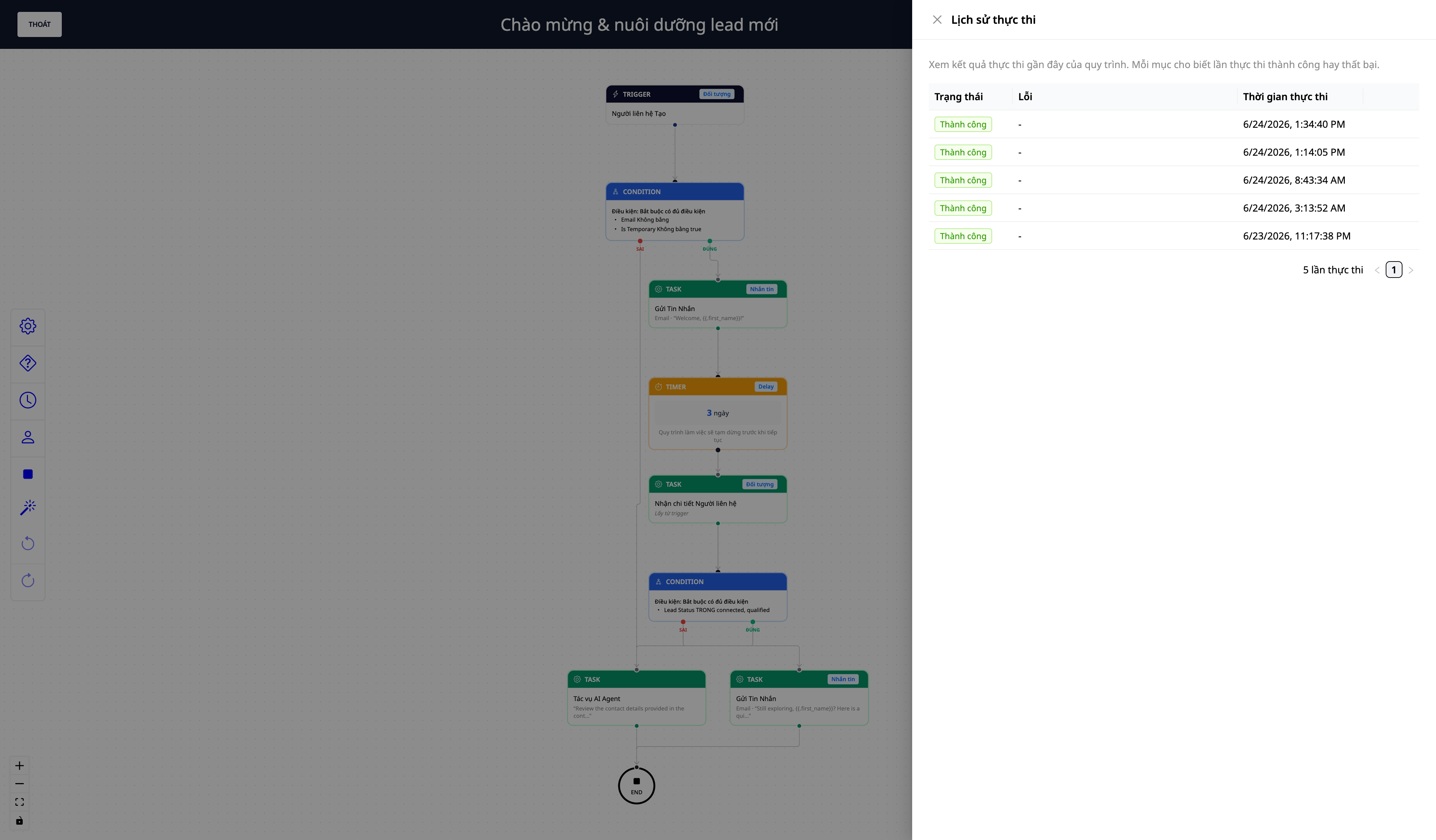
- Playbooks automatically run when an event occurs in your CRM: contact creation, deal won/lost, order delivered/returned/cancelled, appointment confirmed/no-show/cancelled, customer entered/exited a segment, form submitted…
- You can view execution logs to see which playbooks have run, whether each step was successful, or if further configuration is needed.
- Segment-as-trigger bridges + form submission → trigger + broadcast to segment nodes expand automation scope to one-to-many marketing.
Benefits for Your Business
| Feature | Practical Benefits for You |
|---|---|
| Over 30 pre-made playbooks | No need to build workflows from scratch — just activate and run |
| Cart abandonment / payment recovery | Recover revenue that would have been lost |
| Automated lead nurturing + win-back | Leads don't go cold, lost customers are brought back |
| Post-purchase customer care (review/NPS) | Customers return, provide reviews, offer early feedback |
| You own & can edit workflows | Customize content/audiences to fit your business |
| Activate/deactivate with retained configuration | Experiment freely, reactivate instantly |
Who Is It For?
- E-commerce sellers (ICP1) looking to recover abandoned carts, failed payments, and manage post-purchase care.
- Service businesses / appointment-based businesses wanting to automate confirmations, reminders, and retention for no-shows/cancellations.
- Sales teams looking to automatically assign deals, get alerts for large deals, and win back lost deals.
- Any SMB wanting automated marketing without needing a technical team.
How to Get Started?
Navigate to Automations → Revenue Automations, activate your first playbook (e.g., "Cart Recovery"), open "View Workflow" to edit content, and let it run. Refer to the step-by-step guide in the "Revenue Automation User Guide".
ℹ️ Note: Some steps like sending emails/SMS/ads require a connected sending channel and filling in customer-specific parameters (email account, audience segment ID). Additionally, sending messages consumes credits — your workspace needs sufficient credits for sending steps to complete successfully.
Try for free — no credit card required.


