
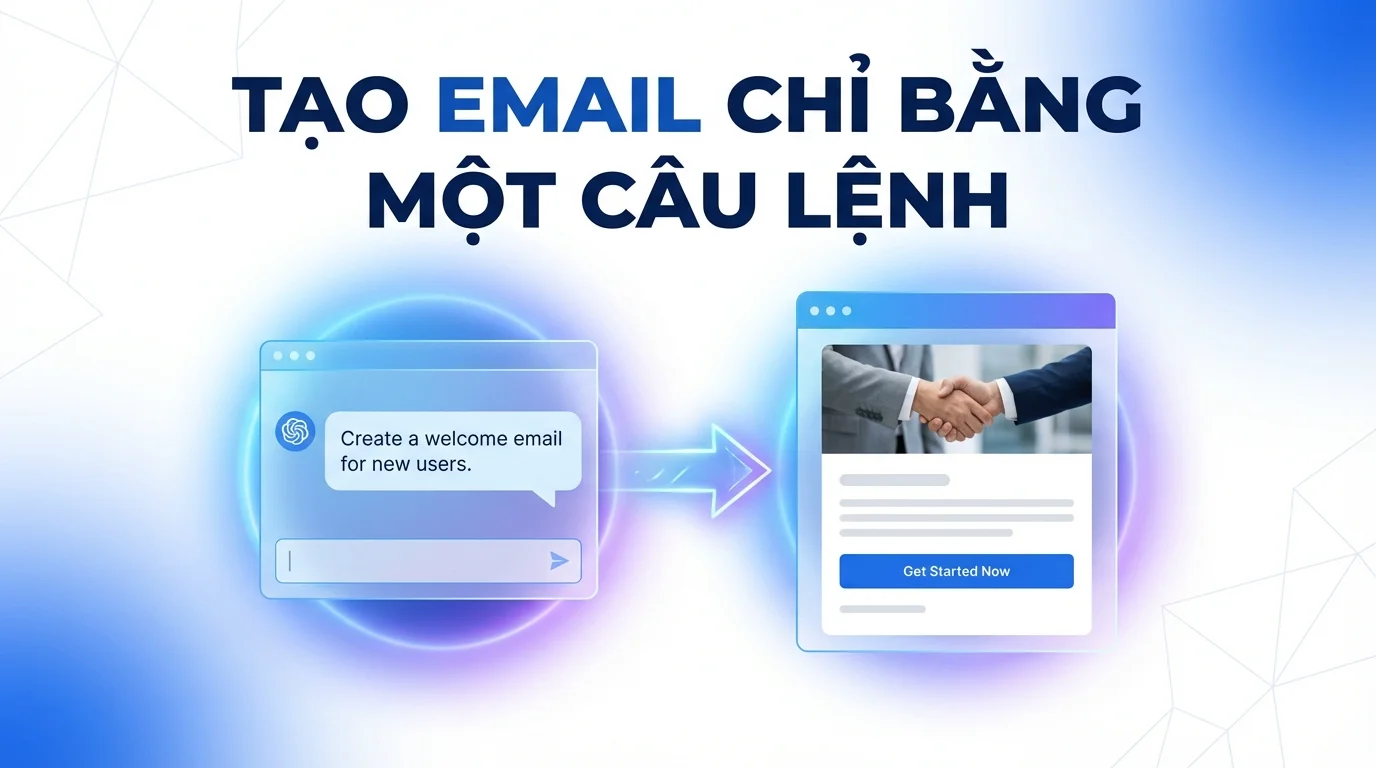
Email marketing remains one of the most effective and cost-efficient customer outreach channels today. While social media constantly changes its algorithms and advertising costs skyrocket, a well-crafted email sent to the right person can still deliver outstanding conversion rates. This is why email marketing has never lost its crucial position in the toolkit of professional marketing teams.
However, implementing a traditional, structured email campaign requires numerous significant steps: opening the Email Builder to design a template, returning to the campaign page to configure settings, selecting the appropriate contact list, setting filtering conditions, previewing, and then sending. Each step is on a different screen, requiring the user to be familiar with the system and willing to dedicate considerable time to each campaign.
GTG CRM introduces the AI Email Campaign feature – allowing you to create and send an entire complete email marketing campaign simply by messaging the AI Biz Assistant, without leaving the chat window or opening any other interface.
Creating an Email Campaign is Still Too Complex
Imagine a common scenario in many businesses: a promotional event is decided this morning and needs to be communicated to customers before the afternoon. The marketing manager needs to create a template immediately, with no time for a lengthy process. They have to simultaneously brainstorm content, design the layout, and filter the recipient list – all within a short timeframe, under high pressure.
Or in the case of small businesses without dedicated marketing staff, the owner doubles as the email sender but is not proficient with the tools and has no time to learn. The result is often late emails, basic content, or failed sends due to overly complicated setup processes.
AI Email Campaign was born to solve exactly these situations – streamlining the entire multi-step, multi-screen process into a simple conversation with AI.
Create an Email Campaign with a Single Description
When using AI Email Campaign, users simply message the AI Biz Assistant to describe the campaign they want to create. For example: "Create an email introducing the April promotion for VIP customers, with a professional design and prominent product images" or more simply: "Draft a welcome email for new subscribers, using a blue color scheme, with a clear call-to-action button."
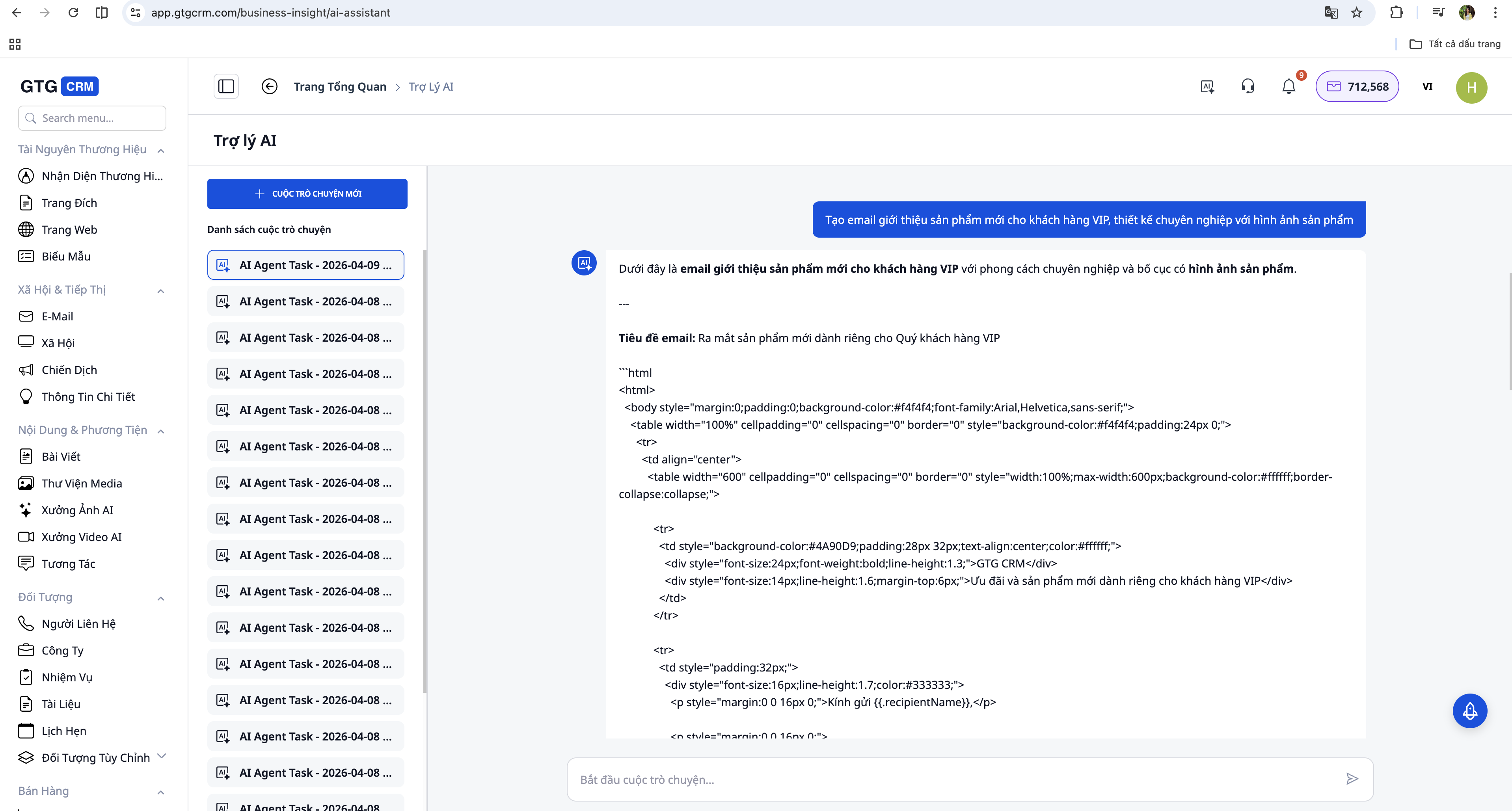
The AI will analyze the request and simultaneously perform three tasks: create an email template with a design that meets the requirements, write the email content based on the user's description, and suggest an engaging email subject line. This all happens in seconds. The result is displayed immediately within the chat window as a preview for the user to review before confirming.
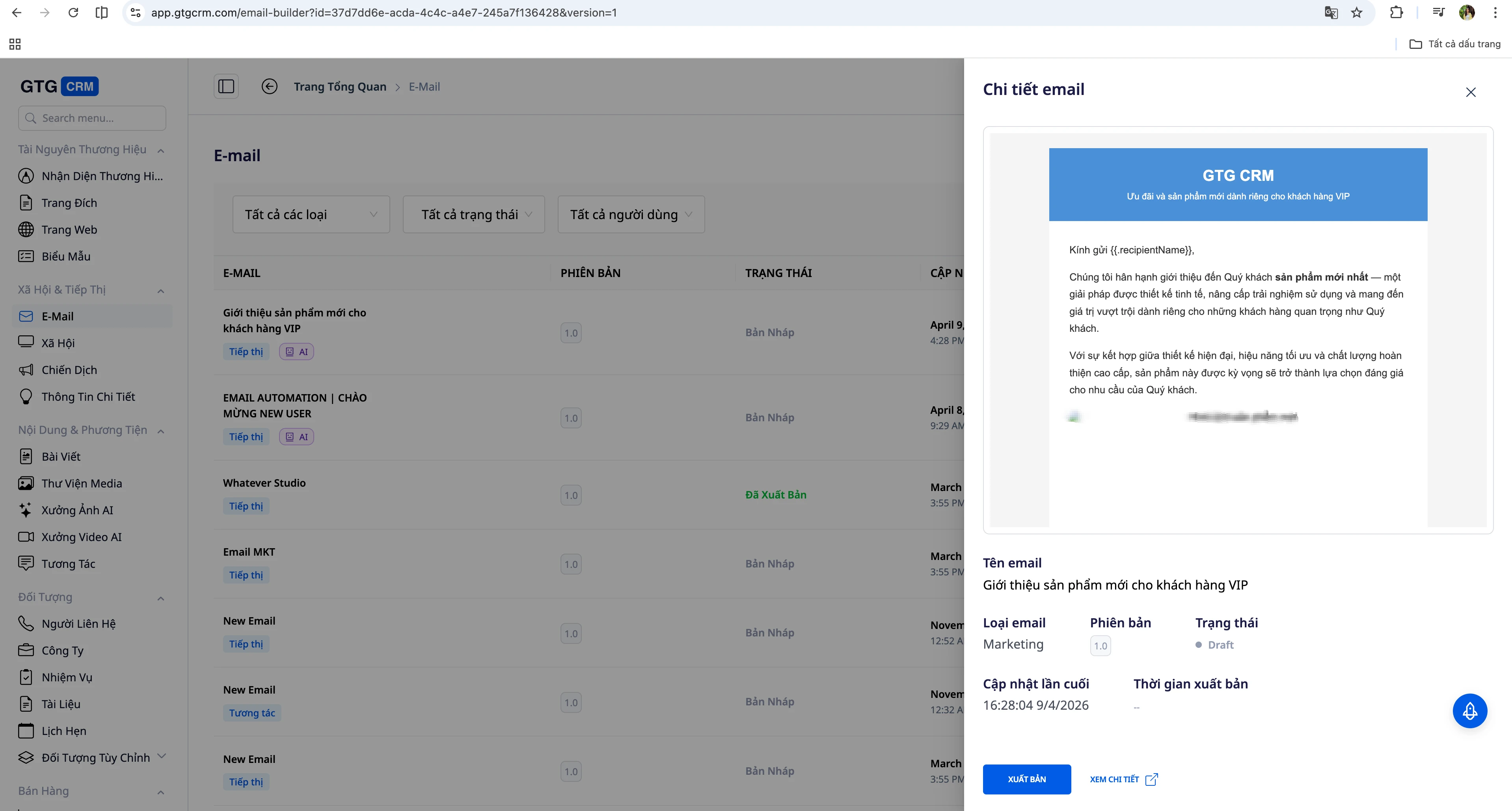
If further detailed edits are needed for layout or typography, the AI provides an "Open in Email Builder" button to open the template directly in the full-featured editor. If satisfied with the result, the user continues the conversation to set up the recipient list.
Select Audience and Send in Bulk
After confirming the template, the user messages the AI again about the email recipients. For example: "Send to all customers tagged VIP who haven't purchased in the last 30 days" or "Send to the contact list imported from last week's webinar."
The AI automatically queries the contact list within the system based on the described conditions, displays the number of recipients for confirmation, and awaits the final send command. When the user confirms, the system transfers all email sending tasks to the dedicated email sending engine – an asynchronous processing system designed to send hundreds or even thousands of emails without slowing down or freezing the interface.
The result is that users can view the sending status in real-time, knowing how many emails were sent successfully and any errors, all without waiting or worrying about system performance.
Benefits of Creating Emails with GTG CRM
With the traditional approach, a basic email campaign requires at least six separate steps: create campaign, open Email Builder, design template, return to campaign to select template, set recipient list, and finally send. Each step is on a different page, and the total execution time can range from 20 minutes to over an hour depending on design complexity.
With AI Email Campaign, the entire process takes place within a single chat window: describe the campaign, review the results, select the audience, confirm sending. Four steps, one screen, execution time under 5 minutes even for users unfamiliar with the system.
Conclusion
AI Email Campaign is not just a time-saving tool – it's a fundamental shift in how businesses approach email marketing. When technical barriers are removed and the process is simplified to the bare minimum, teams can focus on what truly matters: the right content, the right message, the right audience. The speed of implementation also allows for timely responses to market opportunities – something multi-step manual processes cannot accommodate.
This is the next evolution of email marketing in the AI era: no need to know design, no need to be familiar with complex systems, just know what you want to say to your customers.
Ready to try this feature for your business for free?
Try for Free

