Feature Introduction
You sell or buy across borders, and each market requires a different type of invoice: European customers request Peppol e-invoicing, Polish partners mandate the use of the government's KSeF portal, while customers in Singapore or Japan need their specific e-invoicing standards. The old way was to use a separate invoicing software for each country, each with its own fee, login, and data format – then manually reconcile everything with your accounting records at the end of the period.
That ends today.
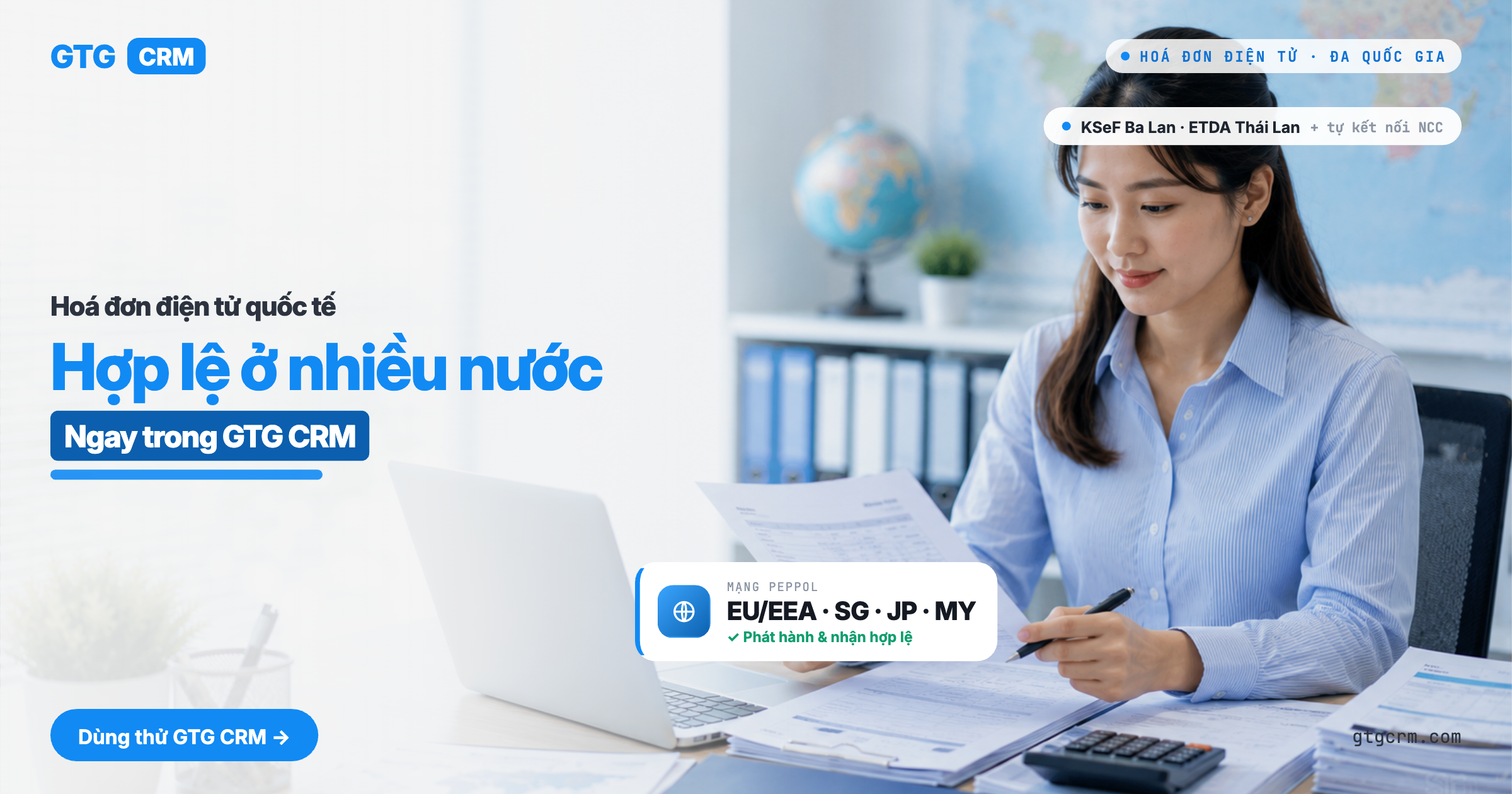
GTG CRM integrates compliant e-invoicing for each market directly into the sales, inventory, order, and accounting system you're already using. A single, country-neutral invoicing engine generates invoices according to the EN 16931 standard and sends them through the correct channels for each country: the Peppol network for Singapore, Japan, Malaysia, Netherlands, Sweden, and Denmark; ETDA for Thailand, Australia, and the remaining 11 EU countries; and the KSeF portal for Poland, currently in the implementation phase – invoices for these markets are stored as drafts until the connection is ready. You can leverage GTG's existing network without creating separate accounts, or bring your own provider (BYO) key if you prefer to issue invoices under your own account.
This is the cross-border add-on to GTG CRM's e-invoicing suite. If you only issue invoices within Vietnam, please refer to Automated E-Invoice Issuance and E-Invoice Accounting Suite. This article is for when you sell/buy outside of Vietnam.
Problems Businesses Face
Separate invoicing software for each country — Paying for multiple software, learning multiple interfaces, managing multiple accounts
Self-learning country-specific invoicing standards (Peppol, KSeF, ETDA…) — High risk of formatting errors, rejected invoices, delayed payments
Manual entry of foreign buyer tax IDs — Incorrect UEN/NIP/Tax ID formats lead to invalid invoices
Issuing invoices in foreign currency, separately recording in local currency — Exchange rate discrepancies, forgotten accounting for exchange rate gains/losses
International invoices issued in one place, accounting recorded in another — Double data entry, difficult reconciliation at period end
GTG CRM consolidates everything into a single data source: select the market → generate an invoice compliant with that country's standards → send through the correct network/portal → automatically update the general ledger, all within one system.
Key Features
1. One Invoicing Engine — Compliant with Each Market
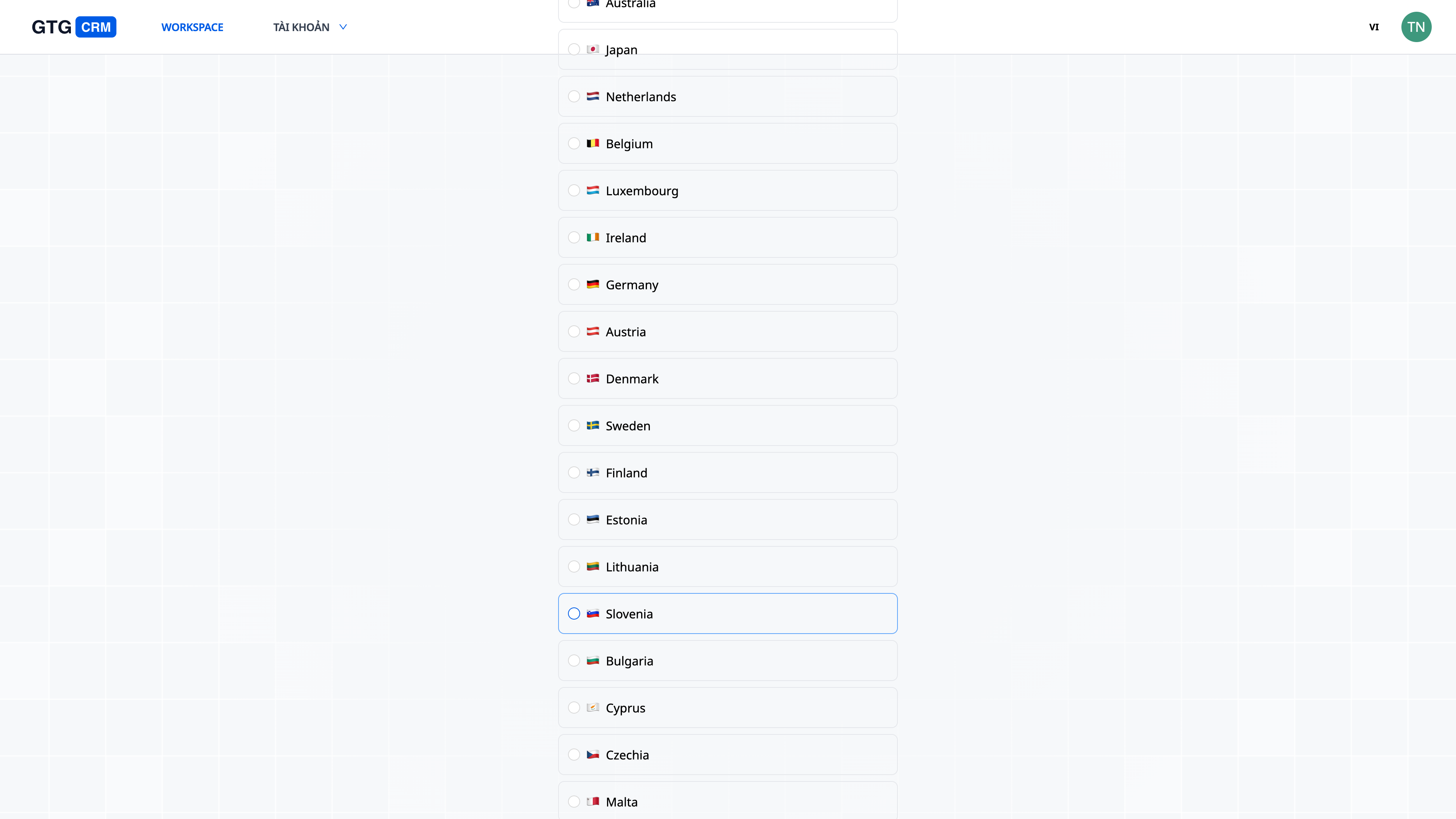
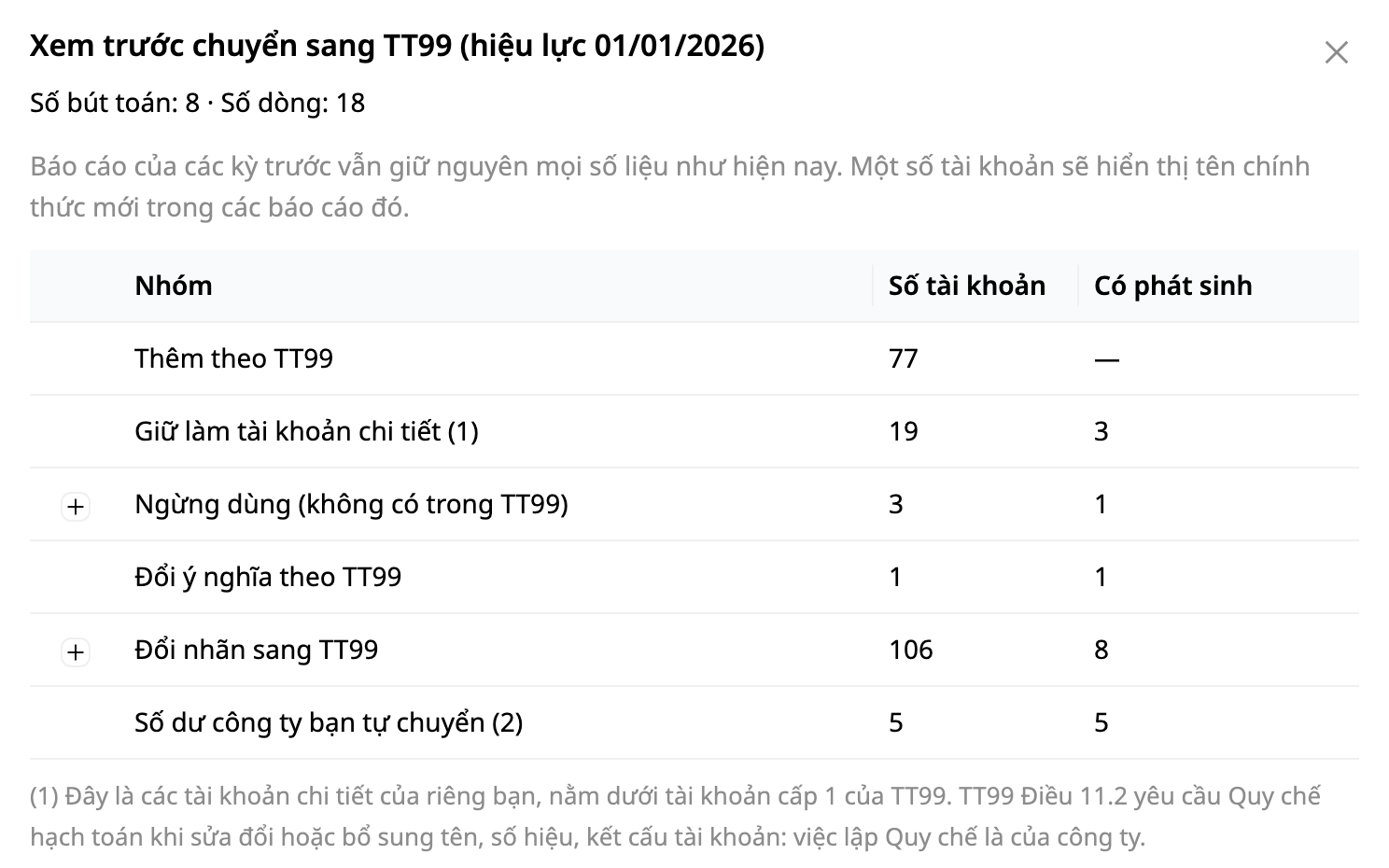
Selecting the country completes the hard part: Go to Accounting → Setup, choose your country — the system automatically sets up accounts, accounting standards, currency, and tax profiles (VAT/GST/Consumption Tax) for that country with a single click.
Correct tax labels, correct currency rounding: each market has its own tax labels and rounding methods — 9% GST for Singapore, 10%/8% consumption tax for Japan, VAT for each EU country — pre-loaded with market data, no manual adjustments needed.
Rules are data, not code: when a country changes its tax rate, you are updated with the data — no waiting for software upgrades.
2. Peppol Network — Send International Invoices Without Creating Separate Accounts
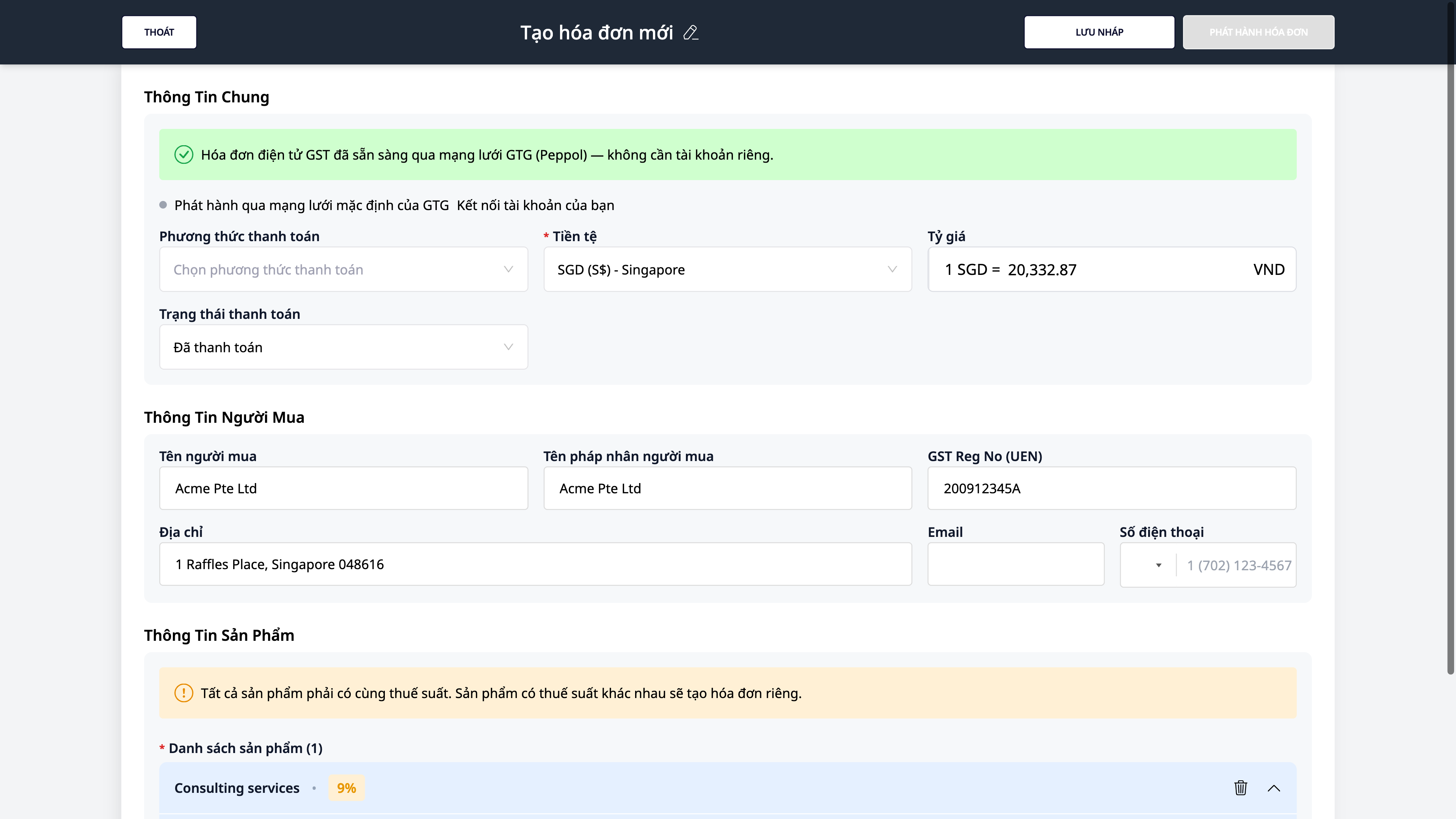
Ready to go: with Peppol markets live today (Singapore, Japan, Malaysia, and 16/27 EU member states), the invoice form displays the green banner "Electronic Invoice Ready via GTG Network (Peppol) — no separate account needed." Just enter your correct tax identity to send. Australia and the remaining 11 EU countries (including France, Italy, Spain) are NOT yet live on the default network — your invoice will be saved as a draft until connectivity is ready.
Country-specific standards, automated: the same invoicing engine adheres to each market's Peppol profile (PINT-SG for Singapore, PINT-JP for Japan, etc.) — you don't need to understand the technical details.
Verify buyer's tax ID: the tax ID field automatically relabels based on the country (e.g., "GST Reg No (UEN)" for Singapore) and flags incorrect formats immediately — reducing invoice rejections.
3. Dedicated Government Portals — KSeF (Poland) & ETDA (Thailand)
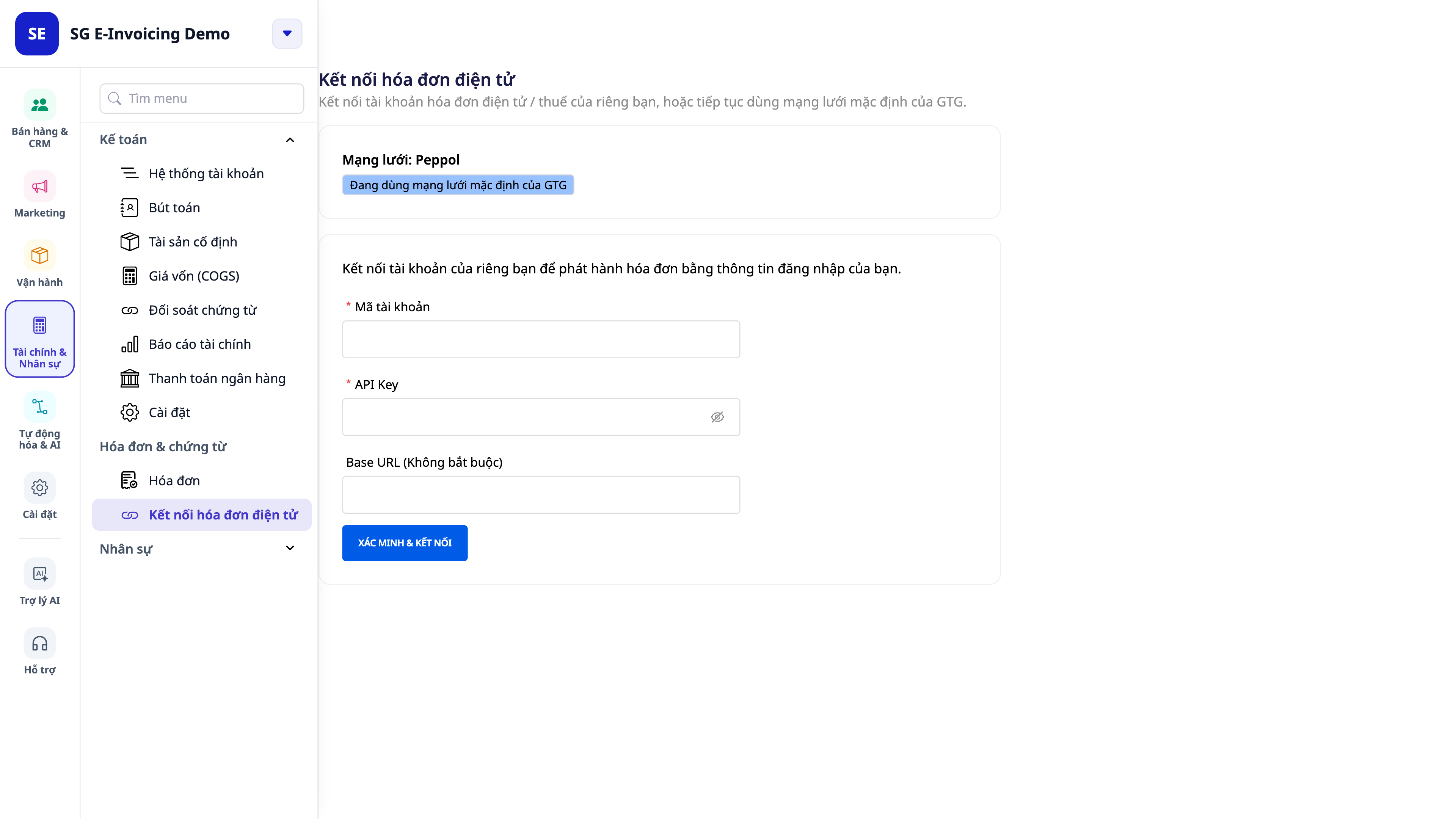
Poland — KSeF: some countries use their own government's e-invoicing portal, not Peppol. KSeF connectivity for Poland is NOT yet active on GTG CRM — fields for Tax ID (NIP) and KSeF Token are available on the interface for when connectivity goes live, but pasting the token here cannot yet issue or receive acknowledgements (UPO) from the government portal. In the meantime, Polish invoices will be saved as drafts.
Thailand — ETDA: supports Thailand's e-Tax Invoice & e-Receipt standard for businesses wanting to issue early (B2B is not yet mandatory in Thailand).
One place for connections: all government or supplier connections are located under Settings → Invoices → Issuing Connections, not scattered across multiple screens.
ℹ️ Each market is enabled on its own roadmap. See the "Supported Markets & Rollout Roadmap" section below to know which countries are immediately available and which are in progress.
4. Bring Your Own Key (BYO) — or use GTG's network
Two options, your choice: use GTG's default network to get started quickly, or connect your own Peppol Access Point / portal account to issue under your own account's name.
Secure connection keys: keys are authenticated upon connection (incorrect entry immediately flags an error), stored encrypted, and never displayed again — the page shows only a masked identifier (e.g., acct •••1580).
Clear issuer indication: a small indicator on the invoice form shows whether the invoice is being sent via the *GTG default network* or *your account*.
5. Legal-format PDF invoices & transmission status tracking
Legal-format PDF for all markets: each invoice can be downloaded as a PDF in the correct format — with the right document labels, tax labels, currency, and decimal places for that country — to send to clients, banks, or for archiving.
Foreign currency & exchange rate differences, automated: issue invoices in any currency; the system records the exchange rate and automatically accounts for profit/loss from exchange rate differences upon payment — your books always reconcile.
Track invoice journey: the invoice's Activity log records the steps *sent → delivered/accepted → rejected* on the network — you know if your invoice has arrived, no guessing involved.
Supported Markets & Rollout Roadmap
Capabilities are enabled per market. Some countries can issue immediately; others are in the deployment phase (connecting with the relevant tax authority's environment). Within the system, the invoice form always informs you of your market's current status.
Peppol Network — Markets: Singapore, Japan, Malaysia, 16/27 EU countries (live) · Issuing path: Peppol Network (EN 16931 standard). Australia and the remaining 11 EU countries: in rollout.
Government Portal — Markets: Poland (KSeF) · Issuance Path: Paste KSeF token — not active (in progress)
Government Portal — Markets: Thailand (ETDA) — voluntary · Issuance Path: e-Tax Invoice & e-Receipt
Bring Your Own (BYO) — Markets: All Markets · Issuance Path: Your Access Point / Portal Account
ℹ️ The list of markets and their expansion status is time-sensitive. If your market is in "in progress" status, you can still draft and save invoices; official submission will be enabled when that market is ready.
Business Benefits
One invoice engine, multiple markets — Reduce reliance on country-specific invoicing software — save costs and management effort
Select country to apply tax + currency standards — Set up in minutes instead of days, no need for country-specific experts
Send via GTG network or your own account — Start quickly, and maintain control when issuing under your own account
Verify buyer tax IDs by country — Reduce rejected invoices due to incorrect format → get paid faster
Legal format PDF + automatic accounting — Have documents to send to clients/banks and keep your books aligned, no double entry
Foreign currency & automatic exchange rate difference — Sell cross-border without worrying about incorrect exchange rate gains/losses at period end
Who Is It For?
Vietnamese businesses selling goods/services to foreign clients or partners requiring compliant invoices according to the buyer's country standards.
Businesses with branches, subsidiaries, or warehouses in multiple countries (EU/EEA, Singapore, Japan, Australia, Malaysia, Poland, Thailand) looking to issue invoices within a single system — see the "Supported Markets & Rollout Roadmap" section above for countries ready for immediate use.
Cross-border e-commerce sellers needing to standardize invoices for each market without setting up additional software.
Accountants and SMB owners wanting international invoices to automatically post to the ledger, with PDF and foreign currency support — no more Excel reconciliation.
How To Get Started?
Go to Accounting → Setup to select your market (applying the chart of accounts + tax + currency system), then navigate to Settings → Invoices → Issuance Connection to view the issuance network and, if desired, connect your own account/token. Then, create invoices in ERP → Invoices → New Outgoing Invoice as usual. Refer to the step-by-step guide in the article "Guide to Issuing International Electronic Invoices on GTG CRM".
Read more: Accounting Suite in CRM · Automatic Electronic Invoice Issuance (Vietnam)
Free Trial — no credit card required.