
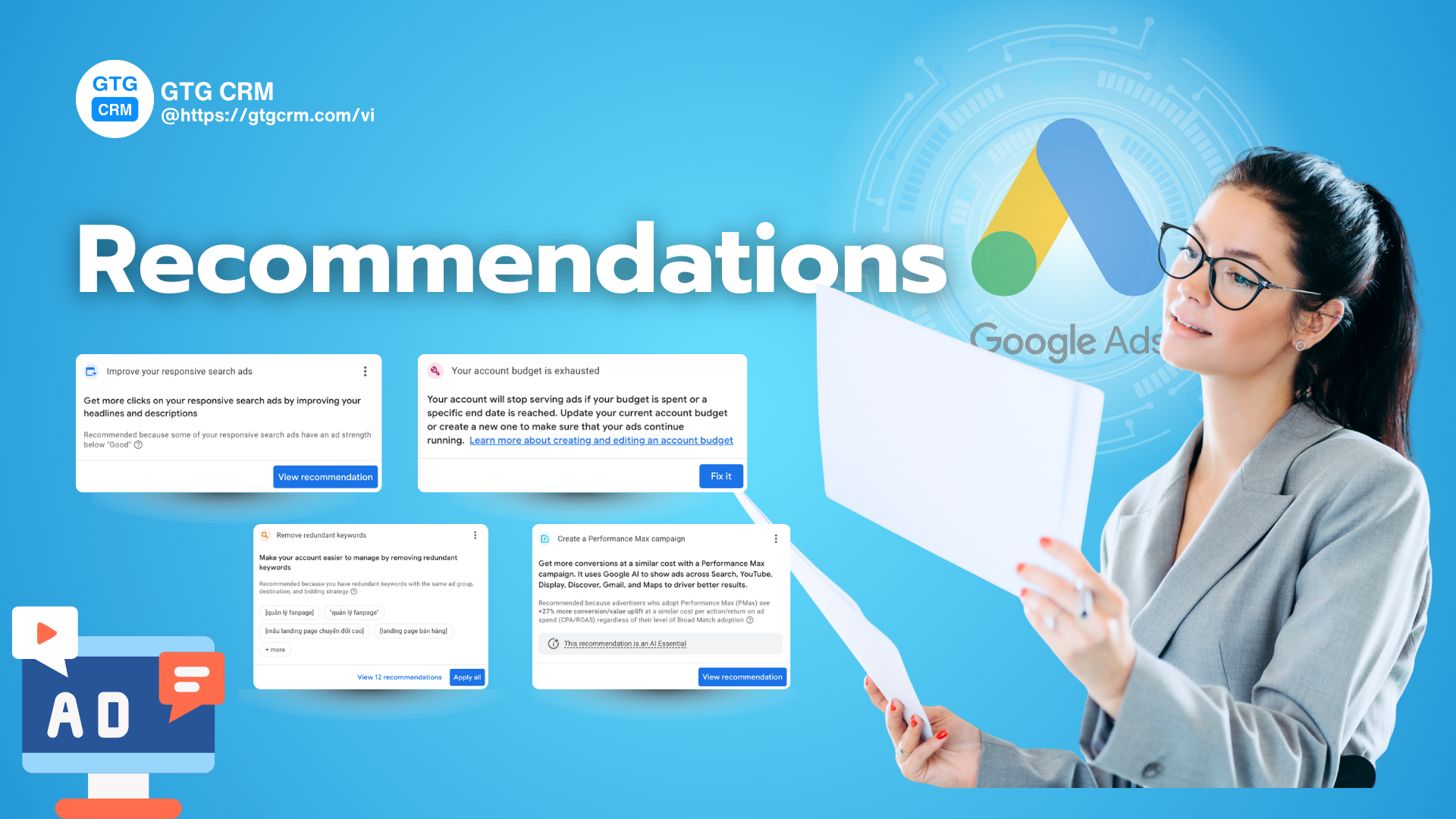
Google Ads Recommendations
Some recommendations can be significantly effective, while others can seriously harm your campaign's performance. This article will help you become a wise advertiser by categorizing Google Ads recommendations into three clear groups: should be ignored, should be reviewed and should be used.
Recommendations You Should Consider Carefully
These are recommendations with a high risk of harm, often not taking into account your specific business context. Applying them blindly can lead to "burning" advertising money.
Optimize Your Budget
Why consider?
- Inaccurate: Google may be good at algorithms, but their budget recommendations are often unrealistic. For example, a recommendation to increase the weekly budget to "earn" more conversions may look appealing, but often leads to a significant drop in ROAS (Return on Ad Spend) or a 2-10x increase in CPA (Cost Per Acquisition).
- Ignores Profitability: This recommendation doesn't care about your profits, only focuses on spending the budget and driving more conversions, regardless of the cost.
Remember, advertising budgets should be decided based on business goals and profitability, not from an automated suggestion.
Add Broad Match Keywords
Why consider?
- Risk of Wasting Budget: Broad Match is a powerful but also very risky tool. Adding broad match without careful account evaluation can cause your ads to appear for irrelevant queries, increasing costs and reducing performance.
- Not Always Suitable: Broad Match should only be used when you have good control over other match types, and your bidding strategy is optimized to handle this type of keyword.
If you have a high impression share loss due to budget, adding broad match might worsen the situation. Decide to use broad match based on performance and actual budget, not because of an automated recommendation.
Remove Duplicate Keywords
Why consider?
- Unintended Performance Max (PMax) Prioritization: At first glance, removing duplicate keywords seems reasonable. However, doing so can cause Google to automatically prioritize Performance Max campaigns over your Search Campaigns.
- Reduced Conversions: Search campaigns often yield higher conversion rates than PMax. Therefore, applying this recommendation can reduce the total number of conversions you receive, harming the overall account performance.
Recommendations You Should Apply to Ads
These are recommendations that provide insights and force you to examine your account more thoroughly. They are not always correct, but are worth your time to analyze.
Remove Conflicting Negative Keywords
Why evaluate?
- Helps Detect Errors: Keyword conflicts occur when one of your negative keywords inadvertently blocks a target keyword from appearing. This is a common error and always worth fixing.
- Fixing Errors Isn't Just Deleting: You need to analyze to decide whether to delete the negative keyword or pause the main keyword, depending on the campaign objectives.
While Google may not be entirely accurate, this recommendation is a useful warning. Checking and resolving these conflicts will help ensure your ads always show for important keywords.
Make Your Headlines and Descriptions More Unique
Why evaluate?
- Improves Ad Strength: While the "Ad Strength" metric may not be everything, this recommendation often indicates that your ads lack diversity.
- Increases CTR and Conversion Rate: This recommendation often points out that you have too many keyword-related headlines and lack important elements such as:
- Strong Calls to Action (CTAs).
- Compelling Unique Selling Propositions (USPs).
- Clear benefit statements.
When you see this recommendation, reconsider your ad headlines. If you have too many different keywords in one ad group, consider splitting the groups so that each ad group focuses on a single topic, making the headlines more relevant and increasing effectiveness.
Recommendations You Should Use
These are simple recommendations, often related to missing elements, and almost always bring benefits when applied.
- Add ad extensions: Extensions help your ads stand out more, occupy more space on the search results page, and provide more information to users, thereby improving CTR and quality.
- Add new keywords: This recommendation is usually based on actual search data collected by Google, helping you discover potential keywords that can bring in more traffic and conversions.
- Pause high-cost, non-converting keywords: This is a very useful recommendation that helps you eliminate keywords that waste budget and focus on more effective ones.
GTG CRM: Optimize Google Ads Recommendations, Grow Real Sales
GTG CRM's AI doesn't provide "generic" recommendations. Instead, it provides real data to help you make the best decisions, focusing on the bottom-line profit.
Analyze Recommendation Effectiveness Based on Business Data
Instead of relying on Google's estimated numbers, GTG CRM helps you:
- Track Real ROI (Return on Investment): You can see how many leads and successful orders a recommendation to increase budget or add new keywords has generated.
- Evaluate Keyword Performance: GTG CRM helps you know exactly which keywords are bringing in quality customers, allowing you to be more confident when deciding to add or remove a keyword.
Support for Instant Optimization Decisions
GTG CRM provides visual reports that help you quickly, identify wasteful keywords, and pinpoint keywords that consume a lot of budget but don't generate revenue.
With GTG CRM, you no longer have to guess. Every optimization decision is based on actual business data, helping you focus on what truly delivers results and turn advertising into a sustainable growth engine for your business.
Conclusion
Google Ads recommendations are like a double-edged sword. They can save you time and optimize your account, but they can also cause unforeseen losses.
Google is a powerful tool, but you are the one controlling the campaign. By understanding the nature of each type of recommendation and using a tool like GTG CRM to track real performance, you will be able to make smart decisions, optimize performance, and ensure every advertising dollar spent delivers the highest efficiency.
Turn what you've just read into real results — apply it now with GTG CRM, for free.
Apply Now

