

Funktionsintroduktion
Email Builder er et kraftfuldt værktøj på GTG CRM-platformen, der hjælper virksomheder med at oprette og sende professionelle marketing-e-mails uden behov for design- eller kodningsfærdigheder.
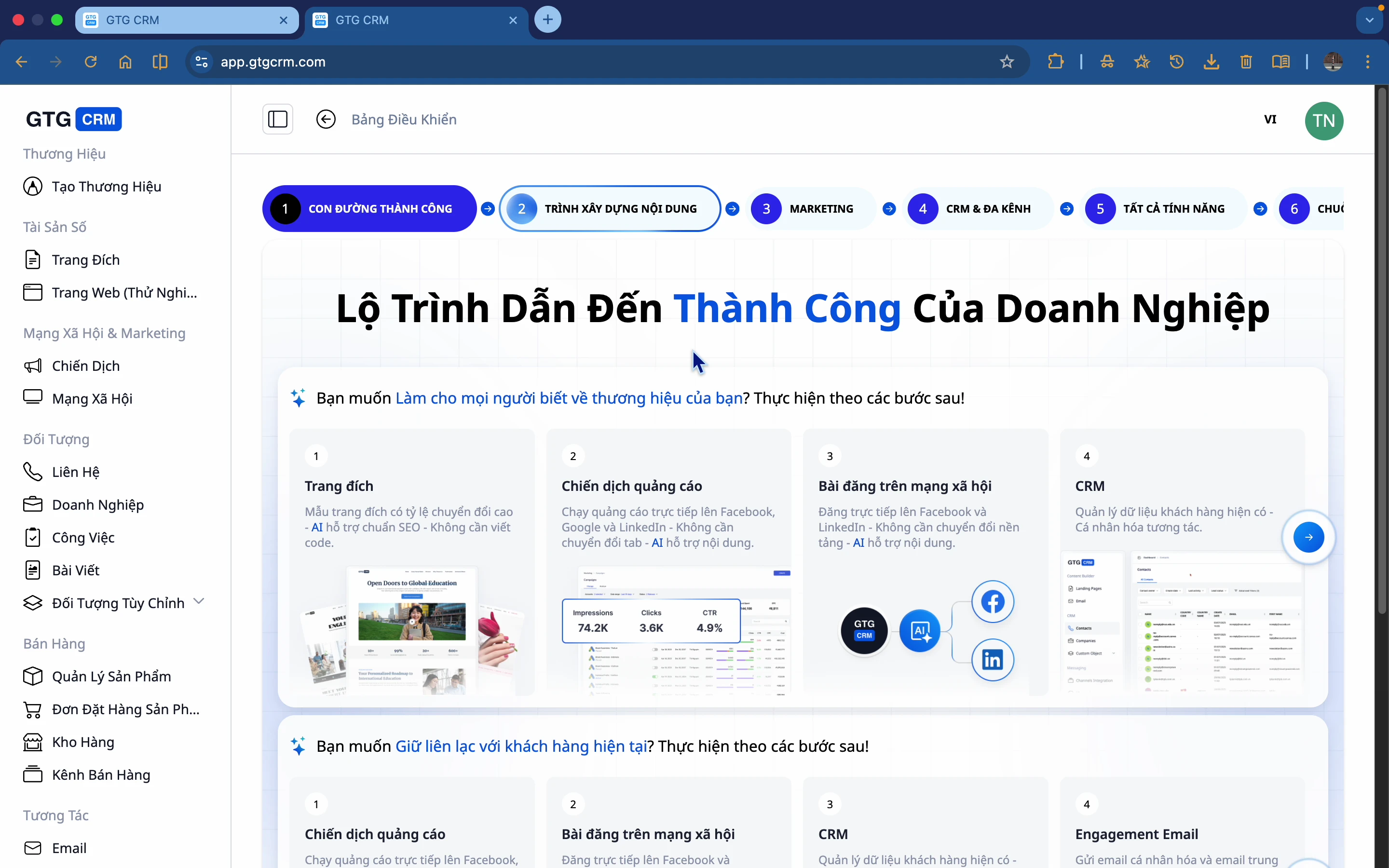
Hvad er Email Builder?
Email Builder er et værktøj, der hjælper dig med:
- Oprette flotte e-mails uden kode
- Bygge e-mailindhold til specifikke formål
- Introducere produkter, pleje kunder
- Opbygge langsigtede relationer med potentielle kunder
Hvorfor har virksomheder brug for Email Builder?
Mange virksomheder har stadig problemer med e-mailmarketing:
| Problem | Konsekvens |
|---|---|
| ❌ Manuel e-mailafsendelse | Tidskrævende, let at lave fejl |
| ❌ Usammenhængende indhold | Mangler sammenhæng, uprofessionelt |
| ❌ Svært at måle | Kender ikke den faktiske effektivitet |
| ❌ Komplekst design | Kræver ansættelse af designer eller kendskab til kode |
GTG CRM's Email Builder løser det hele:
| Løsning | Fordele |
|---|---|
| ✅ Standardiseret indhold | Sammenhængende budskaber |
| ✅ Tidsbesparende | Simpel træk-og-slip |
| ✅ Målbar effektivitet | Spor åbnings- og klikrater |
| ✅ AI-understøttelse | Automatisk generering af indhold og billeder |
Fremhævede funktioner
🎨 Træk-og-slip-editor
Træk og slip elementer intuitivt ind i din e-mail:
- Billeder
- Tekst
- Knapper
- Skilletegn
- Sociale ikoner
- Layoutkolonner
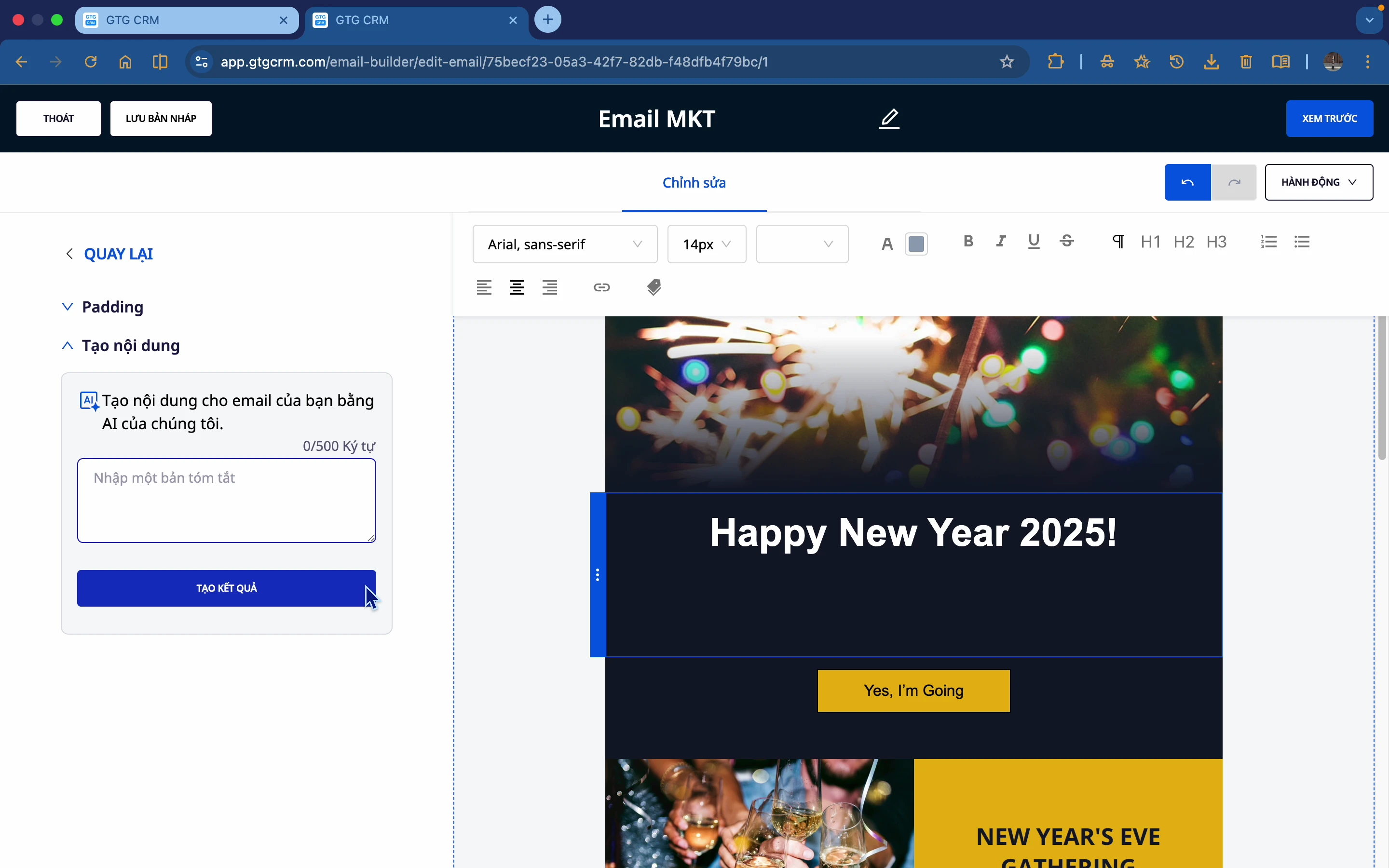
🤖 AI-indholdsgenerering
Ved ikke hvad du skal skrive? Lad AI gøre det for dig:
- Indtast en kort beskrivelse af e-mailen
- AI genererer automatisk passende indhold
- Vælg din foretrukne mulighed
- Rediger om nødvendigt
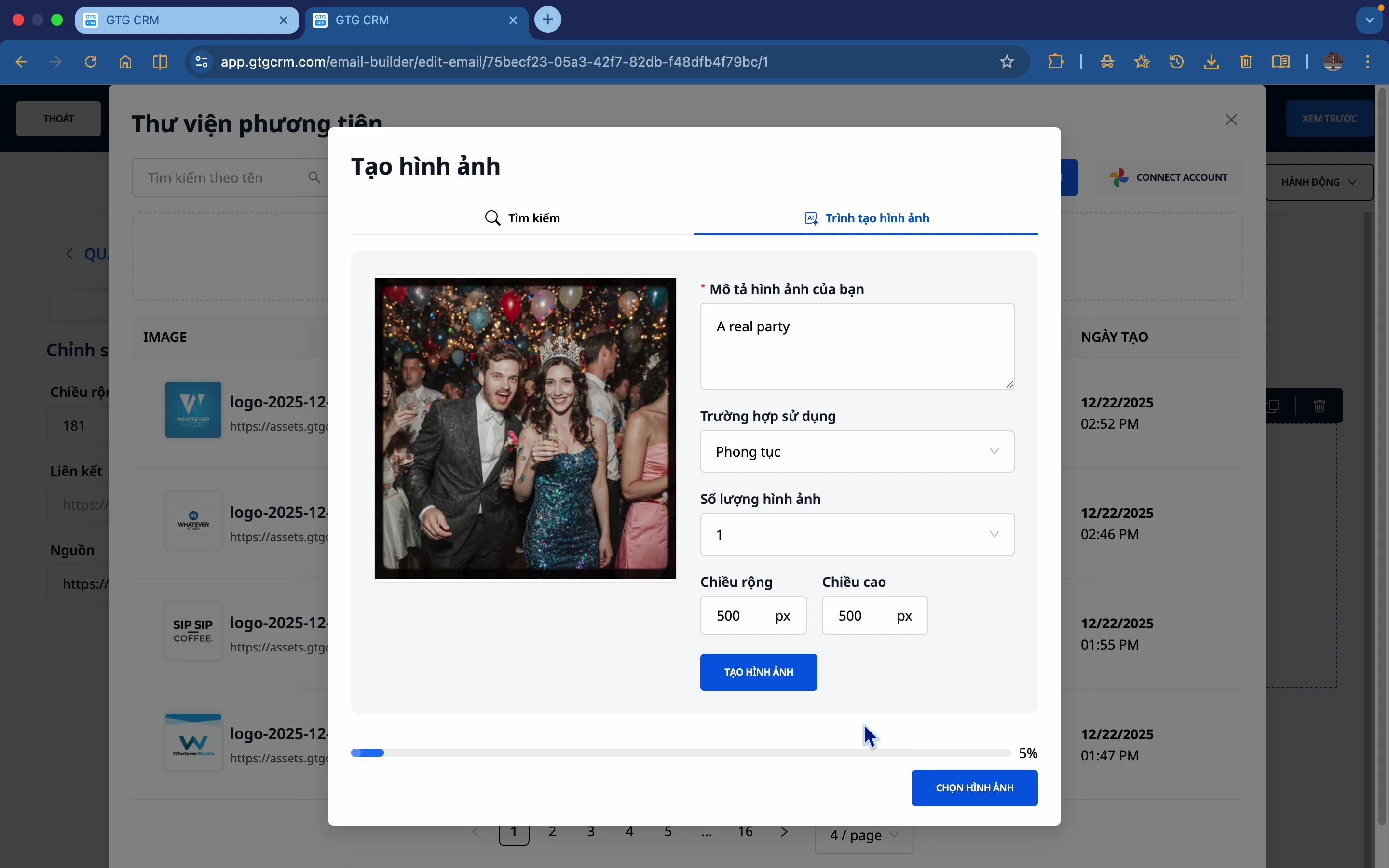
🖼️ AI-billedgenerering
Ingen passende billeder? AI vil generere dem for dig:
- Beskriv billedet, du vil have genereret
- AI genererer billedet
- Vælg og brug det med det samme
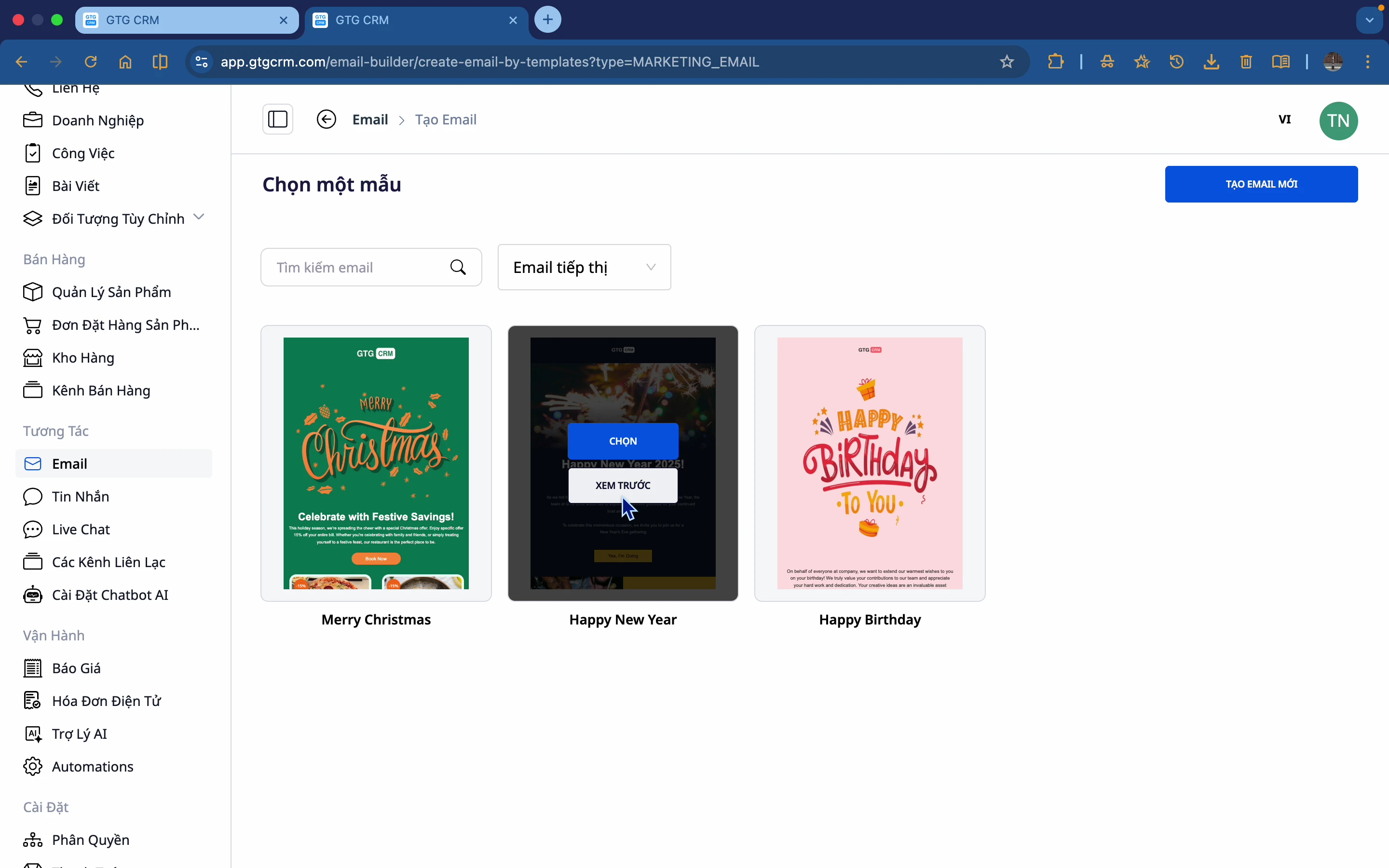
📊 Tilgængelige skabeloner
GTG CRM tilbyder mange flotte e-mailskabeloner:
- Bare vælg en skabelon
- Rediger tekst og billeder
- Udgiv med det samme
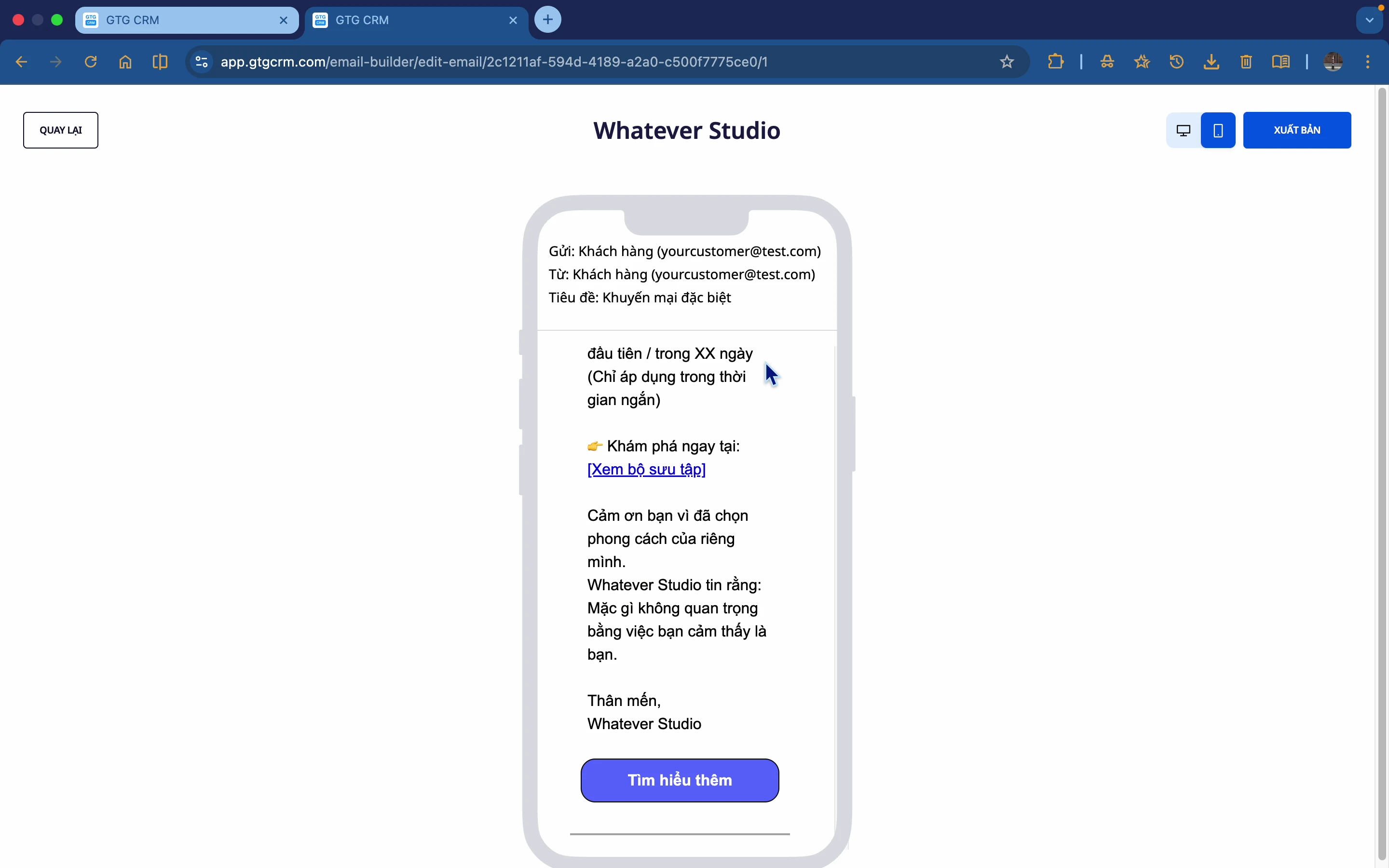
📱 Responsiv forhåndsvisning
Forhåndsvis e-mails på forskellige enheder:
- Desktop-forhåndsvisning
- Mobil-forhåndsvisning
- Sikrer flot visning på alle platforme
To typer e-mails
GTG CRM understøtter 2 hovedtyper af e-mails:
1️⃣ Marketing E-mails
- Introduktion til nye produkter
- Kampagner, tilbud
- Nyhedsbrev
- Event invitation
2️⃣ E-mailpleje (Nurturing Email)
- Pleje af potentielle kunder
- Drip campaign
- Onboarding sequence
- Automatisk opfølgning
E-mailkomponenter
📝 Tekstblok
- Tilføj tekstindhold
- Formatering af skrifttype, størrelse, farve
- Tilføj hyperlink
🖼️ Billedblok
- Upload billeder fra computeren
- Tilslut Google Photos
- AI genererer billeder
- Fleksibel størrelsesjustering
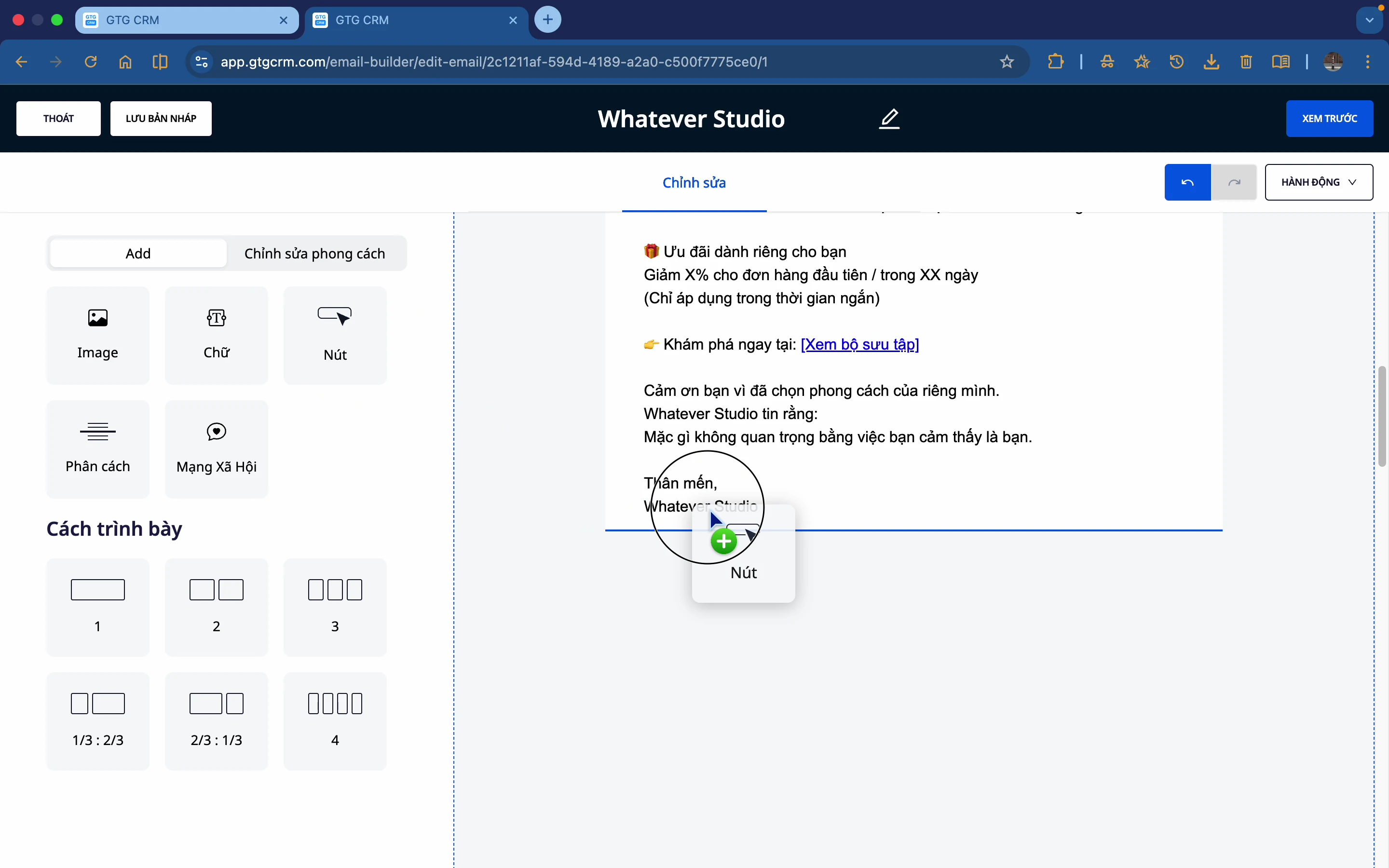
🔘 Knap
- Tilpas tekst, farve
- Afrund hjørner efter behov
- Tilføj link til navigation
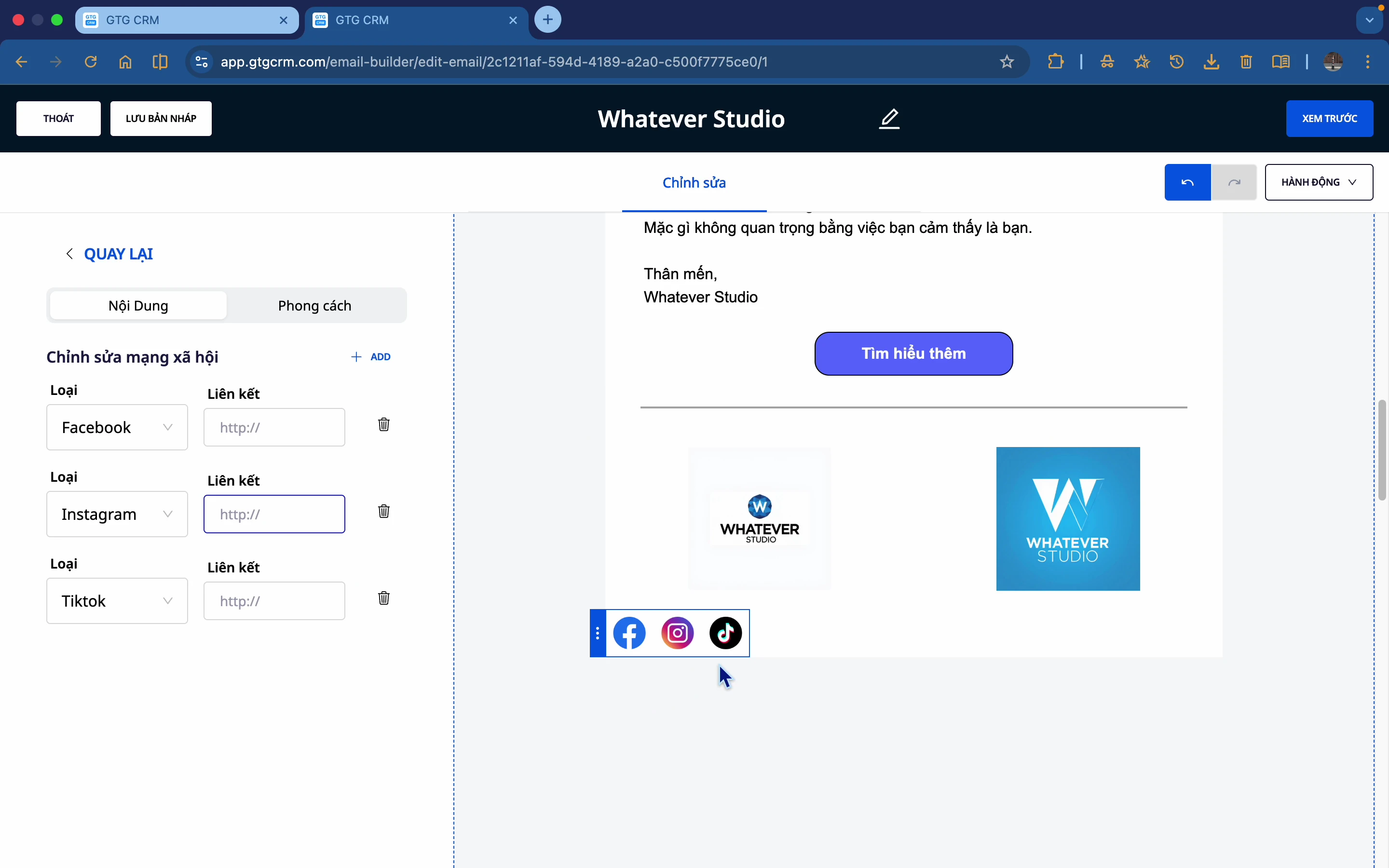
📱 Sociale ikoner
- Facebook, Instagram, TikTok
- Tilføj links til sociale medier
- Mange ikon-styles
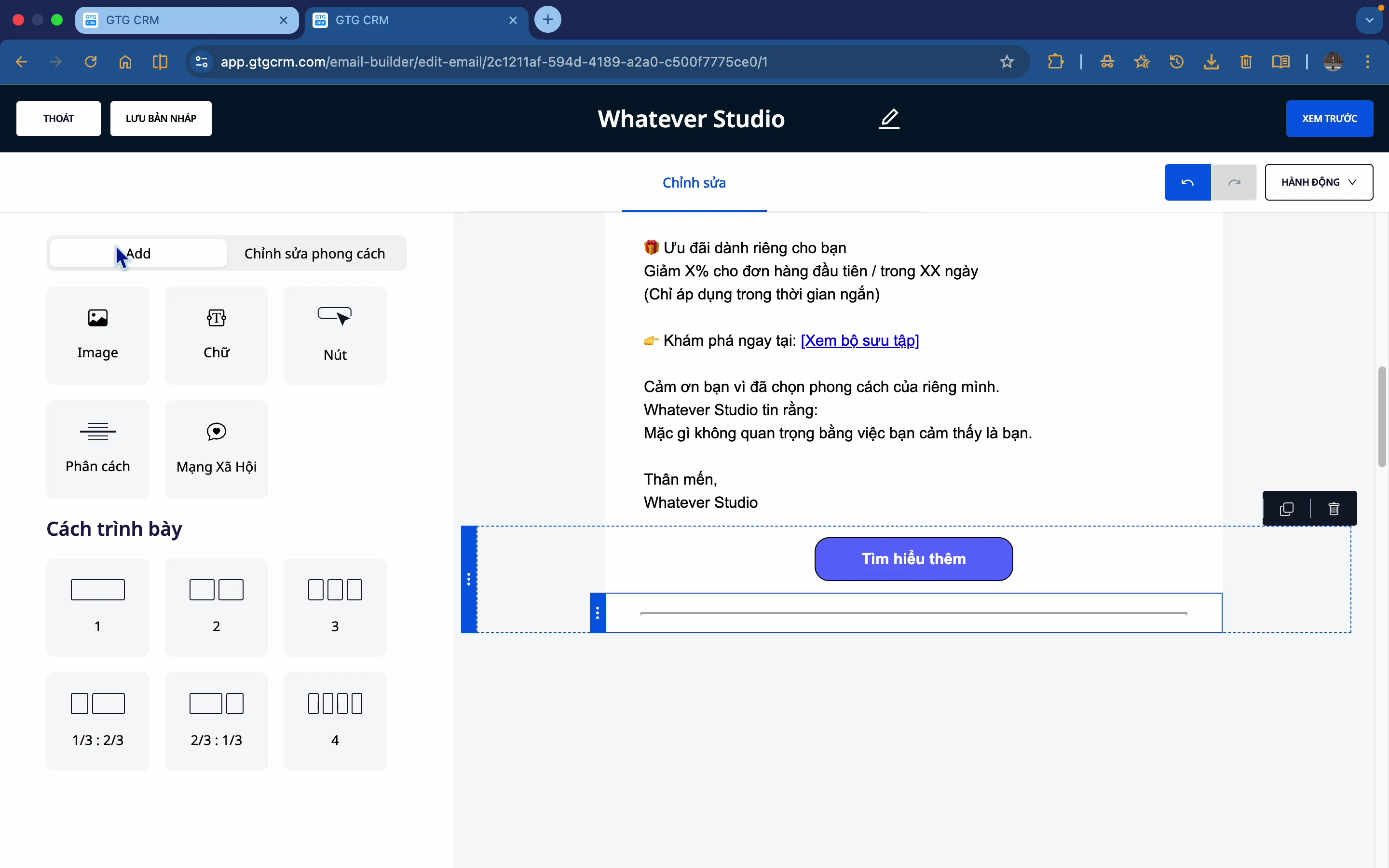
➖ Skilletegn
- Opdel sektioner
- Tilpas farve, tykkelse
- Solid eller stiplet
📐 Layout Kolonner
- Opdeling i 2, 3, 4 kolonner
- Fleksibelt layout
- Tilpasningsdygtig baggrund
Spor Ydeevne
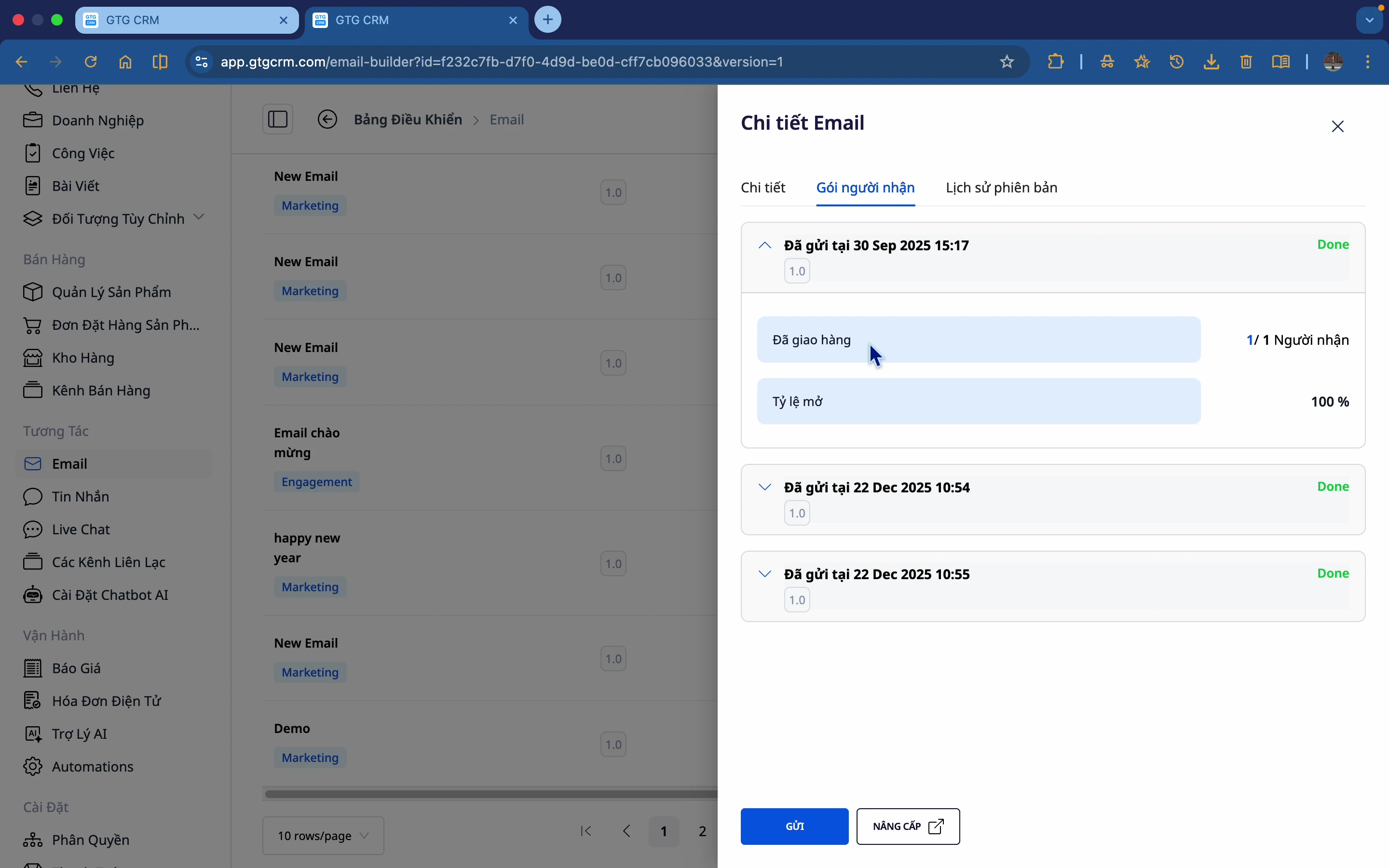
GTG CRM leverer detaljerede statistikker for hver e-mail:
| Metrics | Beskrivelse |
|---|---|
| Antal modtagere | Samlet antal sendte e-mails |
| Åbningsrate | % af modtagere, der åbnede e-mailen |
| Version history | Historik over versioner |
Integration med Automatisering
Email Builder integrerer perfekt med Automation Workflow:
- Send automatisk e-mails efter et scenarie
- Ingen manuel udsendelse til individuelle modtagere
- De rette personer, på det rette tidspunkt
- Automatisk pleje af leads
Fordele ved at bruge
| Fordele | Detaljer |
|---|---|
| Tidsbesparende | Træk-og-slip, ingen kode nødvendig |
| Professionel | Flotte, ensartede skabeloner |
| AI-understøttet | Automatisk generering af indhold og billeder |
| Målbar | Sporing af åbningsrate |
| Automatiseret | Forbindelse til automatiserings-workflows |
| Responsiv | Flot på alle enheder |
Kom i gang
For at begynde at bruge Email Builder:
- Log ind på GTG CRM
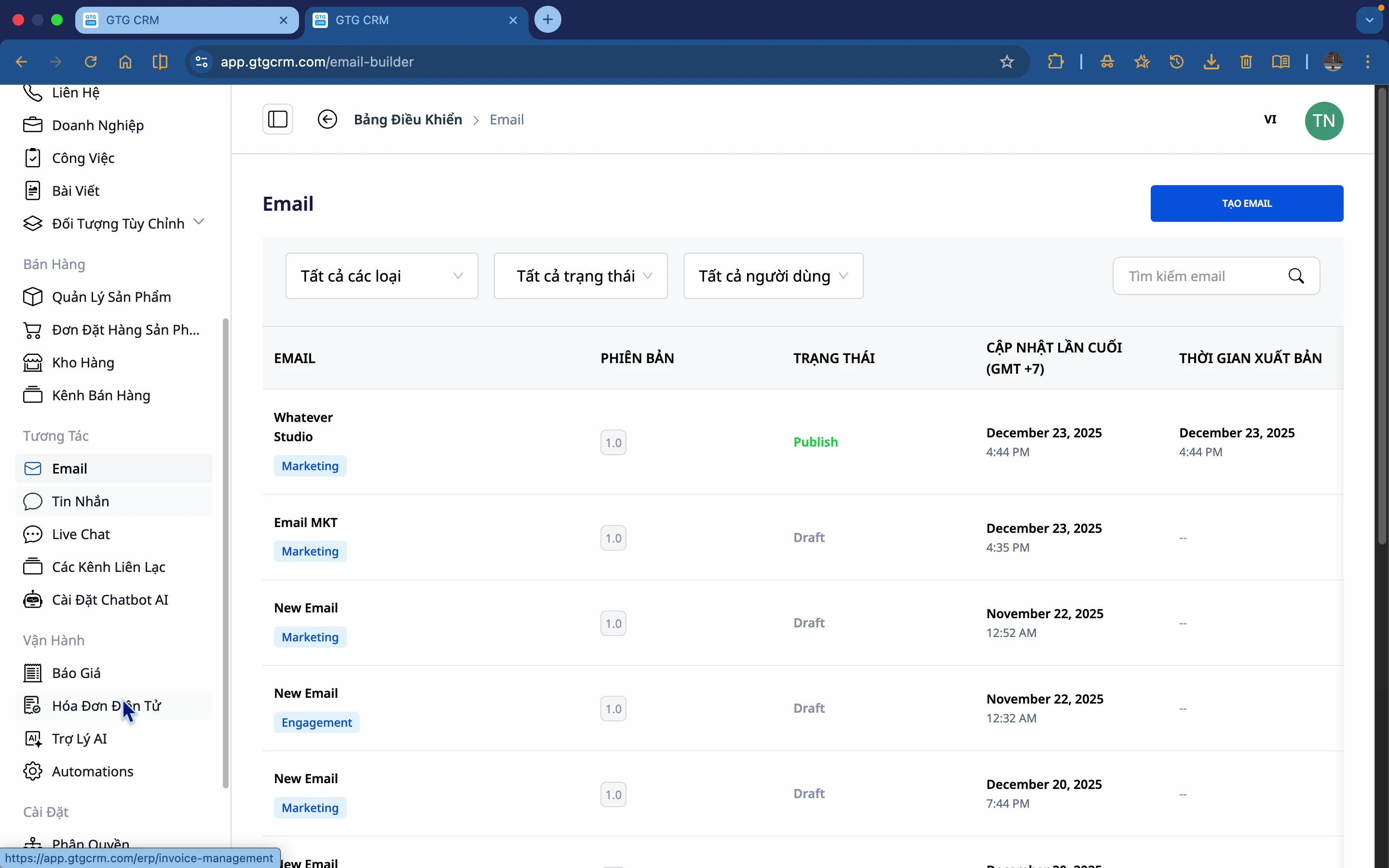
- Gå til menuen Interaktion → E-mail
- Klik på Opret E-mail
- Vælg en skabelon eller opret fra bunden
- Design, forhåndsvisning og send!
GTG CRM - Professionel, nem og effektiv e-mailmarketing! 📧
Klar til at prøve denne funktion gratis for din virksomhed?
Prøv gratis

