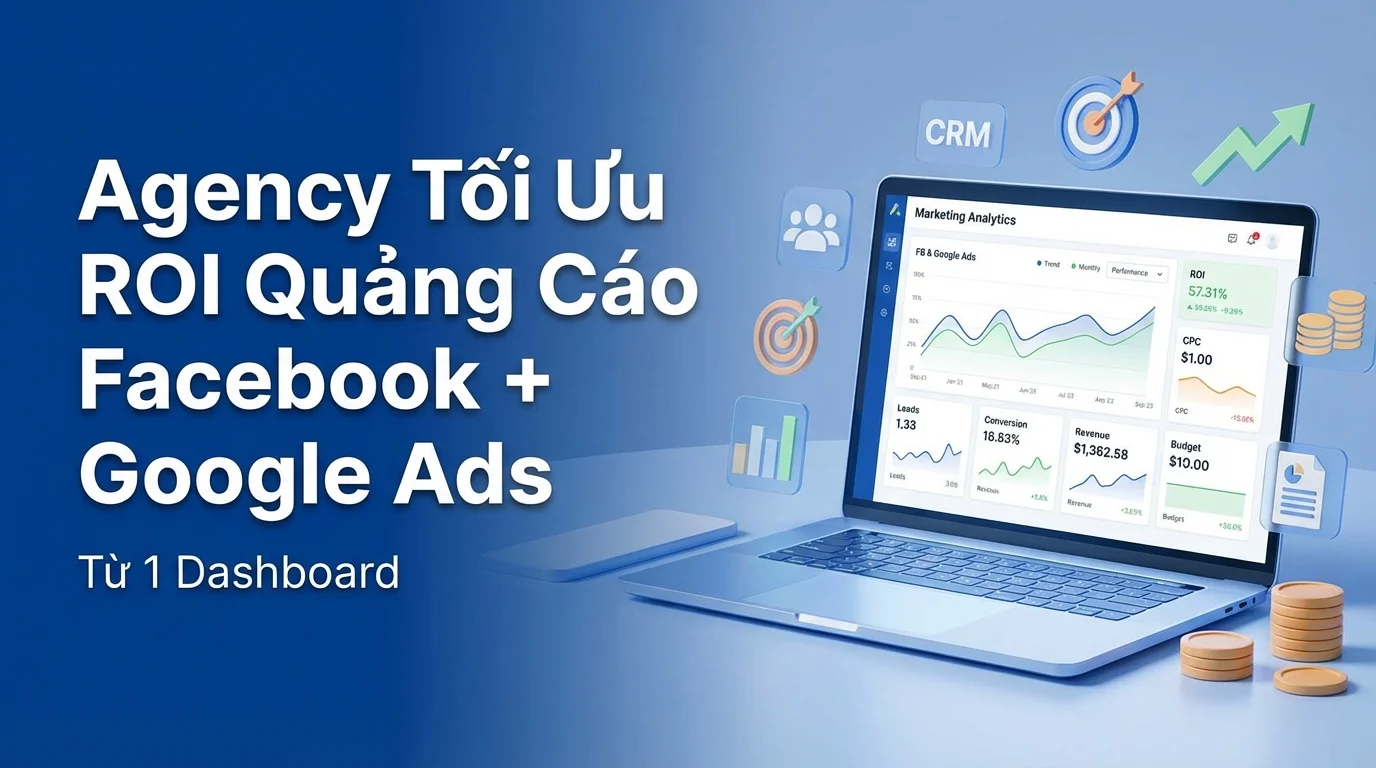
Agency marketing runs ads for 5-10 clients simultaneously, with each client having campaigns on both Facebook and Google. The result? Every day, you have to open Facebook Ads Manager, Google Ads Console, then compile data into Google Sheets to report to clients. Wasting 2-3 hours/day just for reporting.
Problems Agencies Face When Running Ads
| Problem | Consequence |
|---|---|
| Facebook + Google = 2 separate dashboards | Lack of a holistic view |
| Manual Reporting | 2-3 hours/week per client |
| No CRM Connection | Know how many clicks but not how many leads turn into customers |
| Dispersed Budget | Difficult to know whether to invest in Facebook or Google |
| Multiple Clients = Multiple Tabs | Constant context switching, prone to errors |
GTG CRM Ads Manager — Facebook + Google Ads In One Place
GTG CRM integrates Facebook Ads and Google Ads into a single dashboard, directly connecting to the CRM for end-to-end tracking.
Detailed Features
1. Unified Dashboard
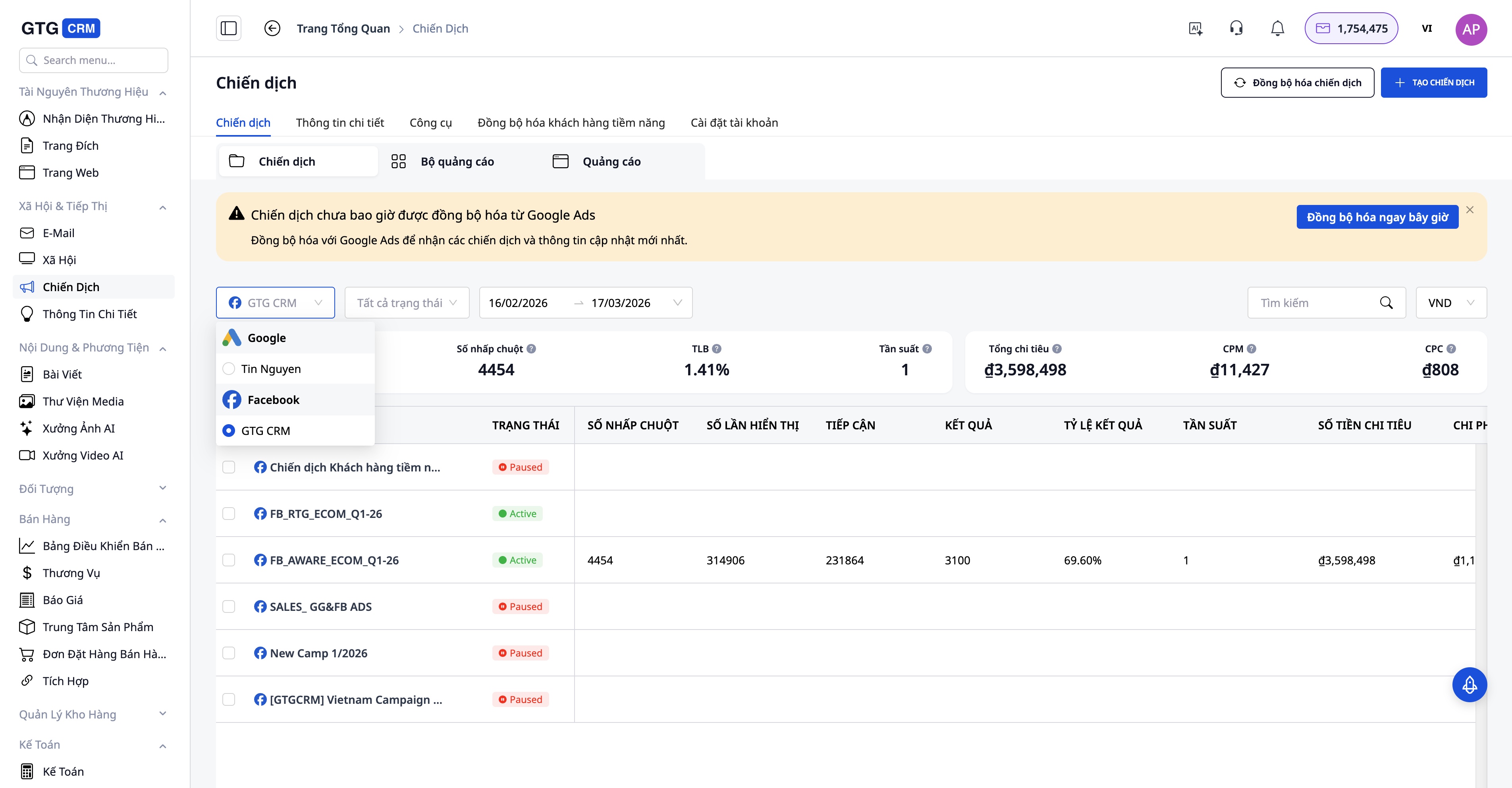
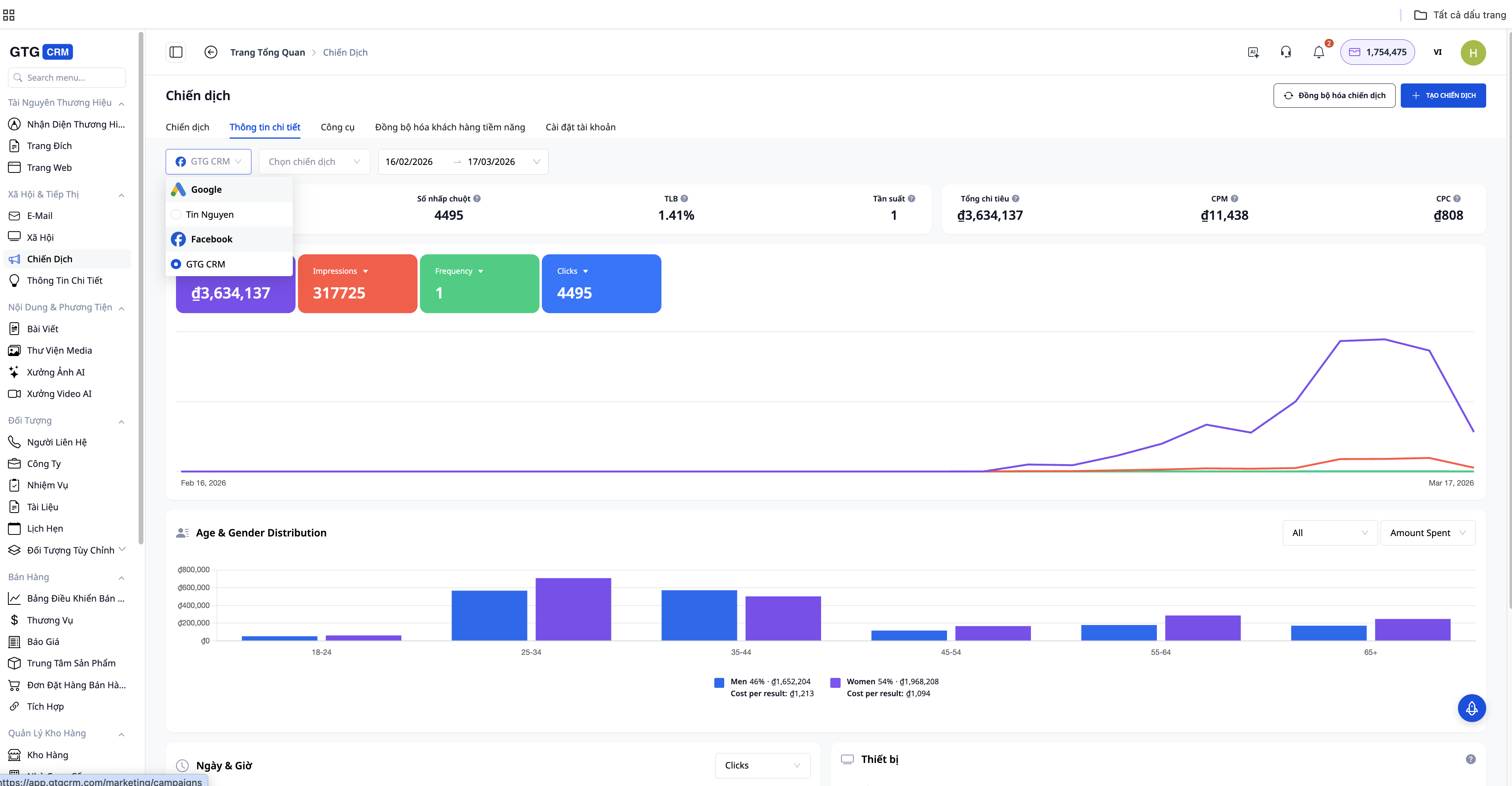
View performance of all campaigns on one screen:
- Facebook Ads: Campaign, Ad Set, Ad — reach, impressions, clicks, CPC, CPM
- Google Ads: Campaign, Ad Group, Ad — impressions, clicks, CPC, conversions
- Cross-platform comparison: Facebook vs Google — which channel is more effective?
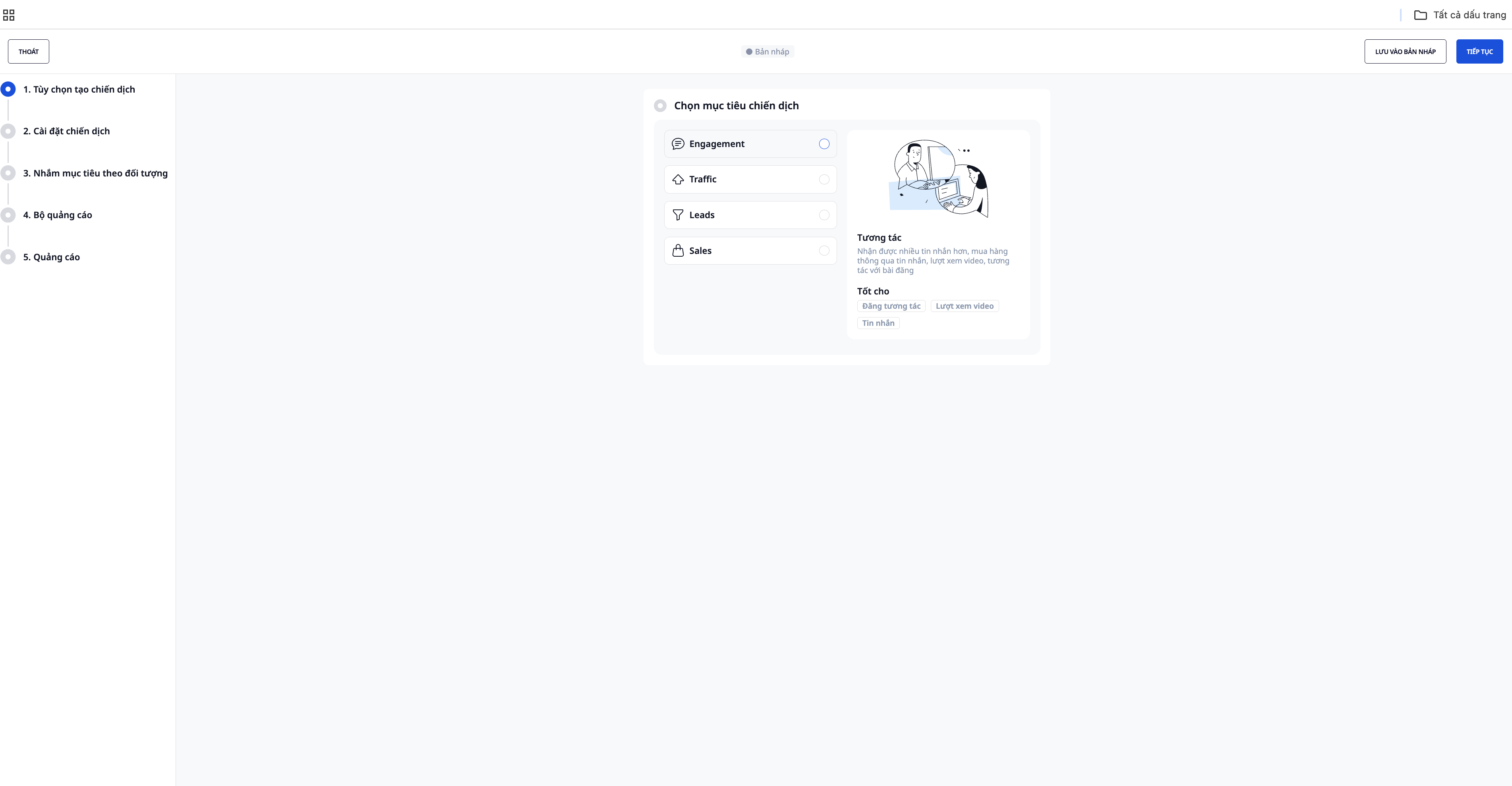
2. Create & Manage Campaigns
Create campaigns directly from GTG CRM:
- Select objective (traffic, conversion, lead generation)
- Setup targeting (audience, location, demographics)
- Upload creative (images, videos) — integrated with AI Image Studio
- Set budget and bidding strategy
- Launch campaign
3. CRM-Connected Attribution
This is the biggest differentiator compared to using separate Ads Managers:
```
Ad click → Landing page → Form submission
↓
Automatic contact creation in CRM
↓
Tagging: source = Facebook Ads, campaign = X
↓
Sales representative follows up → Closes deal
↓
Report: Campaign X → 50 leads → 10 deals → 200 million VND in revenue
```
Know exactly which ads bring in revenue, not just clicks.
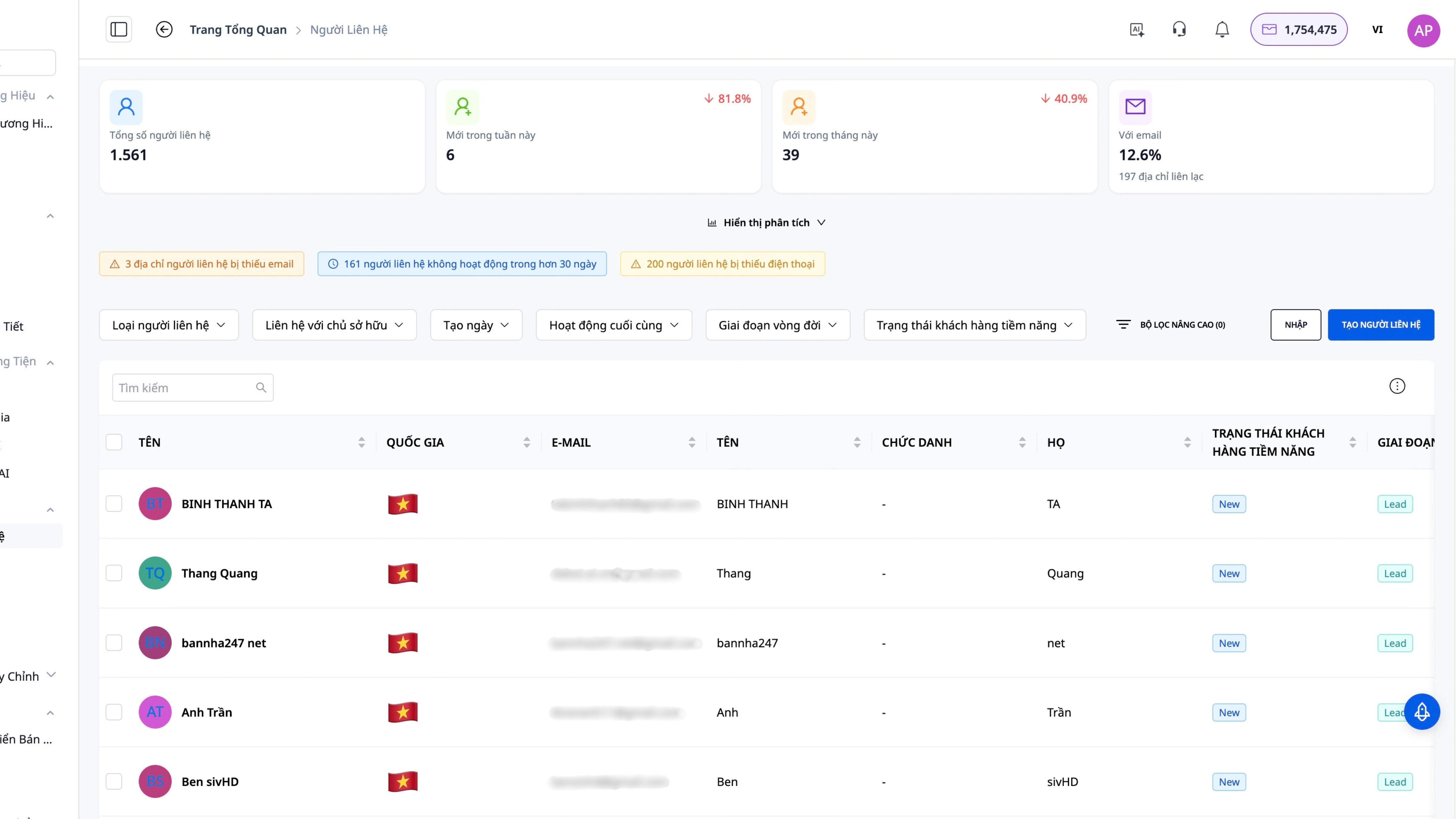
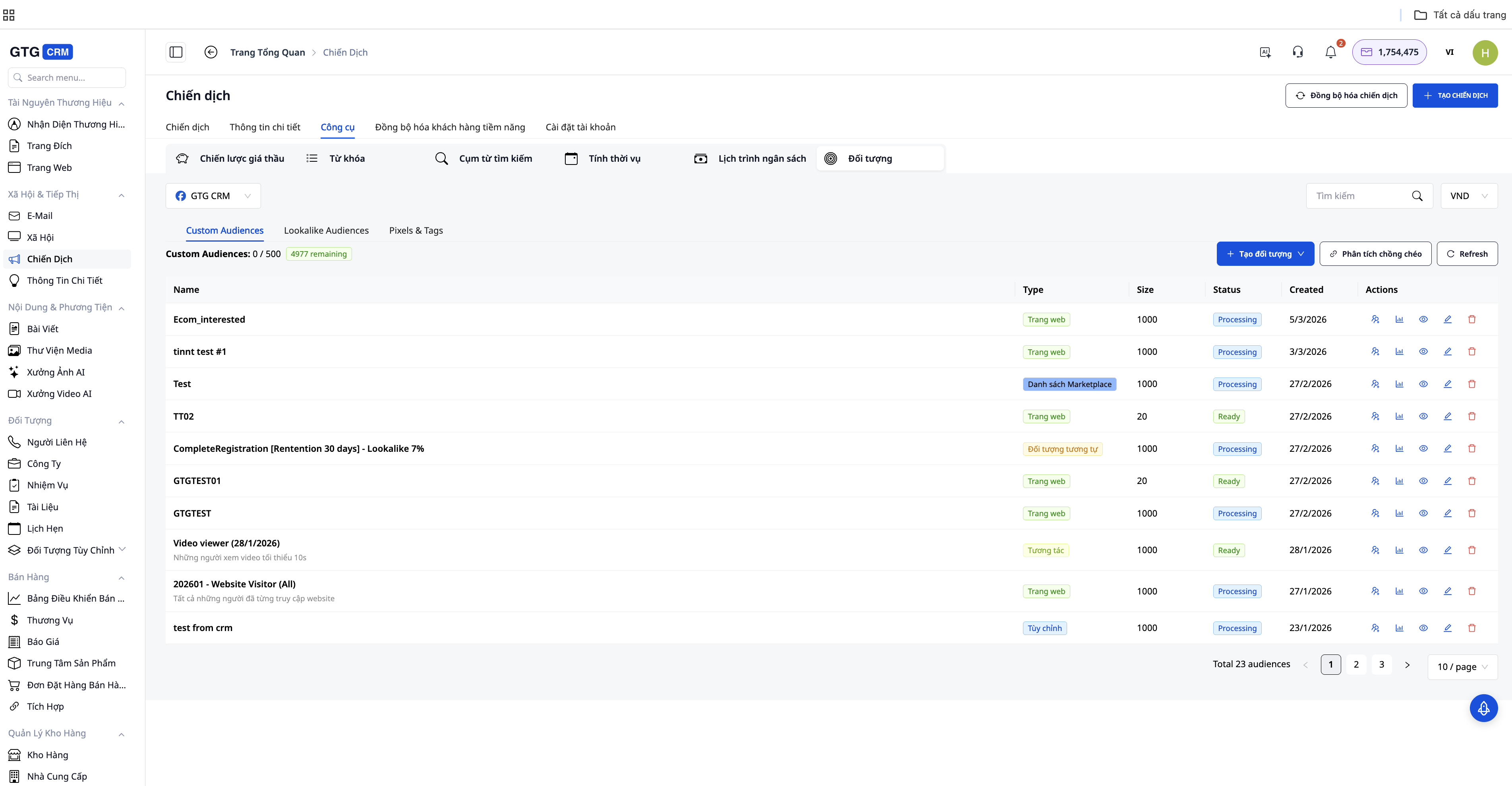
4. Retargeting From CRM Data
Create Custom Audiences from CRM data:
- Upload list of purchased customers → create Lookalike Audiences
- Customers who viewed the landing page but didn't purchase → Retargeting Ads
- VIP customers → advertise premium products
5. Automated Reports
- Reports automatically sent to clients weekly/monthly
- Includes: cost, leads, conversion rate, ROI
- Professional report templates
Optimized ROI Workflow for Agencies
Step 1: Smart Budget Allocation
| Campaign Type | ||
|---|---|---|
| Awareness (New Brand) | ✅ (Visual, Video) | ✅ (Display, YouTube) |
| Consideration (Comparison, research) | ✅ (Lead Form) | ✅ (Search Ads) |
| Conversion (Purchase) | ✅ (Retargeting) | ✅ (Shopping Ads) |
Step 2: A/B Testing Creatives
Within GTG CRM:
- Create multiple creative variants (quickly generated by AI Image Studio)
- Run A/B tests on both Facebook and Google
- The dashboard shows which creative wins
- Scale budget towards the winning creative
Step 3: Precise Retargeting
```
Customer clicks ad → goes to landing page → doesn't purchase
↓ (data enters CRM)
Create Custom Audience from CRM → Run Retargeting Ads
↓
Customer sees ad for the second time → purchases
↓
End-to-end ROI tracking
```
Pricing
| Plan | Price | Supported Ads Budget | Clients |
|---|---|---|---|
| Basic | 199,000đ/month | Unlimited | 1 workspace |
| Starter | 449,000đ/month | Unlimited | Multi-workspace |
| Growth | 639,000đ/month | Unlimited | Multi-workspace |
| Professional | 1,029,000đ/month | Unlimited | Multi-workspace + advanced |
GTG CRM does not charge any percentage on ads budget — you keep 100% of your margin.
##Conclusion
Managing ads across multiple platforms can lead agencies to spend a lot of time compiling data and make it difficult to assess the true effectiveness of each campaign. With GTG CRM, Facebook Ads, Google Ads, and CRM are connected within a single dashboard, helping to track leads, revenue, and ROI more clearly. This allows agencies to optimize their advertising budgets faster and focus on generating real results for their clients.
Get Started Now
- Register for GTG CRM → 36,888 free credits
- Connect Facebook Ads Account + Google Ads Account
- View all campaigns in one dashboard
- Optimize ROI with CRM attribution