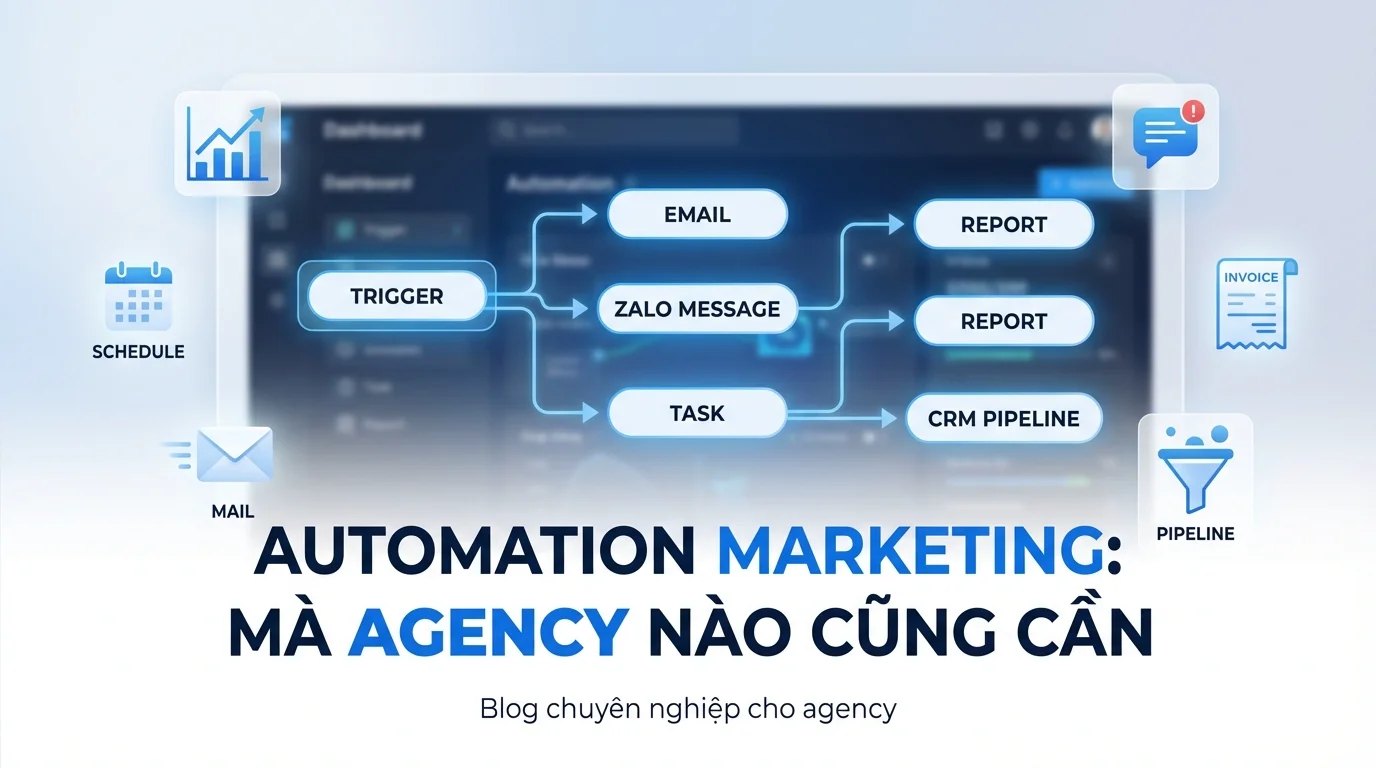
Agency marketing manages multiple clients simultaneously — each client needs drip email campaigns, lead follow-ups, payment reminders, and weekly reports. If done manually, you'd need an employee just for sending emails and messages. With automation, the machine does it for you — 100% accurate, 24/7.
10 Essential Agency Workflows to Set Up
1. Lead Nurturing
Trigger: New lead from landing page / Facebook Lead Ads
```
New lead (from Facebook Ads → landing page → form)
↓ (immediately)
📧 Email 1: Welcome + Free resource
↓ (2 days)
📧 Email 2: Case study from a similar industry
↓ (4 days)
📧 Email 3: Solution comparison
↓ (7 days)
📧 Email 4: "Book a free consultation"
↓ (if no response after 14 days)
⚡ Create task for sales: "Call to follow up"
```
2. New Client Welcome
Trigger: Client signs contract (deal won in CRM)
```
Deal "Won"
↓ (immediately)
📧 Email: Welcome new client + Onboarding checklist
↓ (1 day)
⚡ Create a dedicated workspace for the client
↓ (2 days)
📧 Email: Instructions for accessing the dashboard
↓ (7 days)
📧 Email: "First week — everything okay?"
```
3. Appointment Reminder
Trigger: Meeting/appointment is created
```
Meeting created
↓ (24 hours before)
📧 Email + 💬 Zalo: Meeting reminder
↓ (1 hour before)
💬 Zalo: "Meeting in 1 hour — Zoom link: ..."
↓ (after the meeting)
📧 Email: Meeting notes + action items
```
4. Monthly Report Automation
Trigger: 1st of every month
```
1st of the month
↓
📊 Automatically generate previous month's report
↓
📧 Email client: "Month X report attached"
↓
⚡ Create task: "Review report with team"
```
5. Abandoned Cart Recovery (E-commerce Client)
Trigger: Customer adds items to cart but doesn't pay
```
Abandoned cart (30 minutes)
↓
📧 Email: "Did you forget something in your cart?"
↓ (if no purchase after 4 hours)
📧 Email: "10% discount — Complete your order now"
↓ (if no purchase after 24 hours)
💬 Zalo: "Product X is running out of stock!"
```
6. Social Media Content Calendar
Trigger: Weekly posting schedule
```
Every Mon, Wed, Fri
↓
🤖 AI generates content draft
↓
⚡ Create task: "Review & approve content"
↓ (when approved)
📱 Automatically post to Facebook + Instagram
```
7. Customer Feedback Collection
Trigger: After service / project completion
```
Project completed
↓ (2 days later)
📧 Email: "Rate our service" + Survey link
↓ (if rating > 4 stars)
📧 Email: "Thank you! Please leave a review on Google"
↓ (if rating < 3 stars)
⚡ Alert: Notify manager for follow-up
```
8. Invoice Reminder
Trigger: Invoice created / due
```
Invoice created
↓ (immediately)
📧 Email: Send invoice to client
↓ (3 days before due date)
📧 Email: "Reminder: Invoice #X due on date Y"
↓ (on due date, if not paid)
💬 Zalo: "Invoice #X is due — Please make the payment"
↓ (7 days overdue)
⚡ Alert: Notify account manager
```
9. Upsell / Cross-sell
Trigger: Client completes project + good results
```
Project completed + KPI met
↓ (7 days later)
📧 Email: "Great results! Want to scale up?"
↓ (suggestion)
📧 Email: Premium service package / add-on service
↓ (if interested)
⚡ Create new deal in CRM
```
10. Win-Back (Reactivate Old Clients)
Trigger: Contract expired > 30 days ago
```
Contract expired > 30 days ago
↓
📧 Email: "What's new with us — an update for you"
↓ (7 days)
📧 Email: Special offer for "returning clients"
↓ (14 days, if no response)
⚡ Create task: "Account manager to call"
```
How to Set Up on GTG CRM
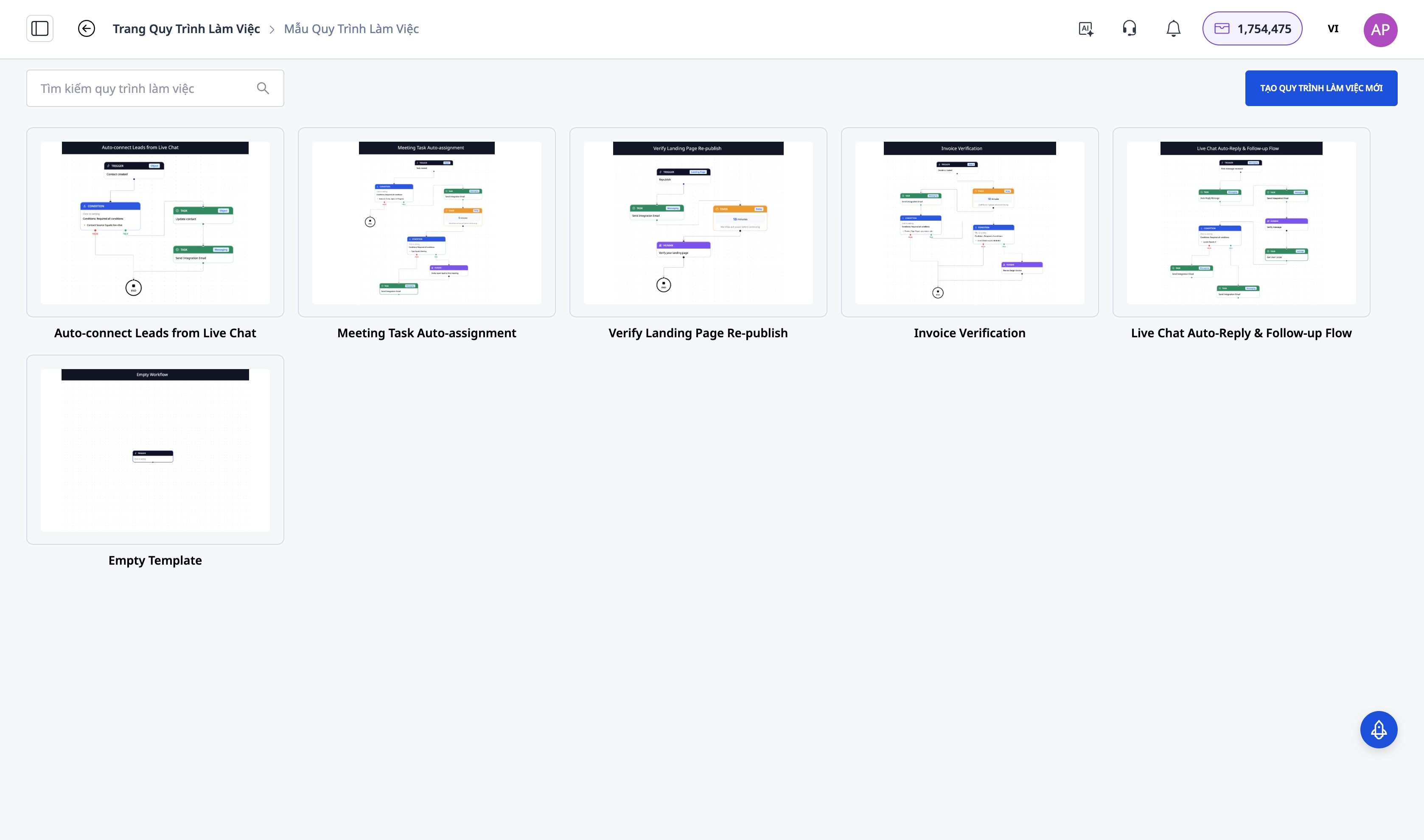
GTG CRM's Automation Builder allows you to create workflows using a visual editor:
- Choose Trigger: New contact, Deal change, Time, Custom event
- Drag and Drop Actions: Send Email, Send Zalo, Wait, If/Then, Create Task
- Personalize: Use merge tags ({name}, {company}, {product})
- Test: Run a trial with 1 contact
- Activate: Workflow runs 24/7
Agency Recommended Packages
| Package | Price | Number of workflows | Suitable for |
|---|---|---|---|
| Basic | 199,000 VND/month | 3 workflows | Freelancer |
| Starter | 449,000 VND/month | 10 workflows | Small Agency |
| Growth | 639,000 VND/month | Unlimited | Medium Agency |
| Professional | 1,029,000 VND/month | Unlimited + advanced | Large Agency |
Conclusion
Automation significantly reduces the manual workload for agencies, such as sending emails, scheduling reminders, and following up with clients. When workflows are set up correctly, many marketing and customer care processes can operate automatically 24/7. With GTG CRM, agencies can build these workflows within a single system, helping to manage leads, customers, and campaigns more effectively without needing multiple separate tools.
Start for Free
36,888 credits → set up the first 3 workflows → see results in the first week.