Every day, media buyers at agencies must:
- Open Facebook Ads Manager → check Facebook campaigns
- Open Google Ads Console → check Google campaigns
- Open Google Sheets → consolidate data from both platforms
- Create reports for clients
Result: 1-2 hours spent daily just on reporting, prone to errors due to manual consolidation.
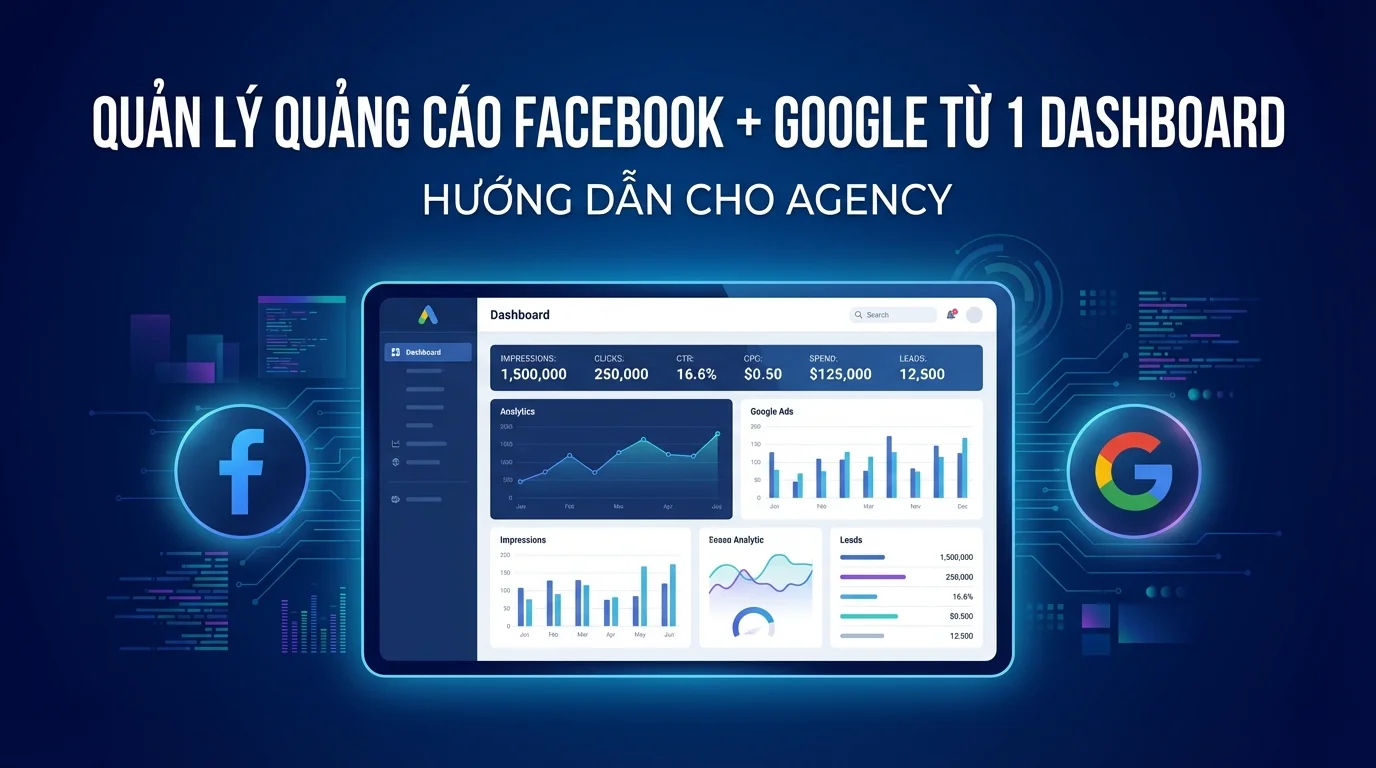
GTG CRM Ads Dashboard — Facebook + Google In 1 Screen
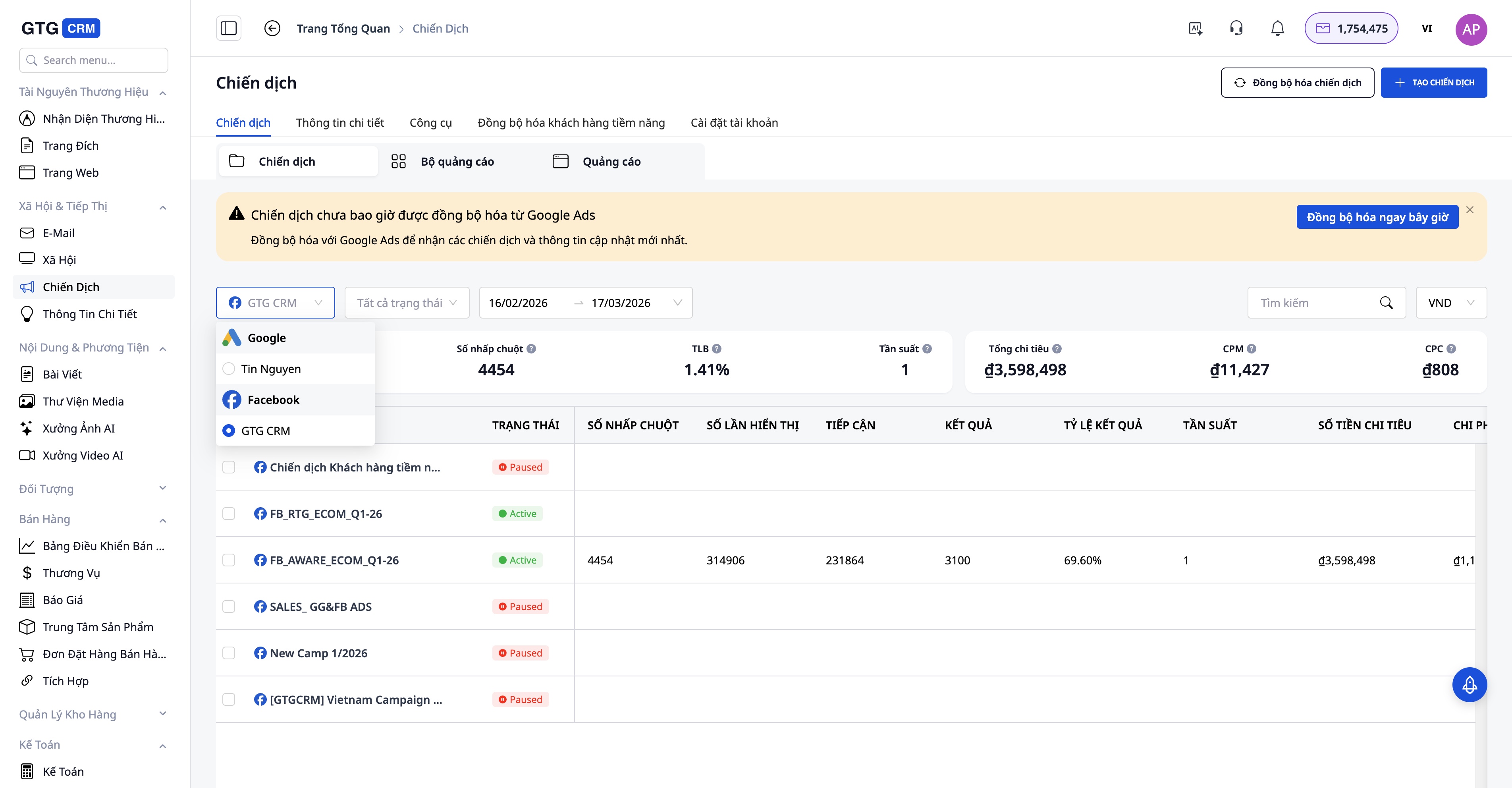
Connect Accounts (One-Time Setup)
- Facebook Ads: Go to GTG CRM → Ads → Connect Facebook Ads Account → Login → Authorize
- Google Ads: Similar process → Connect Google Ads Account → Login → Authorize
After connecting, all campaigns from both platforms are displayed on a single dashboard.
Consolidated Dashboard
One View — All Metrics:
| Metric | Total | ||
|---|---|---|---|
| Impressions | 150,000 | 80,000 | 230,000 |
| Clicks | 3,200 | 2,100 | 5,300 |
| CTR | 2.13% | 2.63% | 2.30% |
| CPC | 4,500đ | 6,200đ | 5,100đ |
| Spend | 14.4M | 13.0M | 27.4M |
| Leads | 120 | 85 | 205 |
| CPL | 120,000đ | 153,000đ | 133,600đ |
Instant Insight: Facebook is cheaper than Google in terms of CPL → should we increase Facebook budget? But Google leads convert better → should we maintain Google? The dashboard connected to CRM gives you the answers.
Create Campaigns From GTG CRM
No need to open separate Ads Managers:
Facebook Campaign:
- GTG CRM → Ads → New Campaign → Facebook
- Select objective (Traffic, Leads, Conversions)
- Setup Audience (location, age, interest)
- Upload Creative (image/video — use AI Image Studio for quick creation)
- Set Budget → Launch
Google Campaign:
- GTG CRM → Ads → New Campaign → Google
- Select type (Search, Display, Shopping)
- Setup Keywords / Targeting
- Write Ad Copy (AI Writer assistance available)
- Set Budget → Launch
CRM Attribution — Know Which Ads Bring Revenue
This is a feature only available when CRM is connected to Ads:
```
Customer clicks Facebook ad
↓
Lands on Landing Page (GTG CRM)
↓
Fills out form → Creates a Contact in CRM
↓
Contact tagged: utm_source=facebook, campaign=sale_tet_2026
↓
Salesperson follows up → Closes deal = 50 million VND
↓
REPORT: Campaign "Sale Tết 2026" → 50 million VND revenue
```
Comparison: Facebook Ads Manager only shows you "120 leads". GTG CRM shows you "120 leads → 15 deals → 750 million VND revenue".
Automated Reporting for Clients
No need to consolidate in Google Sheets:
- Select date range (weekly/monthly)
- Choose metrics to report
- Professional report template
- Send automated emails to clients (weekly/monthly)
Comparison: Separate Management vs. GTG CRM
| Criteria | Separate Facebook + Google | GTG CRM Ads Dashboard |
|---|---|---|
| Number of tabs to open | 2-3 (+ Google Sheets) | 1 |
| Time spent checking/reporting daily | 1-2 hours | 15 minutes |
| Cross-platform comparison | Manual (Sheets) | Automated |
| Know which ads lead to revenue | ❌ | ✅ (CRM attribution) |
| Retargeting from CRM data | ❌ (requires CSV upload) | ✅ Automatic sync |
| AI creative generation | ❌ | ✅ (AI Image Studio) |
| Additional cost | $0 (but costs time) | Included in GTG CRM package |
Agency Workflow - Managing 5 Clients From One Place
```
Client A (Fashion) → Workspace A → Facebook + Google Ads
Client B (Education) → Workspace B → Facebook + Google Ads
Client C (F&B) → Workspace C → Facebook Ads
Client D (Real Estate) → Workspace D → Google Ads
Client E (Spa) → Workspace E → Facebook Ads
```
Each client has a separate workspace → data is isolated → but you manage all from one GTG CRM account.
Pricing
| Plan | Price | Ads Accounts | Suitable For |
|---|---|---|---|
| Basic | 199,000đ/month | 1 FB + 1 GG | Freelancer |
| Starter | 449,000đ/month | Multi accounts | Small Agency |
| Growth | 639,000đ/month | Multi accounts | Medium Agency |
| Professional | 1,029,000đ/month | Unlimited | Large Agency |
GTG CRM does not charge a percentage of ad spend.
Conclusion
Managing ads on multiple separate platforms forces agencies to spend a lot of time consolidating data and makes it difficult to evaluate campaign effectiveness. With GTG CRM, Facebook Ads, Google Ads, and CRM data are displayed on the same dashboard, allowing for clearer performance and revenue tracking. This enables agencies to optimize their budgets faster and significantly reduce daily reporting time.
Get Started Now
- Register for GTG CRM → 36,888 free credits
- Connect Facebook Ads Account (2 minutes)
- Connect Google Ads Account (2 minutes)
- View all campaigns in one dashboard