GTG CRM: Live Chat Directly On Your Landing Page

GTG CRM Team · GTG CRM
June 05 2025
Table of Contents
1. Chatting with website visitors shouldn't be that difficult.
You've invested a budget to drive traffic to your landing page. They visit, get interested, and then... they go silent.
Are they leaving? Do they need to ask something? Are they preparing to buy something?
Without a live chat channel, you're missing out on the most promising potential customers every day.
Most current chat tools are too complex, disconnected from CRM, or difficult to manage. As a result, opportunities are missed without you even realizing it. That's unfortunate and shouldn't happen.
What if customers could message you directly from your landing page, and you could respond to them instantly, right within GTG CRM ?
2. Delayed response = Lost revenue
Timing is crucial in business. When a customer is browsing your page and has a question, that's the "golden moment." Missing this moment means you're losing an opportunity.
But a cumbersome chat tool that forces you to open multiple tabs, causing you to miss replies or messages, not only leads to lost sales but also erodes trust.
Customers expect an immediate response. If not you, then your competitor.
3. Introduction: GTG Live Chat - Live chat and management in a single place
GTG Live Chat lets you chat with customers as soon as they land on your landing page – and manage the entire conversation in a single dashboard.
- No additional tools are needed.
- No complex integration
- No worries about missing anything.
Main features:
- Live chat when visitors access the chat box on the landing page.
- Respond and manage directly within the Messaging function.
- Customize the chat button: color, shape, greeting message, etc.
- Paste the Vanilla JS code snippet into any other website and it will work immediately.
- Automatically save chat contacts to the CRM, assign them to handle the conversation, or schedule follow-up.
GTG Live Chat is a direct link between customer curiosity and purchasing action.
4. Step-by-step guide: How to use GTG CRM's Live Chat, even right on your website.
Step 1: Log in to GTG CRM
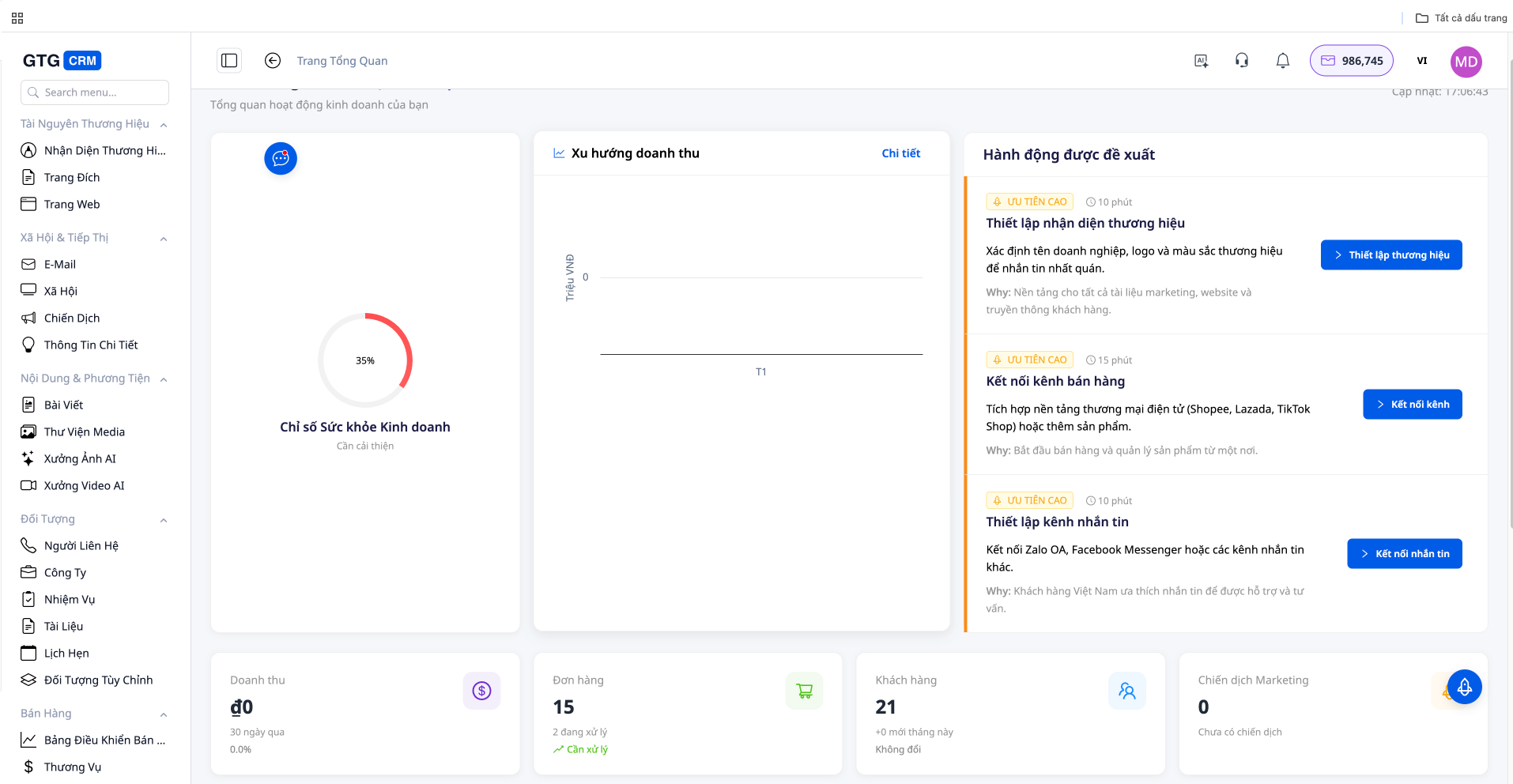
Access your GTG CRM account (it's completely free). Everything you need is right in the left-hand toolbar.
Step 2: Respond to customer messages.
Go to Messaging → Messaging
Open your inbox and respond to each message.
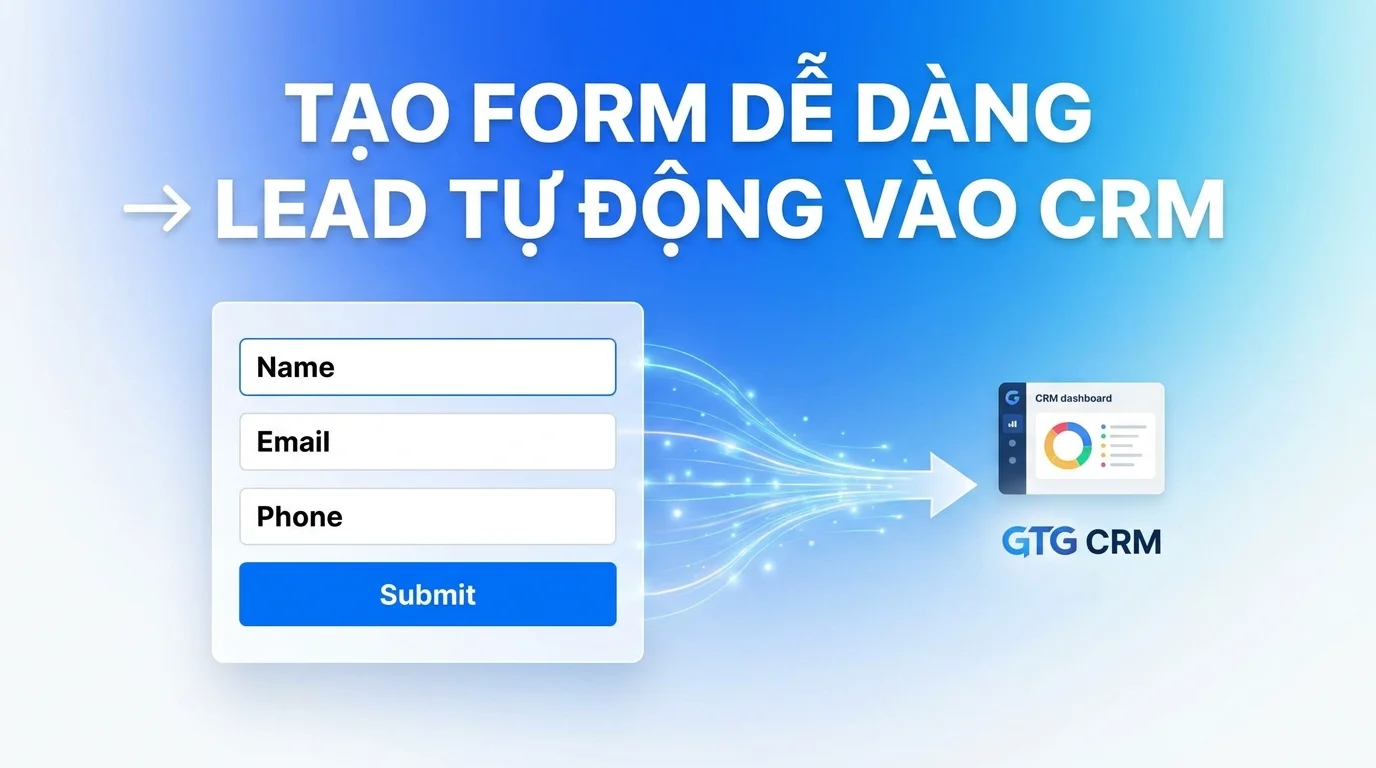
Useful information: Customer information will be automatically saved to your CRM as soon as they submit a form from your landing page.
Step 3: Customize the chat button
Go to Messaging → Live Chat
You can:
- Change the greeting and message content.
- Change button color, background, avatar, and chat icon.
- Copy the Vanilla Script code and install it on any website.
Step 4: Use Live Chat on your website.
No website? No problem.
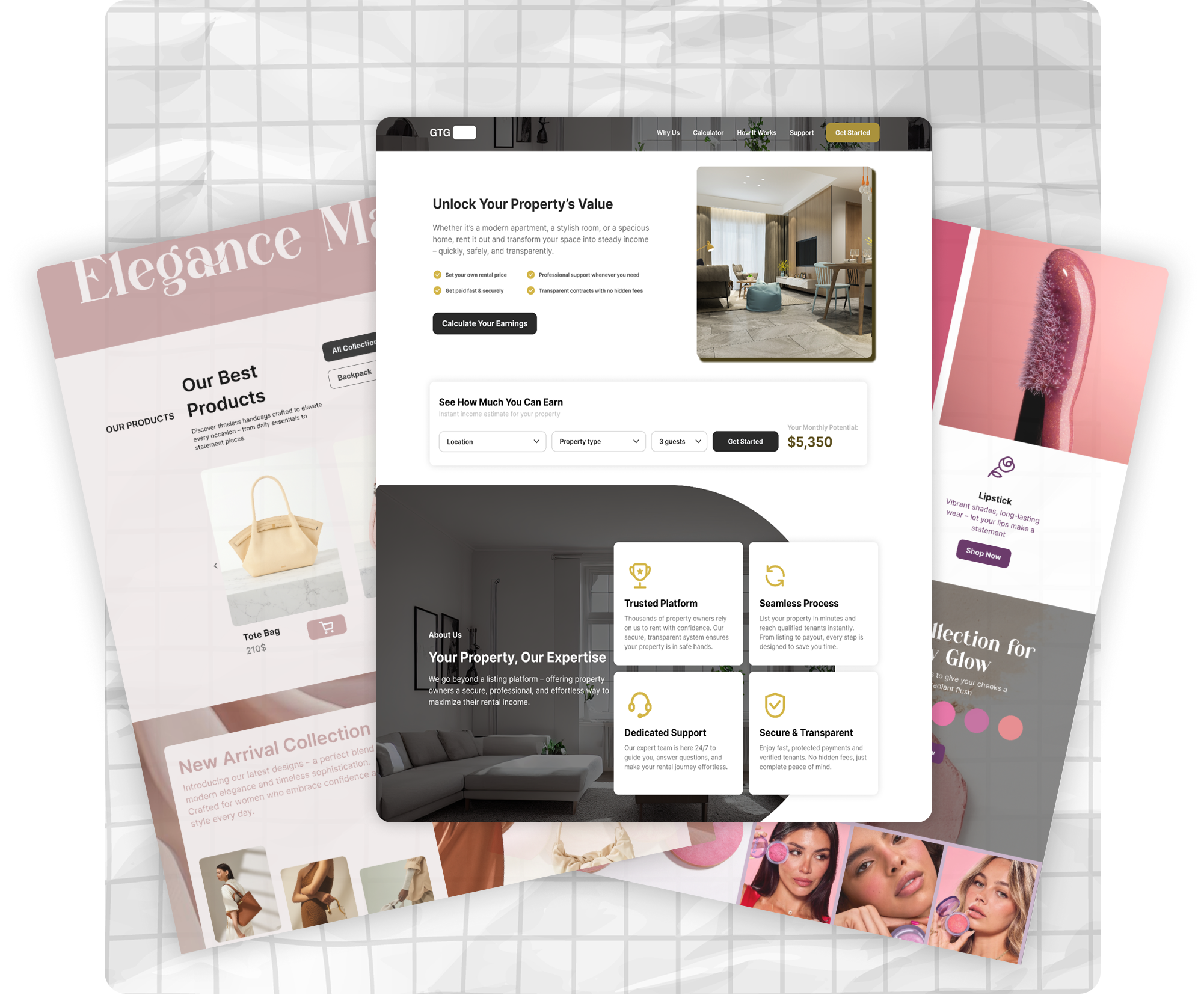
Live Chat still works well on landing pages created using GTG CRM's template library.
Alternatively, if you have your own website, after customizing the chat button to your liking, simply copy the script and paste it into your website's source code. Then you can use GTG's Live Chat function directly on your website.
5. More than just Live Chat: Discover more features of GTG CRM
GTG CRM is an all-in-one platform, including:
- Landing Page Templates: Professional Sales Landing Pages
- Email Builder: Create ready-made marketing emails
- Social Posting: Post on social media with AI-generated SEO-optimized content.
- Ad Campaign Running: Run effective ads, integrate AI to generate SEO-optimized content.
- Automatic CRM: Automated lead management and classification
- Omni-channel Messaging: Multi-channel communication in a single page
- Live Chat: A live chat function integrated directly into the website.
You no longer need to open 10 tabs at once – everything in a single platform.
6. Conclusion: Turn clicks into conversations – and into revenue.
In today's fast-paced digital world, customers aren't waiting for a response from you within a few hours.
GTG Live Chat helps you respond instantly, build trust, and increase conversion rates when customers need you most.
Whether you manage one site or multiple websites, GTG Live Chat helps you convert passive traffic into active customers.
Try GTG CRM for free today.
Maybe You Should Read These

Messaging & Live Chat

24/7 AI Chatbot
AI Chatbot
Build Landing Pages
Form Builder
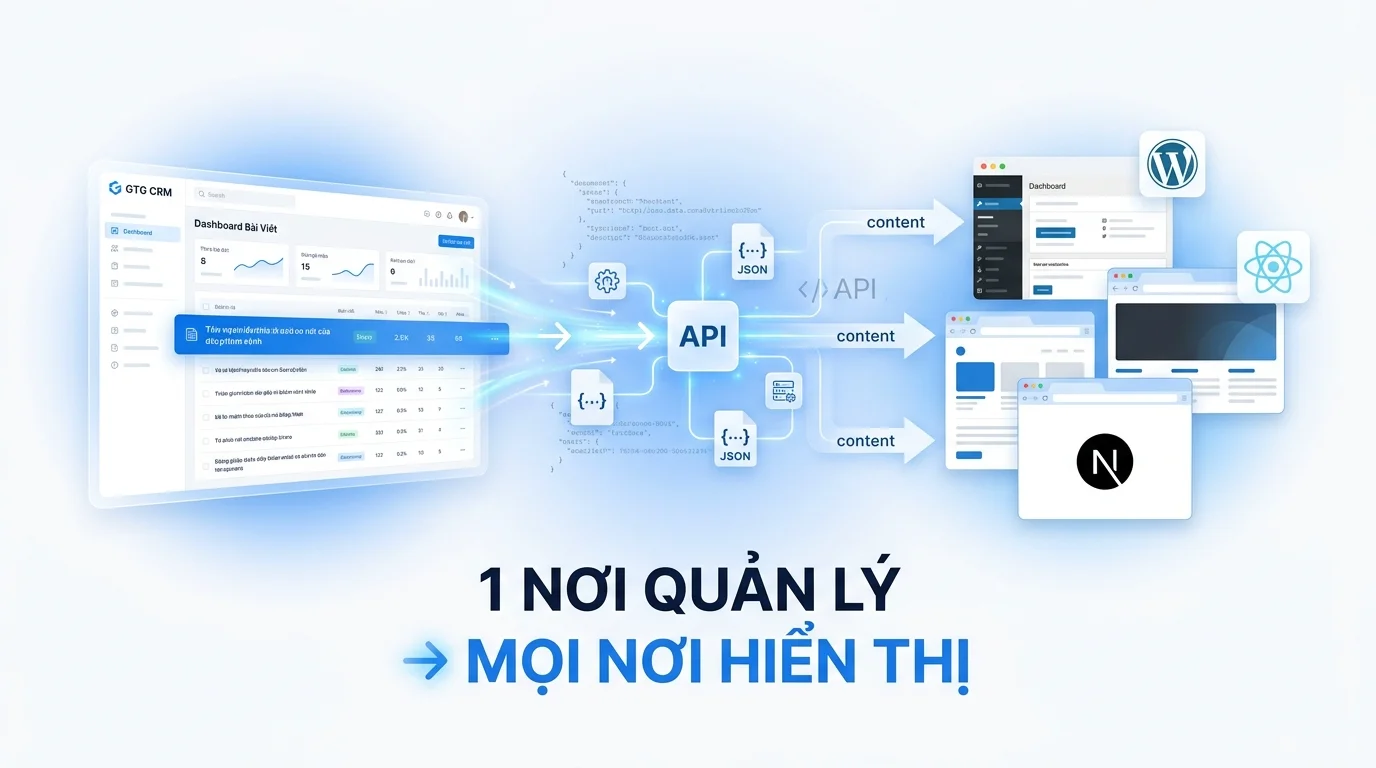
Article Integration

Website in GTG CRM
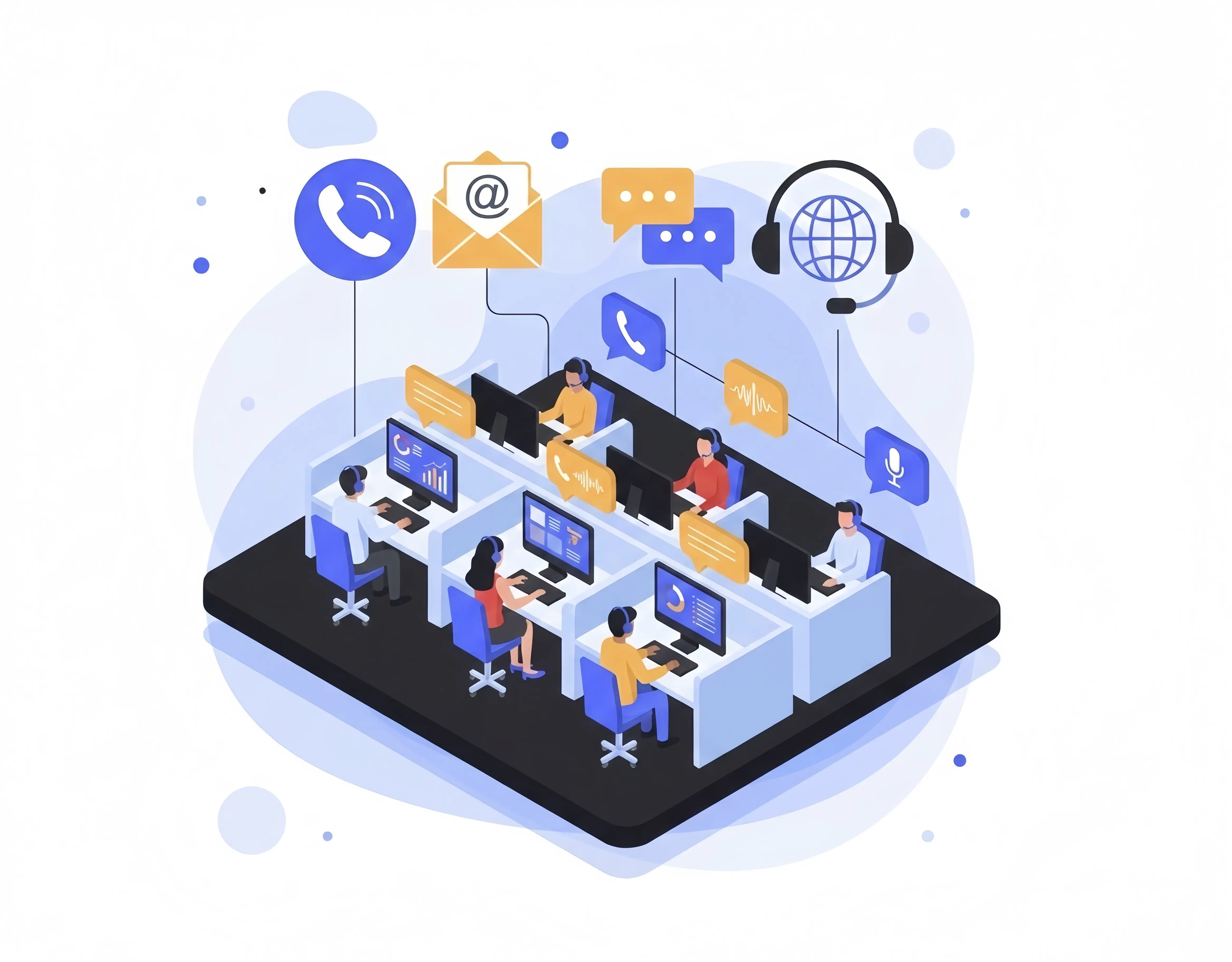
Customer Care Call Center Solution
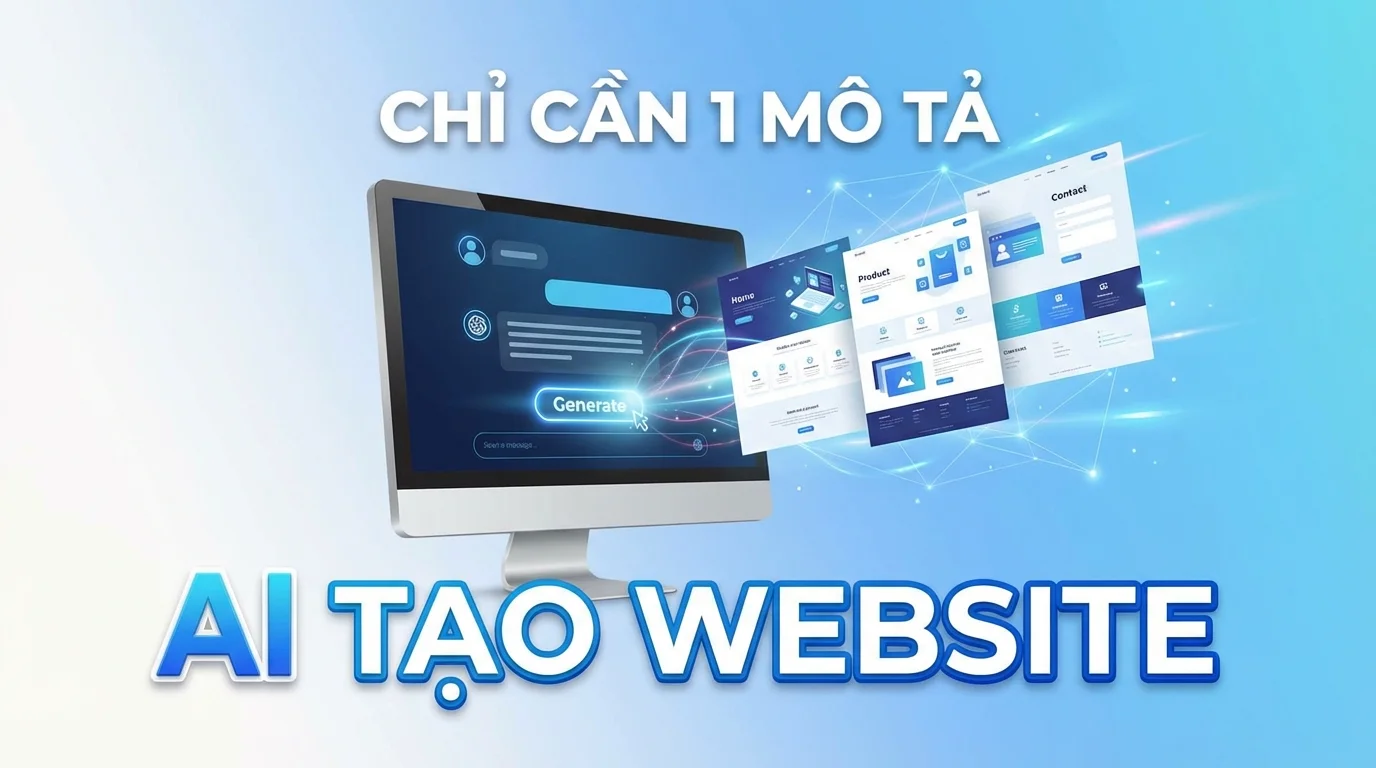
AI Website Builder

Comprehensive sales solution for retailers
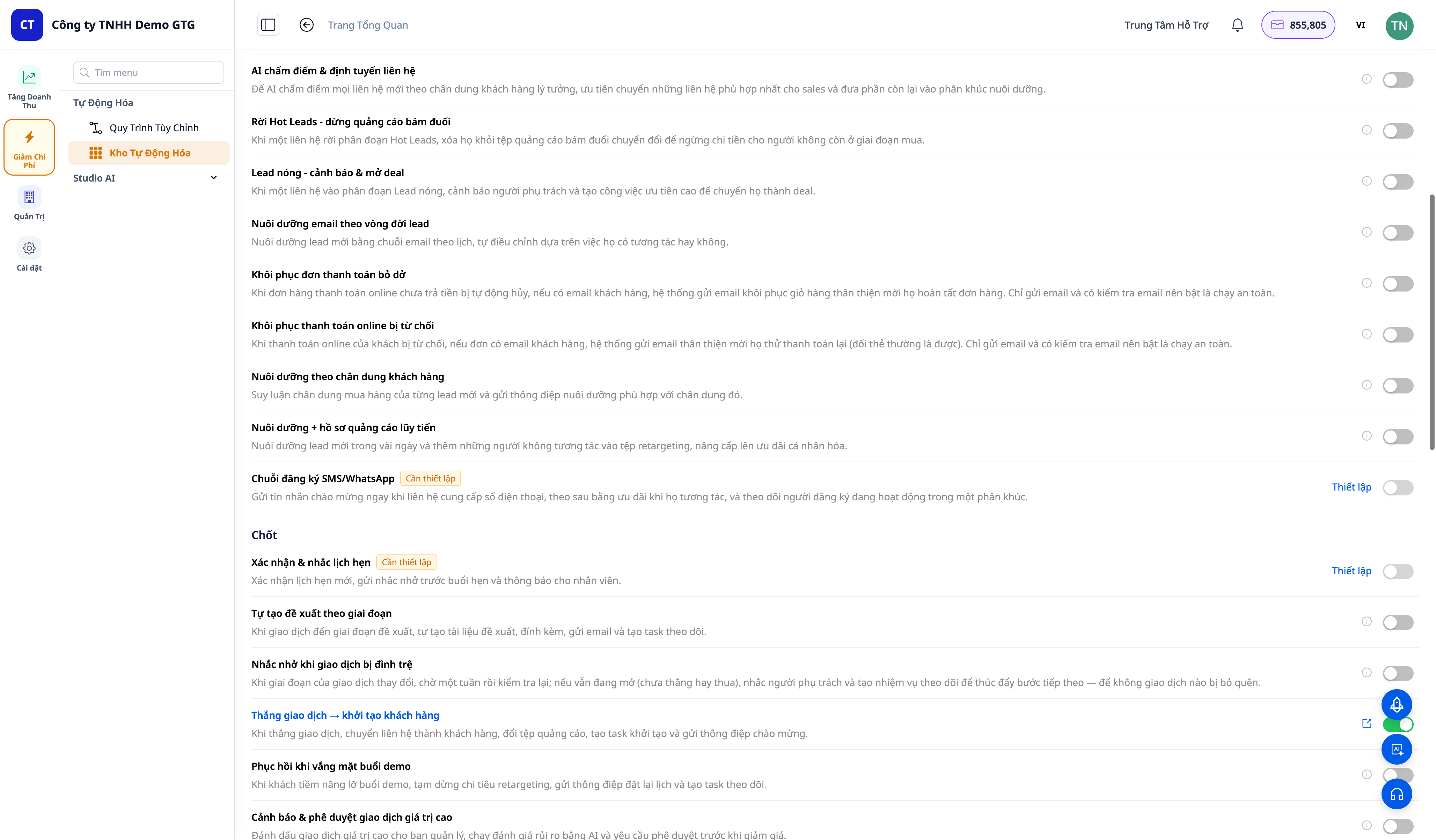
30+ One-Tap Revenue Growth Playbooks — Cart Recovery, Failed Payment Rescue, Win-Back, Lead Nurturing, Post-Purchase Service