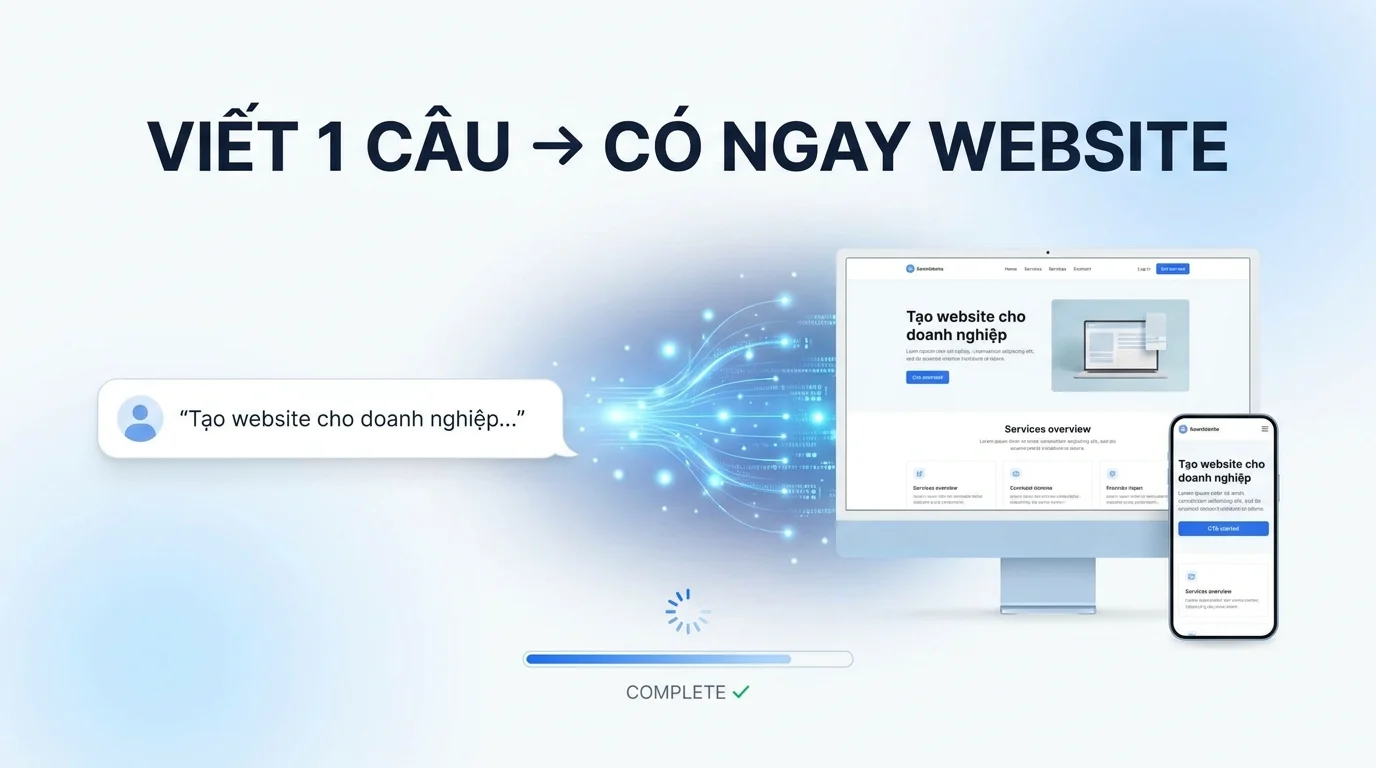
AI 全站生成功能是一个自动化工具,可帮助您在几分钟内为企业构建完整的网站。您无需聘请设计师、开发人员并花费数周时间来获得一个专业的网站,现在您只需提供企业基本信息,AI 即可生成功能齐全、SEO 优化且在所有设备上都能响应的网站。
主要功能
- 仅需提供企业基本信息即可自动生成完整网站
- 简单的 2 步向导(行业 + 风格)
- AI 生成带自动导航菜单的页眉/页脚
- 自动品牌识别(颜色、徽标、字体)
- 创建前检查信用点 - 清楚了解费用,不会中断
- 恢复流程 - 如果连接中断,可从中断处继续
- 从一开始就优化 SEO
- 自动响应式(桌面、平板电脑、手机)
- 从任何 URL 引用设计
- 如果不满意,可以重新生成每个部分
步骤 1:访问 AI 全站生成功能
登录 GTG CRM → 在侧边栏中转到“网站”部分 → 点击““新建网站””按钮 → 选择““AI 生成””选项卡。
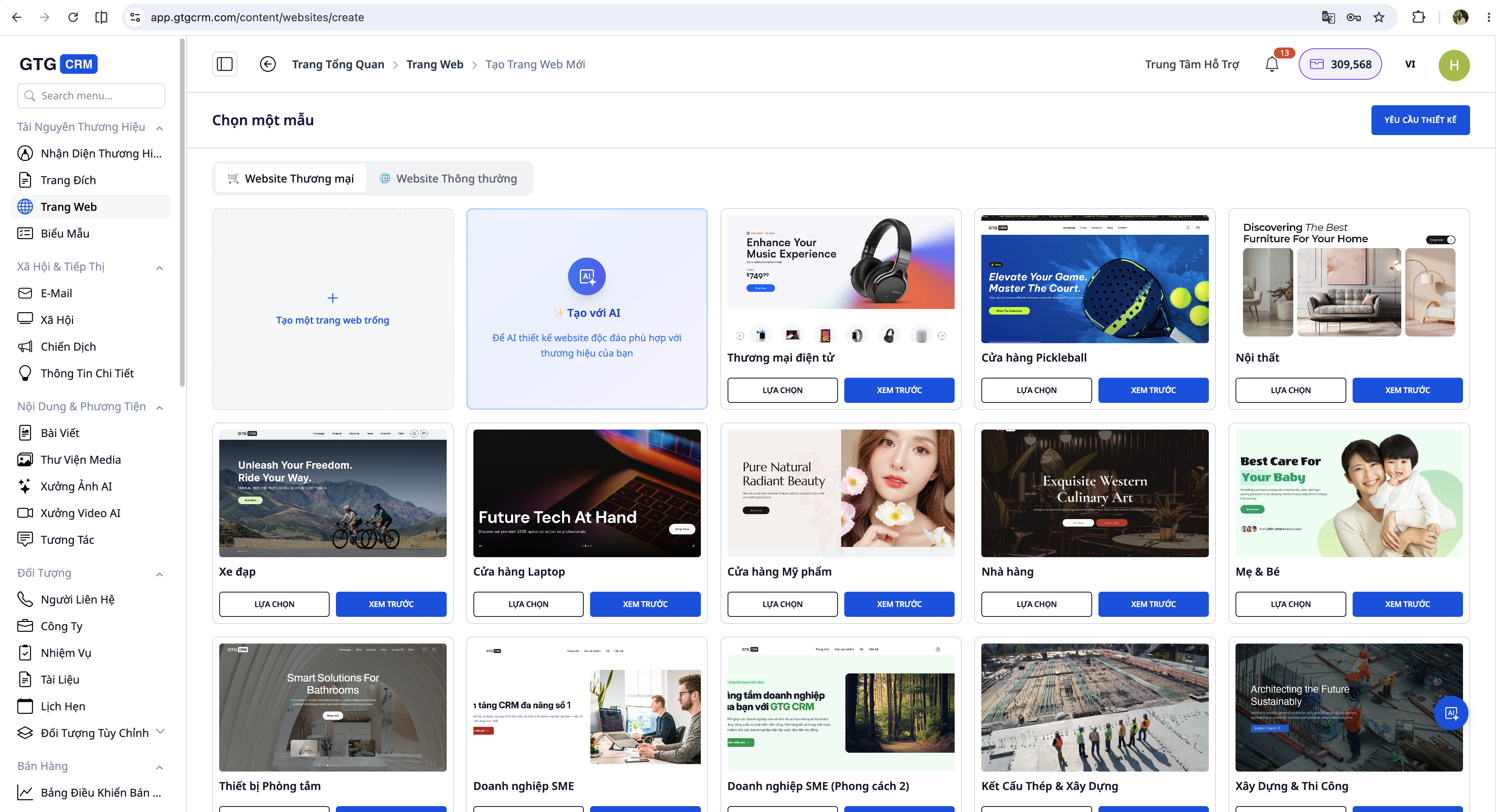
选择网站类型
在填写信息之前,请选择合适的网站类型:
| 类型 | 适用对象 | 特殊功能 |
|---|---|---|
| 电子商务网站 | 在线商店,销售产品 | 购物车,支付,产品目录 |
| 常规网站 | 服务,作品集,介绍 | 联系表单,信息展示 |
步骤 2:创建前检查信用点
在开始之前,系统会显示费用估算表:
┌─────────────────────────────────────────┐
│  网站创建费用                           │
│                                         │
│  电子商务网站:   2,500 信用点         │
│  当前信用点:      3,200 信用点         │
│  创建后剩余:        700 信用点         │
│                                         │
│  [✓ 信用点充足 — 开始创建]          │
└─────────────────────────────────────────┘
如果信用点不足,系统将通知您,并且不会开始创建:
┌─────────────────────────────────────────┐
│  ⚠️ 信用点不足                        │
│                                         │
│  需要:2,500 信用点                    │
│  当前拥有:800 信用点                  │
│  还差:1,700 信用点                   │
│                                         │
│  [购买更多信用点]  [取消]             │
└─────────────────────────────────────────┘
参考费用: - 完整的电子商务网站:2,500 信用点 - 简单的登录页面:500 信用点
步骤 3:填写企业信息
步骤 3.1:行业和内容
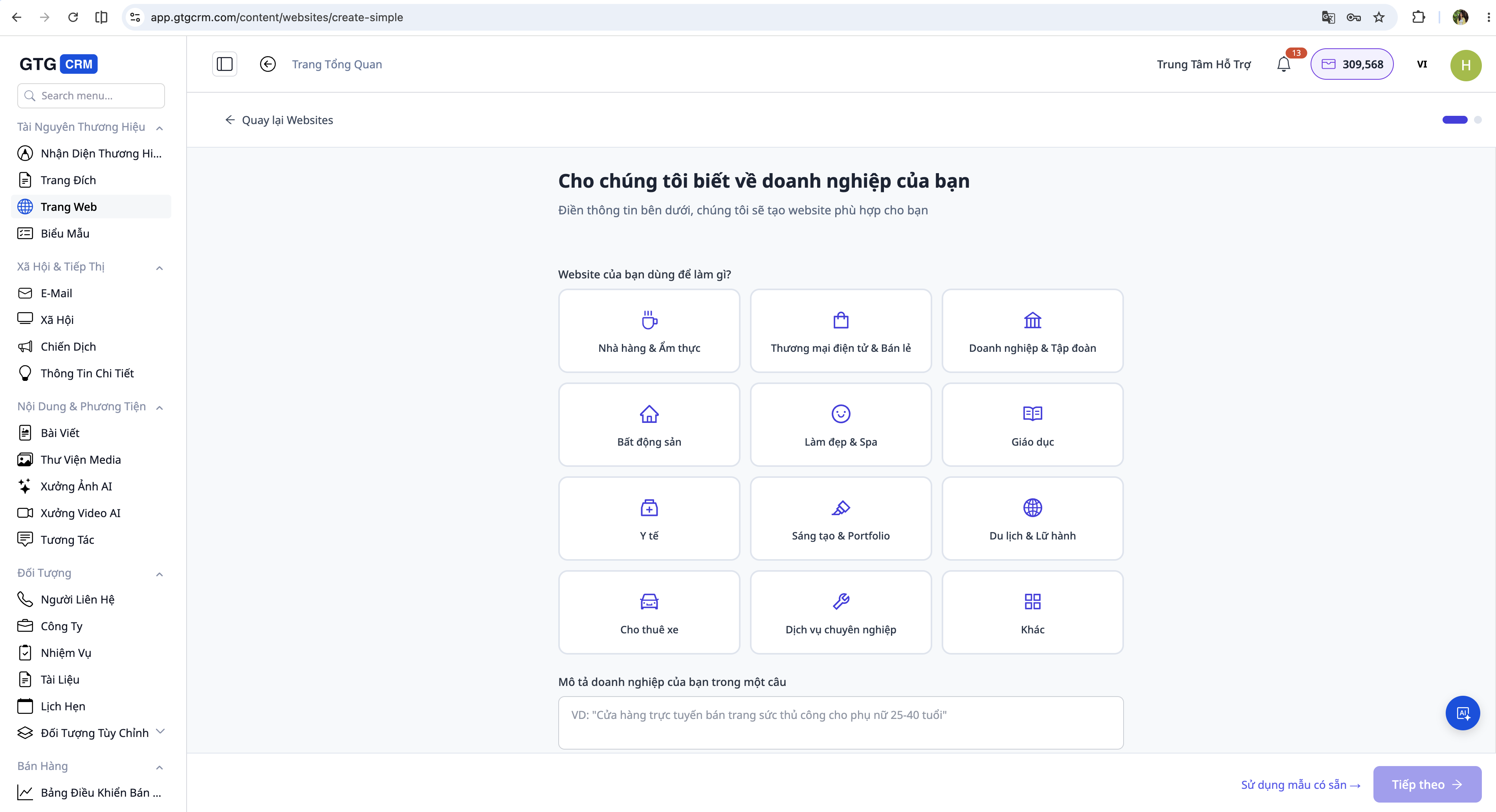
必填信息: - 公司名称和标语(如果适用) - 业务行业 - 从列表中选择或自由输入 - 简短描述 - 2-3 句话介绍您的业务 - 主要产品/服务 - 列出最重要的 3-5 种产品/服务 - 联系信息 - 电话号码、电子邮件、地址 - 希望包含的页面 - 从以下选项中选择:首页、关于我们、产品、服务、博客、联系方式
可选信息(有助于提高网站的准确性): - 网站目的(销售/介绍/预约/作品集) - 网站语言(越南语/英语) - 目标客户群体(年龄段、行业群体)
第 3.2 步:风格与参考
设计风格: - 选择主色调(如果已设置,将自动从品牌标识中获取) - 选择设计灵感:年轻 / 奢华 / 专业 / 友好 / 简约
来自现有网站的参考(可选):
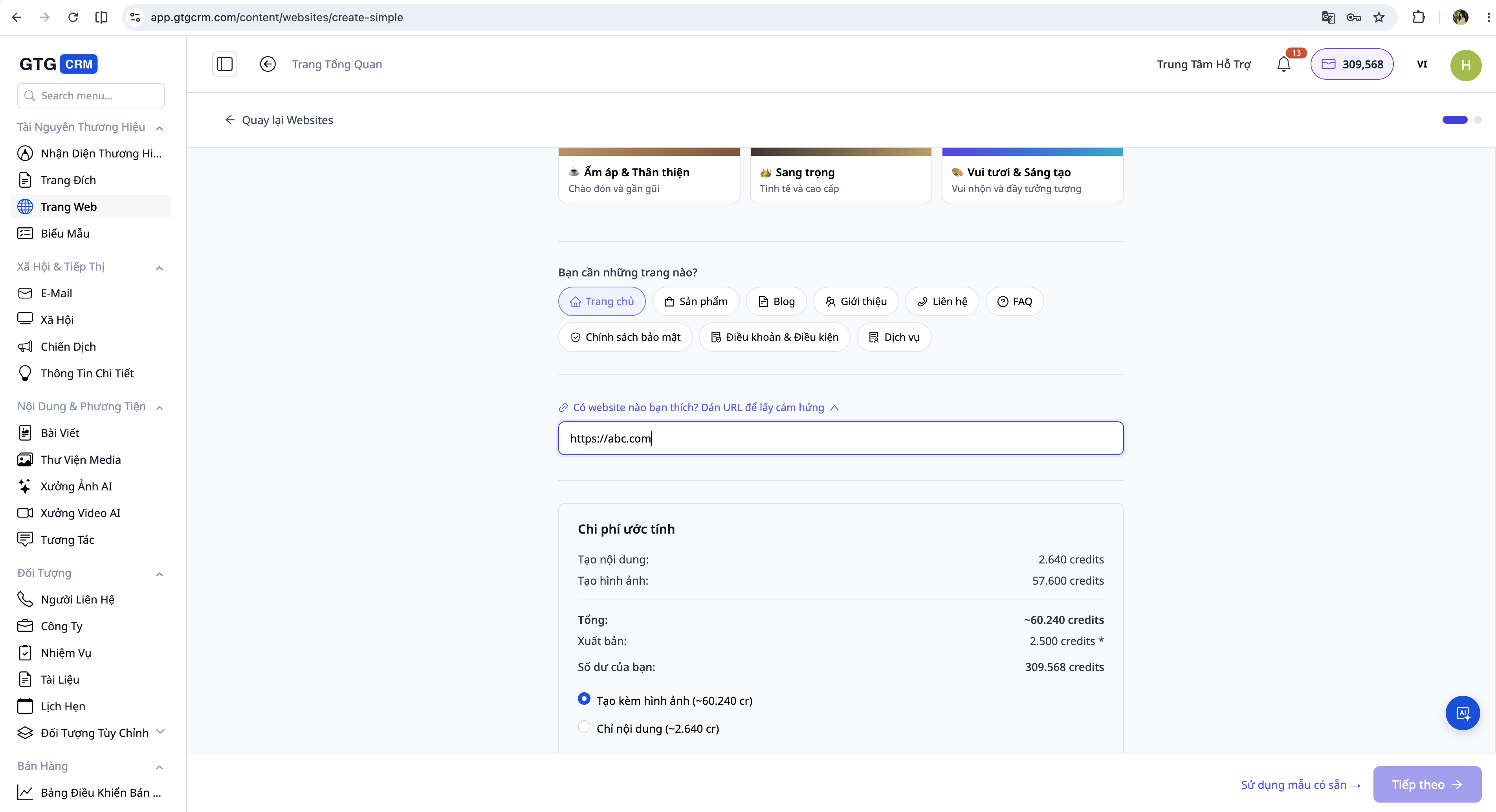
粘贴任何您喜欢的网站的 URL → AI 将分析其风格并将其应用于您的网站。这是在无需冗长描述的情况下快速获得满意网站的方法。
填写完毕后 → 点击 “下一步”。
第 4 步:自动品牌识别
如果您在 GTG CRM 中设置了 品牌标识,AI 将自动应用:
| 品牌标识信息 | 应用于网站 |
|---|---|
| Logo | 页眉、页脚、favicon |
| 主色调 | 按钮、标题、高亮 |
| 辅助色 | 背景、边框、装饰 |
| 字体 | 所有文本内容 |
没有品牌标识? 请在创建网站之前进入 设置 → 品牌识别 进行设置。网站将与您的其他营销材料风格保持一致。
第 5 步:跟踪 AI 生成网站
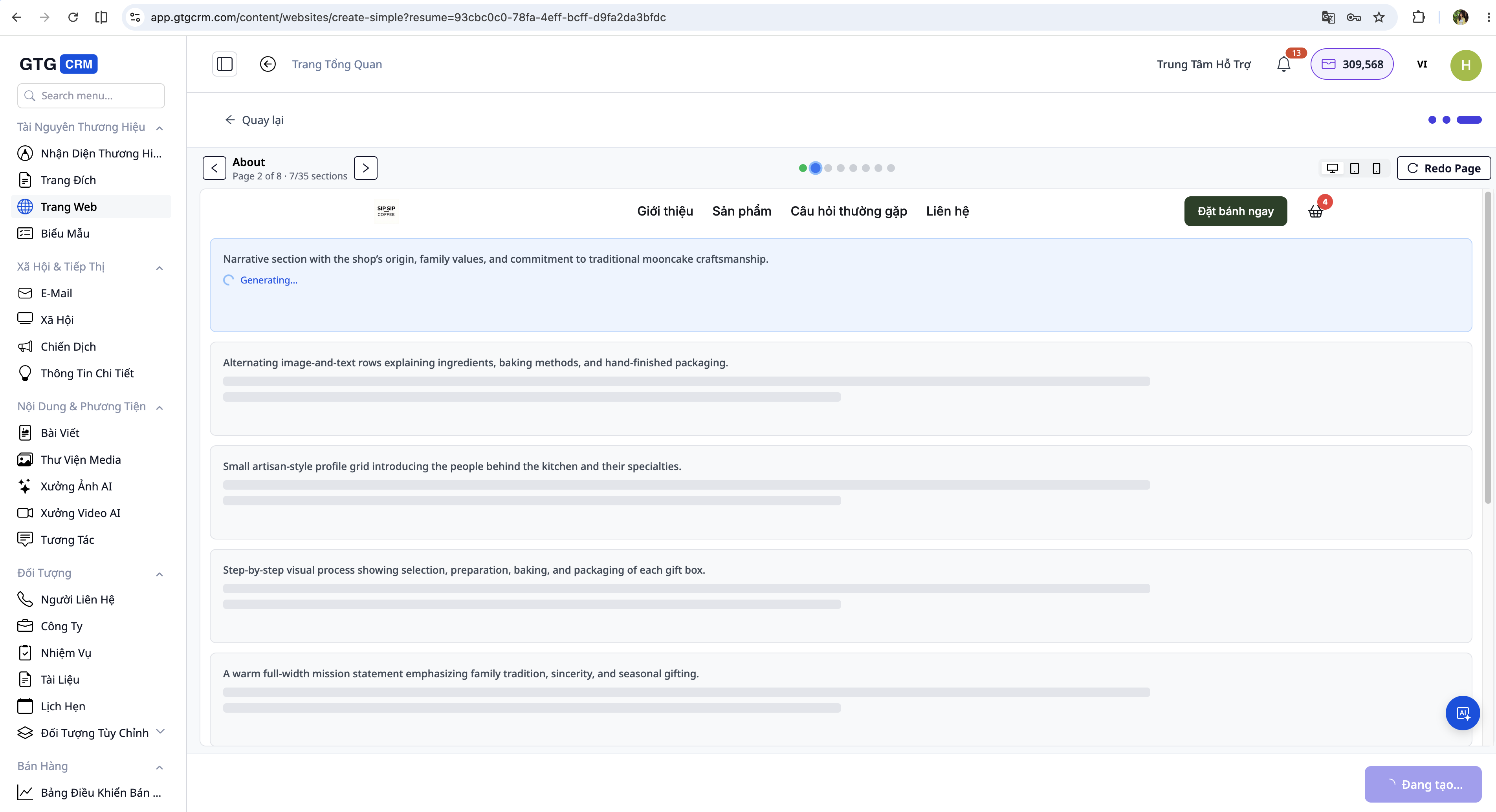
AI 生成网站的过程对于小型网站(1 到 3 页)通常需要 1-2 分钟,页面更多的网站会需要更长时间。您可以跟踪: - 总体进度条 - 正在生成的每个部分 - 正在处理的页面和区域名称
在等待期间,AI 将执行以下操作: 1. 分析行业 → 选择合适的设 2. 创建带有导航菜单的页眉和页脚 3. 为每个页面生成内容(主页、关于我们、产品等) 4. 根据您的 CRM 数据创建示例产品(如果可用) 5. 对所有页面进行 SEO 优化 6. 确保在所有设备上响应式显示
第 6 步:恢复流程 - 如果中断则继续
如果过程被中断(停电、关闭标签页、断开连接),请勿担心。GTG CRM 已自动保存进度。
返回未完成的网站时
系统将显示通知:
┌─────────────────────────────────────────────┐
│  ↩️ 网站创建未完成                     │
│                                             │
│  AI 已创建 6/12 个部分               │
│  页面:主页 ✅,关于我们 ✅         │
│  未完成:产品,博客,联系方式          │
│                                             │
│  [继续创建]  [重新开始]            │
└─────────────────────────────────────────────┘
- “继续创建” → AI 只会创建剩余的部分,已完成的部分不消耗积分
- “重新开始” → 完全重新创建网站(消耗的积分与首次相同)
注意:如果您在 2 台不同的设备上打开同一网站,同一时间只能有 1 台设备进行创建。如果旧会话在 5 分钟内未活动,新会话将自动接管。
第 7 步:预览和检查网站
当 AI 完成时,您将看到完整的预览界面:
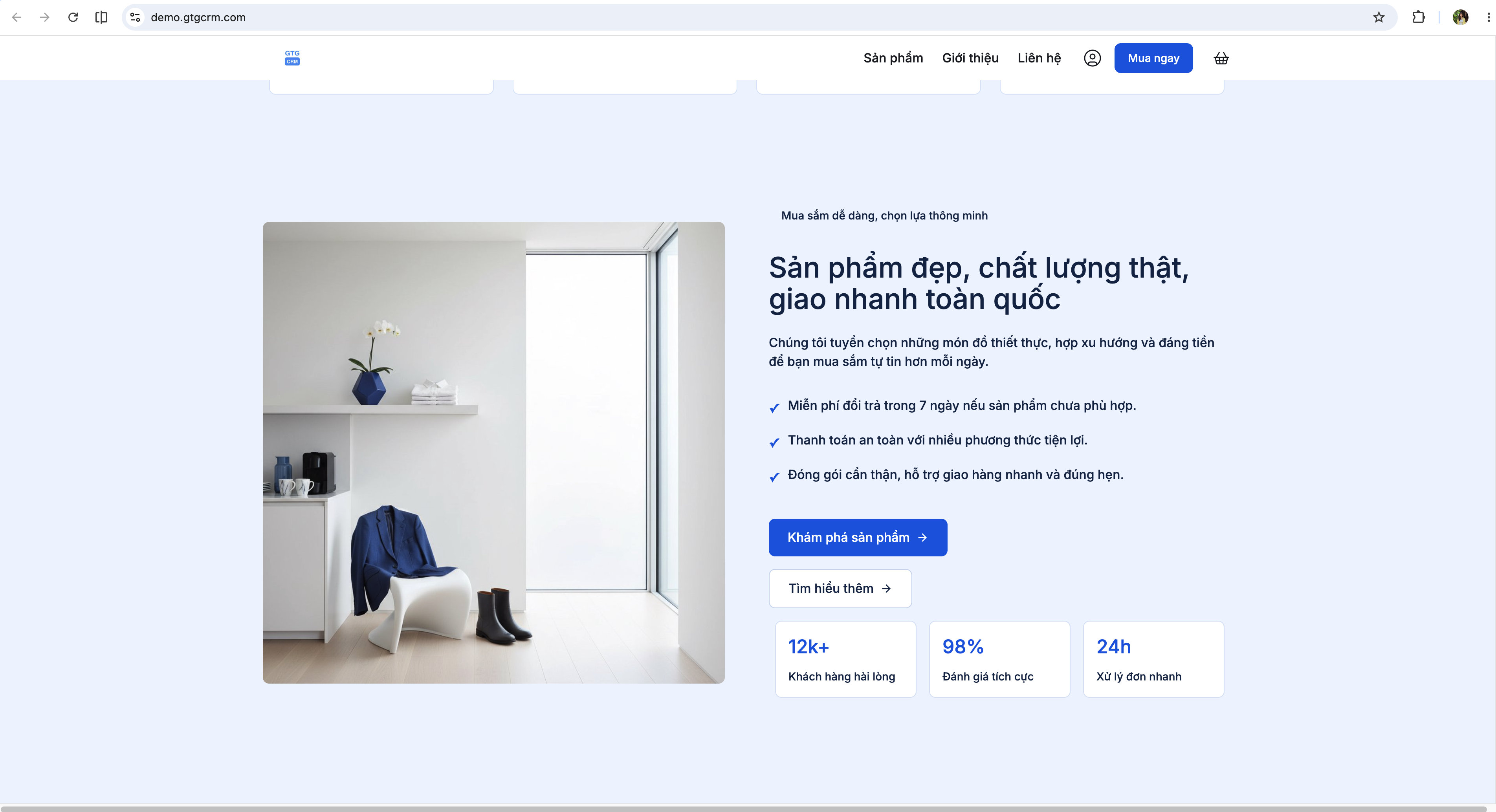
Checklist: - Header: correct logo, complete menu, clear CTA - Homepage: engaging hero section, correct message - Products/Services: accurate information, suitable images - About Us: brand story aligned with positioning - Contact: correct phone number, address, email - Footer: quick links, social links, copyright - Mobile: preview on phone
Step 8: Customize Content (if needed)
If any part needs adjustment, you have two options:
Option 1: Regenerate section
Click on the section you want to recreate → press "Regenerate" → the AI will generate a new version of that section. Repeat until satisfied.
Option 2: Manual Editing
Click on each element on the page to edit: - Change text, titles, descriptions - Replace placeholder images with your actual business images - Adjust colors and fonts - Add or remove sections - Edit contact information
All edits are automatically saved and displayed immediately in the preview.
Step 9: Publish Website
Once satisfied → click the "Publish" or "Launch Website" button.
The system will ask about publishing configuration: - Domain name: free subdomain (yourcompany.gtg.in) or connect your own domain - Meta SEO: page title, description, keywords - Tracking: Google Analytics, Facebook Pixel (if available)
After confirmation, the website will go live in seconds.
Step 10: Manage and Update Website
After publishing, you can: - Edit content anytime - Add or delete new pages - View traffic statistics - Recreate the website entirely with a new style - Connect your own domain
All changes are automatically saved and can be published again immediately.
Important Notes
Regarding Input Information: The quality of your website depends on the information you provide. Fill in all business details accurately and completely. The more detailed the information, the better the result.
Regarding Brand Identity: Setting up your Brand Identity before creating the website helps the AI automatically apply your brand colors and logo — saving you editing time later.
Regarding Images: The automatically generated website will use illustrative images. For a professional look, replace these with your actual business images during the customization step.
Regarding Domain Names: A free subdomain is suitable for testing. To increase credibility, it is recommended to register a custom domain name for your business.
Regarding Resume Flow: The progress is automatically saved during the creation process. If interrupted, find the website with the 🔄 status in the list and click "Continue Creating".
Frequently Asked Questions
Q: How many credits do I need to create a website? A: A full commercial website requires 2,500 credits. A simple landing page requires 500 credits. The system will display the exact cost before you start.
Q: What if I close the browser midway, will I lose everything? A: No. GTG CRM automatically saves the progress for each section. When you return, select "Continue Creating" so the AI can complete the remaining parts without using credits for the completed sections.
Q: How long does it take for the AI to create a website? A: Typically, it takes about 1–2 minutes for a small website (1 to 3 pages). Websites with more pages will take longer. You can monitor the real-time progress on the screen.
Q: Can I create multiple websites? A: Yes. Each website uses its own credits. You can create and manage multiple websites within the same workspace.
问:网站是否进行了 SEO 优化? 答:是的。AI 会为每个页面自动生成 meta title、meta description、heading structure (H1、H2、H3) 和基础的 sitemap。
问:我能否连接自己的域名? 答:是的。在网站于 gtg.in 域名上线后,您可以在网站设置中连接自己的域名。