
Introduktion til Funktioner
Vil du udvide markedet, men ved ikke, hvor du skal starte? Du sidder og googler, scroller på Facebook, kopierer hvert navn ind i en fil — hele eftermiddagen får du et par linjer, og du er ikke engang sikker på, at de er den rigtige målgruppe. At finde nye kunder og partnere skulle være et væksttrin, men det bliver manuelt, tidskrævende arbejde.
Det stopper i dag. GTG CRM har et værktøj til at finde potentielle partnere og kunder: du skal bare beskrive med dine egne ord, hvem du leder efter (branche, område, type), AI-assistenten opdager virkelige virksomheder og kontaktpersoner fra nettet, gemmer søgehistorikken og lader dig importere de mest relevante resultater direkte til Kontakter & Virksomheder i CRM'en. Du får en ren liste på få minutter, knytter en plejeplan til, og begynder at kontakte — alt sammen ét sted.
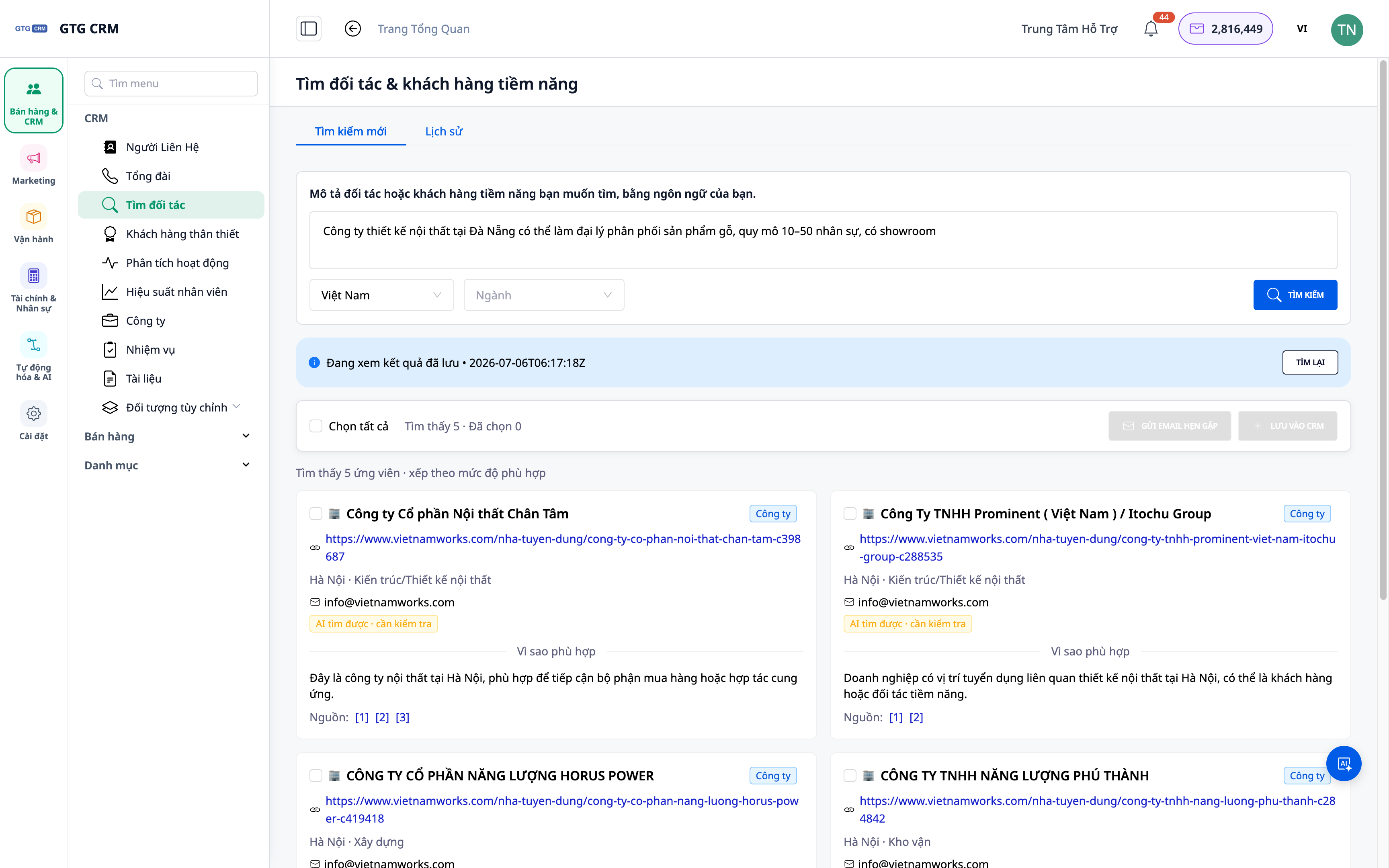
Problemer, Virksomheder Står Overfor
| Gammel Metode | Konsekvens |
|---|---|
| Søge på Google/Facebook og kopiere manuelt | Bruger hele eftermiddagen, data er spredte, let at overse noget |
| Købe løse lister | Forkert målgruppe, forældede data, ineffektivt |
| Kan ikke gemme fundne kontakter | Skal starte forfra næste gang |
| Lister er uden for CRM | Kan ikke knytte plejeplaner til, let at miste muligheder |
GTG CRM samler søgning — lagring — import — pleje i en enkelt arbejdsgang direkte i den CRM, du allerede bruger.
Højdepunkter
1. Beskriv med ord, AI finder virkelige virksomheder & personer
Skriv dit behov med naturligt sprog (f.eks. "kaffekæde i Ho Chi Minh-byen, der har brug for emballageleverandør" eller "interiørvirksomhed i Hanoi"). AI returnerer en liste over virkelige virksomheder/kontaktpersoner fra nettet.
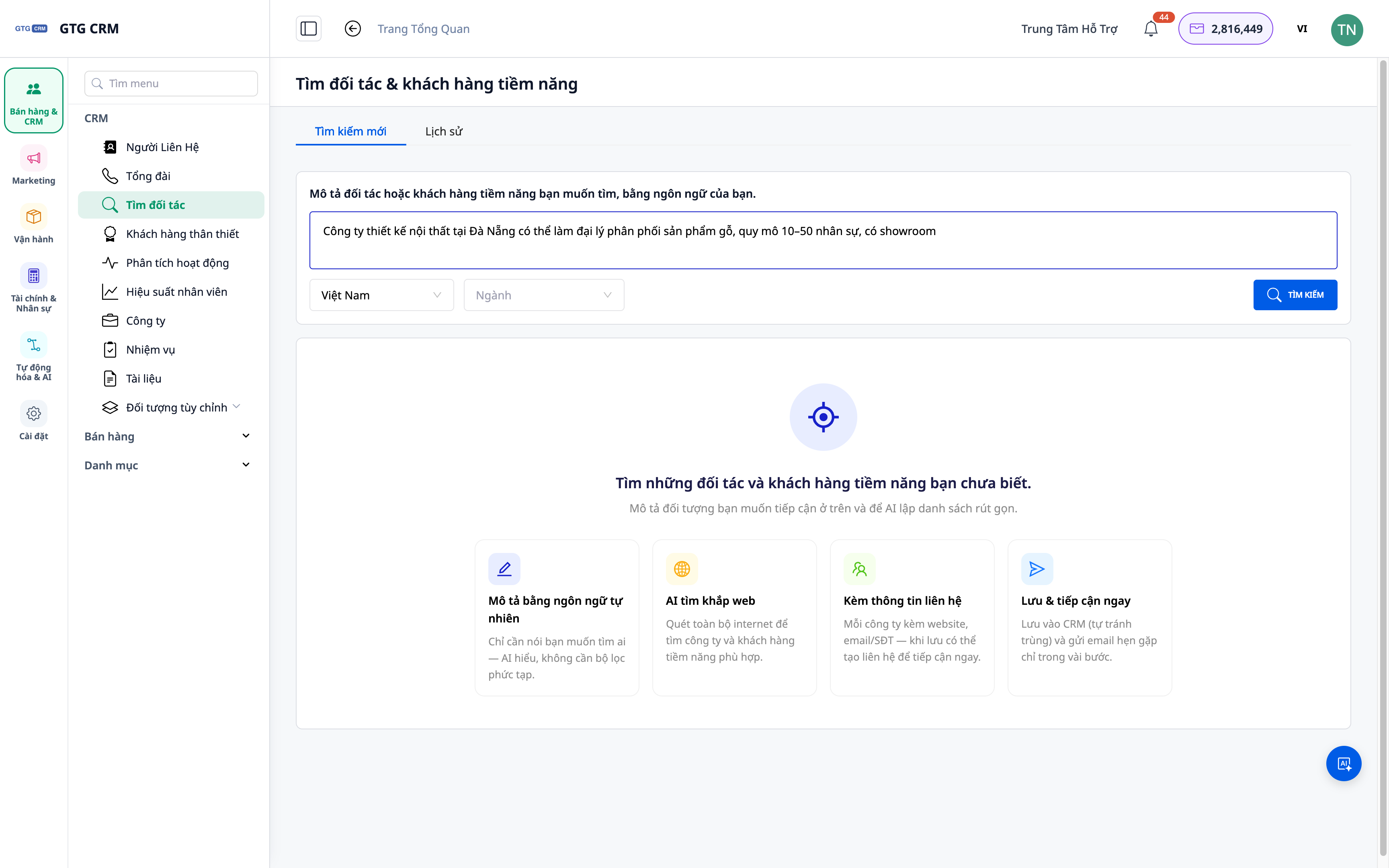
- Funktion: søgning med naturlig sprogbeskrivelse.
- Fordel: ingen behov for komplekse søgeforespørgsler — tal som du tænker.
2. Resultater inkluderer både virksomheder og kontaktpersoner
Listen, der returneres, indeholder ikke kun firmanavne, men også relevante kontaktpersoner, hvilket hjælper dig med at kontakte den rigtige person.
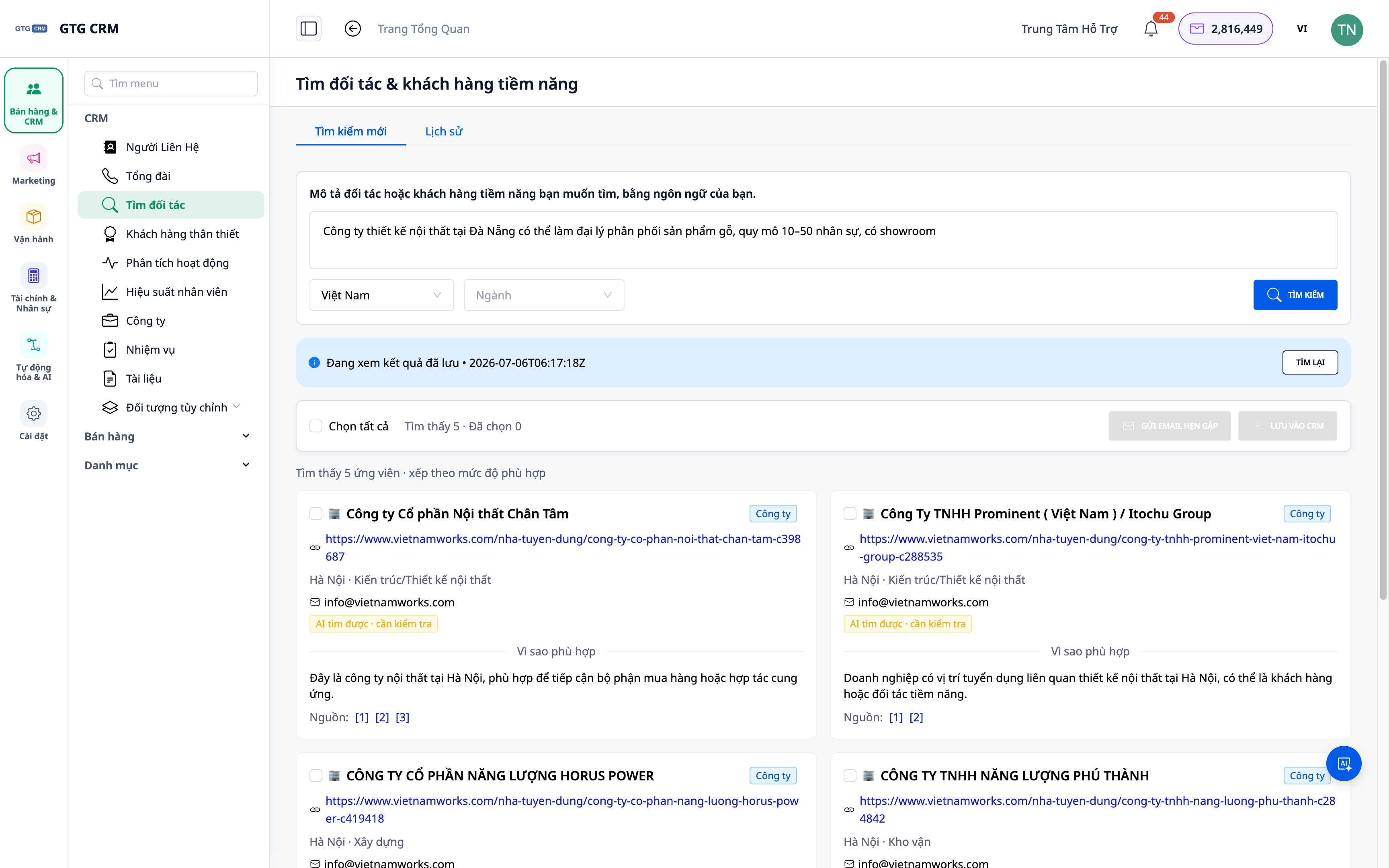
- Funktion: resultater på virksomheds- og personniveau.
- Fordel: forkorter vejen til beslutningstageren.
3. Gem søgehistorik — se og kør igen
Hver søgning gemmes: du kan åbne gamle resultater eller køre forespørgslen igen når som helst.
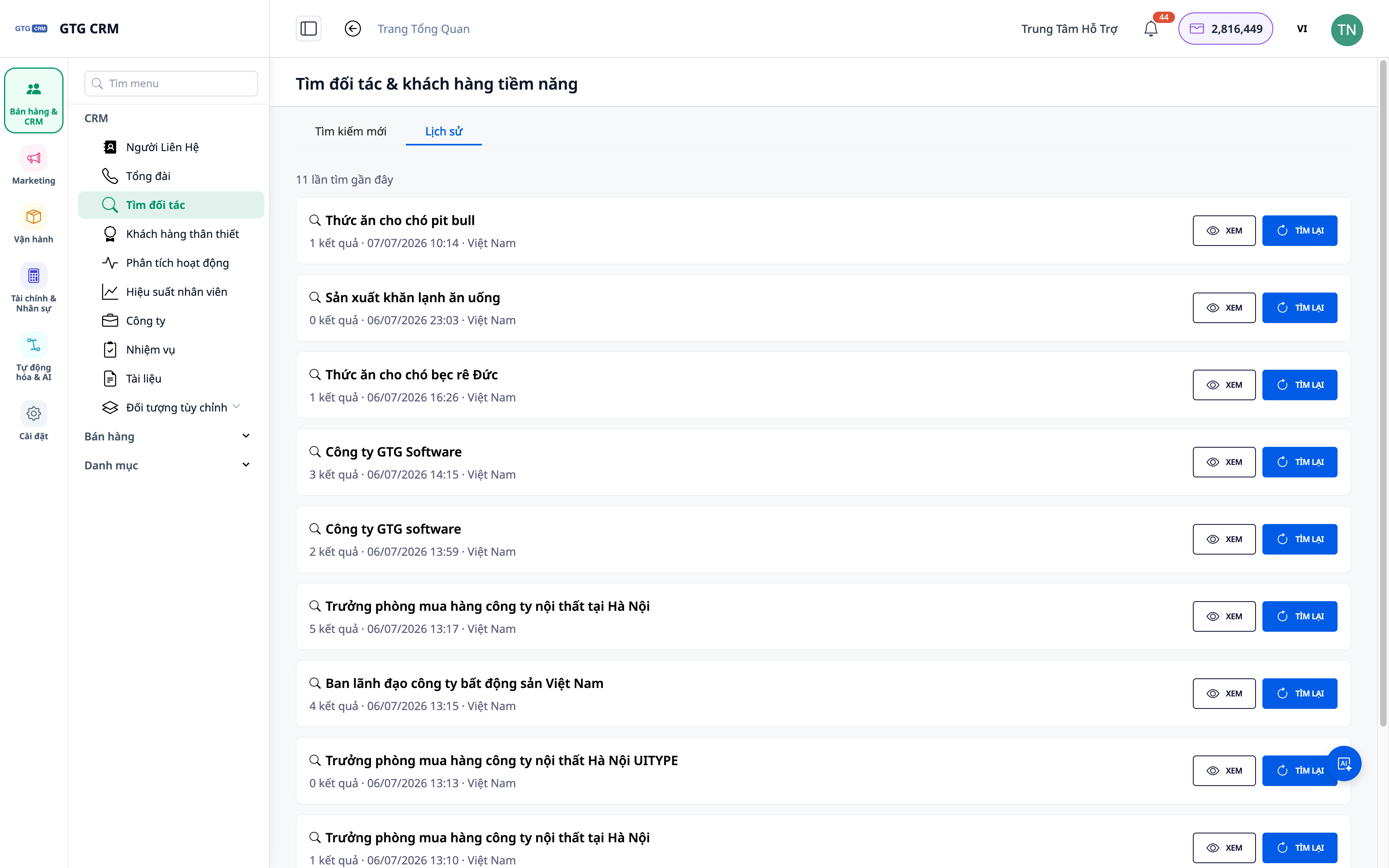
- Funktion: gemt søgehistorik.
- Fordel: du behøver ikke starte forfra; opbygger gradvist et "lager" af potentielle kontakter.
4. Importér direkte til Kontakter & Virksomheder, tilknyt plejeplan
Vælg relevante resultater og importér dem til CRM'en som Kontakter/Virksomheder; derfra kan du tilknytte automatiske plejeplaner for at begynde at kontakte dem.
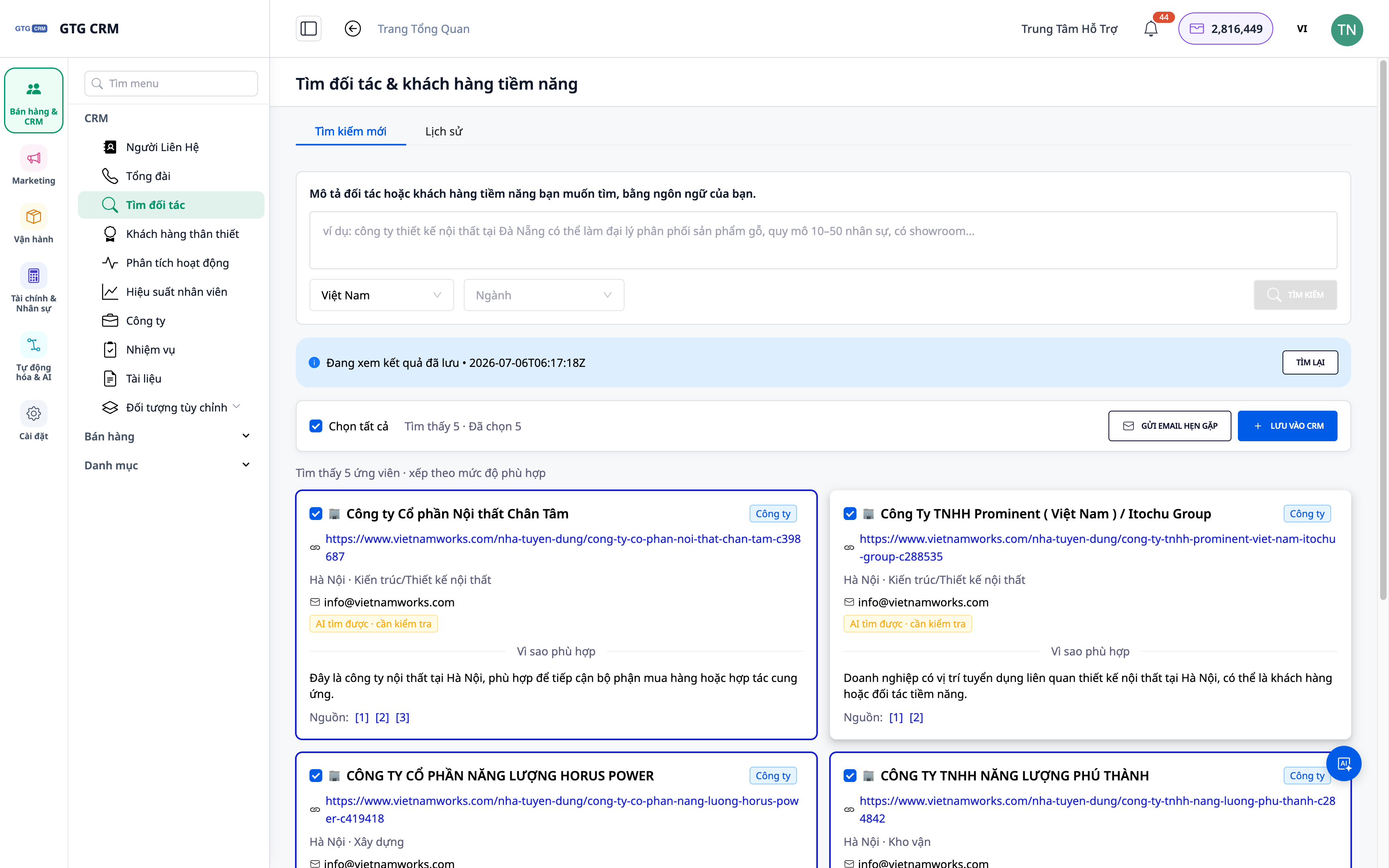
- Funktion: import af resultater til Kontakter/Virksomheder + tilknytning af playbook.
- Fordel: fra liste til plejehandling med kun få klik.
ℹ️ Hver søgning bruger en lille mængde kreditter; resultater afhænger af offentligt tilgængelige data på nettet.
Fordele for Virksomheden
| Funktion | Reelle fordele for dig |
|---|---|
| Søgning med naturlig sprogbeskrivelse | Få en liste over potentielle kontakter på få minutter |
| Virksomheds- + personresultater | Nå ud til de rigtige personer, den rigtige målgruppe |
| Søgehistorik | Opbyg dit potentialelager gradvist, genbrug dine søgninger |
| Direkte import til CRM | Ingen tabte muligheder; pleje dem direkte i systemet |
Hvem er det egnet til?
- Salgsteams / forretningsudvikling (BD) der har brug for en jævn strøm af nye kunder/partnere.
- Bureauer der leder efter potentielle kunder baseret på branche/region til kampagner.
- Virksomhedsejere der udvider til nye markeder og ønsker proaktivt at finde partnere.
💡 Leder du efter leverandører (salgssiden) i stedet for kunder? Se vores lignende funktion Find Leverandører Med AI.
Hvordan kommer man i gang?
Gå til sektionen Kontaktbog ▸ Find Partnere & Potentielle Kunder, beskriv hvem du leder efter, og start. Har du brug for detaljerede trin? Se artiklen Vejledning til at finde partnere og potentielle kunder med AI.
Gratis prøveperiode — intet kreditkort kræves.


