
In this article, let's explore the 5 most common reasons why Facebook ads get rejected and how to effectively handle them.
Reasons Why Facebook Rejects Ads
Most advertisers have experienced ads not being approved. Here are 5 main categories of reasons you need to understand:
1. Violation of Facebook Advertising Policies
This is the primary reason. Facebook has Community Standards, Commerce Policies, and many related regulations. Some common violations include:
- Ads containing prohibited content (sensitive, misleading, clickbait, false information).
- Using images of bodies, violent elements, discrimination based on gender, religion, or ethnicity.
- Promoting prohibited products/services: stimulants, tobacco, alcohol, weapons, gambling, virtual currency.
- Content in strictly regulated categories: health, real estate, finance.
- Job recruitment posts that are not transparent about benefits or salary.
- Using the brand name "Facebook" in ad content.
Especially: if the landing page is broken, inaccessible, or unrelated to the ad, the system will also reject it.
If you need to learn how to write content that meets standards and avoids rejection, read more here: Top 3 Facebook Ad Content Mistakes That Waste Your Budget
2. Fanpage Not Meeting Ad Requirements
Even if the content is valid, ads can still be blocked if the Fanpage lacks credibility:
- Unverified page, low engagement, or posting copied content.
- Fanpage has been reported, violated policies, or flagged for spam.
- Operating in sensitive industries: weight loss, finance, virtual currency.
- Linked to an ad account that has been disabled.
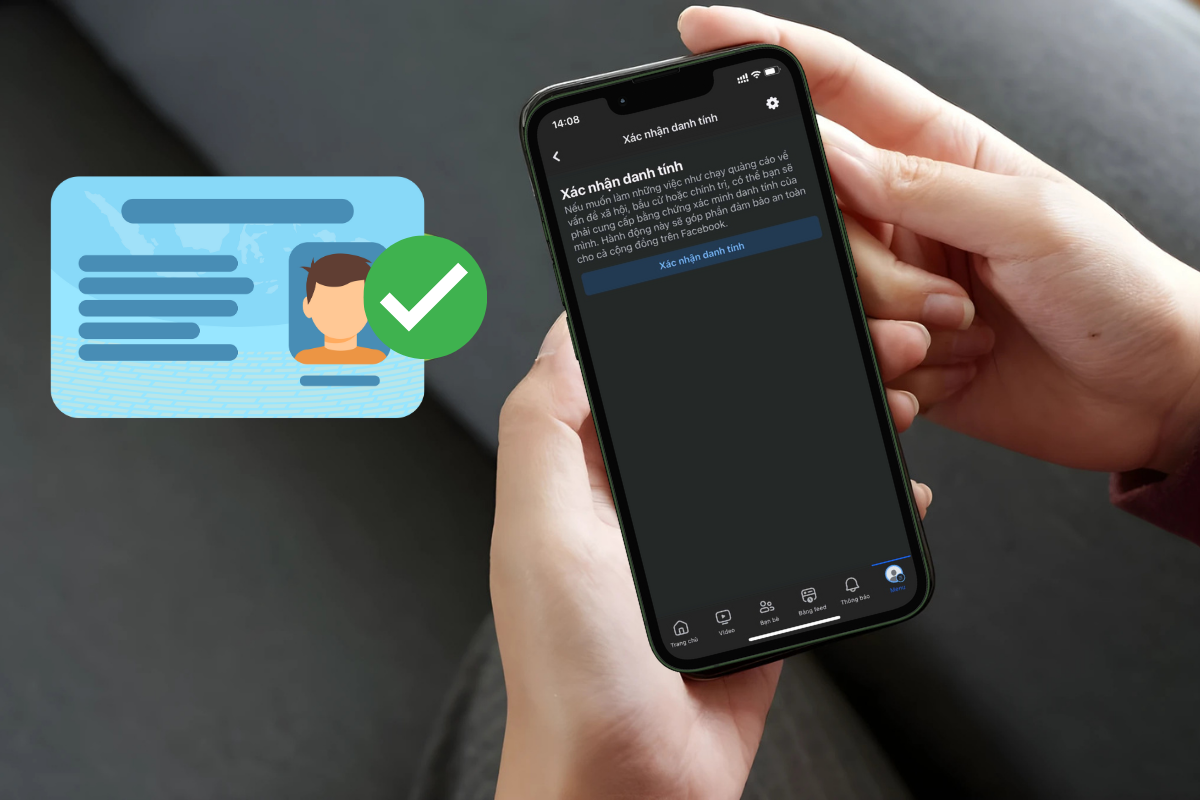
Verify completely to increase Fanpage credibility
3. Ad Account Violations
This is the key reason why many people "lose everything."
- Account with previous violations or reports: ads rejected multiple times, reported for spam → gradual restrictions and possible permanent ban.
- Serious violations: promoting counterfeit goods, fraud, unauthorized data collection, spreading false information → account may be permanently disabled.
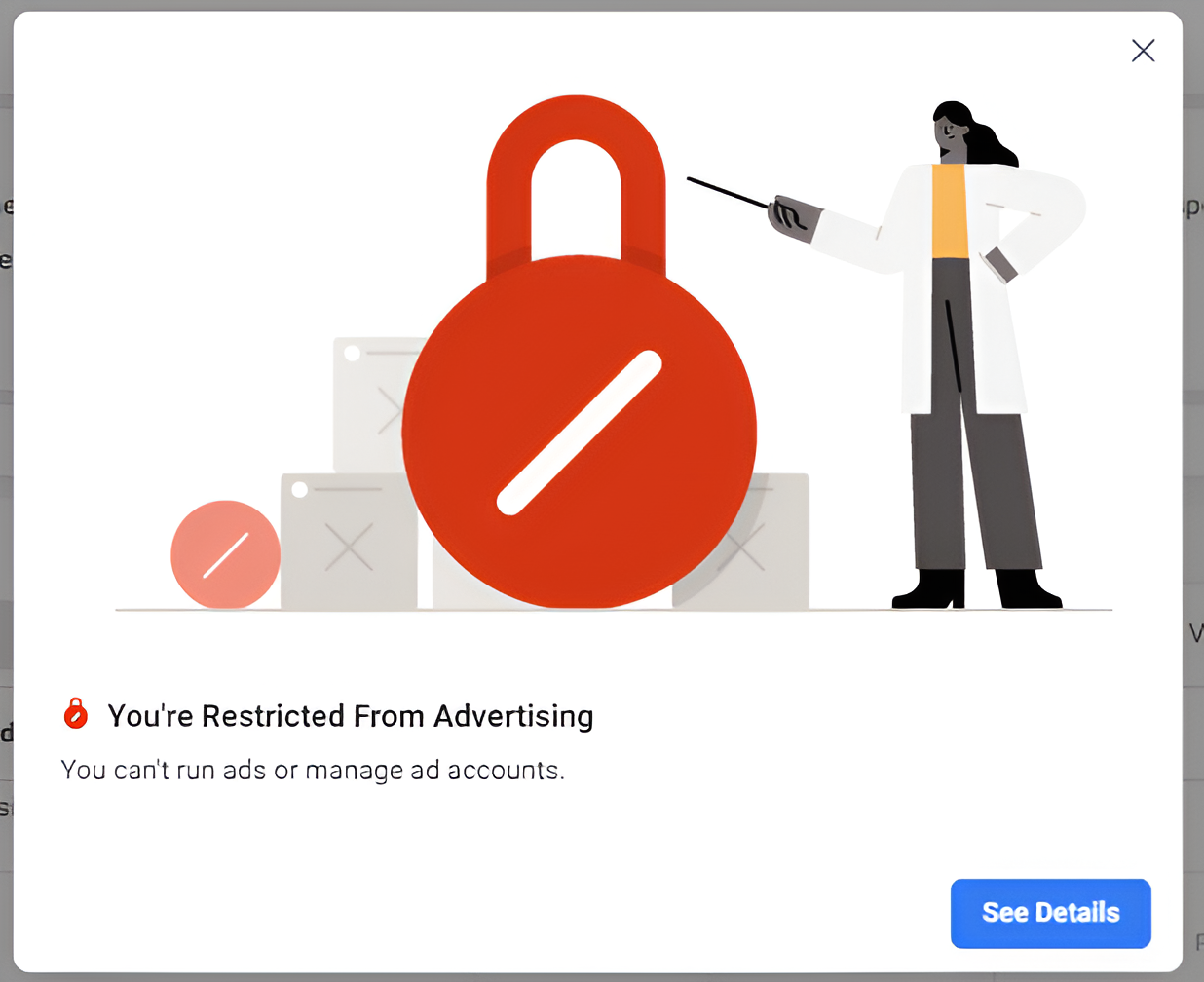
Ad account banned
4. Payment Card Issues
A payment card is a mandatory requirement for running ads. Some common issues include:
- Payment failed: incorrect card number, expired, insufficient funds, online payment not enabled.
- Card rejected: using a domestic card not supporting international transactions, international payment not activated.
- Frozen for security reasons: sharing a card across multiple accounts, owing fees, frequent card changes.
Ad payment card error
5. Errors from Facebook Itself
It's not always your fault. Sometimes the system encounters issues:
- AI algorithms mistakenly flag ads as violations.
- Server errors or ad review system malfunctions.
How to Appeal When Ads Are Rejected
When ads are not approved, Meta will send a notification via email or within Ads Manager. If you believe the ad was rejected incorrectly, you can appeal in two ways:
1. Appeal Directly in Ads Manager
- Log in to Ads Manager.
- Click on the rejected ad notification → select Request Review.
- Fill in contact information, submit verification documents (ID Card/Passport).
- Wait for a response via email.
2. Appeal Through Meta's Support Link
- Get the ad ID from Ads Manager.
- Access the support link → select the account to appeal for.
- Write a detailed description, attach supporting images (if any).
- Click Request Review.
Quick tip: writing appeals in English is often processed faster.
Conclusion
To minimize the chances of Facebook ads being rejected, you need to adhere to policies, build a reputable Fanpage, and maintain a clean ad account. Additionally, ensure your payment card is valid and be patient with appeals when system issues arise.
A successful ad campaign relies not only on compelling content but also on thorough preparation and adherence to Facebook's "rules of the game." With GTG CRM – an AI-integrated cross-platform marketing platform, you can manage customers, optimize ads, and execute campaigns more effectively, saving time and costs.
If you want to master the A-Z process of running ads, check out the article: The Best Facebook Ad Plan for Beginners 2025 [Free 8 Sample Sheet Pack]
Turn what you've just read into real results — apply it now with GTG CRM, free.
Apply Now

