Email Builder
Optimized - Automated - Efficient - Growing

GTG CRM Team · GTG CRM
October 15, 2025
Table of Contents
Feature Introduction
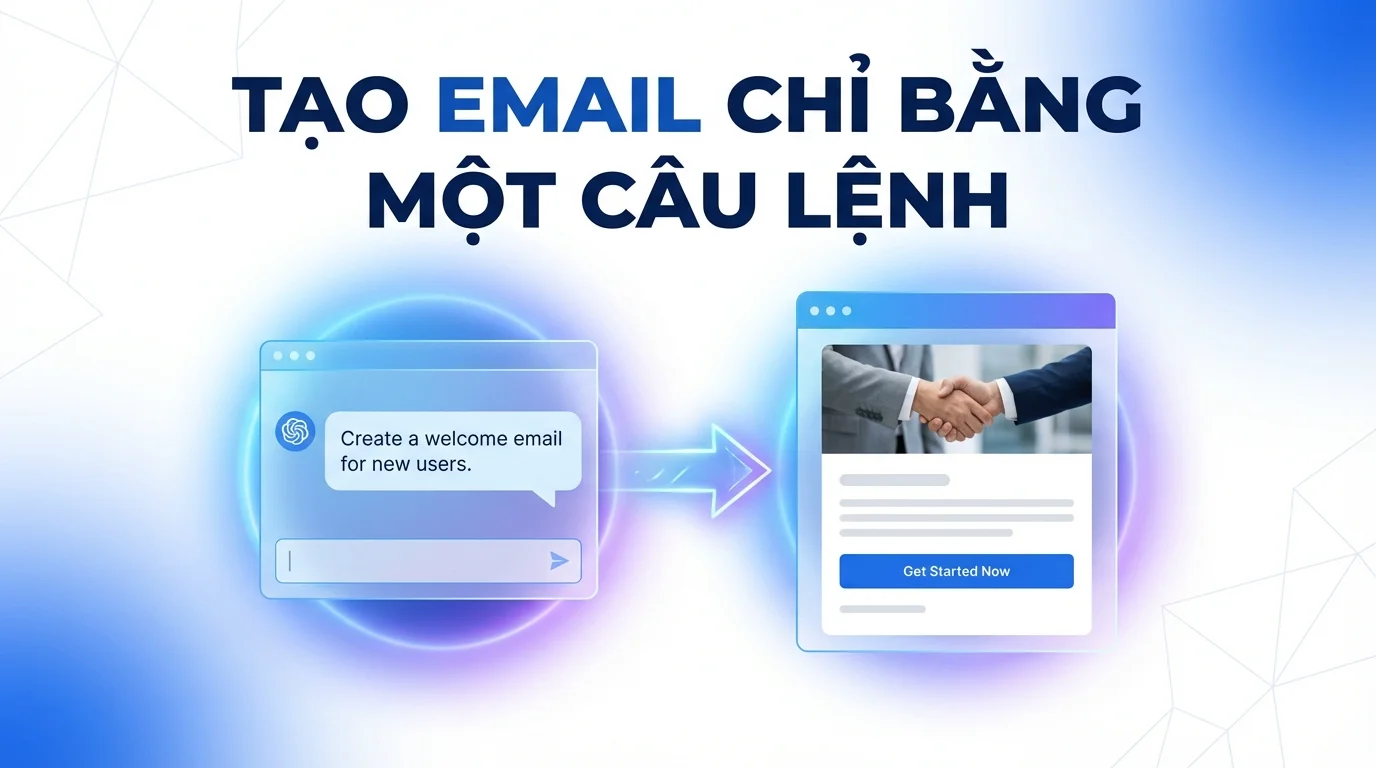
Email Builder is a powerful tool on the GTG CRM platform, helping businesses create and send professional marketing emails without needing design or coding skills.
What is Email Builder?
Email Builder is a tool that helps you:
- Create attractive emails without code
- Build email content for specific purposes
- Introduce products, care for customers
- Nurture long-term relationships with potential customers
Why Do Businesses Need Email Builder?
Many businesses still struggle with email marketing:
| Problem | Consequence |
|---|---|
| ❌ Manual email sending | Time-consuming, prone to errors |
| ❌ Disjointed content | Inconsistent, unprofessional |
| ❌ Difficult to measure | Unaware of actual effectiveness |
| ❌ Complex design | Requires hiring a designer or knowing how to code |
GTG CRM's Email Builder Solves It All:
| Solution | Benefits |
|---|---|
| ✅ Standardized content | Consistent messaging |
| ✅ Time-saving | Simple drag & drop |
| ✅ Effective measurement | Track open and click rates |
| ✅ AI support | Automated content & image creation |
Highlighted Features
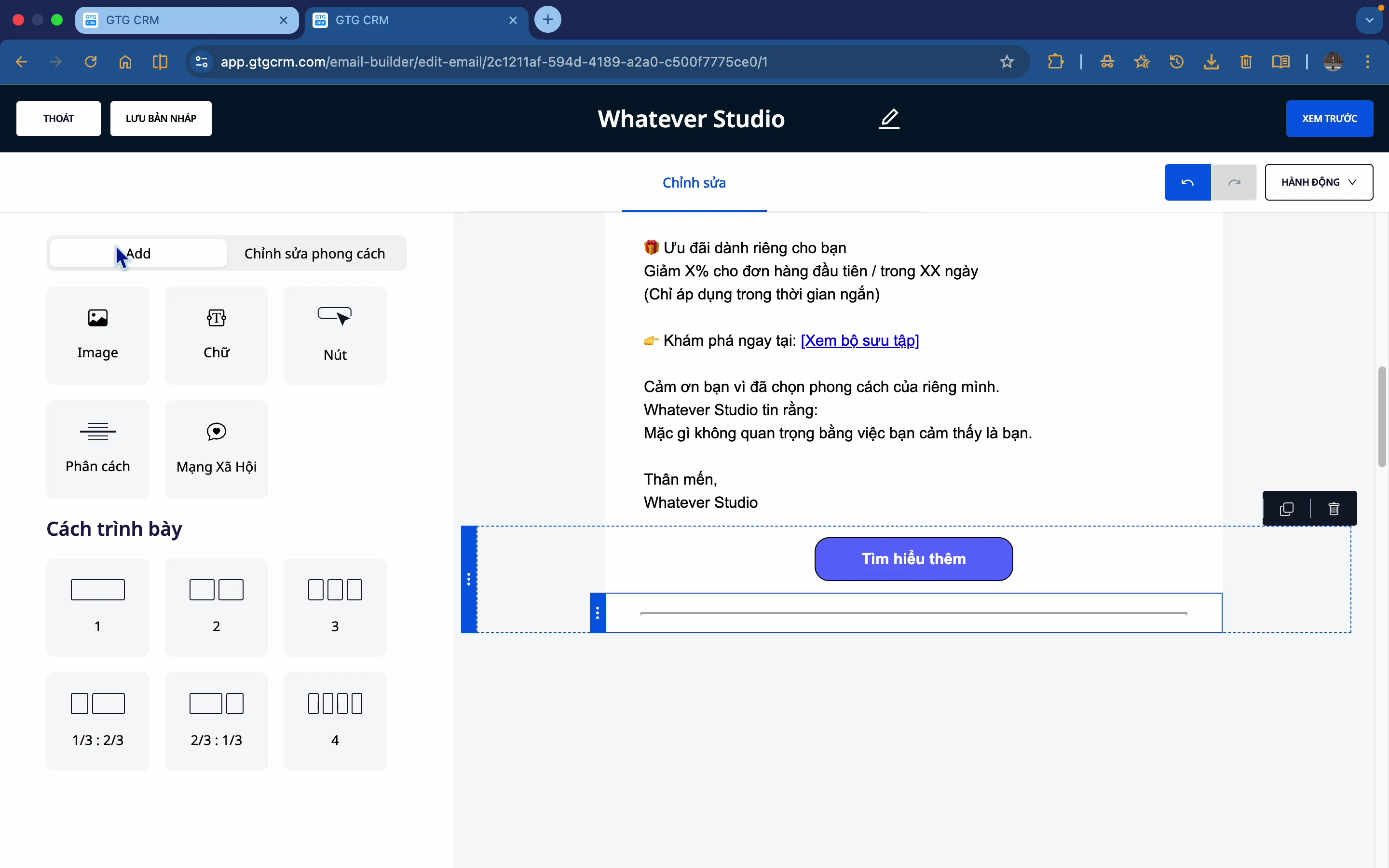
🎨 Drag & Drop Editor
Intuitively drag and drop elements into your email:
- Images
- Text
- Buttons
- Dividers
- Social icons
- Layout columns
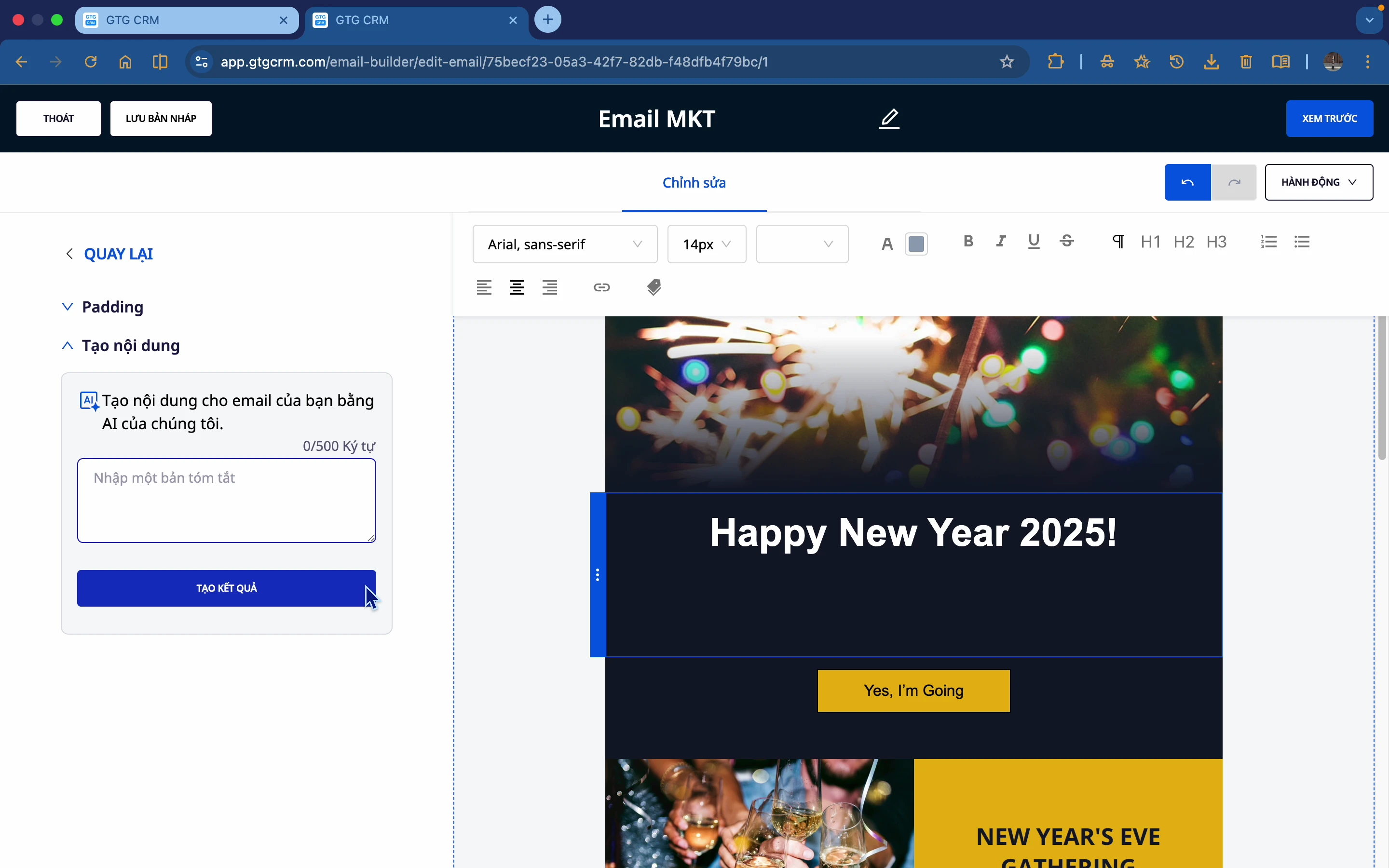
🤖 AI Content Creation
Not sure what to write? Let AI help you:
- Enter a short description of the email
- AI automatically generates suitable content
- Choose your preferred option
- Edit if necessary
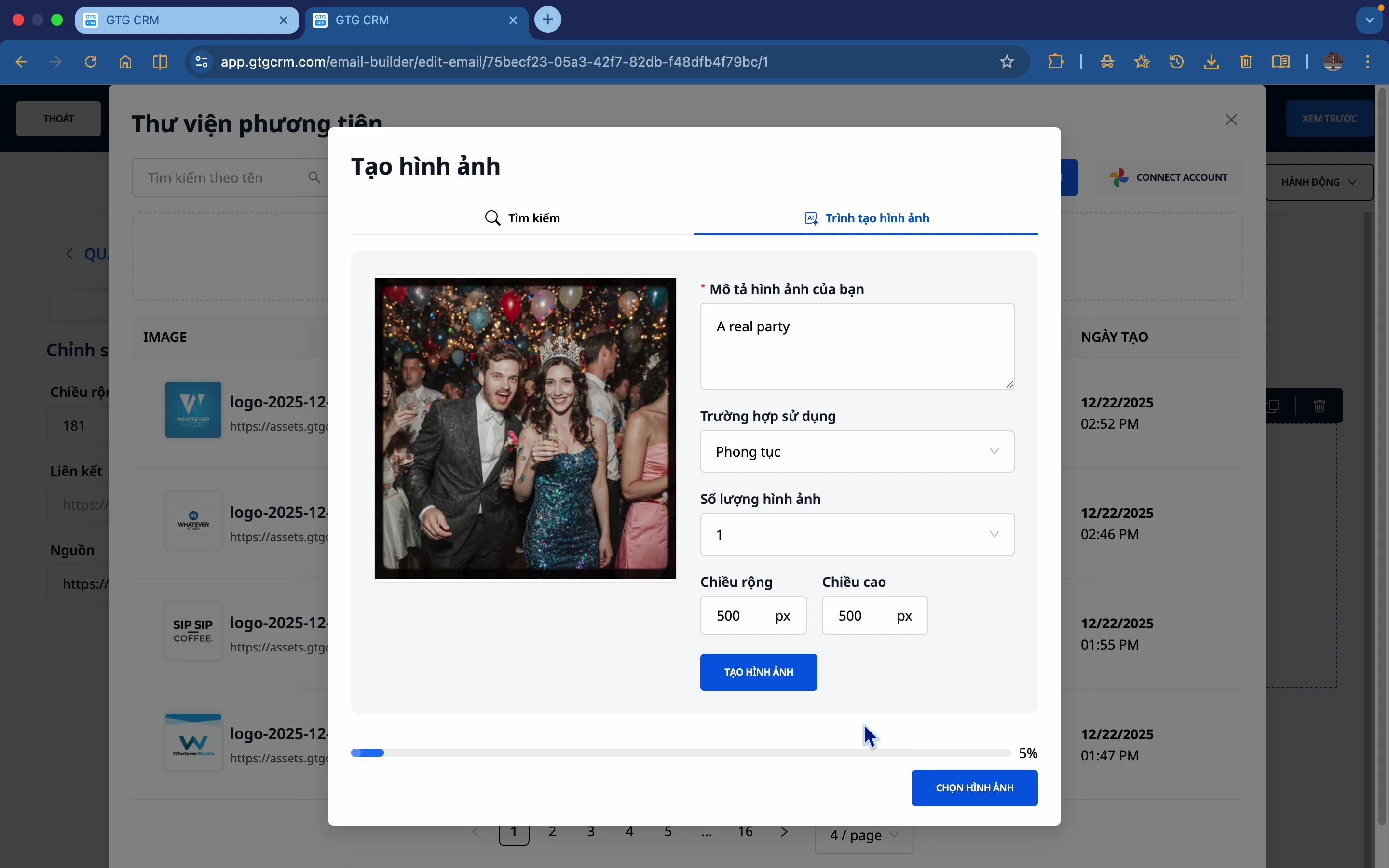
🖼️ AI Image Creation
Don't have the right images? AI will create them for you:
- Describe the image you want to create
- AI generates the image
- Select and use immediately
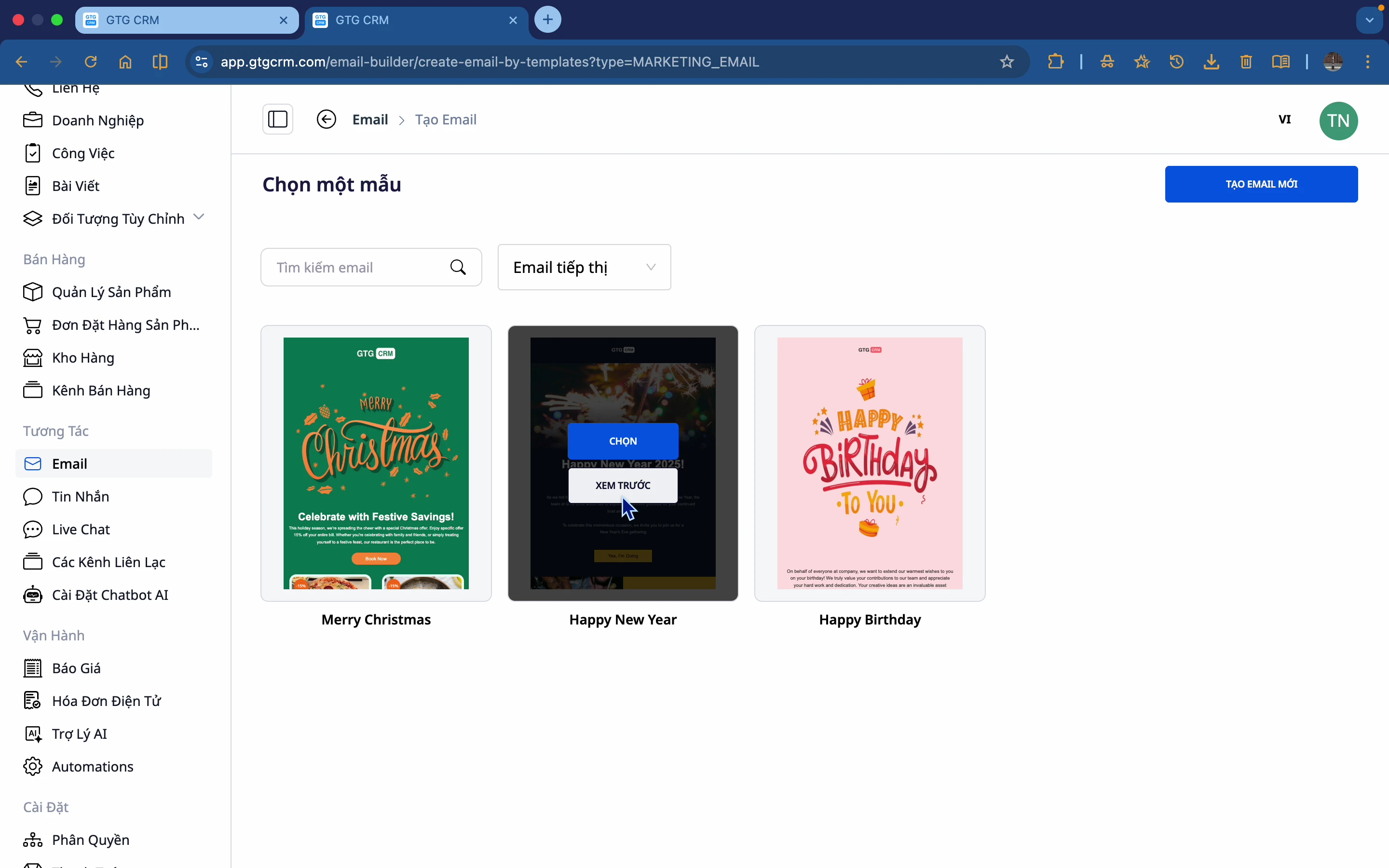
📊 Available Templates
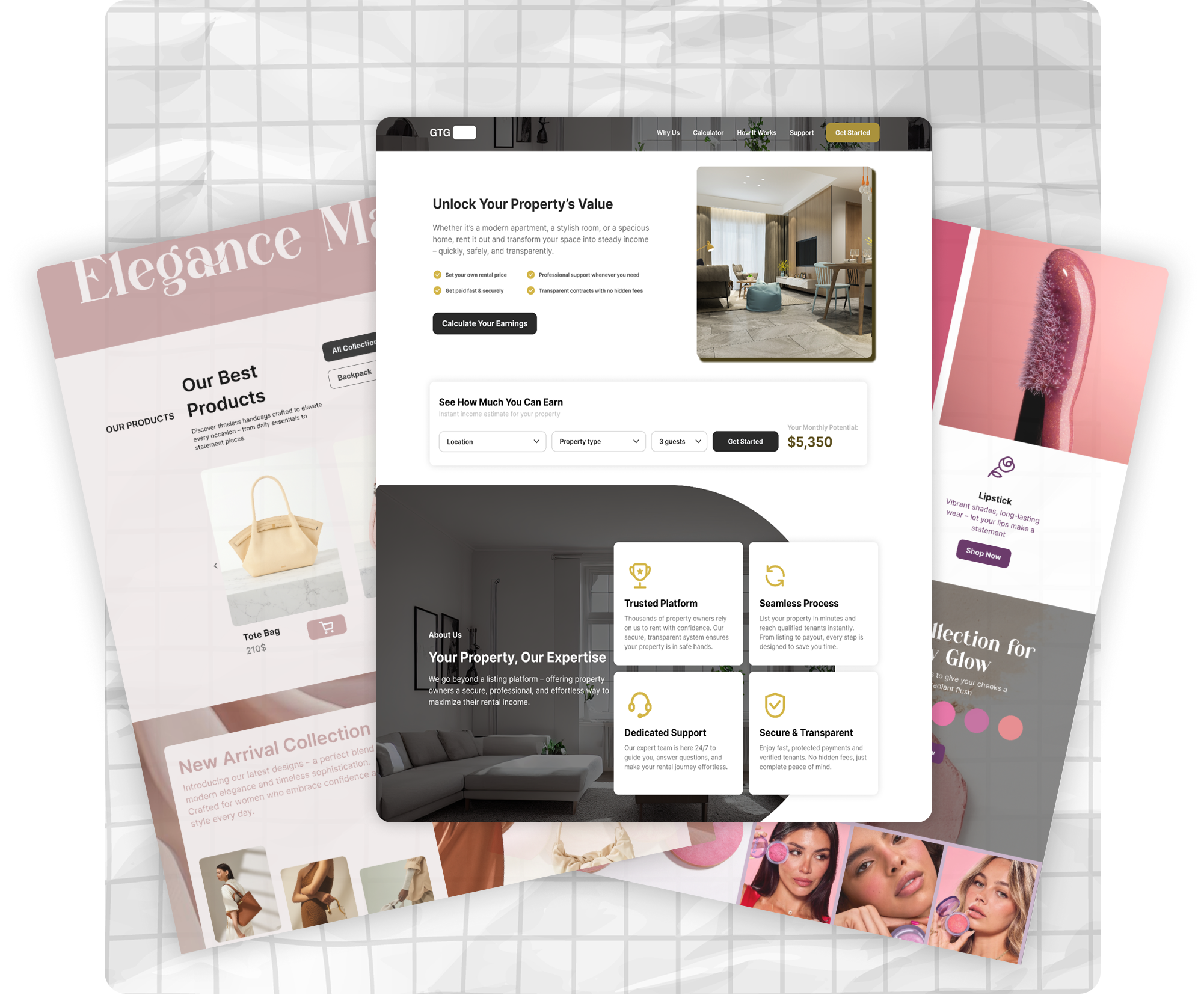
GTG CRM offers many beautiful email templates:
- Simply choose a template
- Edit text and images
- Publish immediately
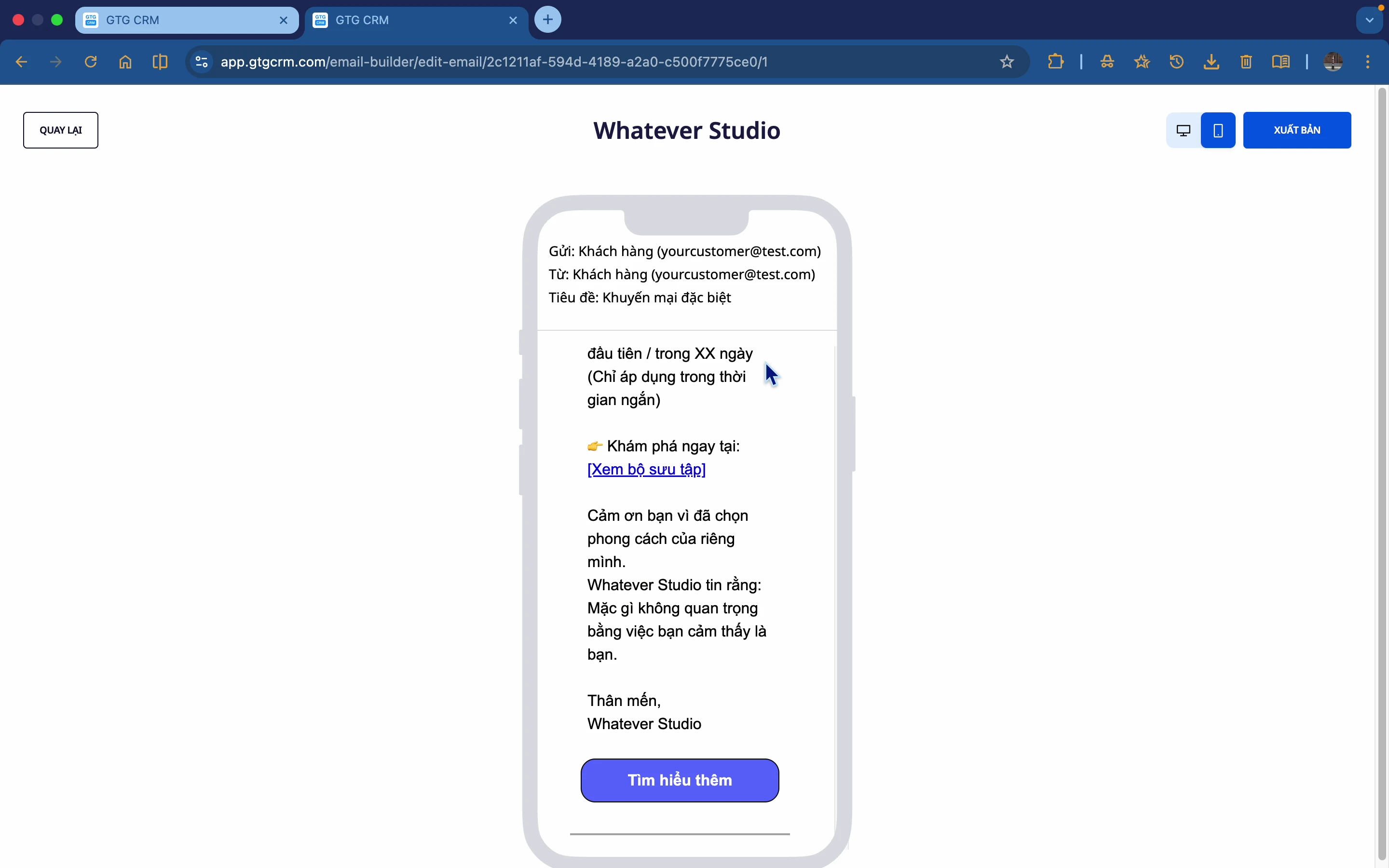
📱 Responsive Preview
Preview your emails on multiple devices:
- Desktop preview
- Mobile preview
- Ensure beautiful display on all platforms
Two Types of Emails
GTG CRM supports 2 main types of emails:
1️⃣ Marketing Email
- New product introductions
- Promotions, offers
- Newsletters
- Event invitations
2️⃣ Nurturing Email
- Nurturing potential customers
- Drip campaigns
- Onboarding sequences
- Automated follow-ups
Email Components
📝 Text Block
- Add text content
- Format font, size, color
- Add hyperlinks
🖼️ Image Block
- Upload images from your computer
- Connect Google Photos
- AI image generation
- Flexible resizing
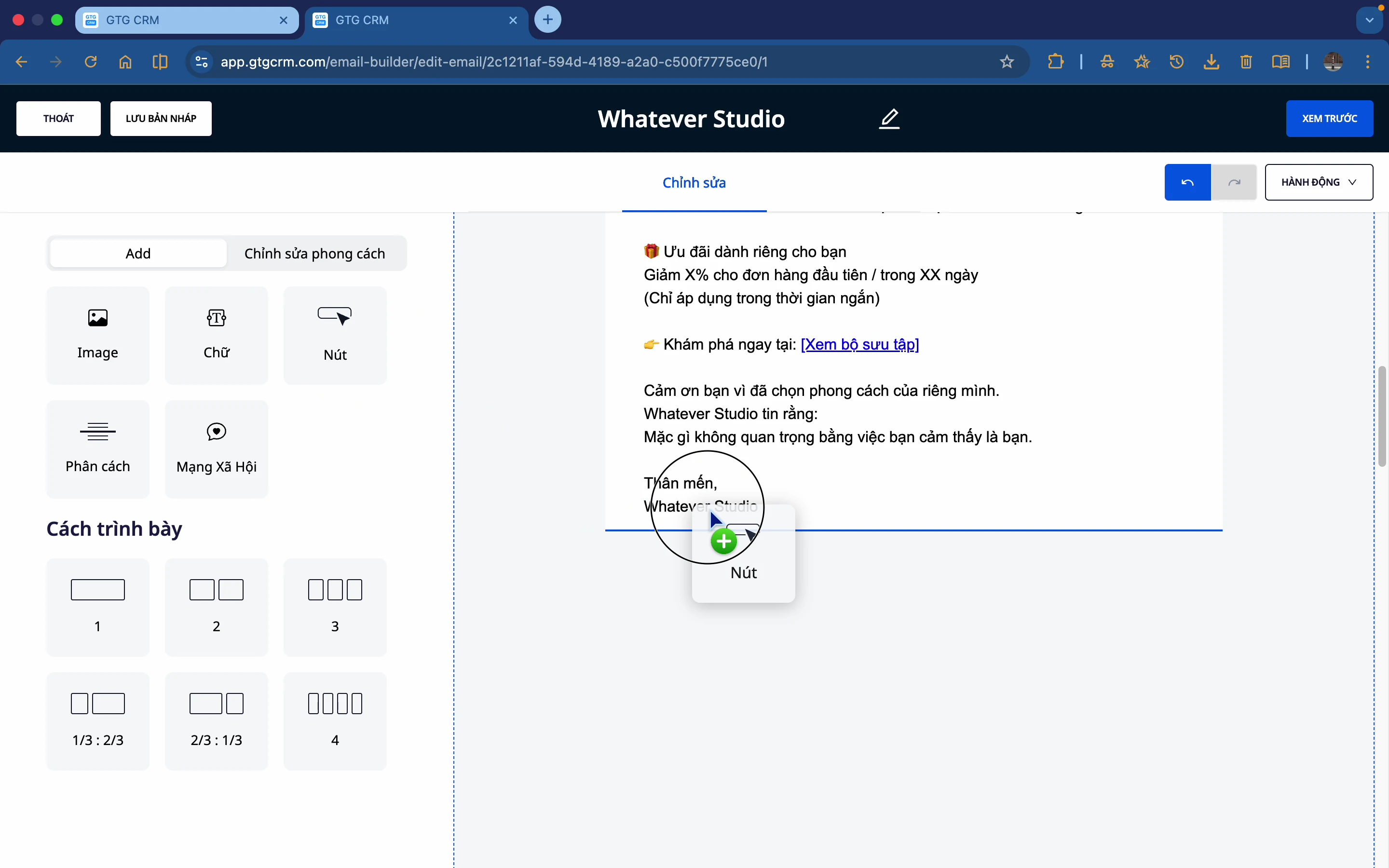
🔘 Button
- Customize text, color
- Adjustable corner radius
- Add navigation links
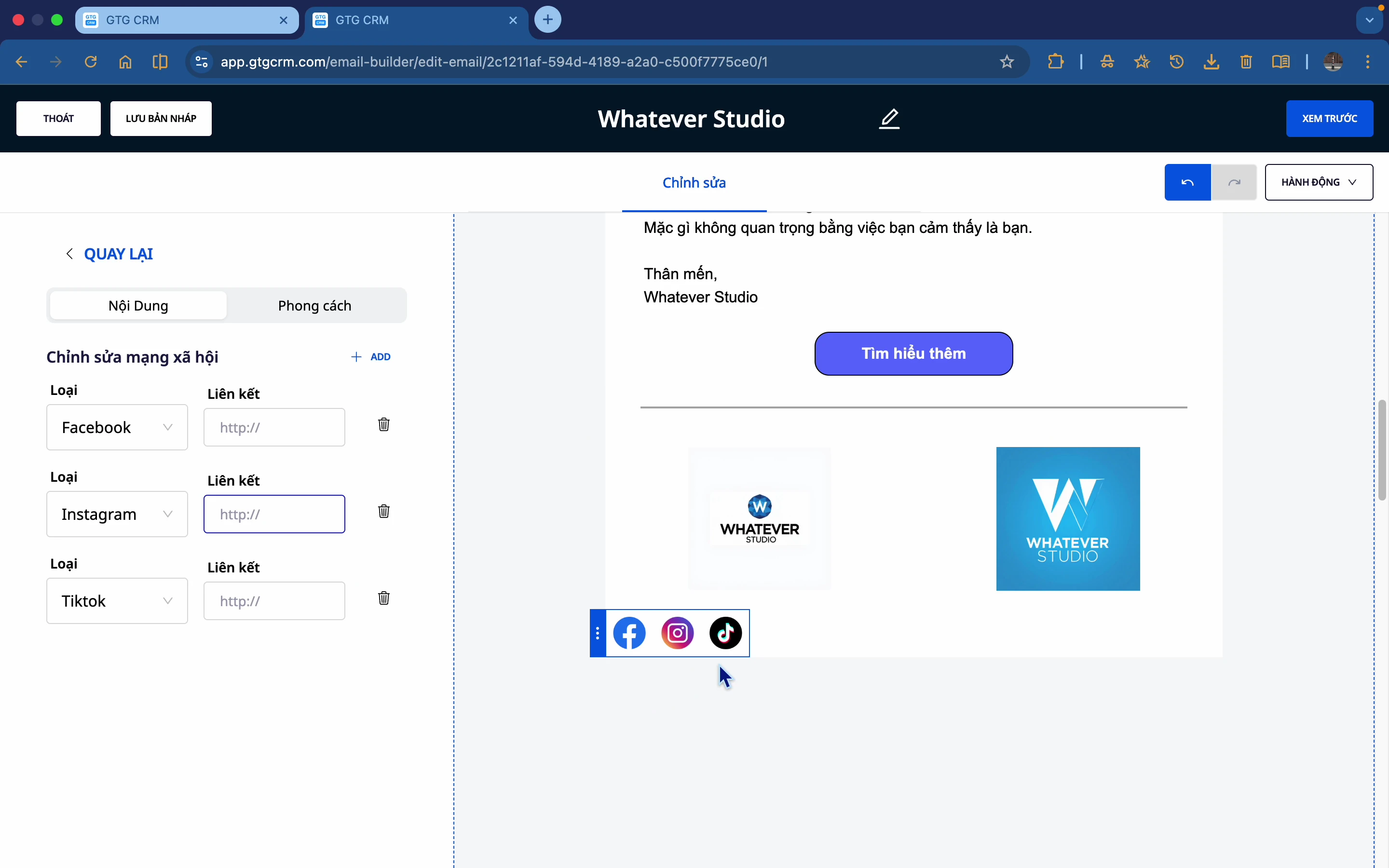
📱 Social Icons
- Facebook, Instagram, TikTok
- Link social media profiles
- Multiple icon styles
➖ Divider
- Separate sections
- Customize color, thickness
- Solid or dashed
📐 Layout Columns
- 2, 3, or 4 column layouts
- Flexible layouts
- Customizable backgrounds
Track Performance
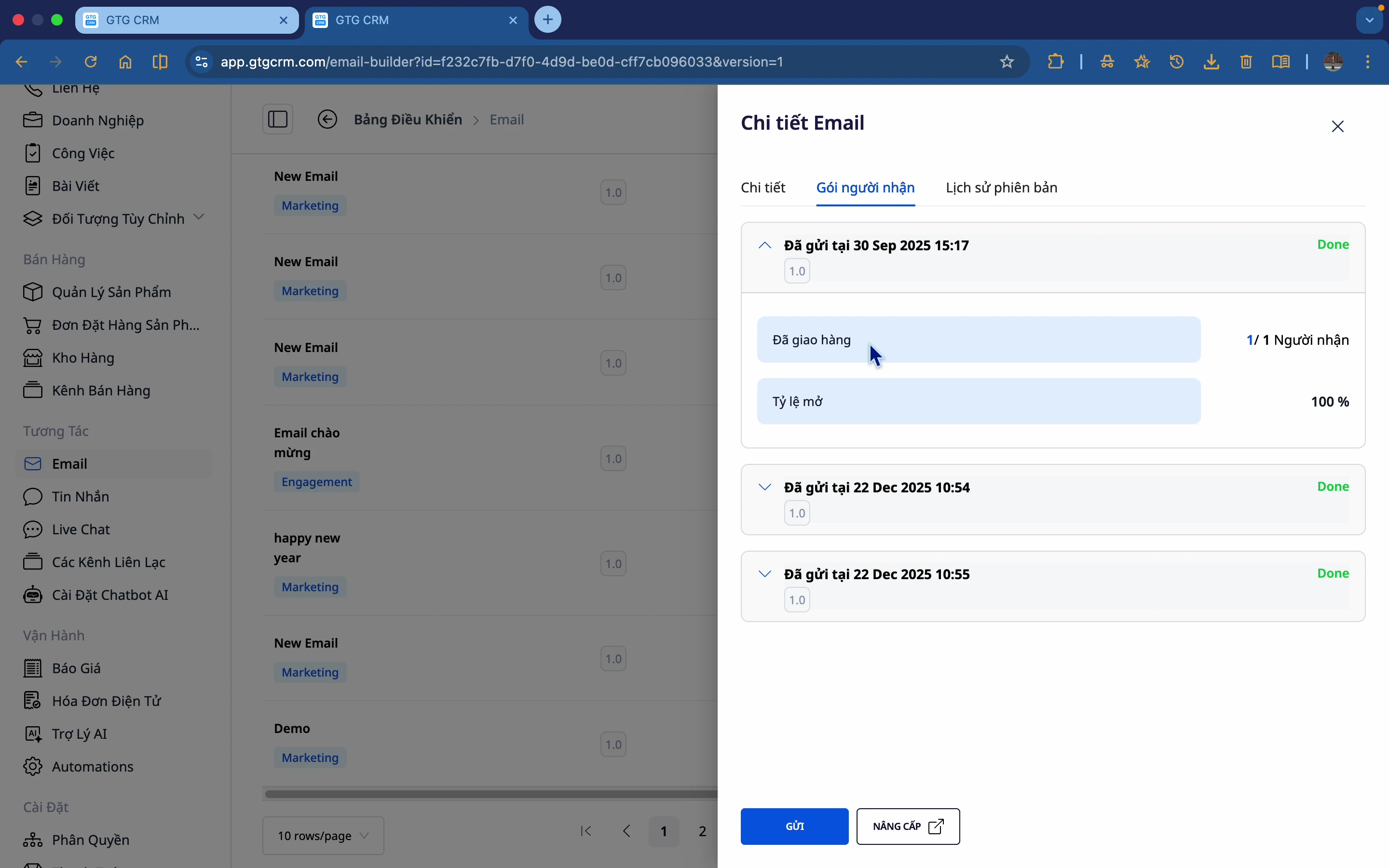
GTG CRM provides detailed statistics for each email:
| Metrics | Description |
|---|---|
| Recipients | Total emails sent |
| Open Rate | % of people who opened the email |
| Version History | History of versions |
Integrate with Automation
Email Builder integrates seamlessly with Automation Workflows:
- Automatically send emails based on scenarios
- No need to send manually to each person
- Right person, right time
- Automated lead nurturing
Benefits of Using
| Benefit | Details |
|---|---|
| Time-saving | Drag & drop, no coding required |
| Professional | Beautiful, consistent templates |
| AI-assisted | Automated content & image creation |
| Measurable | Open rate tracking |
| Automated | Connects with automation workflows |
| Responsive | Looks great on all devices |
Get Started
To start using Email Builder:
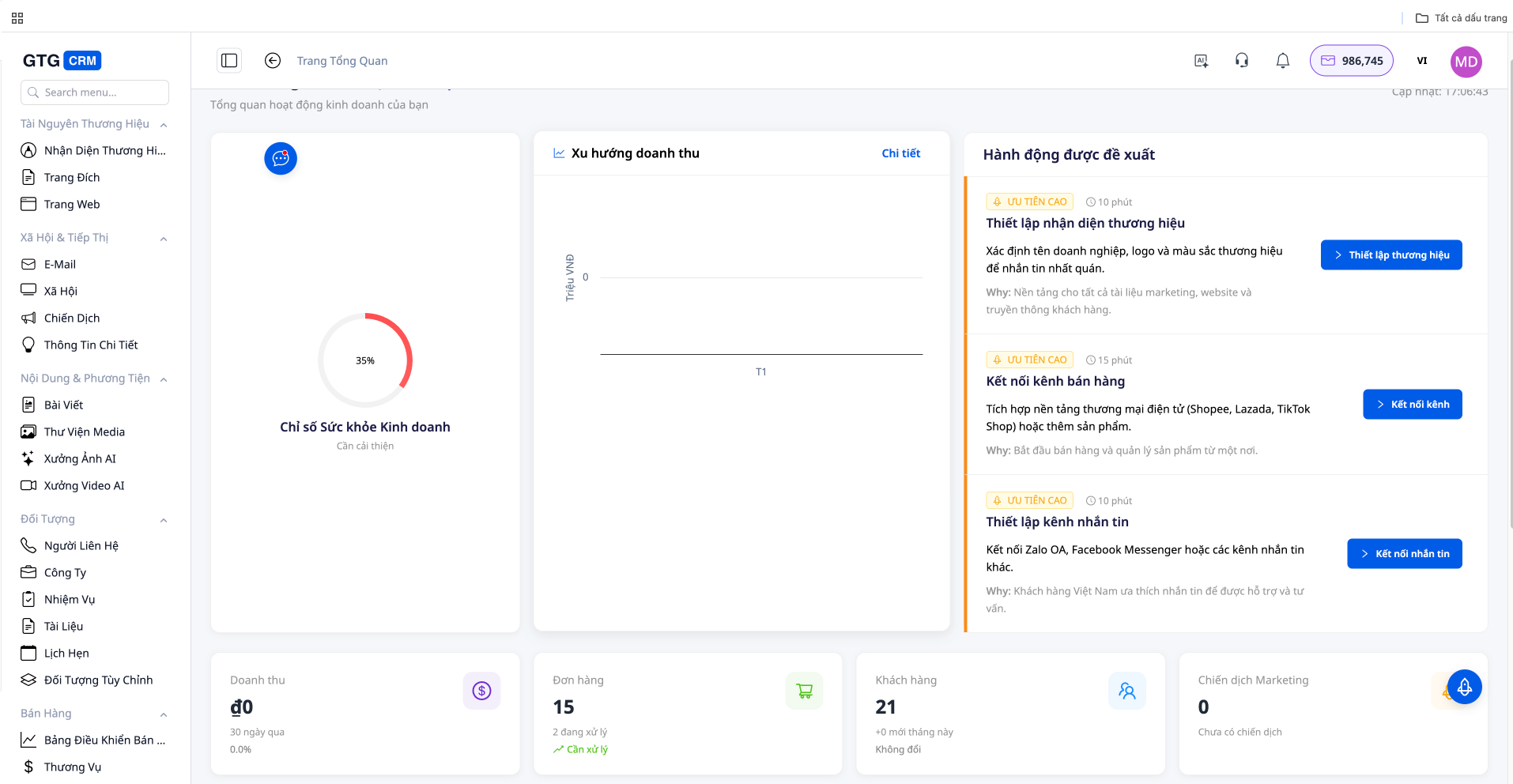
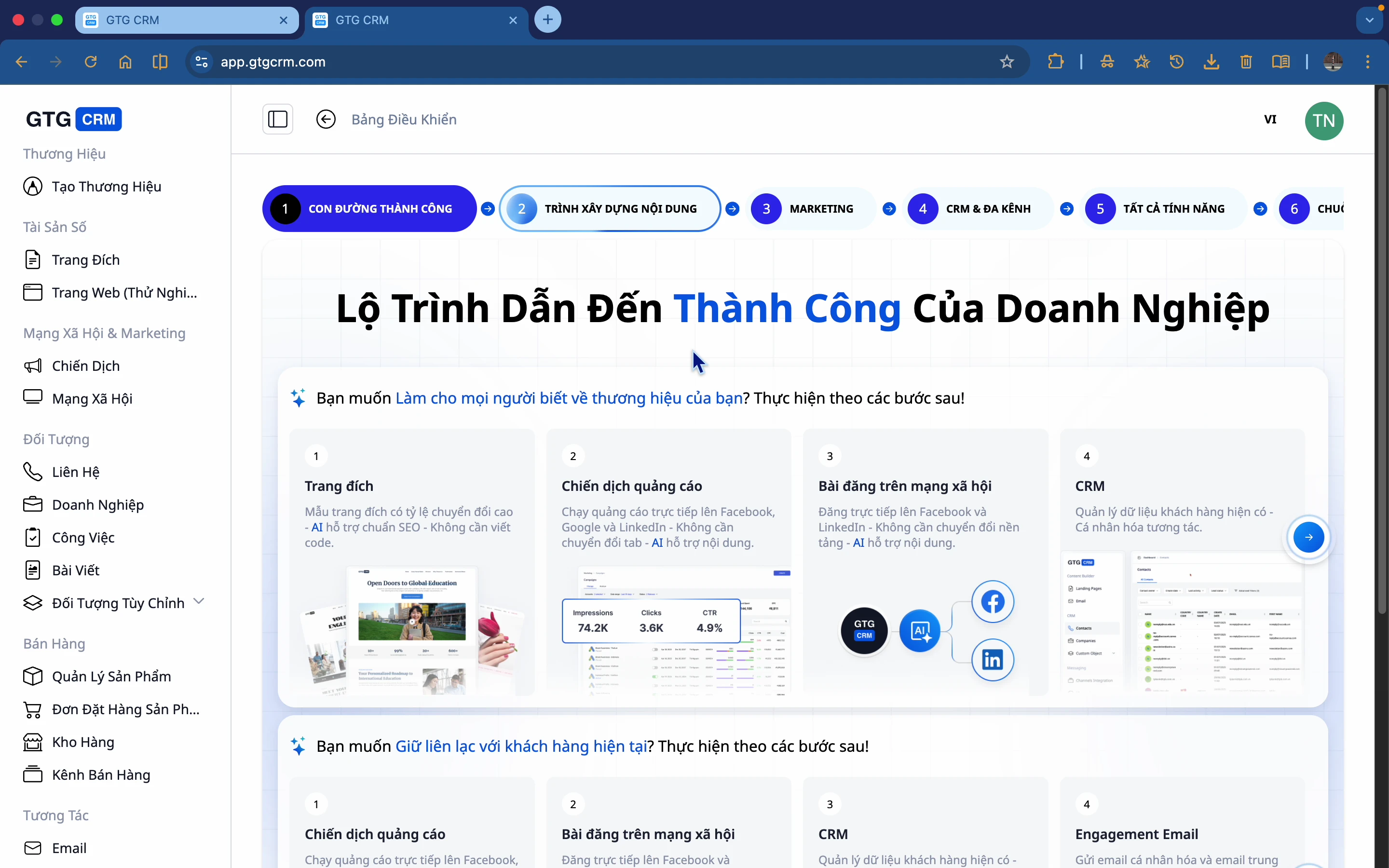
- Log in to GTG CRM
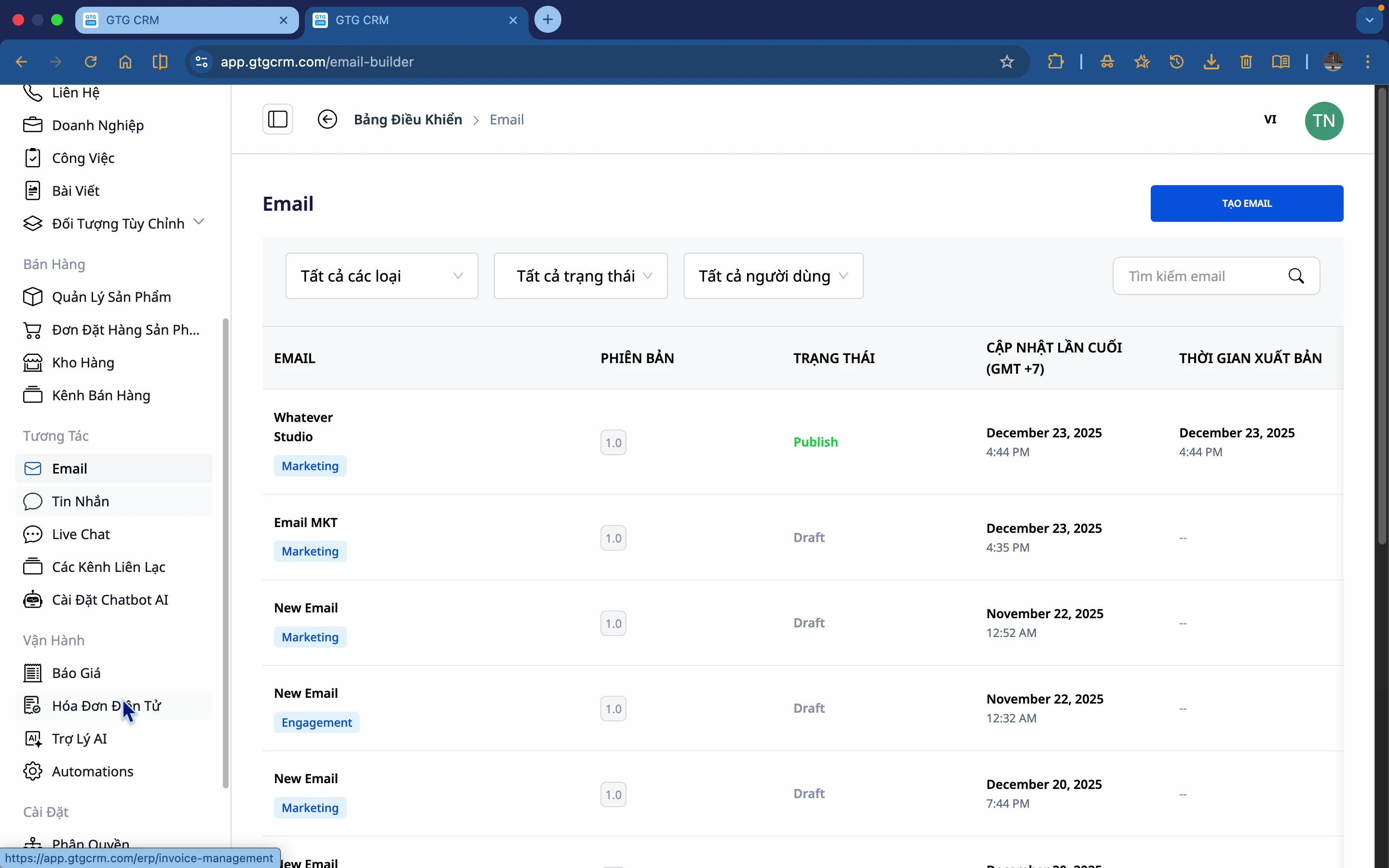
- Navigate to the Interactions menu → Email
- Click Create Email
- Choose a template or create from scratch
- Design, preview, and send!
GTG CRM - Professional, Easy, and Effective Email Marketing! 📧
Ready to try this feature for your business for free?
Try for Free