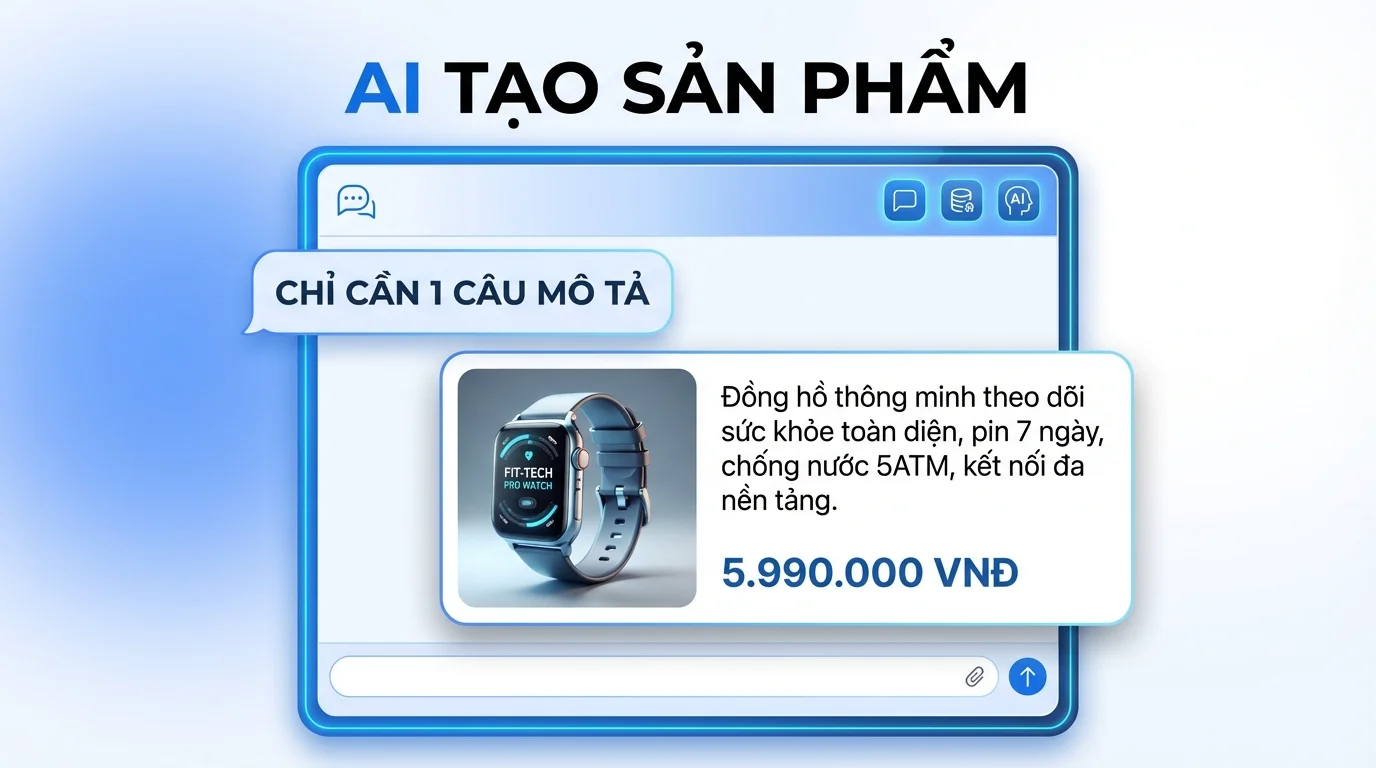
AI Chatbot 24/7
Facebook · Zalo OA · WhatsApp · Email

GTG CRM Team · GTG CRM
December 15 2025
Table of Contents
Introduction
AI Chatbot by GTG CRM is a feature that automatically answers customer messages, integrated directly into the CRM ecosystem. This feature helps businesses respond to customers faster, more consistently, and reduces repetitive questions during the sales and customer care process.
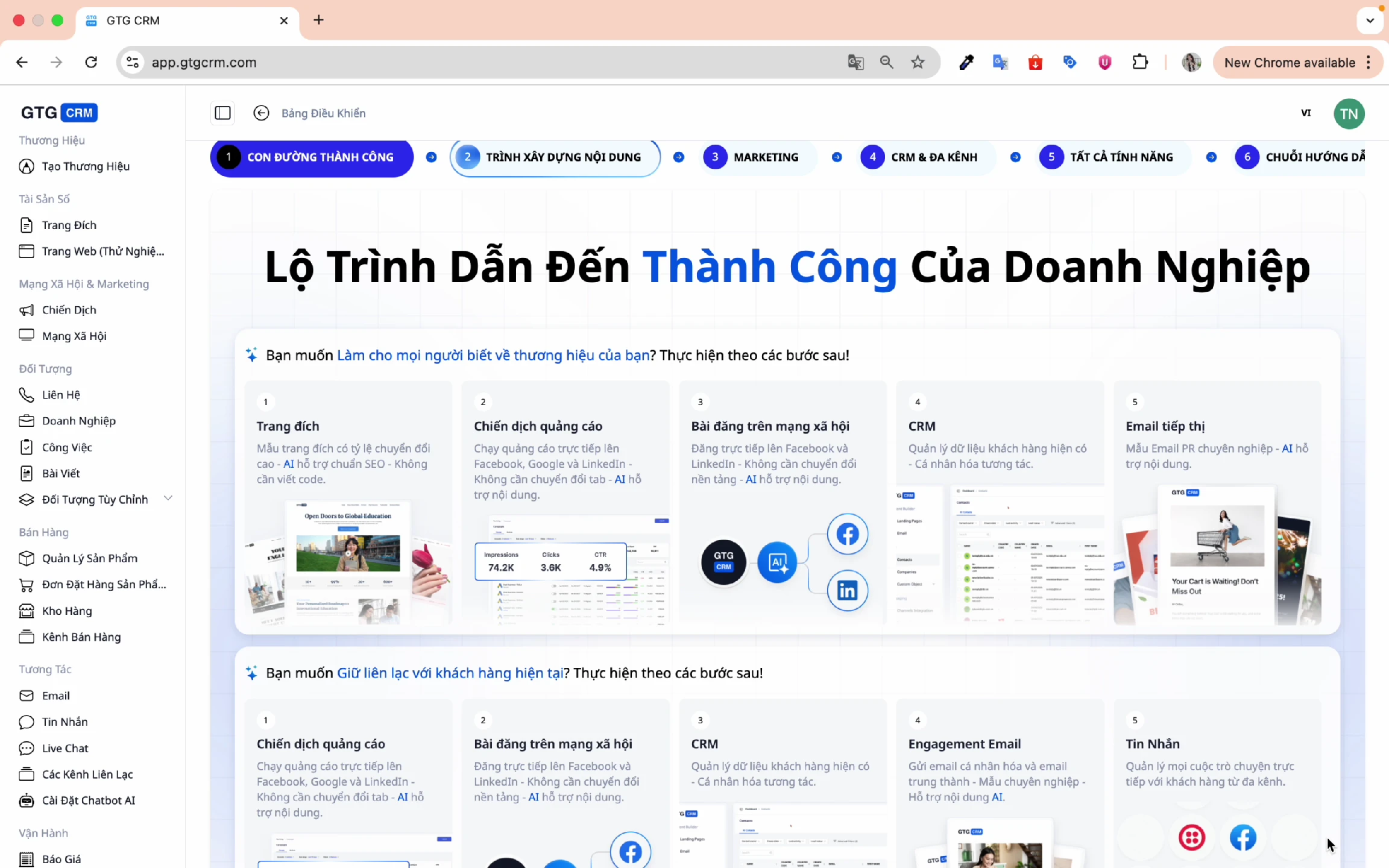
Why Need AI Chatbot?
In modern business, customers expect quick responses 24/7. AI Chatbot helps:
- Instant Response: Answer customers immediately, no waiting required.
- 24/7 Operation: Support customers anytime, even outside business hours.
- Consistent Information: Ensure all customers receive accurate information.
- Reduce Staff Load: Automatically handle frequently asked questions.
- Increase Conversion: Advise and suggest suitable products.
Key Features
1. Multi-Channel Connection
AI Chatbot supports many popular communication channels:
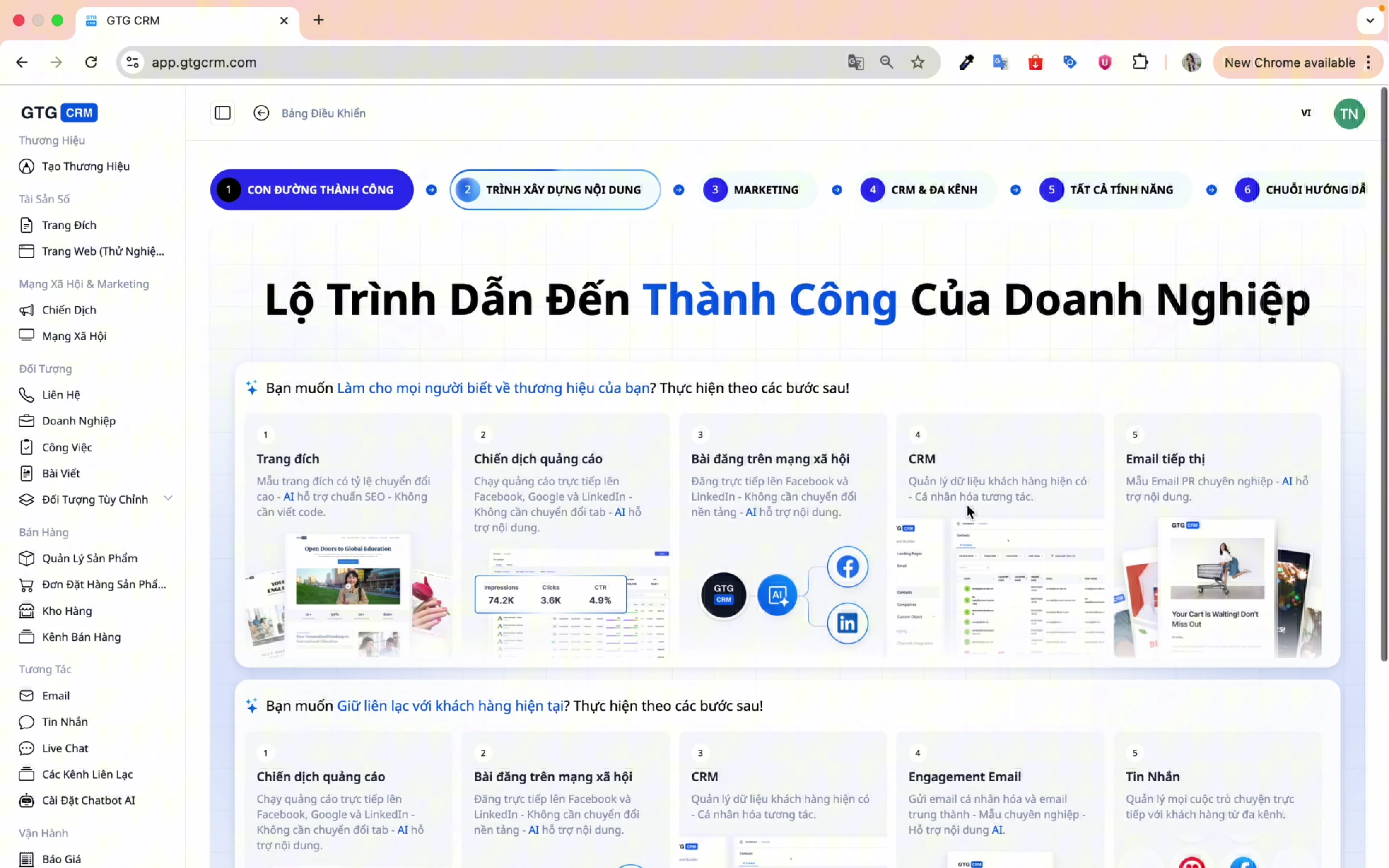
Supported Channels:
- Facebook Messenger: Connect to Fanpage
- Zalo OA: Connect to Zalo Official Account
- WhatsApp: Connect WhatsApp Business account
- Google/Outlook: Email integration
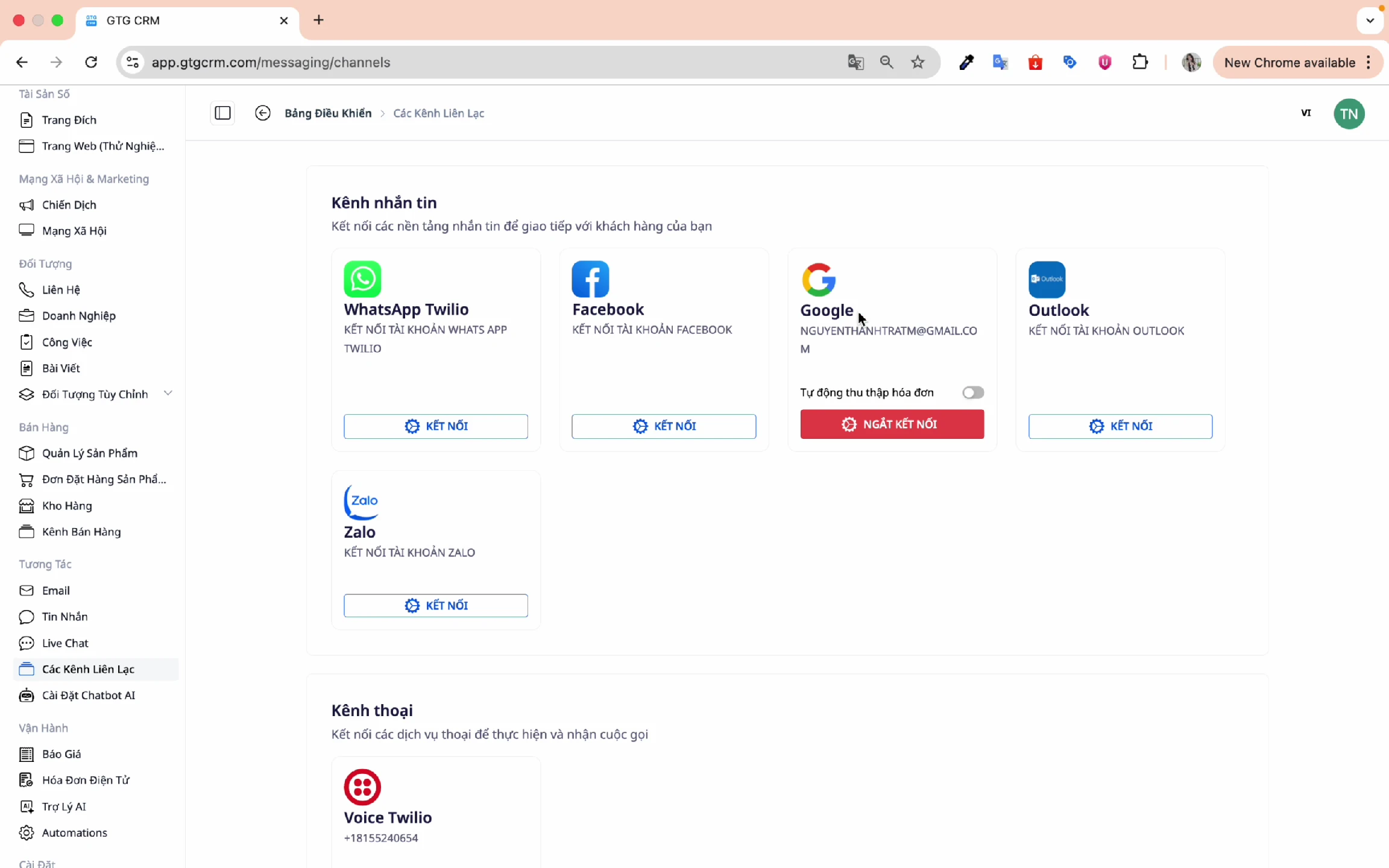
2. Connect Facebook Messenger
Connect your Facebook Fanpage for the AI Chatbot to automatically reply to messages:
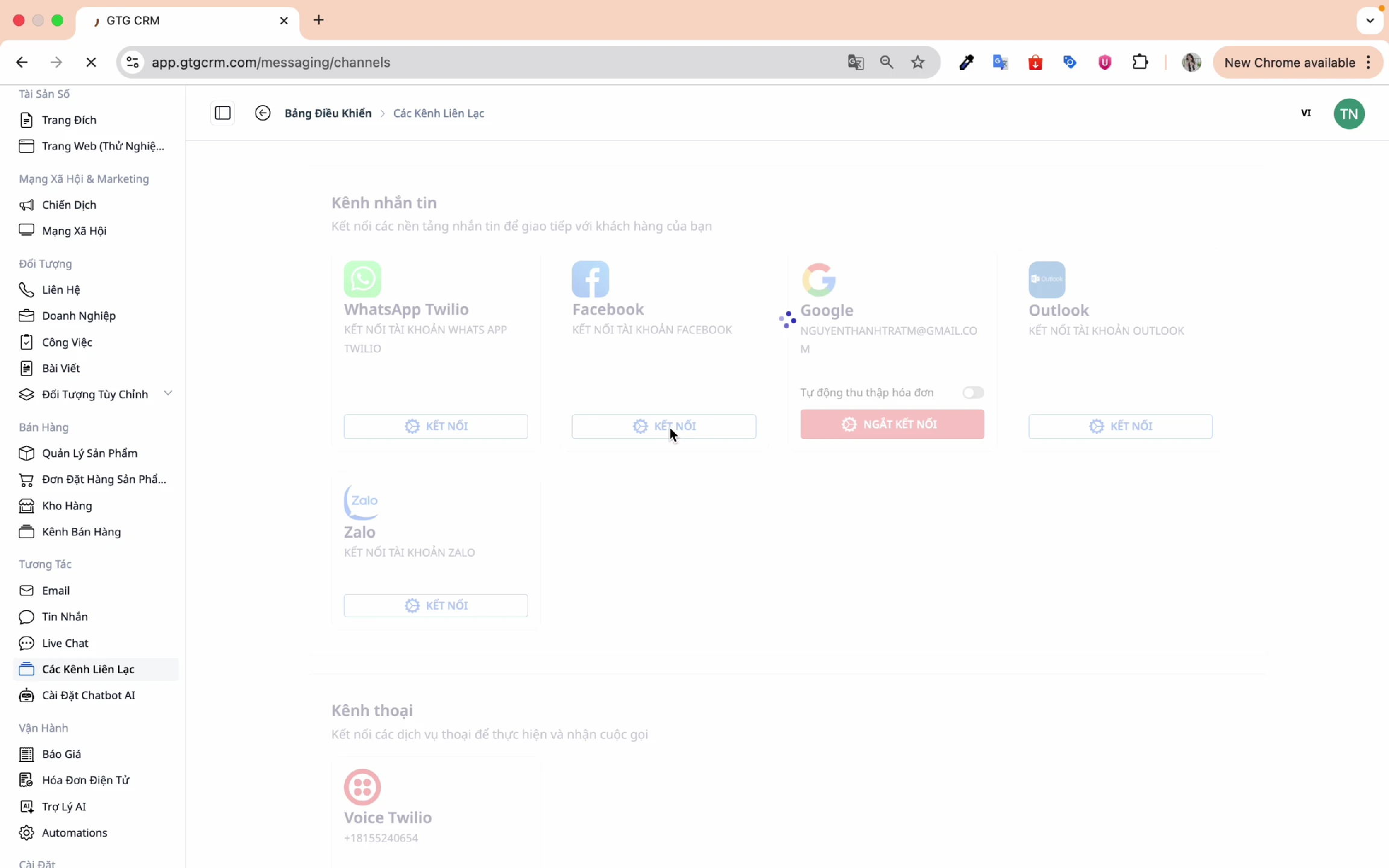
Select the Fanpage to connect:
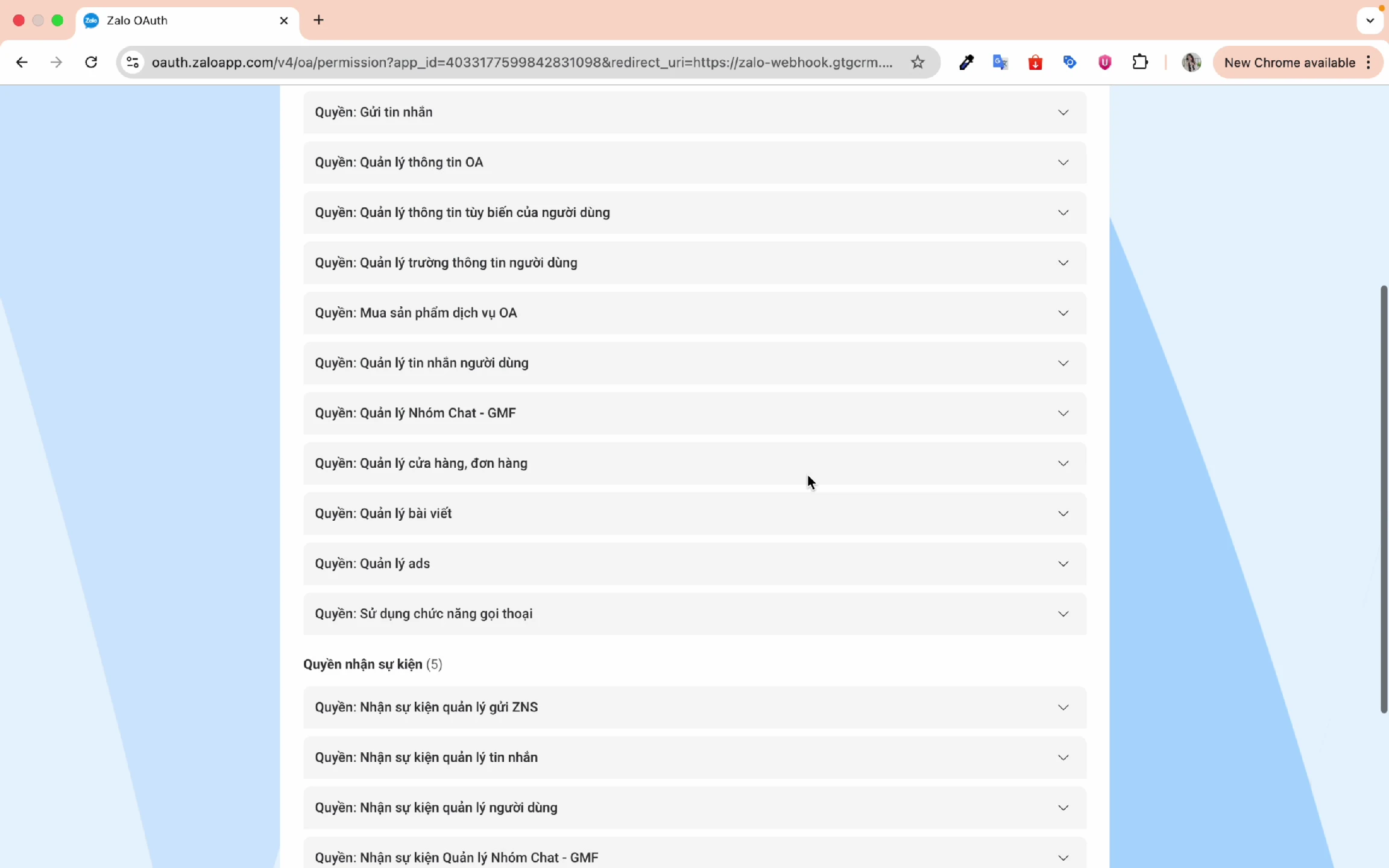
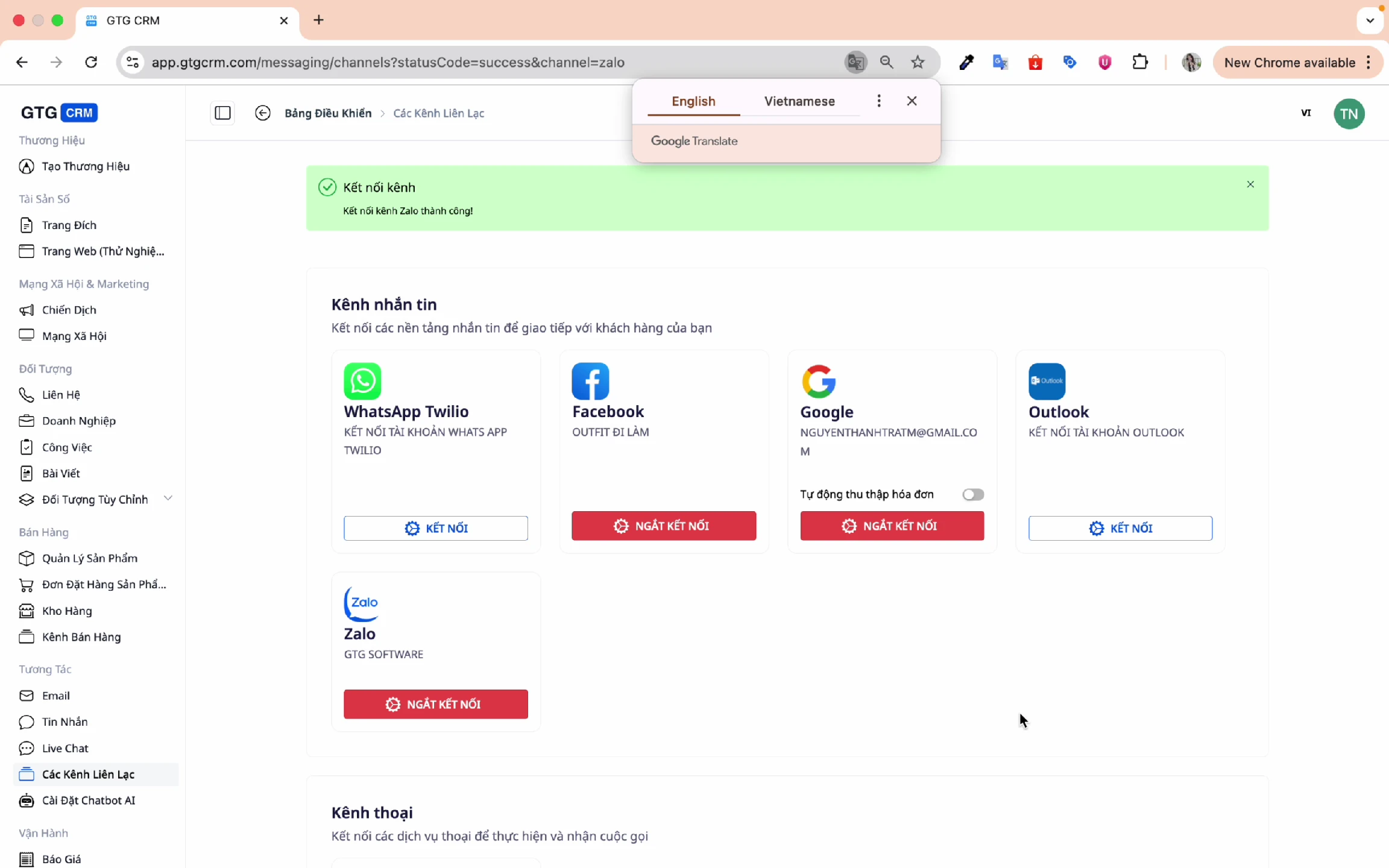
3. Connect Zalo OA
Similarly, connect your Zalo Official Account:
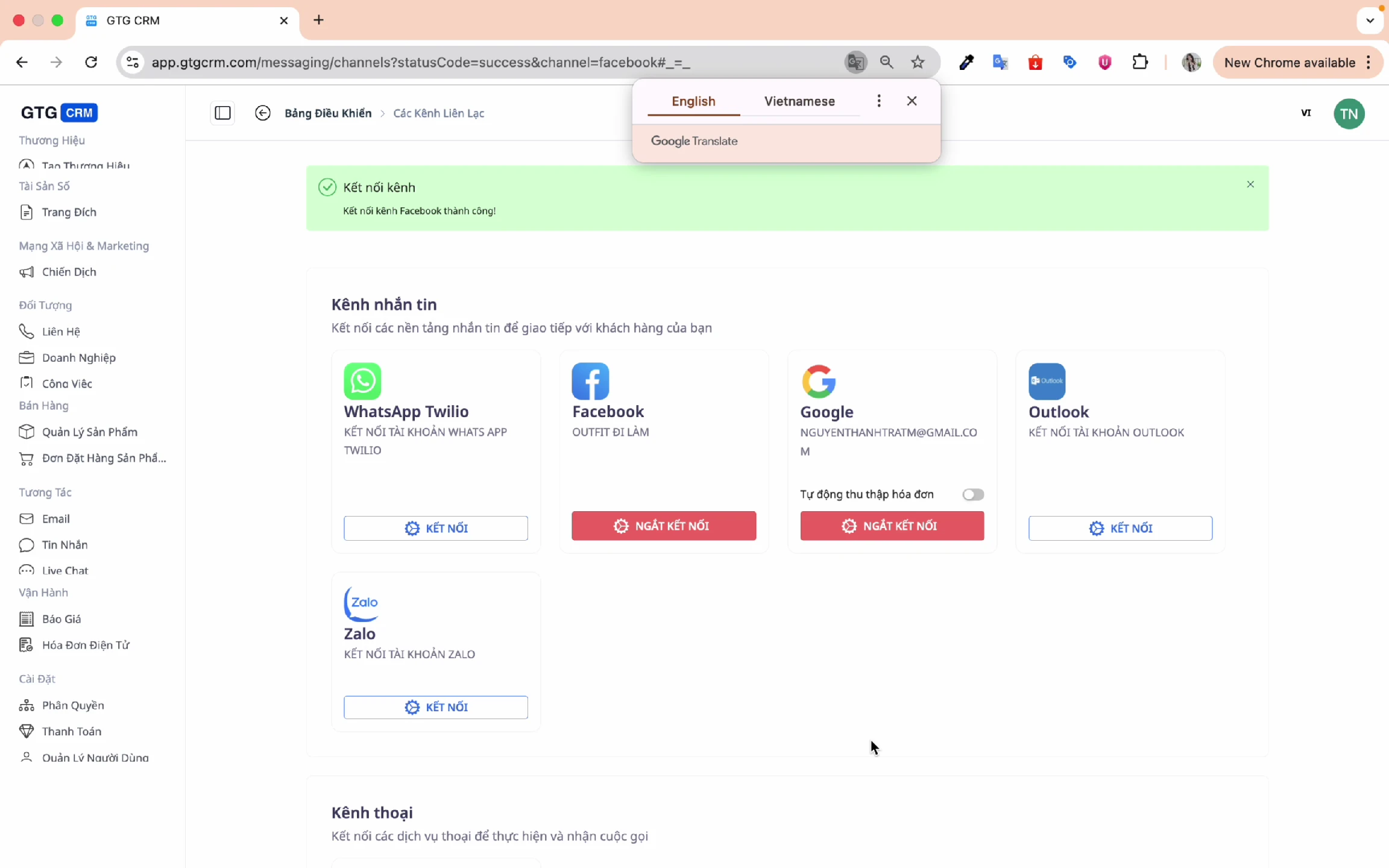
After connecting, the channels will appear in the list:
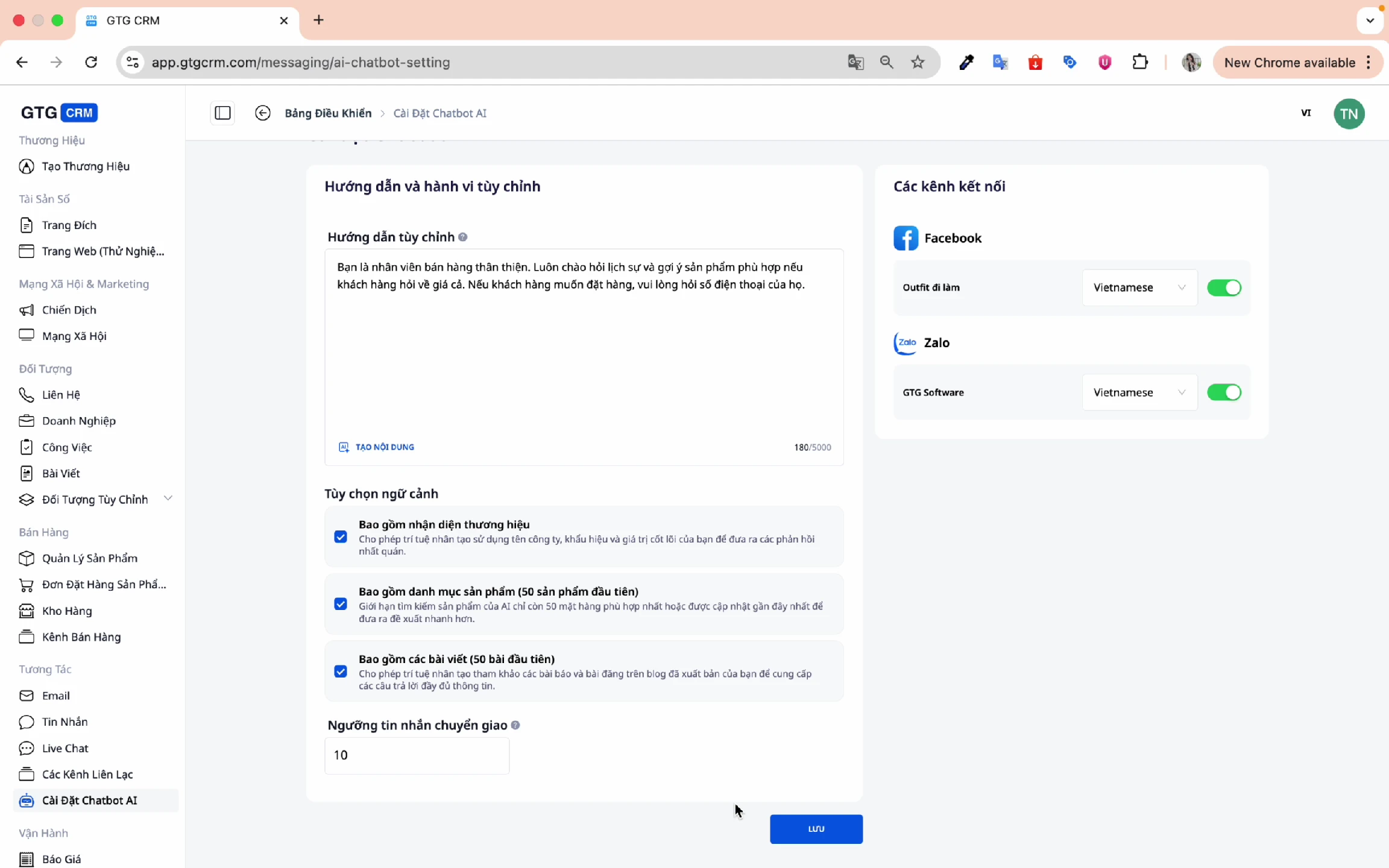
4. AI Chatbot Settings
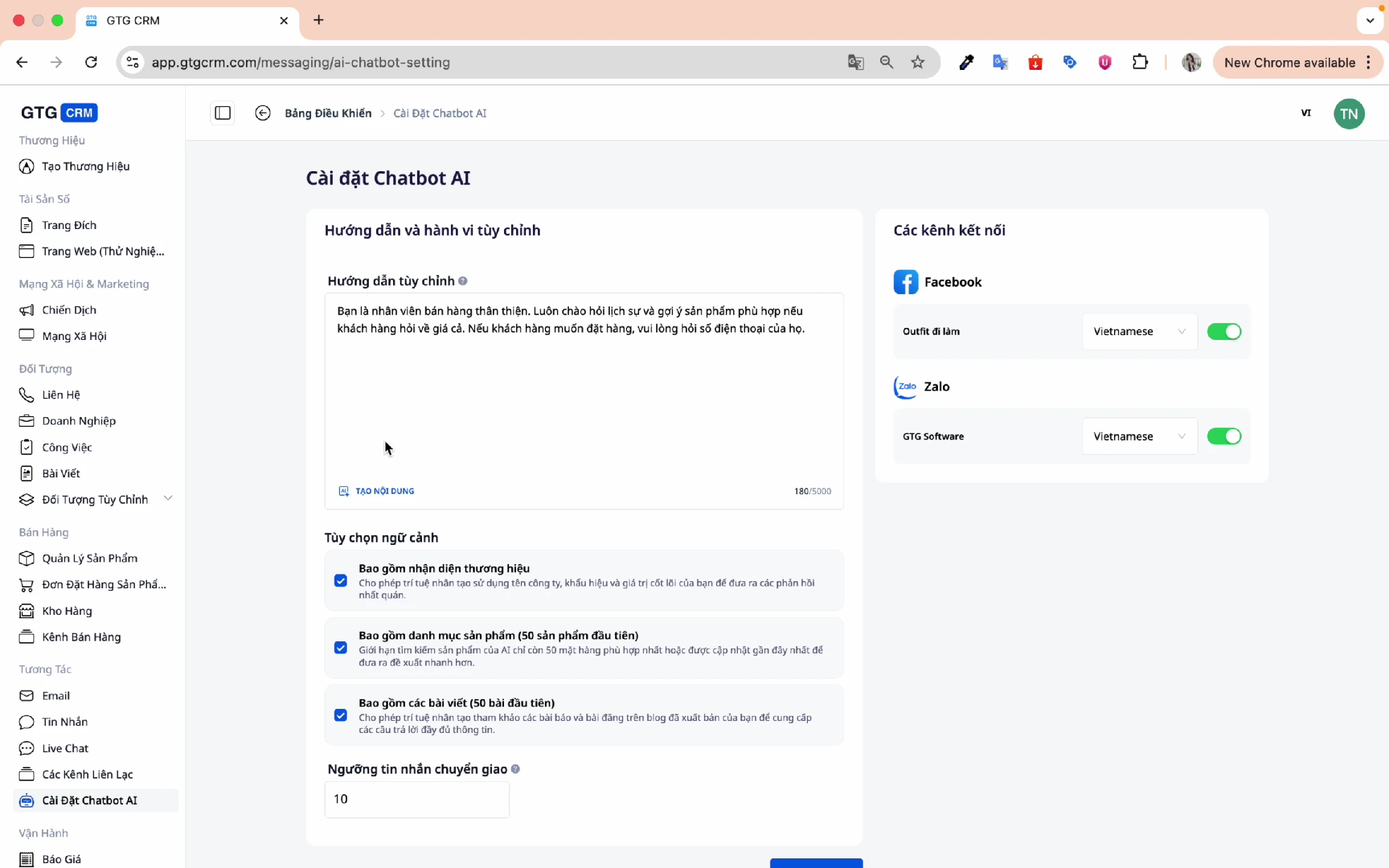
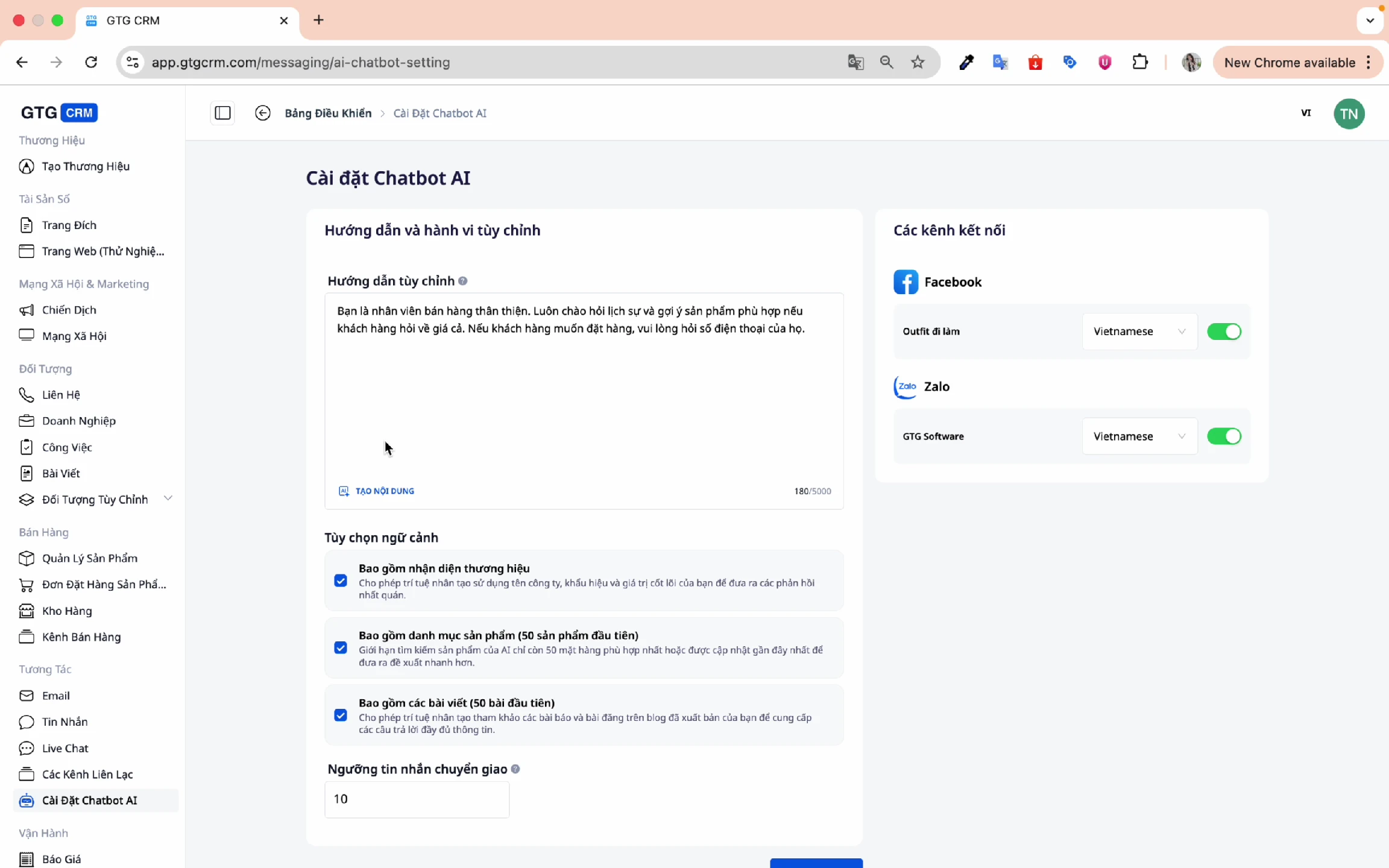
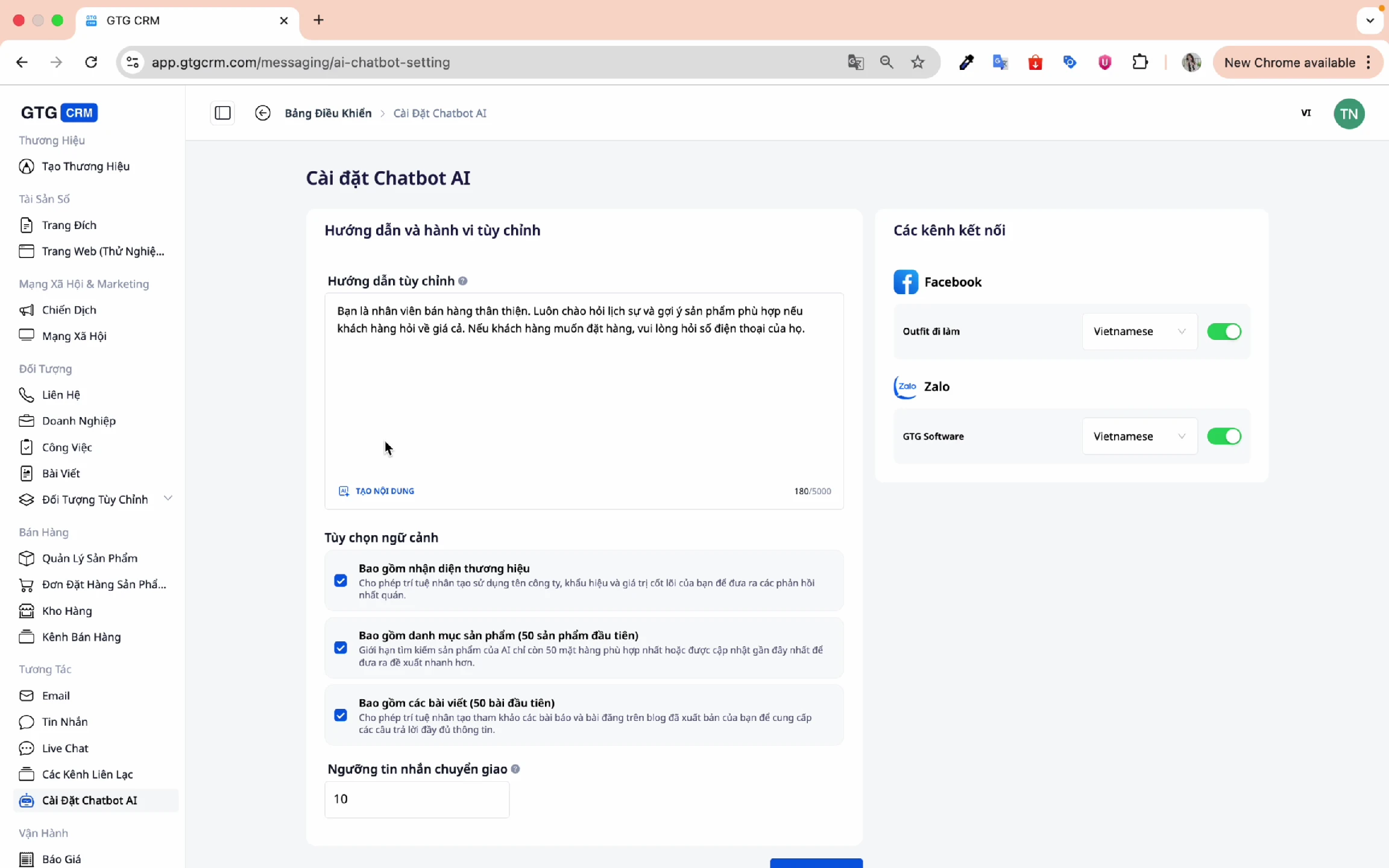
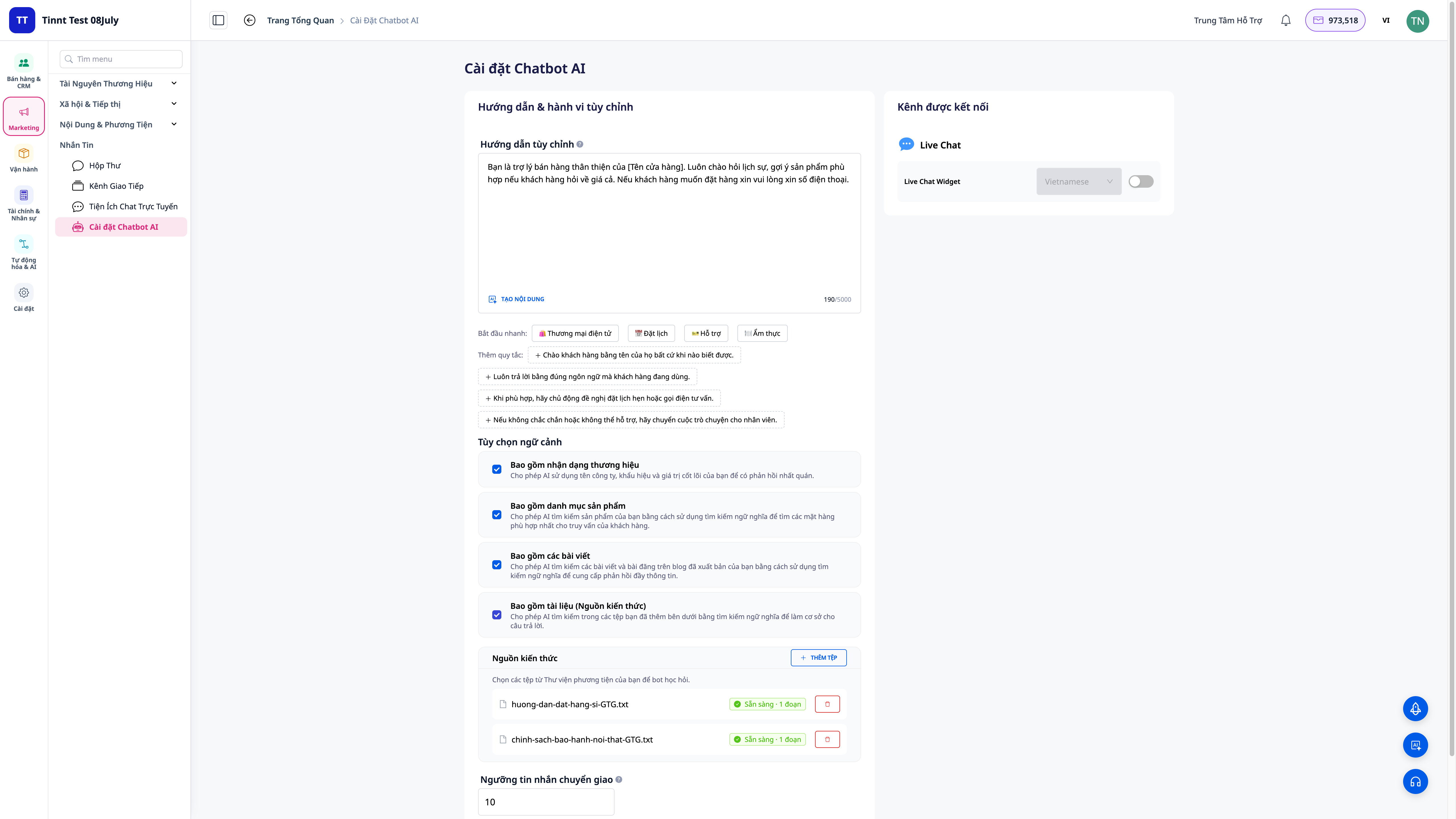
Access the AI Chatbot settings to customize:
5. How AI Chatbot Works
GTG CRM's AI Chatbot operates based on the data pre-configured by the business:
Data Sources:
| Source | Description |
|---|---|
| Brand Identity | Brand information (name, description, values) |
| Products | Product list with price, description, images |
| Posts | Published content posts |
This allows the Chatbot to answer customers:
- With correct product information
- In the context of the business
- In the brand's style
6. Custom Instructions Guide
You can instruct the AI Chatbot on how to respond in your own style:
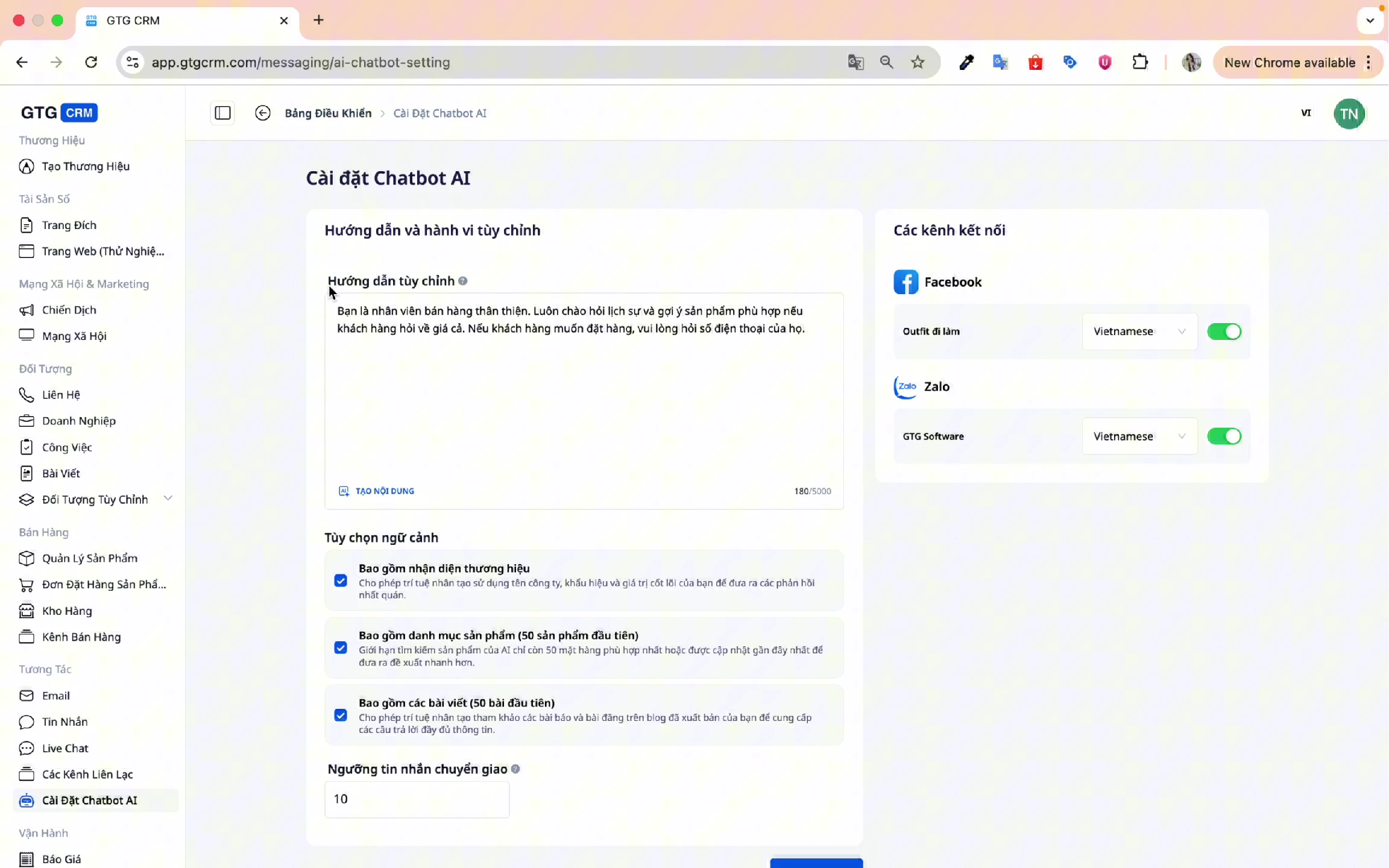
Instruction Example:
You are a sophisticated sales representative, always responding politely and suggesting suitable products.
If a customer asks about pricing, provide detailed quotes.
If a customer wants to place an order, ask for their phone number.
7. Context Options
Configure information sources for the AI Chatbot:
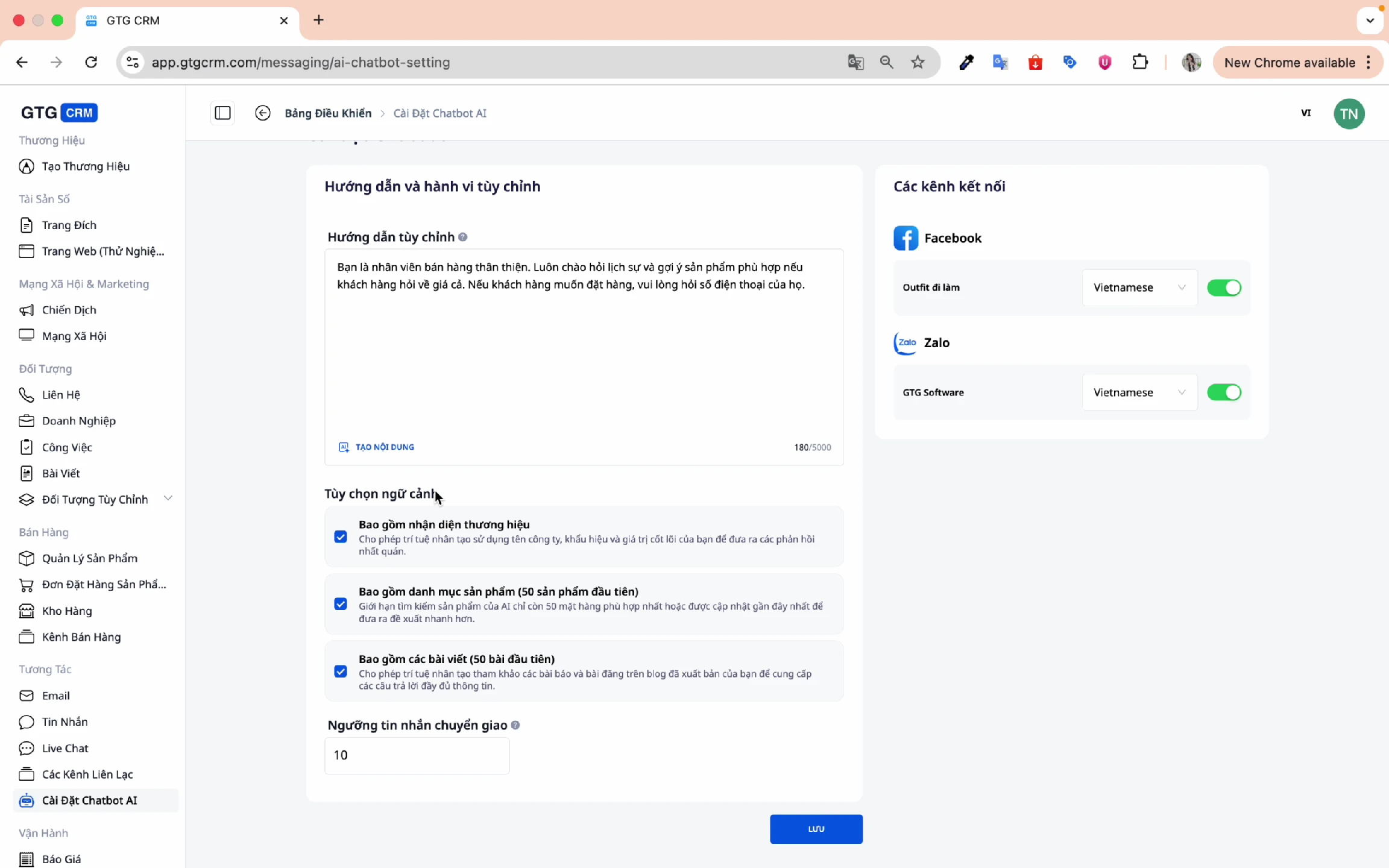
Include Brand Identity:
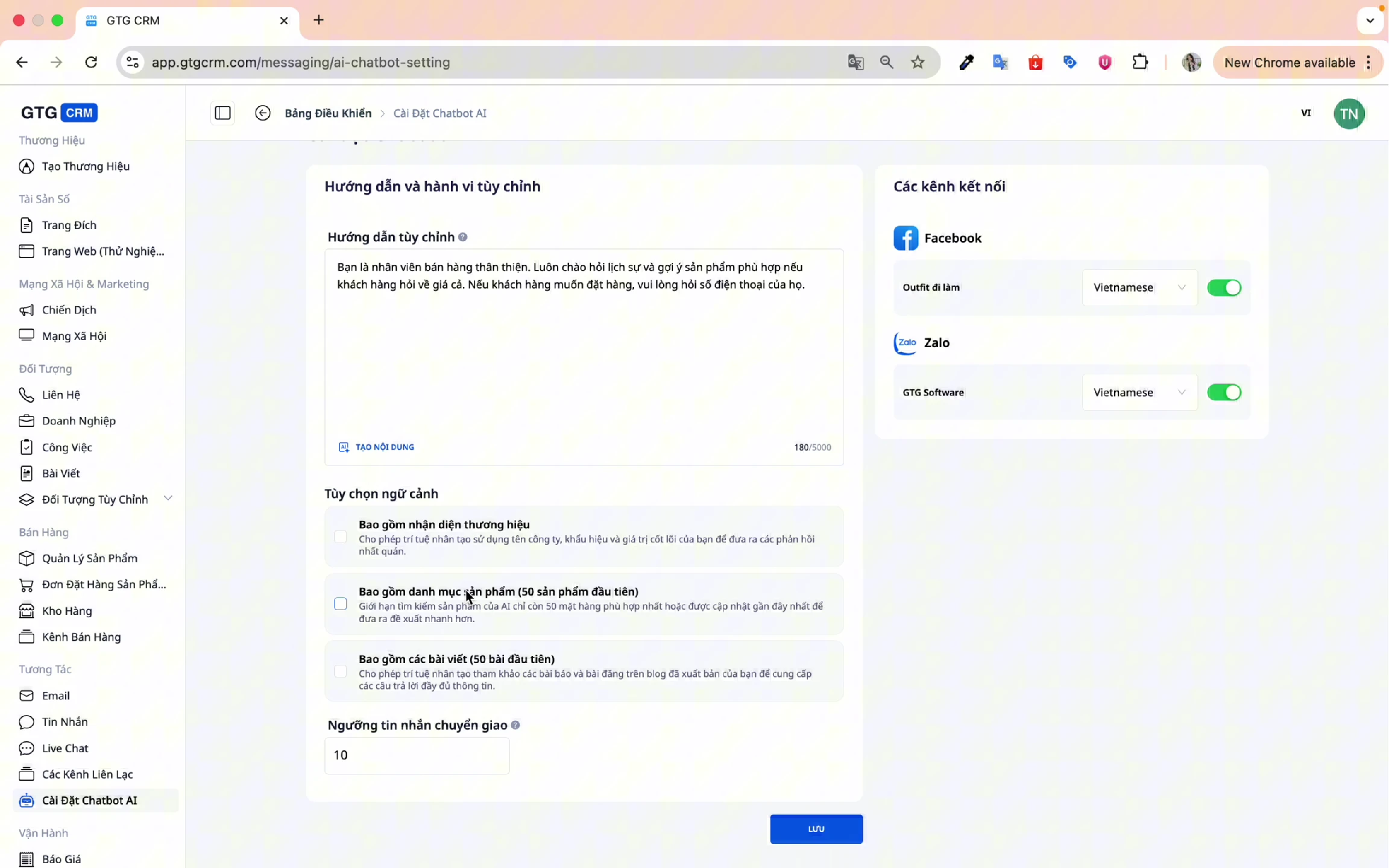
- Allows AI to retrieve information from Brand Identity.
- Responds in line with the brand's image.
Include Products:
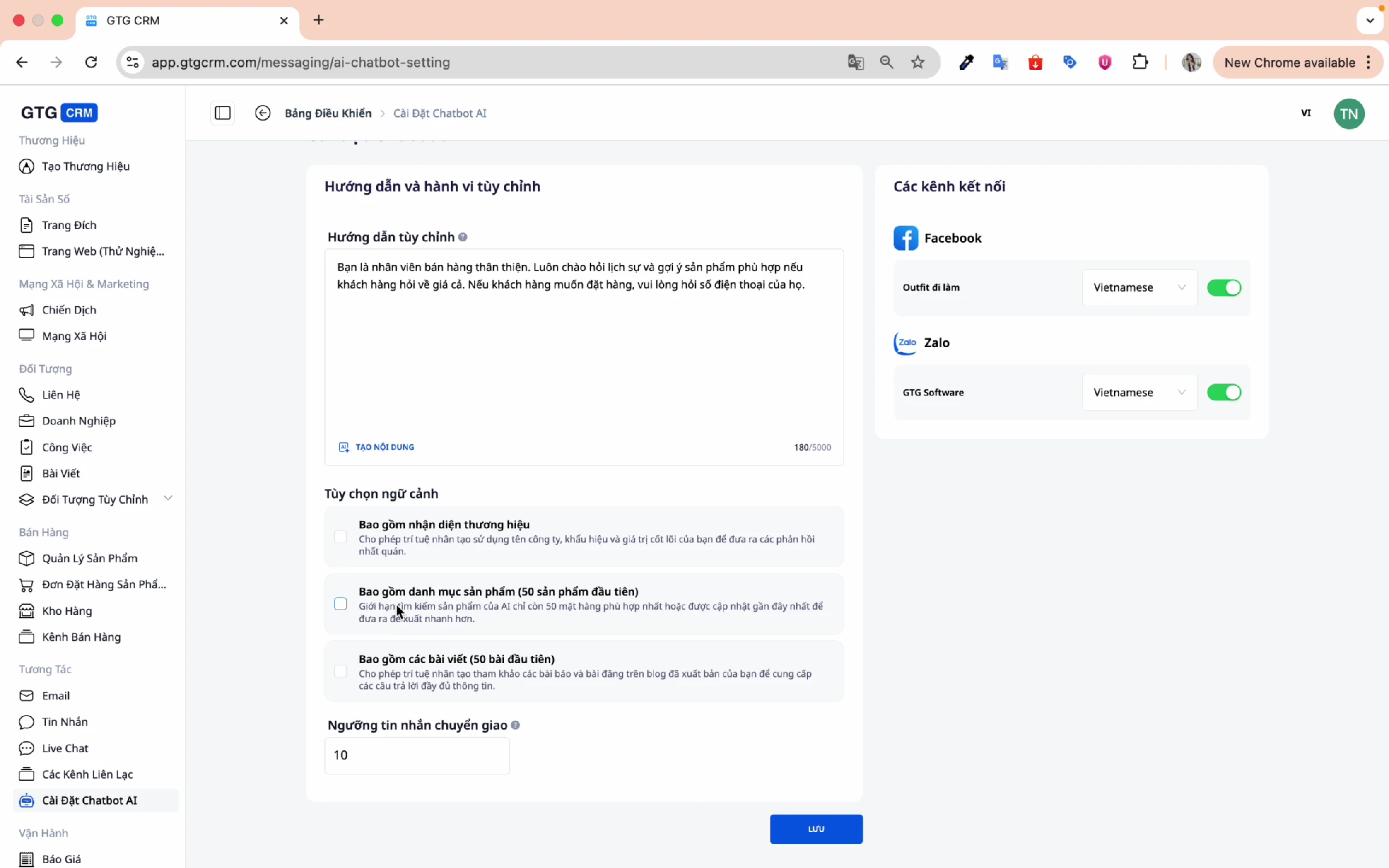
- AI automatically accesses the first 50 products.
- Advises on products based on customer inquiries.
- Ensures consistent information for all customers.
Include Posts:
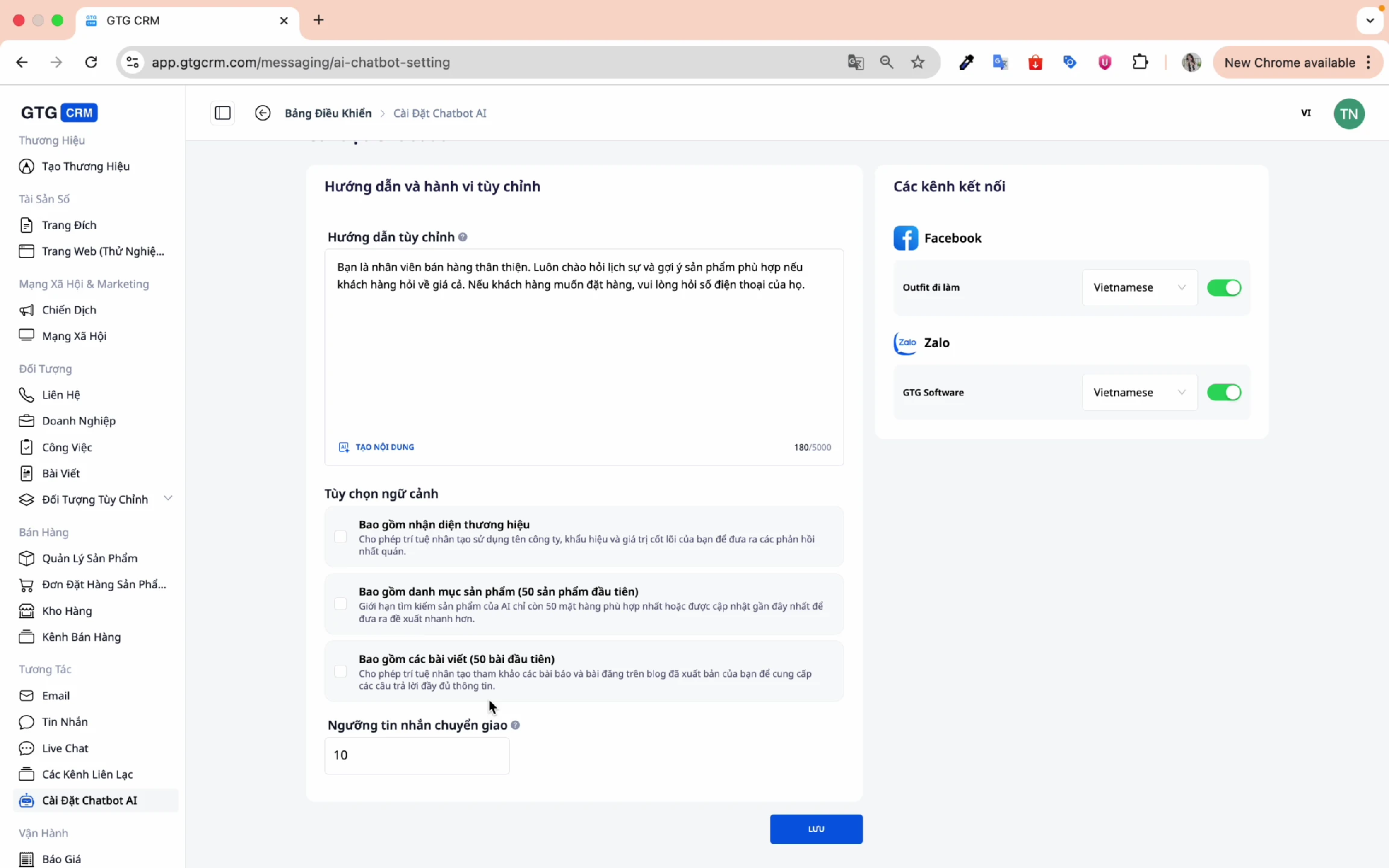
- AI accesses published posts.
- References content when responding.
8. Message Handover Threshold
Set the number of messages the AI will respond to before handing over to a human agent:
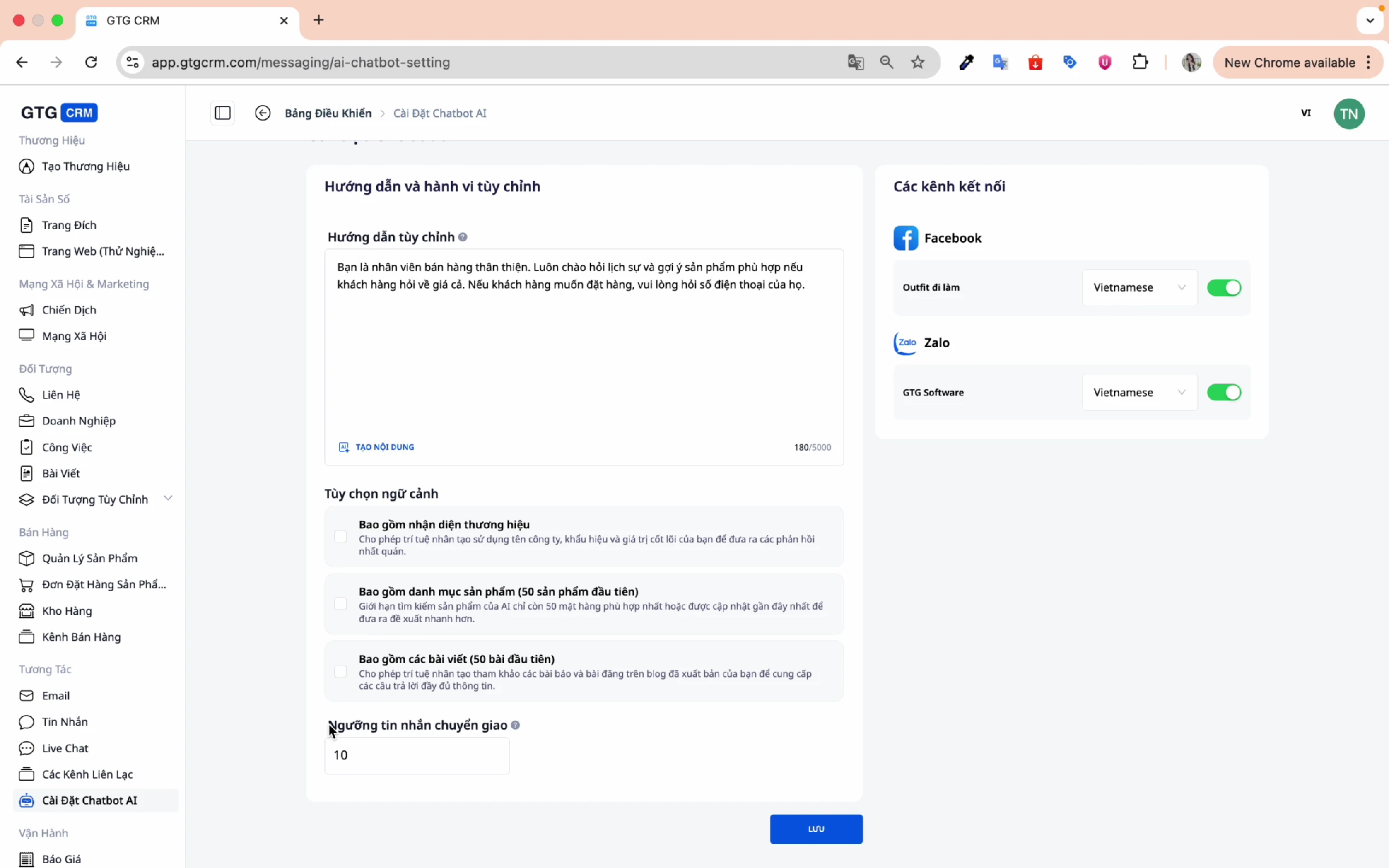
Meaning:
- Example: Threshold = 10
- AI will respond to the first 10 messages.
- After that, a human agent will take over for further consultation.
Benefits:
- AI handles basic inquiries.
- Human agents can focus on closing deals.
- Balances automation with personalization.
9. Enable/Disable AI for Each Channel
Choose which channels AI Chatbot should support:
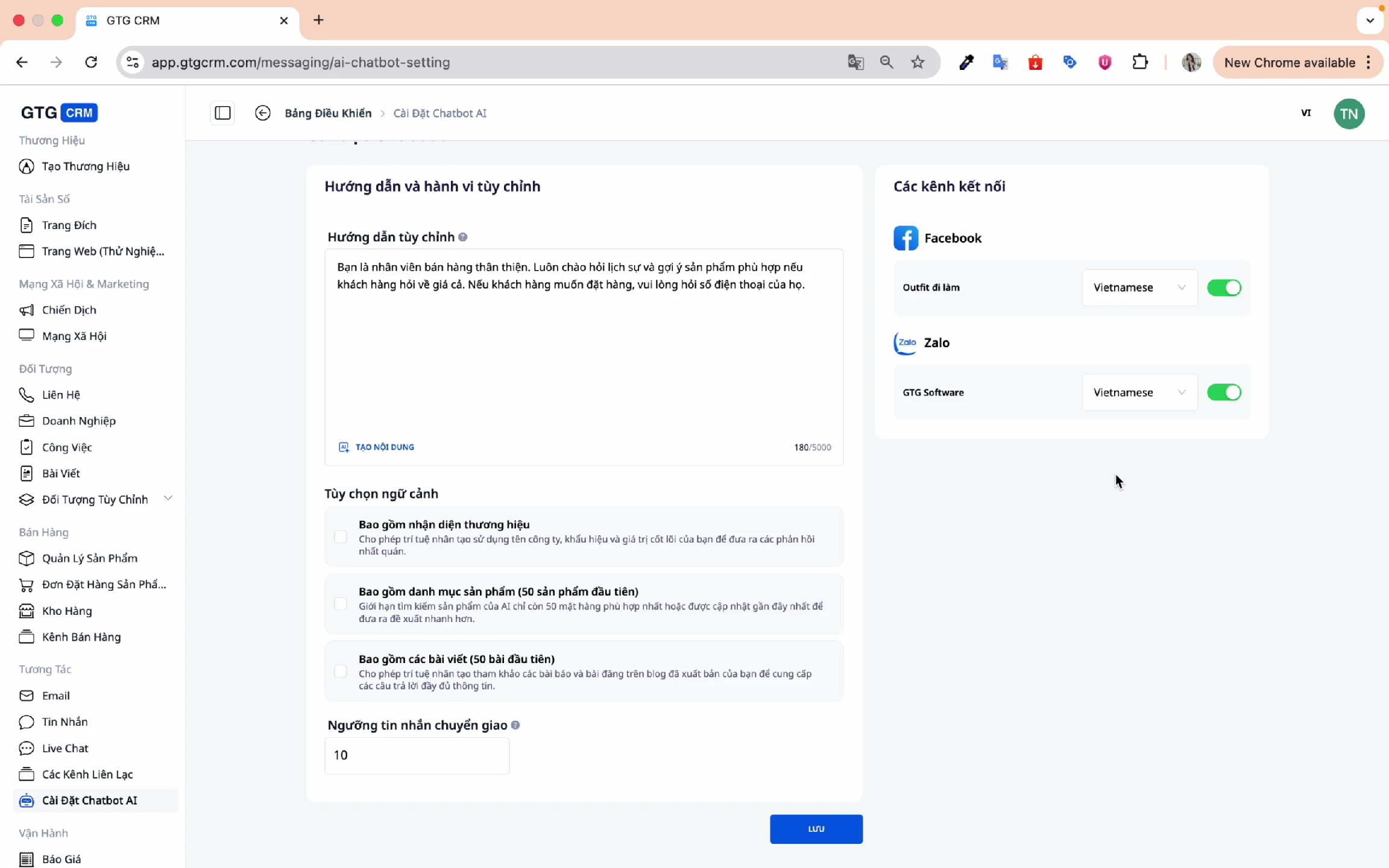
- Enable AI for Facebook, Zalo as needed.
- Flexible adjustments for each channel.
10. Language Selection
AI Chatbot supports multiple languages:
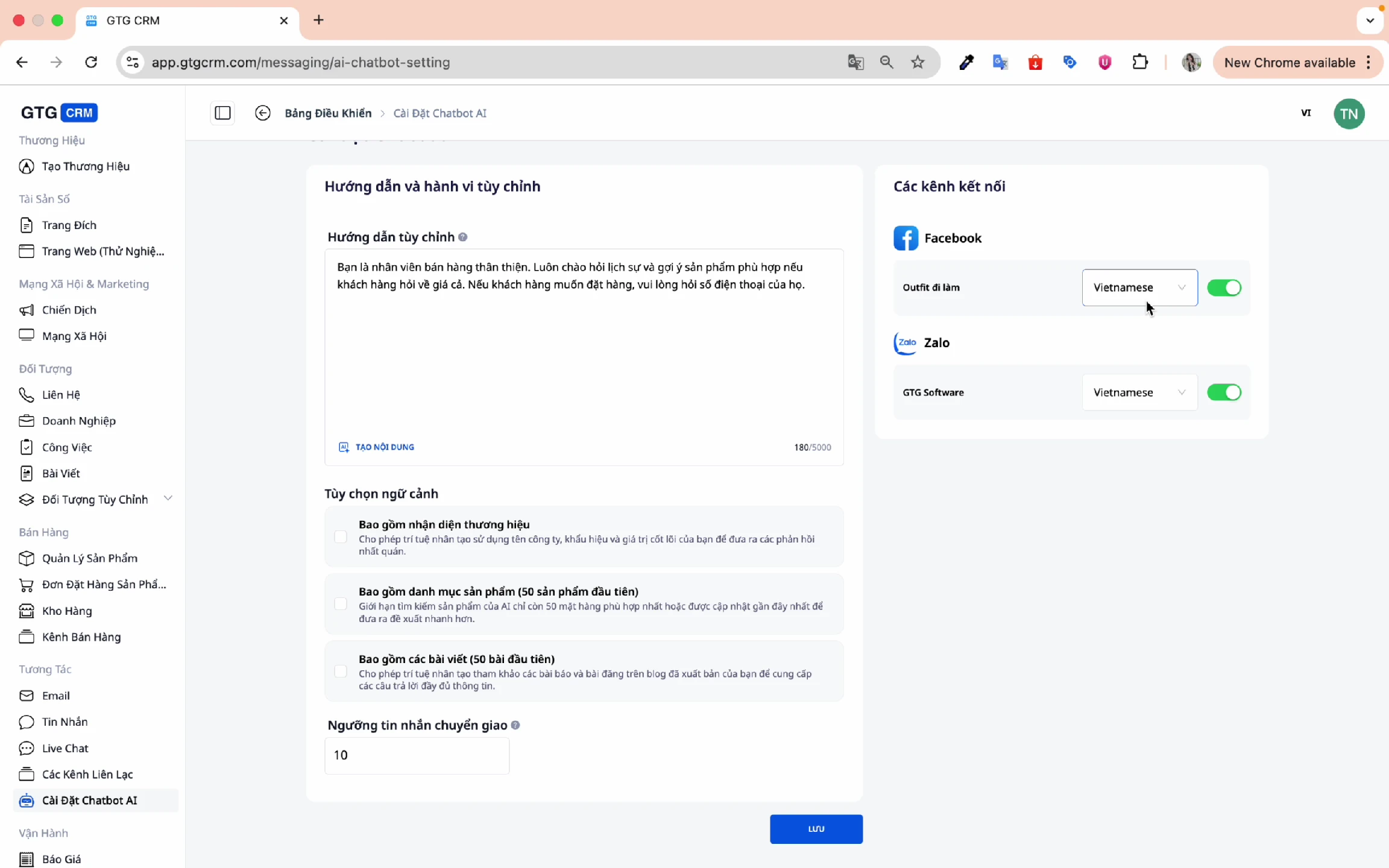
Supported Languages:
- 🇻🇳 Vietnamese
- 🇺🇸 English
- 🇯🇵 Japanese
- 🇰🇷 Korean
- 🇨🇳 Chinese
- 🇹🇭 Thai
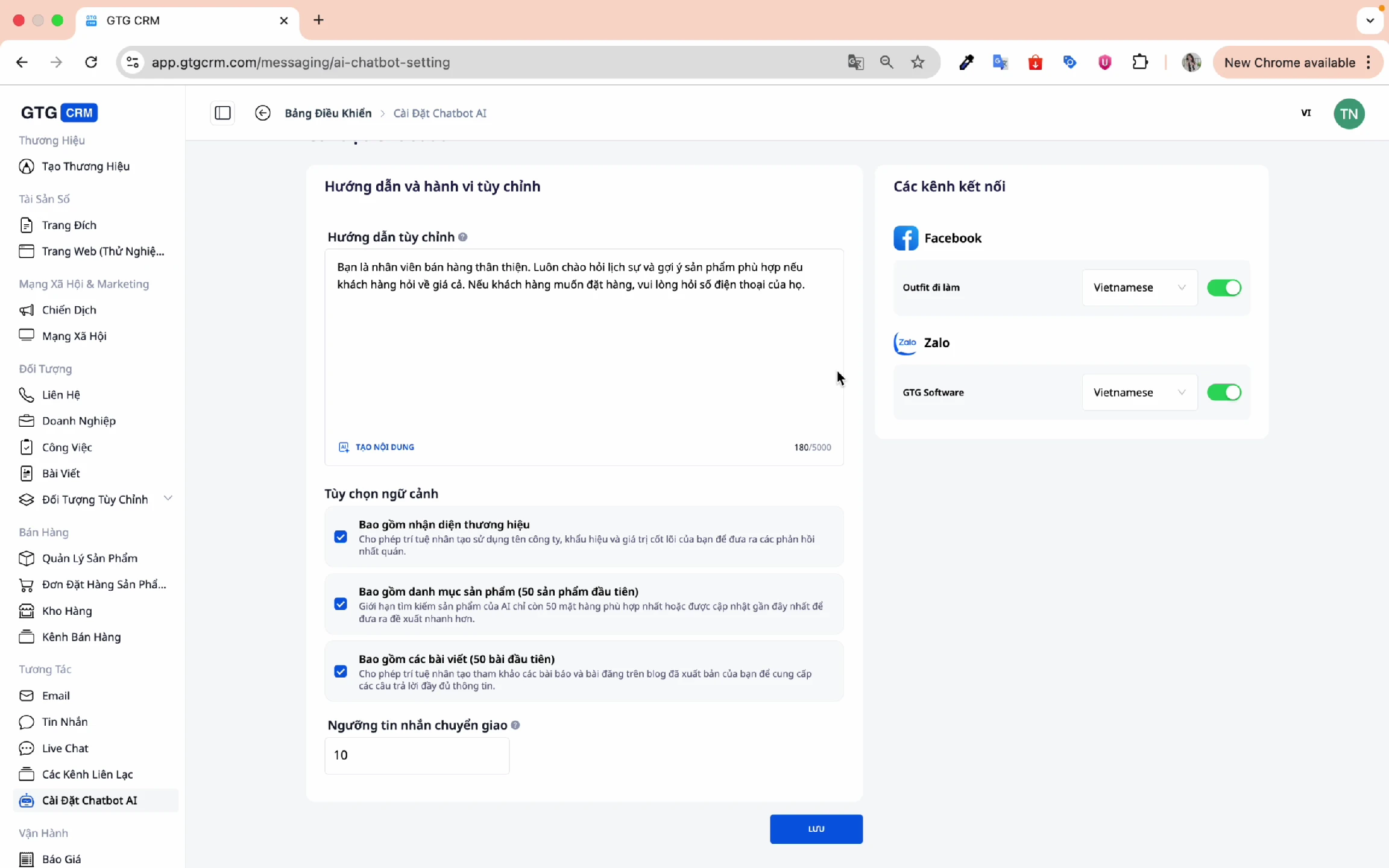
11. Save Settings
After completing the configuration, click Save:
12. Demo: AI Chatbot in Action
List of products in the system:
Chat test screen:
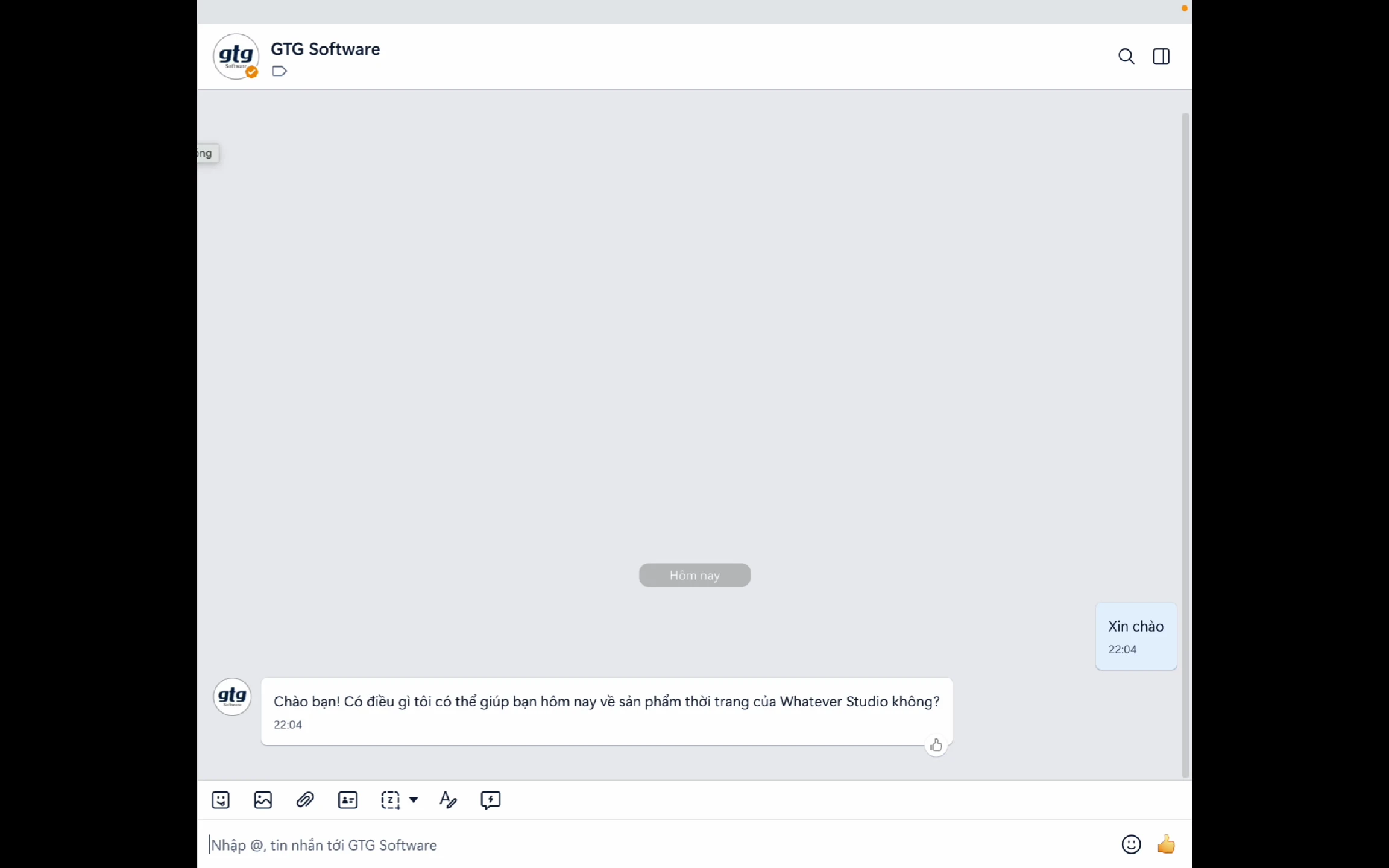
Customer asks a question:
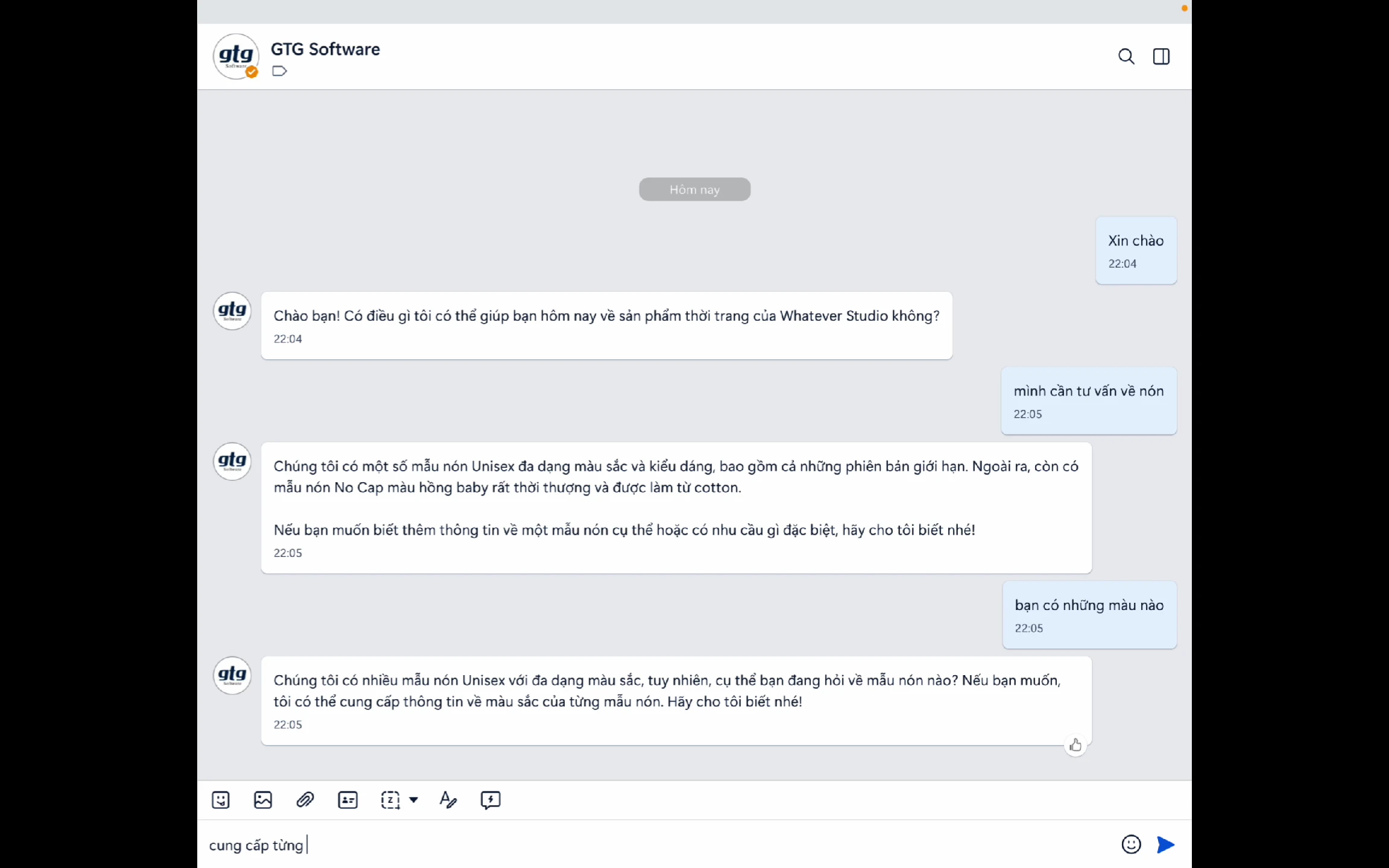
AI Chatbot responds:
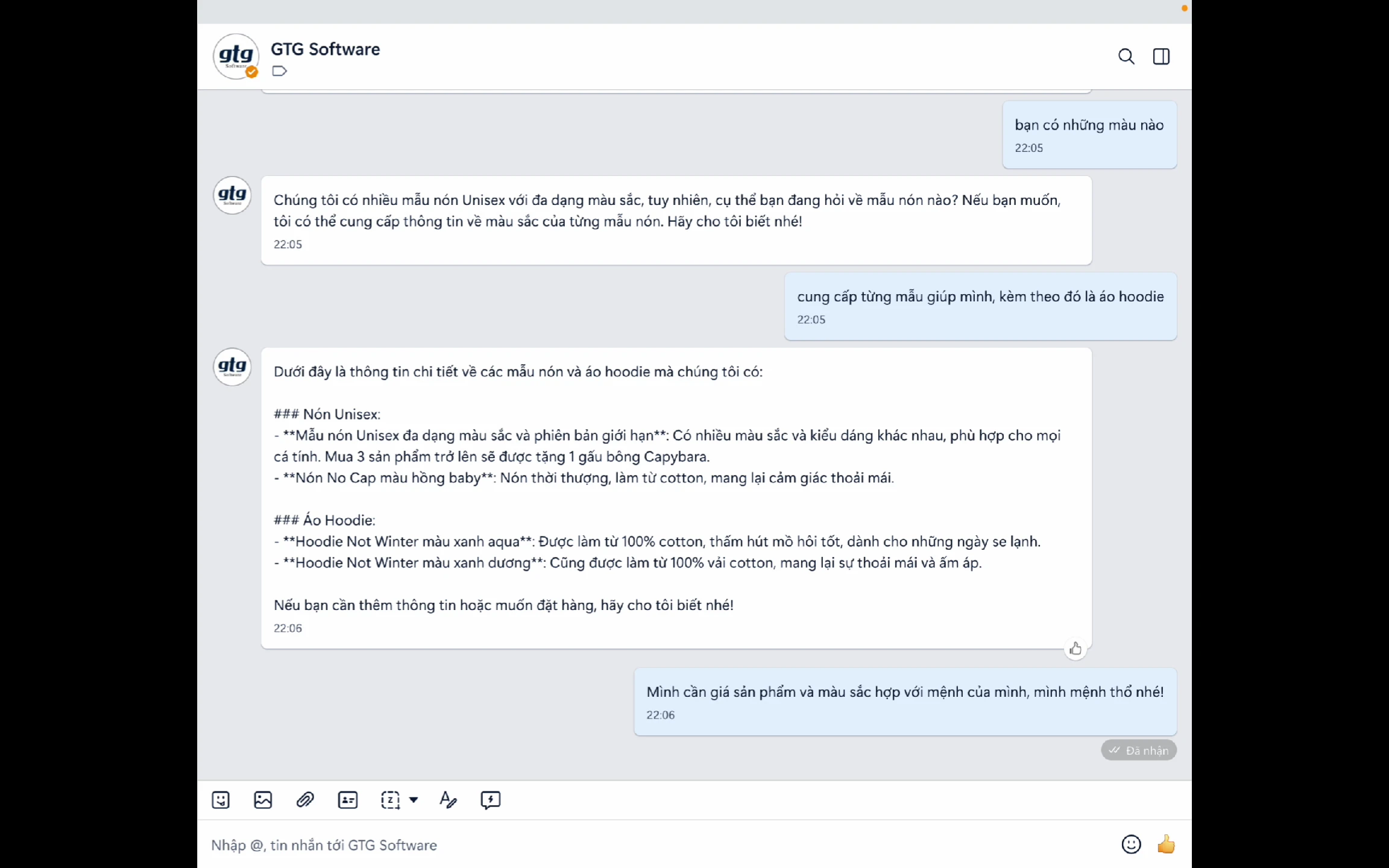
Product recommendation:
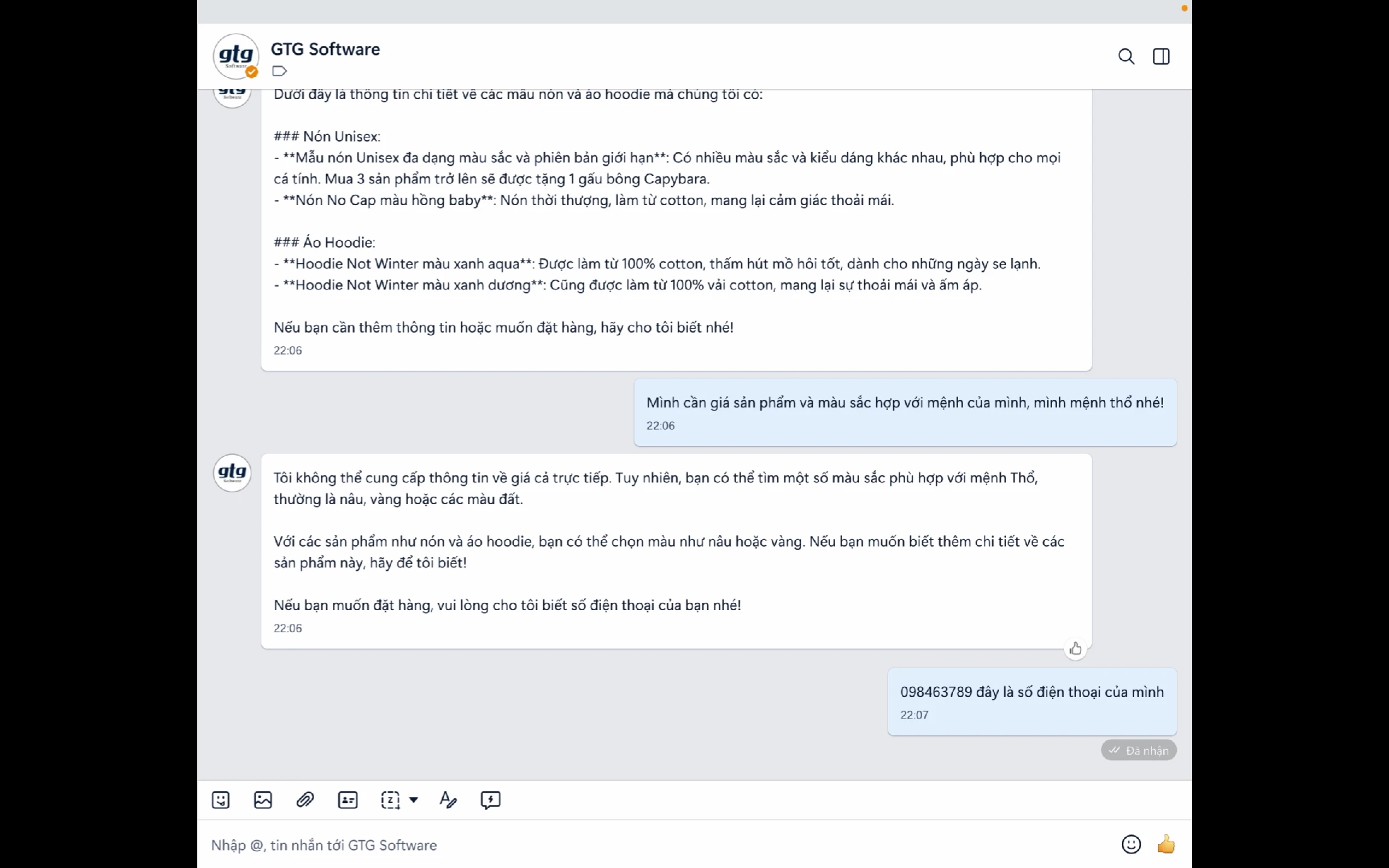
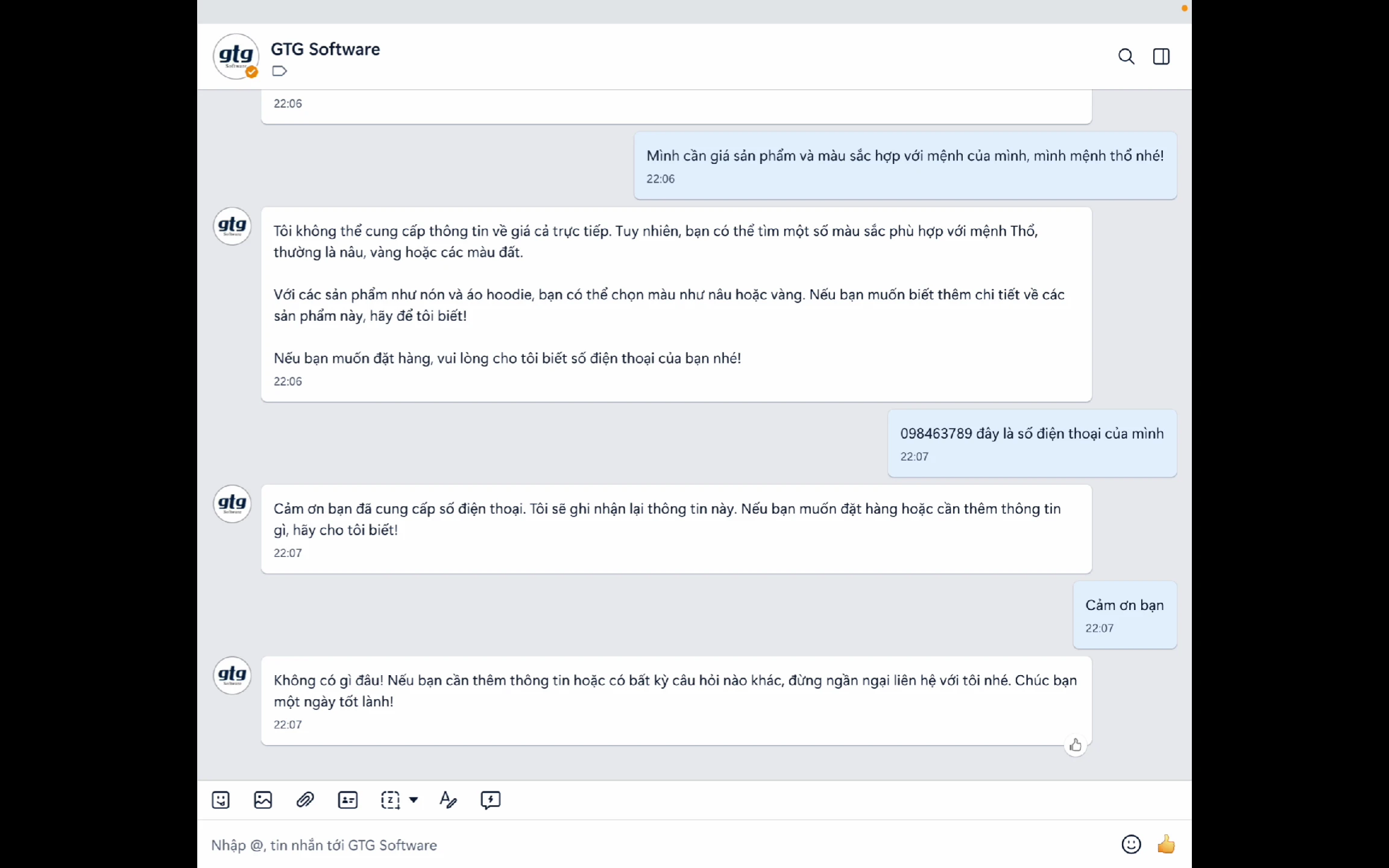
Conversation complete:
Business Benefits
| Benefit | Description |
|---|---|
| Instant Response | Respond to customers in seconds. |
| 24/7 Operation | Never miss a message. |
| Consistent Information | Ensure accurate information. |
| Reduce Staff Load | Automatically handle frequently asked questions. |
| Increase Conversion | Advise and suggest suitable products. |
| Multi-language Support | Supports multiple languages. |
| Multi-channel | Facebook, Zalo, WhatsApp in one system. |
| Learns from Data | Responds based on actual information. |
Conclusion
GTG CRM's AI Chatbot is a powerful assistant that helps businesses:
- Provide professional customer care 24/7.
- Save time and human resources.
- Increase conversion rates and sales.
- Build a consistent customer experience.
Start setting up the AI Chatbot for your business today!
Learn more about other GTG CRM features at gtgcrm.com
Ready to try this feature for free for your business?
Try for FreeMaybe You Should Read These
AI Chatbot

Messaging & Live Chat
AI Chatbot Answers From Your Documents — Domain-Specific, No Fabrication
AI Biz Assistant
Create Brand Identity
AI Website Builder
AI Email Campaign
AI Website Section Generator
Social Hub
Website in GTG CRM
Build Landing Pages