CRM
- Customer, Task, and Call Management Center

GTG CRM Team · GTG CRM
March 11, 2026

Table of Contents
CRM (Customer Relationship Management) in GTG CRM helps businesses store, manage, and track all customer information from various channels, consolidating it into a single platform.
Why is CRM Needed?
The Current Business Landscape
In business, customer data is often scattered:
- Facebook: Customers message via Messenger
- Zalo: Customers chat via Zalo OA
- Email: Customers send emails asking for information
- Landing Page: Customers fill out registration forms
Problems with Using Excel
Many businesses use Excel to manage customers, but:
- It takes a lot of time for manual data entry
- It's difficult to track and easy to miss customers
- There's no holistic view
- Data is not synchronized among employees
- It's hard to assign tasks
GTG CRM's CRM Solution
CRM in GTG CRM helps businesses:
- Centralized Management: All customers in 1 dashboard
- Automatic Information Storage: From Facebook, Zalo, Email, Landing Page
- Easy Search: Advanced filters by multiple criteria
- Flexible Assignment: Assign customers to responsible employees
- History Tracking: View all interactions with customers
Customer Data Sources
CRM automatically collects customers from:
1. Social Media
- Facebook Messenger: Customers message via Fanpage
2. Email
- Gmail: Customers send emails to the business inbox
3. Landing Page
- Registration Forms: Customers fill in information on the Landing Page
- Live Chat: Customers leave information via Live Chat
4. Manual Entry
- Create Contact: Add customers directly
- Import CSV: Import data in bulk from a file
Key Features
1. Contact List Management
View and manage all customers in one table: - Name, Email, Phone number - Country, Address - Status (New, In Progress, Converted...) - Customer Source - Assigned Person
2. Customizable Display Columns
Add/remove information columns as needed: - Add custom columns (Product purchased, Notes...) - Hide unnecessary columns - Rearrange column order
3. Advanced Filters
Search for customers by multiple criteria: - Filter by date: Today, This Week, This Month - Filter by status: New, In Progress, Converted - Advanced Filters: Address, Product, Source...
4. Contact Details
View and edit complete customer information: - Personal information - Interaction history (calls, emails, notes) - Tasks and follow-up actions - Assigned Person
5. Employee Assignment
Assign customers to responsible employees: - Select the responsible person for each contact - Transfer responsibility when needed - Track each employee's performance
6. Business Classification
Automatically classify B2B contacts: - Emails with company domains (@fpt.com.vn, @gtgcrm.com...) - Separate into a "Businesses" list
Task Attachments & Links
Attach Files to Tasks
Each Task in CRM can attach files from the Asset Manager and external links.
Why Attachments in Tasks?
Previously, when creating a task "Send quote to customer A," an employee had to: 1. Create a task in CRM 2. Open another tab to find the quote file in Google Drive or on their computer 3. Remember/note the file path elsewhere 4. Find the file again every time they viewed the task
Now, important files and links are attached directly within the task - opening the task shows everything.
Attach Files from Asset Manager
| File Information | Description |
|---|---|
| assetId | File ID in Asset Manager |
| File Name | Display name of the file |
| URL | Download link for the file |
| File Size | File size (bytes) |
| File Type | contentType (PDF, DOCX, XLSX, JPG...) |
Practical Applications: - Attach PDF contracts to the task "Sign contract with customer B" - Attach XLSX quote files to the task "Send Q2 quote" - Attach product images to the task "Confirm design"
Attach External Links
| Information | Description |
|---|---|
| URL | Link to the website/document |
| Title | Display name for the link |
Practical Applications: - Google Sheets link for revenue report → task "Review May" - Google Drive folder link for photos → task "Product photoshoot" - Figma link for design → task "Approve landing page UI" - Competitor product page link → task "Competitor analysis"
Supported File Types
| Type | Format |
|---|---|
| Documents | PDF, DOCX, XLSX, PPTX |
| Images | JPG, PNG, WEBP |
| Videos | MP4, MOV |
| Others | Any file in Asset Manager |
Custom Object Schema Consolidation
What is a Custom Object?
Custom Objects allow businesses to create their own data types beyond the default Contacts - for example: Contracts, Projects, Internal Tickets, Warranty Orders, Appointments...
Each workspace can create multiple types of Custom Objects with different custom fields.
Previous Issues
Previously, the system stored each type of Custom Object in a separate table in the database. When a workspace had many types of custom objects:
| Situation | Consequence |
|---|---|
| 706+ dynamic tables in the database | Slow searches, complex queries |
| Each workspace had a different table structure | Difficult to maintain, difficult to upgrade |
| Frequent schema changes | Risk of errors during migration |
Now, GTG CRM has refactored Custom Objects from multiple dynamic tables to 2 fixed tables:
custom_object_records          → Stores all custom object records
custom_object_contact_assoc    → Associates records with Contacts
Key Benefits
| Benefit | Description |
|---|---|
| Time Saving | No manual data entry required, automatic synchronization |
| Centralized Management | All customers in 1 system |
| No Missed Leads | All contacts are saved |
| Easy Search | Advanced filters by multiple criteria |
| Clear Assignments | Know who is responsible for which customer |
| More Complete Tasks | Important files and links attached directly within tasks |
| Faster Custom Objects | More stable searching and creation |
CRM is Suitable For
- Sales Team - Manage lead lists, tasks with attached quote files
- Marketing Team - Segment customers by source, tasks with campaign links
- Customer Service - Track interaction history, support tasks with document files
- Managers - Monitor employee performance
- Business Owners - Grasp the overall customer picture
Integration within GTG CRM
CRM connects with other modules:
- Social Hub - Synchronize customers from social networks
- Landing Page - Receive leads from registration forms
- Email Marketing - Send emails to customer lists
- Product Order - Track customer orders
- Asset Manager - Attach files directly to Tasks
- AI Assistant - Ask for customer information, create tasks, summarize history
Conclusion
CRM in GTG CRM helps businesses:
- Automatically collect customers from all channels
- Manage them centrally in one system
- Search and classify easily
- Assign tasks clearly
- Attach important files and links directly within Tasks
- Make Custom Objects faster and more stable
Maybe You Should Read These
Form Builder

Automation
Double-Entry Accounting Right in Your CRM — General Ledger, P&L, Balance Sheet & VAT Filing Without Separate Accounting Software
Find Suppliers with AI — Verbal Descriptions, Get Real Shortlists, Save to CRM & Send RFQs in Minutes
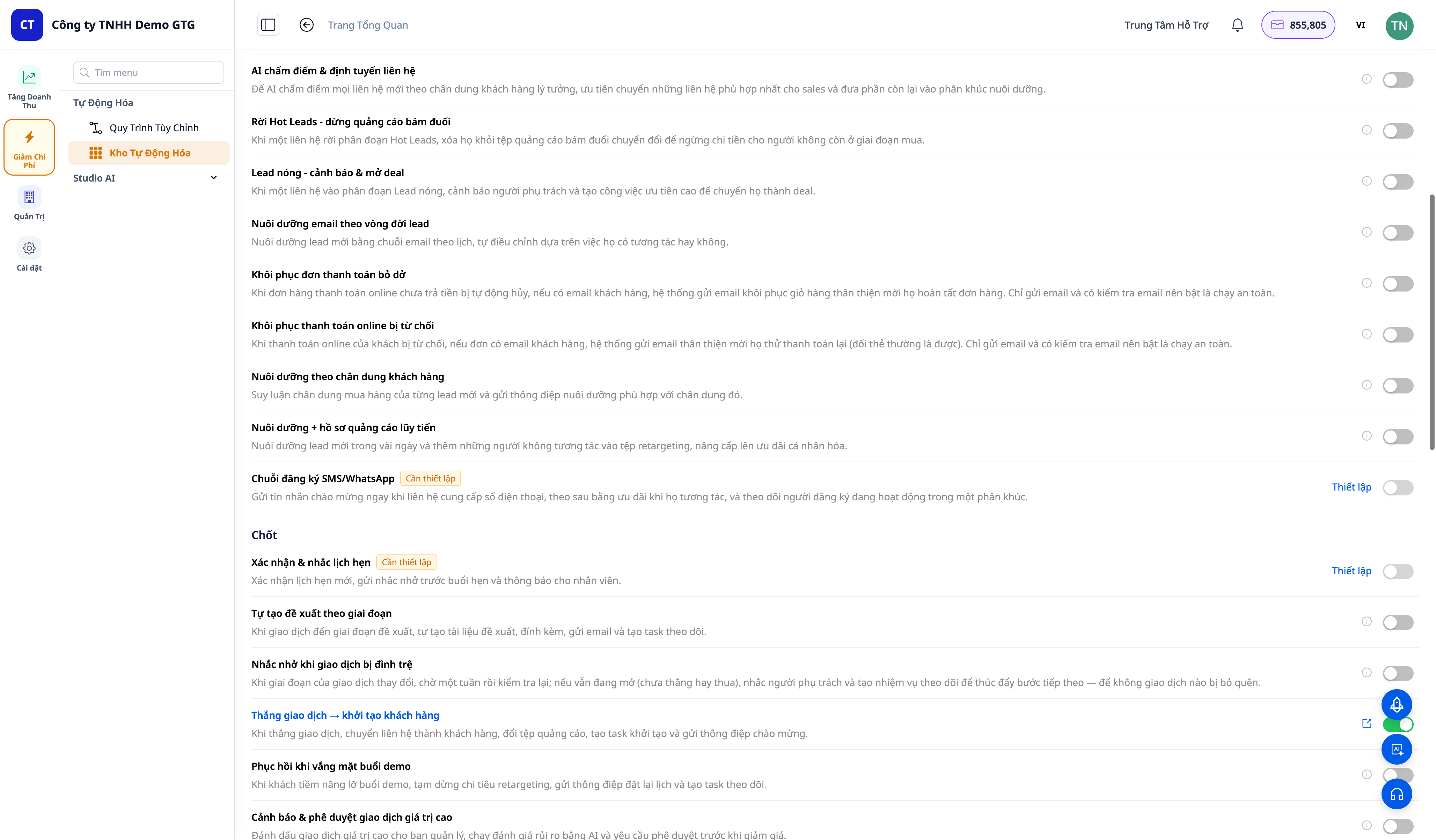
30+ One-Tap Revenue Growth Playbooks — Cart Recovery, Failed Payment Rescue, Win-Back, Lead Nurturing, Post-Purchase Service

Create Brand Identity

Comprehensive sales solution for retailers

Authorization
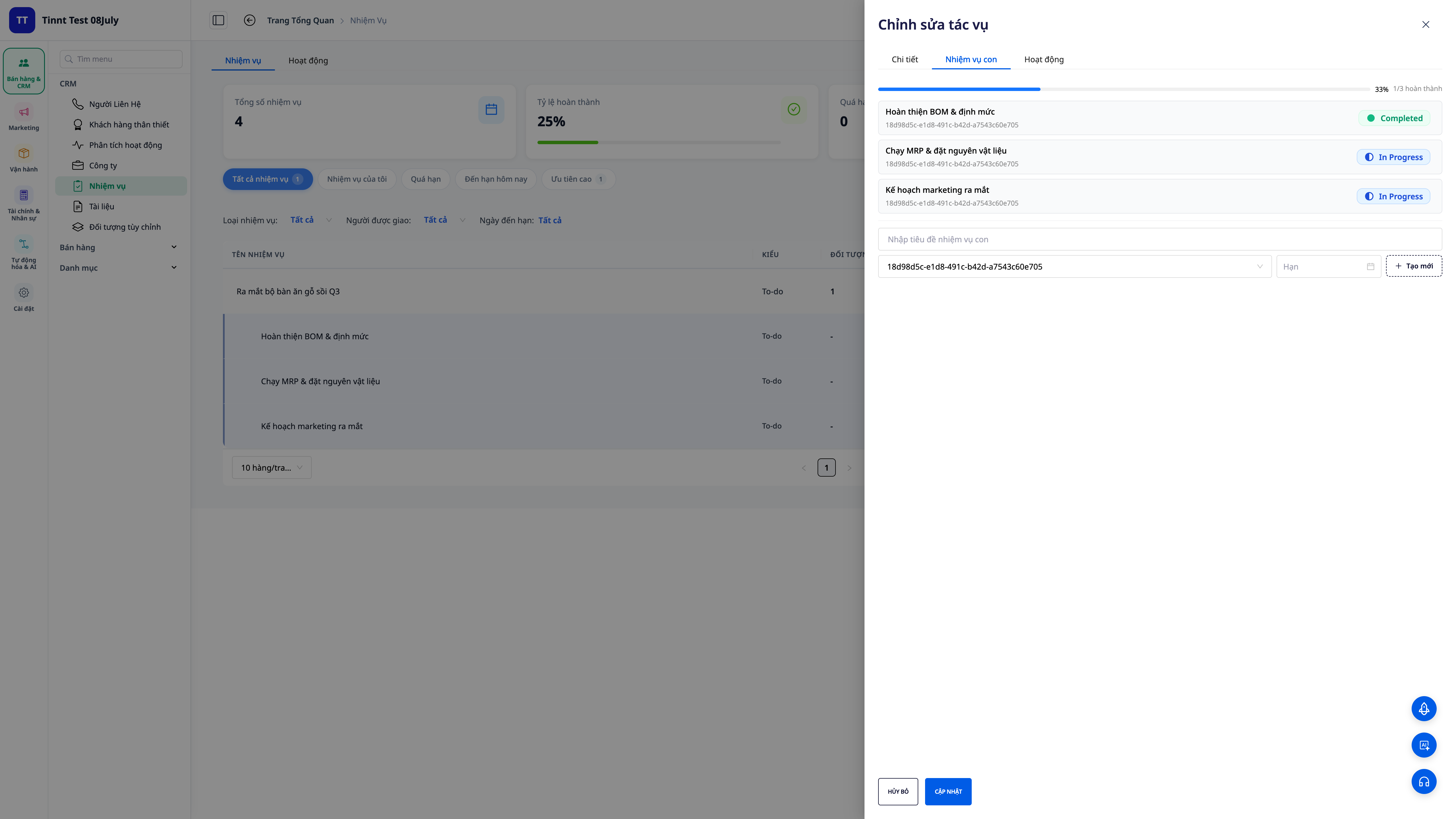
Task Management 2.0 — Break Down Tasks, Auto Update Progress, Link to Deals & Orders
Article Integration

Multi-Platform Sales Management