
You sell products through your website, but customers disappear after making a purchase? No phone number, no email address, no way to contact them to introduce new products or send discount codes? This is a common situation for many online sellers — especially when you've invested in ads, have good traffic, but can't retain customer information after the first purchase.
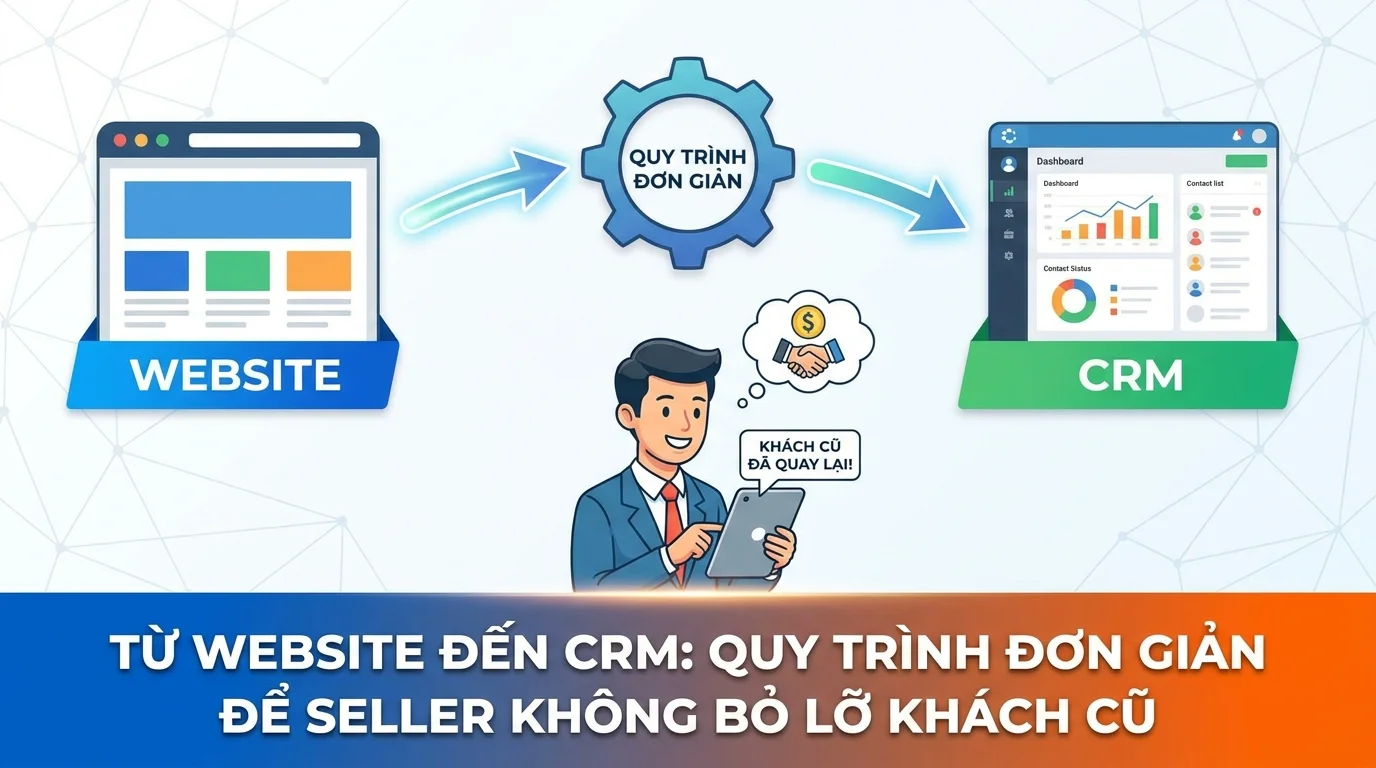
The solution isn't as complicated as you think. Simply connect your website to your CRM — a process any seller can set up in 30 minutes with GTG CRM. Once your website is connected to the CRM, all customer information from the website forms will automatically flow into the system, be categorized and tagged, and the system will automatically follow up via email and Zalo so you don't miss out on second or third sales opportunities.
Overview of the process
The entire process is automated — the seller only needs to set it up once, then the system operates automatically. Website/Landing Page → Form → CRM (Người Liên Hệ) → Gắn Tag → Follow-up (Email, Zalo) → Bán lạiStep 1: Create a data collection form on the website.
First, you need a form on your website or landing page to collect customer information. In GTG CRM, go to the Forms section in the menu bar and create a form with the necessary fields.
Examples of fields that should be included in a seller's form:
| Form school | Map with CRM fields | Purpose |
|---|---|---|
| Full name | First Name , Last Name | Personalize emails/messages |
| Phone number | Phone | Contact directly, send a message via Zalo. |
Email | Sending follow-up and promotional emails. | |
| Products of interest | Custom field (Dropdown) | Knowing what the customer needs allows you to send the right content. |
Practical tip: The shorter the form, the higher the completion rate. Just 2-3 fields (name + phone number + email) are enough for the first attempt. More detailed information can be added after a sales representative contacts you.
After creation, the system provides 3 ways to embed the form : - Script tag — paste it into any website; the form displays beautifully and is not affected by the page's CSS - iframe — compatible with all platforms - Share link — send directly to customers via message
If you are using a GTG CRM website or landing page , the form will automatically connect to the CRM without requiring any additional installation.
Step 2: Data is automatically transferred to the CRM.
When a customer fills out the form and clicks Submit, the information is automatically sent to the CRM → Contacts folder . No manual data entry or copying from Excel is required.
Data stored in the CRM includes:
| Field recorder | Value | How it works |
|---|---|---|
| First Name, Last Name | From form | Automatically map form word fields |
| From form | Used for sending follow-up emails. | |
| Phone | From form | Automatic normalization (+84...), used for Zalo |
| Origin | website or landing_page | Automatic source tagging system |
| Lifecycle Stage | Lead | Default settings upon initial login, updates gradually. |
| Original | Admin workspace (self-assigned) | The system automatically assigns it to admin; switch to Automation Workflow. |
The advantage: If the customer's email address already exists in the CRM (a returning customer filling out a form), the system will update the information instead of creating duplicates — the data is always clean.
Step 3: Attach customer segmentation tags.
Tagging helps you categorize customers for proper care. GTG CRM supports two types:
Source tagging — automatic: The system automatically tags sources when customers access the CRM: website , landing_page , facebook , zalo , email , live-chat , etc.
Custom tags — via Automation Workflow: You create an automated flow to apply tags based on conditions. For example:
| Trigger | Condition | Attached tag |
|---|---|---|
| Order Delivered | First order | "Purchased Once" |
| Order Delivered | Orders of 2 million VND or more. | "High-spending customers" |
| Contact Created | Contact LP for Tet (Lunar New Year) promotions. | "LP Tet 2026" |
| Contact Updated | No interaction for 30 days | "Needs to be taken care of again" |
When you want to send promotions to customers who have made a purchase once, simply filter by the tag "Purchased Once" → you'll immediately have a list to send email campaigns or Zalo messages to.
Step 4: Set up a workflow for retaining existing customers.
This is the most important step — turning CRM data into revenue a second time. Go to Automation → Processes , and create automated customer care scenarios.
Scenario 1: Welcoming new guests via form
Trigger: Object → Contact → Contact Created
Khách điền form → Contact tự tạo trong CRM (owner = admin) → Gửi email cảm ơn (template có {{contact.first_name}}) → Đổi owner cho nhân viên sale cụ thể (Assign Contact) → Đợi 1 ngày → Gửi Zalo giới thiệu sản phẩm bán chạy → Đợi 3 ngày → Nhắc nhân viên gọi điện (nếu chưa có tương tác)Scenario 2: Follow up with customers who made their first purchase.Khách điền form → Contact tự tạo trong CRM (owner = admin) → Gửi email cảm ơn (template có {{contact.first_name}}) → Đổi owner cho nhân viên sale cụ thể (Assign Contact) → Đợi 1 ngày → Gửi Zalo giới thiệu sản phẩm bán chạy → Đợi 3 ngày → Nhắc nhân viên gọi điện (nếu chưa có tương tác)
Trigger: Order Delivered
Đơn hàng giao thành công → Đợi 3 ngày → Gửi email cảm ơn + hỏi feedback → Đợi 7 ngày → Gửi Zalo giới thiệu sản phẩm liên quan (cross-sell) → Đợi 30 ngày → Gửi mã giảm giá 10% "Dành riêng cho khách cũ" → Gắn tag "Đã Nhận Ưu Đãi Lần 2"Scenario 3: Win back the "silent" customerĐơn hàng giao thành công → Đợi 3 ngày → Gửi email cảm ơn + hỏi feedback → Đợi 7 ngày → Gửi Zalo giới thiệu sản phẩm liên quan (cross-sell) → Đợi 30 ngày → Gửi mã giảm giá 10% "Dành riêng cho khách cũ" → Gắn tag "Đã Nhận Ưu Đãi Lần 2"
Trigger: Engagement Score Change (decreases to Cold)
Engagement score giảm < 10 (Inactive) → Gửi email "Lâu rồi không gặp bạn!" → Đợi 5 ngày → Gửi Zalo kèm mã giảm giá đặc biệt → Gắn tag "Cần Chăm Lại" → Nếu vẫn không tương tác sau 14 ngày → Nhắc nhân viên gọi điệnNote:Engagement score giảm < 10 (Inactive) → Gửi email "Lâu rồi không gặp bạn!" → Đợi 5 ngày → Gửi Zalo kèm mã giảm giá đặc biệt → Gắn tag "Cần Chăm Lại" → Nếu vẫn không tương tác sau 14 ngày → Nhắc nhân viên gọi điện
GTG CRM automatically assigns a Lead Score (0–100) based on customer behavior: opening emails (+5 points), clicking links (+10), placing orders (+50), etc. This score helps you identify which customers are active and which need follow-up.
Step 5: Send email campaigns and periodic text messages.
In addition to automation, you can proactively send email campaigns to specific customer groups:
- Go to Campaigns → Email → create a new campaign
- Select your target audience: filter by tag, lifecycle stage, or use Smart Segment (AI-based grouping).
- Compose emails using a drag-and-drop editor (text, images, CTA buttons, layout columns).
- Or describe it in natural language → AI will automatically create an email template for you.
- Send immediately or schedule.
Track campaign performance after each campaign: - Open Rate - Click Rate - Bounce Rate - Contact interaction timeline
Combine your email campaign with a Unified Inbox — when customers reply to your email or send a Zalo message, everything appears in a single interface for quick responses from your staff.
Practical example: Online clothing seller
To make it easier to understand, here's how a clothing seller applies this process:
Setup (1 time): 1. Create a form on the website: Name + Phone Number + Email + "Which product line are you interested in?" (Dropdown: Shirts, Pants, Accessories) 2. Embed the form into the "Sign up for offers" page on the website 3. Create two workflows: welcome new customers + follow-up after delivery 4. Create an email template "New products this week" for recurring campaigns
Daily automated results: - Customer fills out form → into CRM with website tag, Lead lifecycle - Receive welcome email immediately - Owner defaults to admin, workflow automatically changes to sales person in charge - After purchase → tag changes to "Purchased Once", lifecycle changes to Customer - 30 days later → automatically receives "returning customer" discount code
Each week: Sellers filter the "Purchased Once" tag → send out "New Arrivals" campaign emails → some customers return for a second purchase.
Benefits for the seller
🎯 No customers missed — Everyone who fills out the form is entered into the CRM, no data loss when running ads.
💰 Resell to existing customers at low cost — Sending emails/Zalo messages to existing customers is almost free, instead of running ads to find new customers.
⚡ Fully automated — Set it up once, the system takes care of itself 24/7, sellers focus on their products.
📊 Know your customers well — CRM stores complete purchase history, products of interest, engagement level → recommend the right products
🔗 Email + Zalo + CRM in one place — No need for 3-4 separate tools, everything is managed on GTG CRM
Important note
⚠️ Test the form before running ads: Driving large amounts of traffic to your website with a faulty form means wasted advertising money. Test thoroughly by filling out the form yourself and verifying that the data is correctly entered into your CRM.
⚠️ Maintain a reasonable frequency: Don't send too many emails/Zalo messages. Recommendation: a maximum of 1-2 messages per week to existing customers, unless they have just made a purchase.
⚠️ Personalize content: Use the variable {{contact.first_name}} in the email template to refer to customers by name. Emails with the recipient's name have a significantly higher open rate.
⚠️ Proper lifecycle transition: Update customer relationships from Lead → Customer when they make a purchase, so the customer care workflow sends the correct content (avoid sending "welcome new customer" messages to those who have already made a purchase).
Conclude
The process of Website → Form → CRM → Tag → Follow-up → Resale is not complicated — and this is the difference between a seller who only sells once and one who builds a stable revenue stream from repeat customers. With GTG CRM, you only need 30 minutes to set it up, and then the system runs automatically.
Once you're familiar with the basic process, you can expand to a Unified Inbox to respond to customers from any channel in one interface, or a Pipeline to track major sales opportunities.
Turn what you've just read into tangible results — apply it now with GTG CRM, free.
Apply now

